Reliable everyday storage that expands your laptop or small-form-factor PC without overspending.
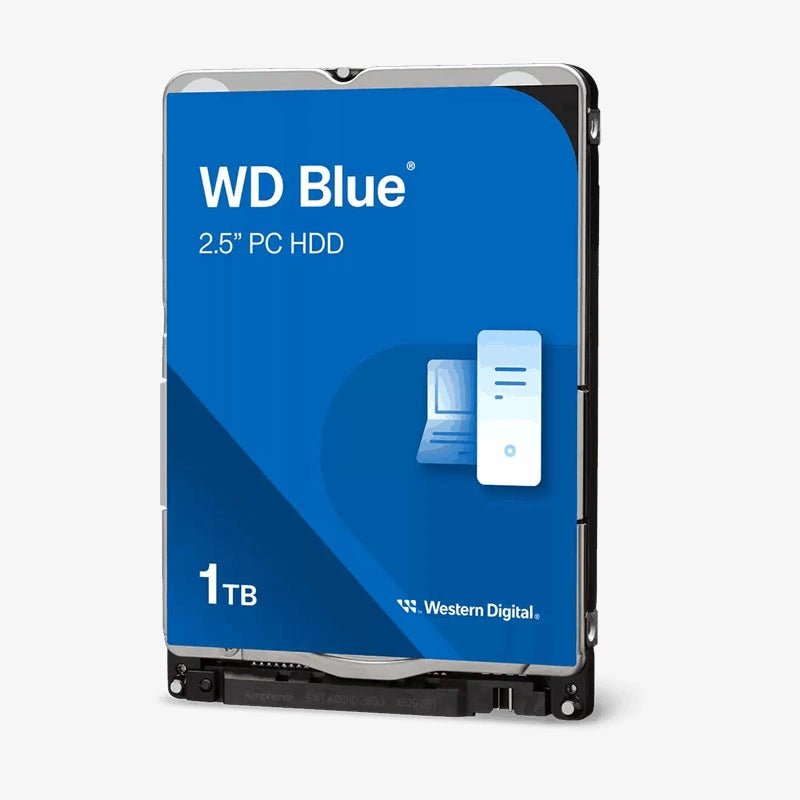
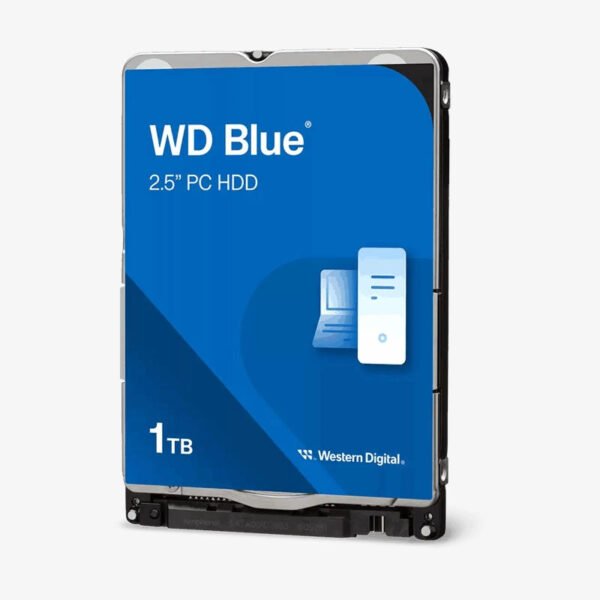
The WD Blue 1TB (WD10SPZX) is a 2.5-inch 7mm SATA 6Gb/s internal hard drive built for laptops, mini PCs, and consoles that accept 2.5-inch drives. It combines 5400 RPM class performance, a 128MB cache, and SMR recording to give home users, students, and small offices dependable capacity for OS backups, documents, and a starter game or media library.
Why the WD Blue 1TB Is the Practical Choice for Laptop Storage
Most storage problems in a home or office PC are not about speed. They are about running out of space: a boot SSD fills up with photos, downloads, and game installs, and the system slows down as free space disappears. The WD Blue 1TB solves that by adding 1TB of low-cost-per-terabyte capacity, so you can keep your SSD for the operating system and move bulk data to a drive designed for it.
WD Blue drives are built and validated for mobile and compact systems. Western Digital tests them in its Functional Integrity Testing (F.I.T.) Lab for compatibility, and uses NoTouch ramp load technology so the recording head never rests on the disk surface. That reduces wear during the start-stop cycles typical of a computer that is switched on and off every day.
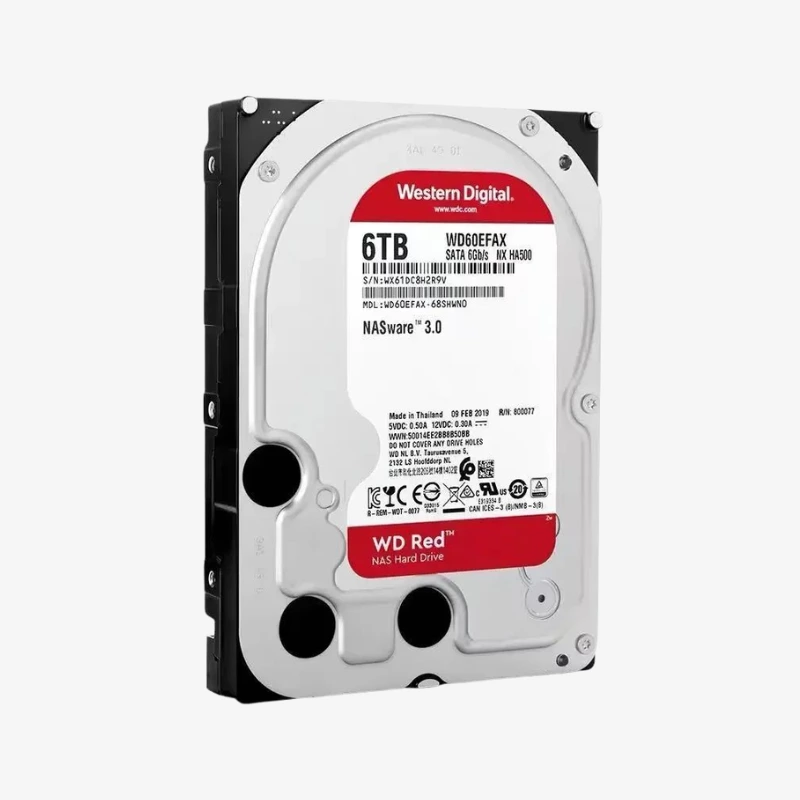
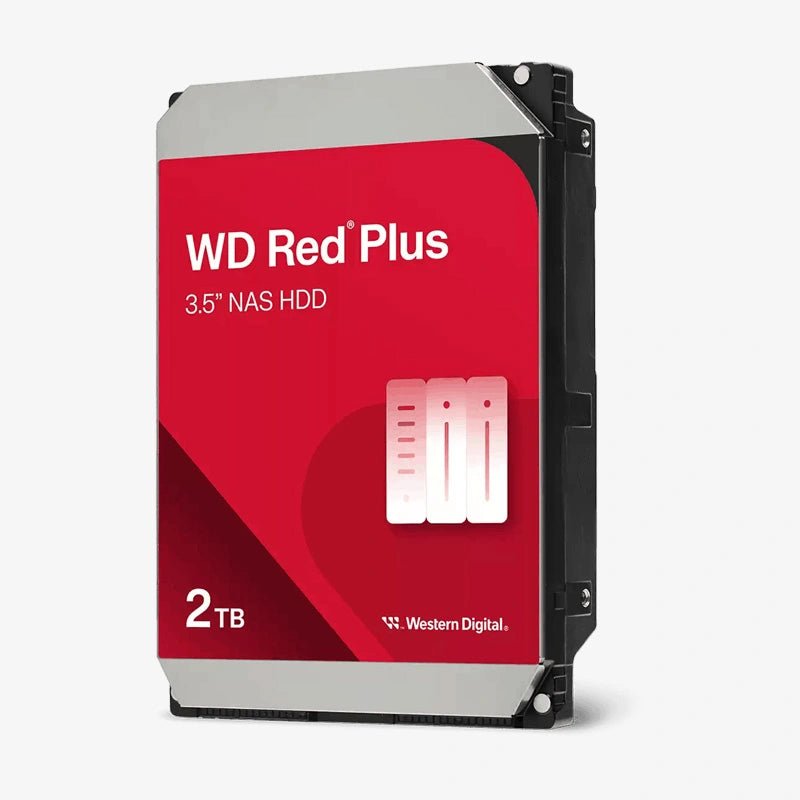
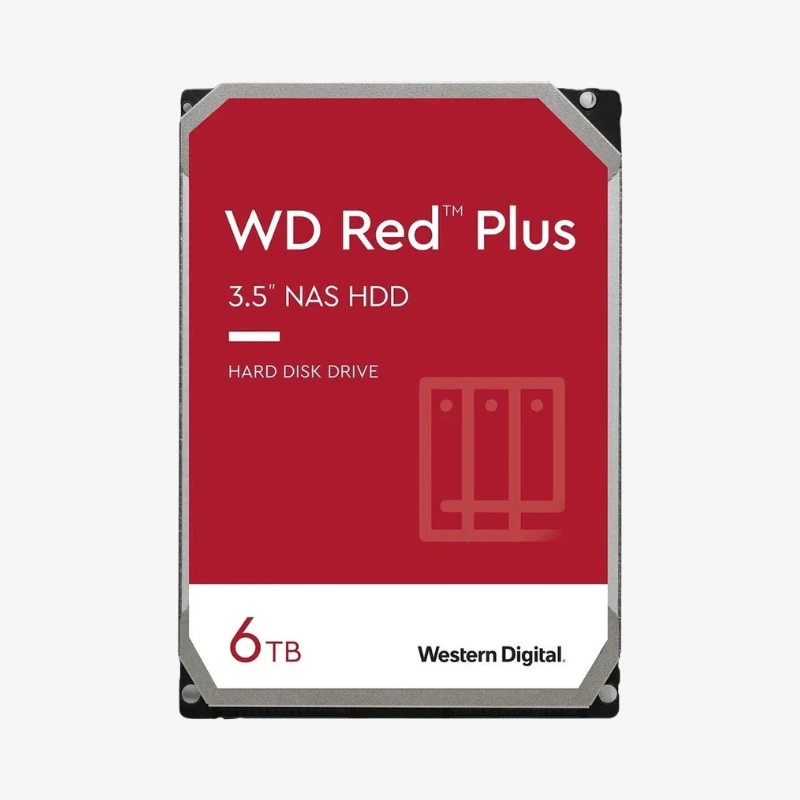
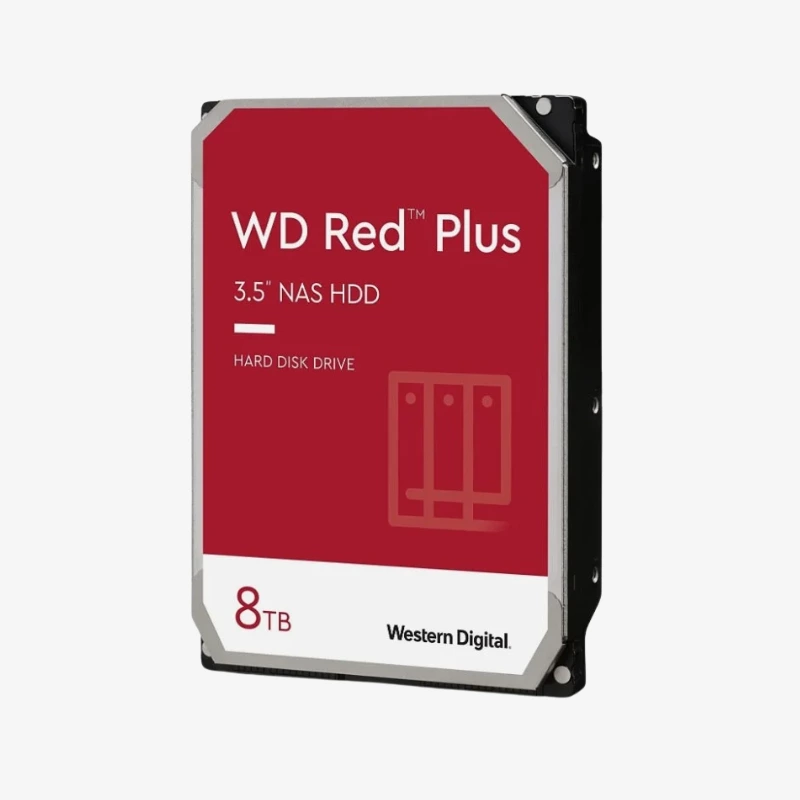
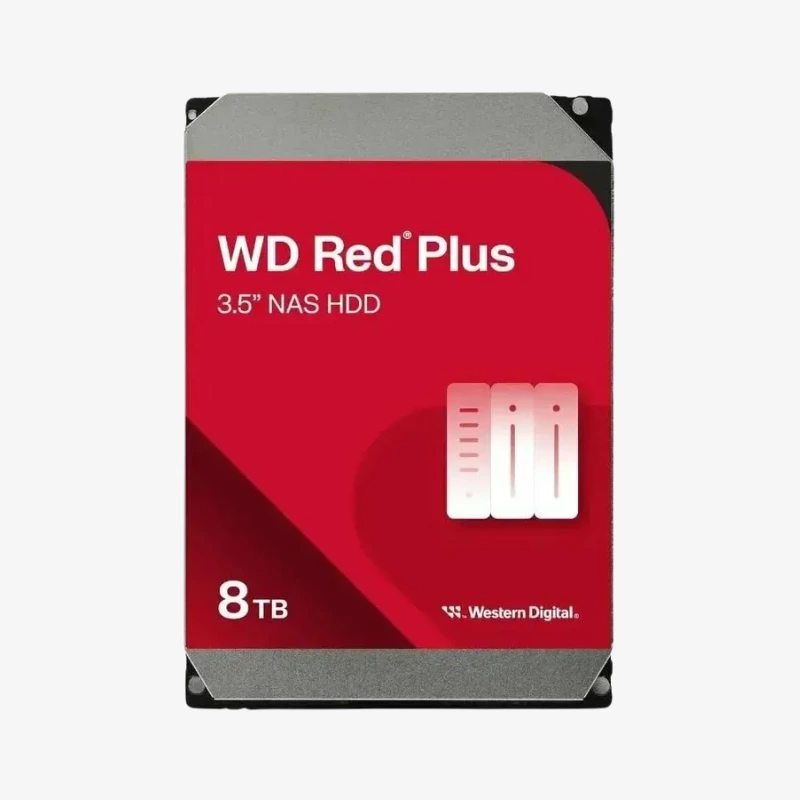
The WD10SPZX uses SMR (shingled magnetic recording), which overlaps data tracks to increase density and lower cost per terabyte. It performs well for everyday files, media storage, and backups. For sustained heavy writes or multi-drive RAID arrays, Western Digital recommends CMR drives such as WD Red Plus instead, so buy the WD10SPZX for single-drive PC storage.
5400 RPM Class Performance With 128MB Cache
The 5400 RPM class spindle runs cooler, quieter, and with lower power draw than 7200 RPM drives. Paired with a 128MB cache, it handles document storage, media playback, and backups smoothly, which is exactly the workload secondary storage sees.
Easy Upgrade and Data Migration
Western Digital provides Acronis True Image WD Edition as a free download, so you can clone an existing drive to the new WD Blue without reinstalling your operating system. Advanced power management features also help keep energy use and heat low in everyday operation.
How It Works / Setup Instructions
How to Install the WD Blue 1TB WD10SPZX
- Back up important data, shut down the laptop or PC completely, and disconnect the power adapter and battery if removable.
- Open the drive bay, remove the old drive or caddy, and fit the WD Blue into the caddy using the original screws.
- Reinstall the drive, close the bay, and power on. Clone your old drive with Acronis True Image WD Edition if you are replacing a boot drive.
- For a new data drive, open Disk Management (Windows) or Disk Utility (macOS), initialize the disk, and create a partition.


















Reviews
There are no reviews yet.