















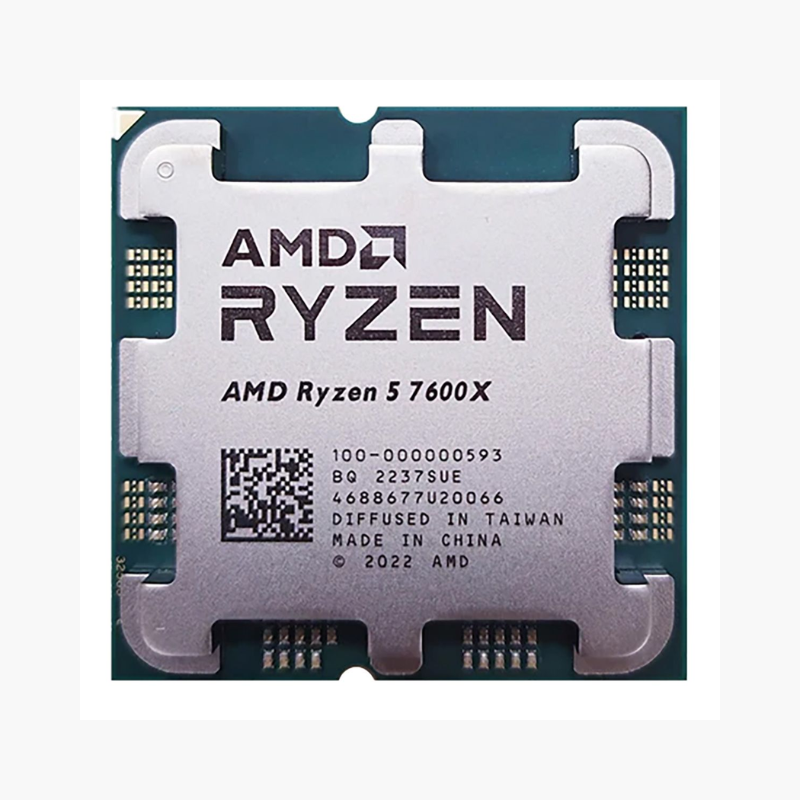
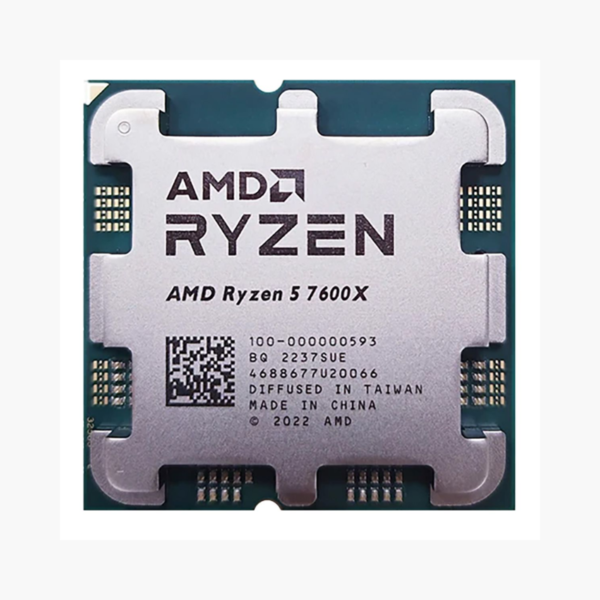
The AMD Ryzen 5 7600X is a Ryzen 7000 Series desktop processor based on Zen 4 (Raphael), featuring 6 cores, 12 threads and boost clocks up to 5.3 GHz. It uses the AM5 socket, supports DDR5-5200 memory and PCIe 5.0, and is aimed at mainstream gaming and everyday desktop builds.
Strong Gaming Performance Without Overspending – AMD Ryzen 5 7600X
For most gamers the graphics card decides frame rates, but a weak processor still causes stutter in CPU-heavy games and slows down everything else you do. Overspending on the CPU, on the other hand, takes budget away from the GPU where it matters most.
The Ryzen 5 7600X hits the balance. Its 6 cores and 12 threads at up to 5.3 GHz keep pace with mid-range and upper mid-range graphics cards in modern titles, while its 105W TDP keeps heat and noise low.
On AM5 it also brings DDR5 and PCIe 5.0, giving you a platform that can accept faster processors later.
Zen 4 Architecture on 5nm With DDR5 and PCIe 5.0
Zen 4 moves to a 5nm process with higher clocks, AVX-512 instructions and the AM5 platform. The Ryzen 5 7600X supports DDR5 memory with AMD EXPO profiles and PCIe 5.0 for next-generation graphics and storage.
Unlocked, With Basic Integrated Graphics
The Ryzen 5 7600X is unlocked for Precision Boost Overdrive and manual overclocking on B650, X670 and 800-series boards. Its integrated AMD Radeon Graphics (2 CUs) provides display output for setup, troubleshooting and office use, although a discrete GPU is recommended for gaming.
Setup Instructions
How to Install the AMD Ryzen 5 7600X
- Confirm your motherboard uses the AM5 socket with an AMD 600-series or 800-series chipset. Updating to the latest BIOS is recommended for best memory compatibility.
- Open the socket retention frame, align the triangle on the Ryzen 5 7600X with the triangle on the socket, and lower it straight down. AM5 is an LGA socket, so the pins are on the motherboard; avoid touching them. Close the frame and lever.
- Apply a thin layer of thermal paste and mount an AM5-compatible cooler; a mid-range single-tower air cooler suits this 105W processor.
- Power on (the first boot can take a few minutes while memory training runs), enter the BIOS, enable the EXPO memory profile, then install Windows and the latest AMD chipset drivers.






Reviews
There are no reviews yet.