















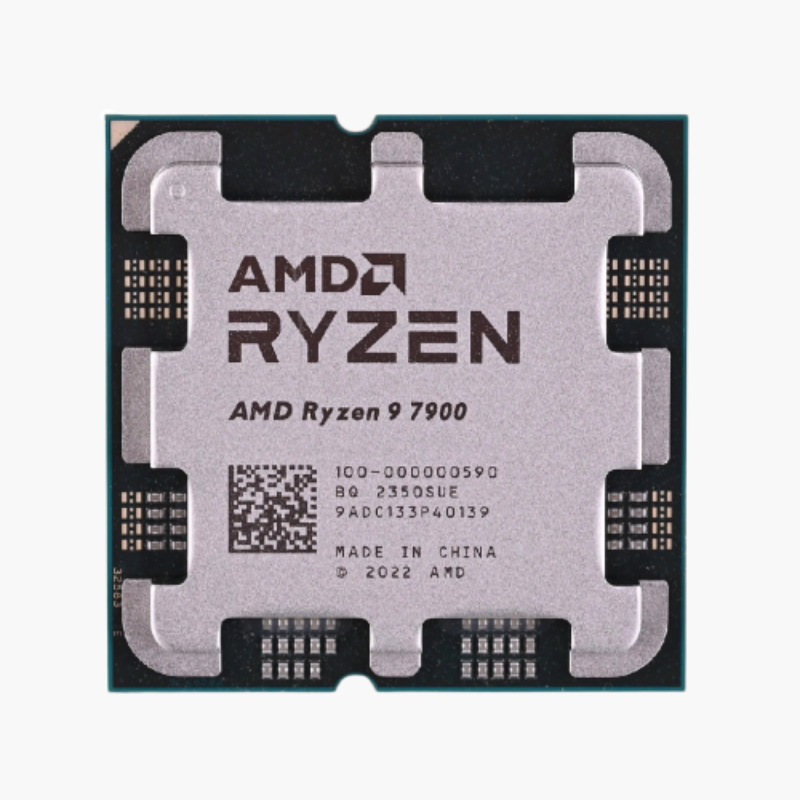
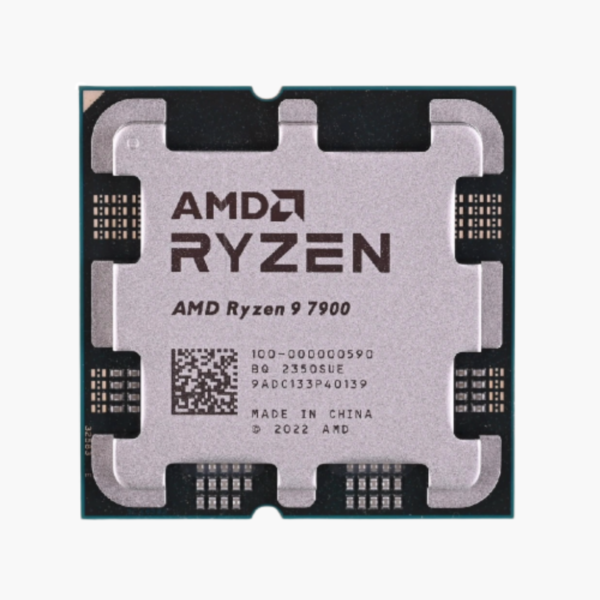
The AMD Ryzen 9 7900 is a Ryzen 7000 Series desktop processor based on Zen 4 (Raphael), featuring 12 cores, 24 threads and boost clocks up to 5.4 GHz. It uses the AM5 socket, supports DDR5-5200 memory and PCIe 5.0, and is aimed at 3D rendering, video production, software development and enthusiast gaming.
When Render Times and Compile Jobs Become the Bottleneck – AMD Ryzen 9 7900
For creators, developers and engineers, a slow processor costs hours every week. Renders, 4K exports, simulation runs and full code builds all scale with core count, and a mid-range chip forces you to wait.
The Ryzen 9 7900 brings 12 cores and 24 threads with 64MB of L3 cache, boosting up to 5.4 GHz. It scales across rendering, encoding, compiling and virtual machines while still delivering strong gaming performance.
Despite its core count, it runs at a 65W TDP, which makes it unusually easy to cool for a 12-core processor.
Zen 4 Architecture on 5nm With DDR5 and PCIe 5.0
Zen 4 moves to a 5nm process with higher clocks, AVX-512 instructions and the AM5 platform. The Ryzen 9 7900 supports DDR5 memory with AMD EXPO profiles and PCIe 5.0 for next-generation graphics and storage.
AMD Wraith Prism cooler Included in the Box
The retail box includes the AMD Wraith Prism cooler, which is matched to this processor’s 65W TDP. You can build and run the system at stock settings without buying a separate cooler, and upgrade later if you want quieter operation or more tuning headroom.
Setup Instructions
How to Install the AMD Ryzen 9 7900
- Confirm your motherboard uses the AM5 socket with an AMD 600-series or 800-series chipset. Updating to the latest BIOS is recommended for best memory compatibility.
- Open the socket retention frame, align the triangle on the Ryzen 9 7900 with the triangle on the socket, and lower it straight down. AM5 is an LGA socket, so the pins are on the motherboard; avoid touching them. Close the frame and lever.
- Mount the included AMD Wraith Prism cooler, which comes with thermal paste pre-applied, or install an AM5-compatible aftermarket cooler.
- Power on (the first boot can take a few minutes while memory training runs), enter the BIOS, enable the EXPO memory profile, then install Windows and the latest AMD chipset drivers.





Reviews
There are no reviews yet.