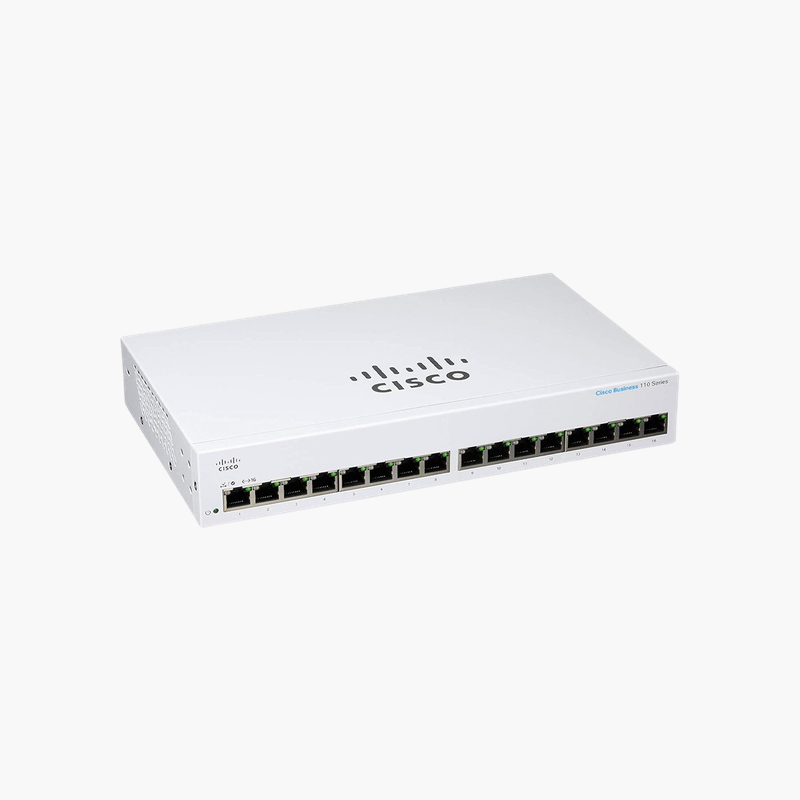
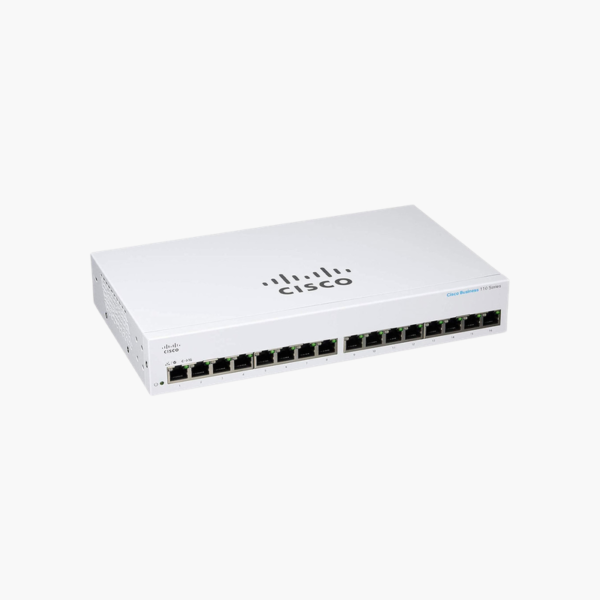
Cisco Business 110 CBS110-16T-NA 16-Port Gigabit Unmanaged Switch – Fanless, Rack-Mountable

SKU: CBS110-16T-NA
  • 30-Day Hassle Free Returns
  • Secure Payment Options

Price on RequestRequest a quote for volume pricing, availability and lead time.

Key Value Highlights

  • 16 x Gigabit Ethernet ports – Connects PCs, printers, NAS and access points at up to 1 Gbps per port.
  • Plug-and-play, no configuration – Works out of the box; no software, web interface or license to set up.
  • 32 Gbps switching capacity – Non-blocking forwarding at 23.8 Mpps, so every port can run at full speed together.
  • Loop detection and cable diagnostics – Flags accidental cable loops and helps identify faulty cables, issues most unmanaged switches cannot detect.
  • Fanless with Energy Efficient Ethernet – Silent operation and lower power draw on idle links (IEEE 802.3az).

Description

Business-class Cisco reliability in a plug-and-play switch.

The Cisco CBS110-16T is a 16-port Gigabit unmanaged switch from the Cisco Business 110 Series. It is built for small offices, home offices, shops and classrooms that need dependable, silent wired connections for computers, printers and NAS devices without any configuration work.

Why Low-Cost Consumer Switches Cause Problems in Small Offices

Consumer switches are inexpensive, but they often lack basic safeguards. A cable accidentally plugged back into the same switch can create a loop that slows or stops the whole network, and when a connection fails, there is no way to tell whether the cable or the device is at fault.

The CBS110-16T keeps the simplicity of an unmanaged switch while adding business-grade protection: loop detection stops broadcast storms caused by miswired cables, and cable diagnostics help pinpoint faulty runs. QoS with 802.1p priority and four hardware queues gives voice and video traffic precedence.

Its non-blocking 32 Gbps switching capacity and support for 9,216-byte jumbo frames keep file transfers to NAS devices and servers running at full Gigabit speed.

Plug-and-Play Gigabit Connectivity

Connect power and Ethernet cables and the switch starts forwarding traffic immediately. All 16 ports auto-negotiate speed and duplex, and auto MDI/MDI-X means any standard cable works.

Silent, Energy-Efficient Design

The switch is fanless, so it runs silently on a desk or shelf. Energy Efficient Ethernet reduces power on idle ports, and the 16-port chassis includes an internal power supply and can be rack-mounted.

How to Set Up the Cisco CBS110-16T

  1. Place the switch on a desk or shelf or mount it in a 19-inch rack with space around the vents.
  2. Connect the power cord and confirm the power LED is on.
  3. Connect one port to your router or main switch, then connect your computers, printers and other devices to the remaining ports.
  4. Check the port LEDs for link and speed; if a loop is detected, remove the duplicate cable connection.

Overview

Model NumberCBS110-16T-NA
Switch TypeUnmanaged Gigabit Switch
Ethernet Ports16 x 10/100/1000 RJ-45
PoENone
Switching Capacity32 Gbps
Forwarding Rate23.8 Mpps
MAC Address Table8, 000 entries
Jumbo Frames9, 216 bytes
QoS802.1p, 4 hardware queues, WRR
FeaturesLoop detection, cable diagnostics, IEEE 802.3az EEE
CoolingFanless
PowerInternal power supply, 100-240V
MountingDesktop or 19-inch rack
Dimensions (W x D x H)279 x 170 x 44 mm
Weight1.33 kg

Frequently Asked Questions

Find answers to common questions about this product.

Customer Reviews

Reviews

There are no reviews yet.

Be the first to review “Cisco Business 110 CBS110-16T-NA 16-Port Gigabit Unmanaged Switch – Fanless, Rack-Mountable”

Your email address will not be published. Required fields are marked *