















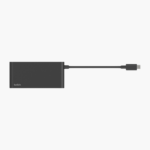
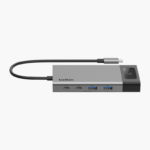
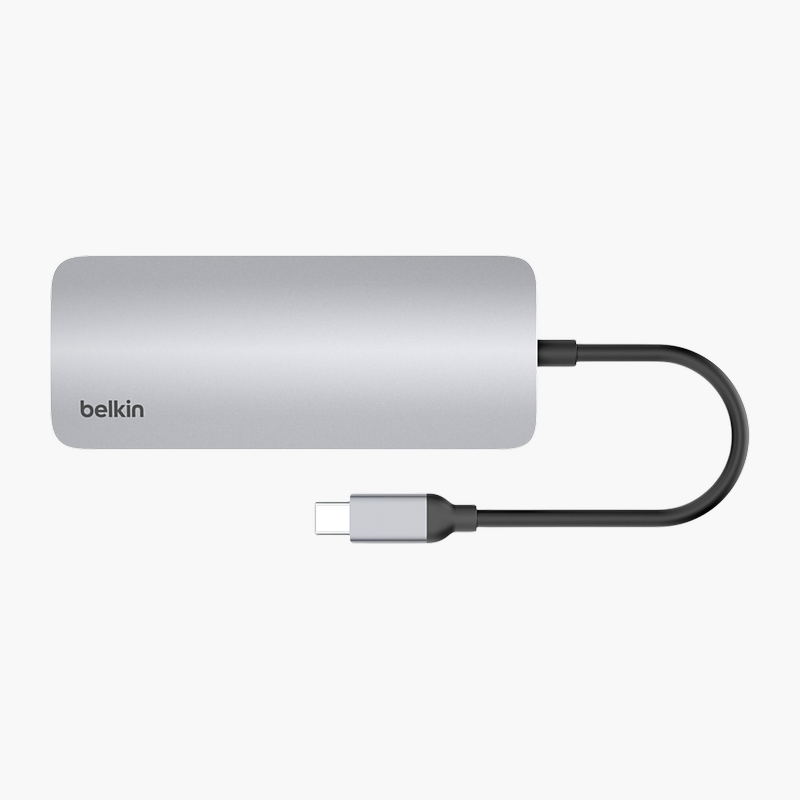
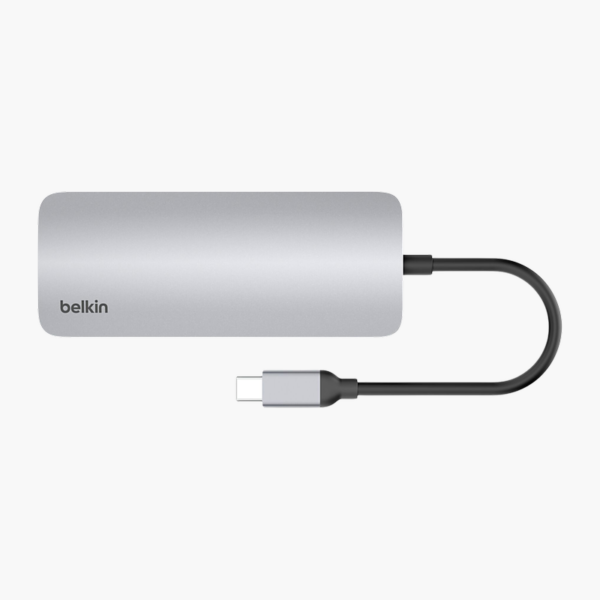
The Belkin Connect 7-in-1 USB-C Multiport Hub connects to your laptop over USB-C and adds HDMI, USB-A, USB-C and SD card reader ports. It passes up to 100W of USB-C charging through to your laptop and drives a single display at 4K 60Hz. It is built for travel and laptops that are short on ports.
One connection, every port you need.
Turn One Port Into a Full Set of Connections
Thin laptops and compact desktops often ship with only one or two ports, leaving no room for a monitor, USB drive, wired network and charger at the same time.
The Belkin Connect 7-in-1 USB-C Multiport Hub adds HDMI, USB-A, USB-C and SD card reader ports and passes up to 100W of USB-C charging through to your laptop. It drives a single display at 4K 60Hz, so you can connect a monitor or projector at the same time.
External Display Output
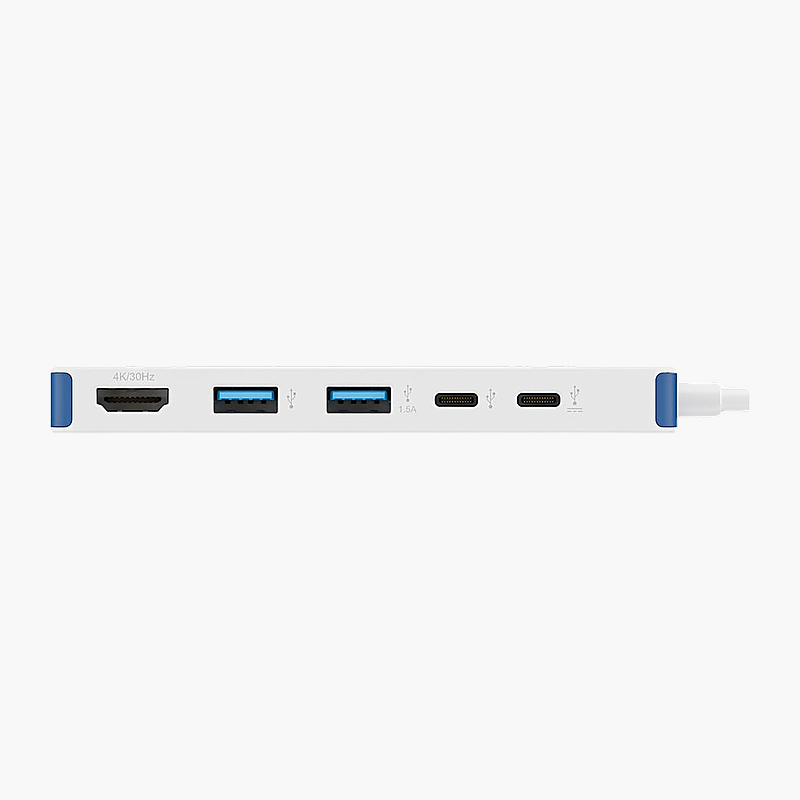
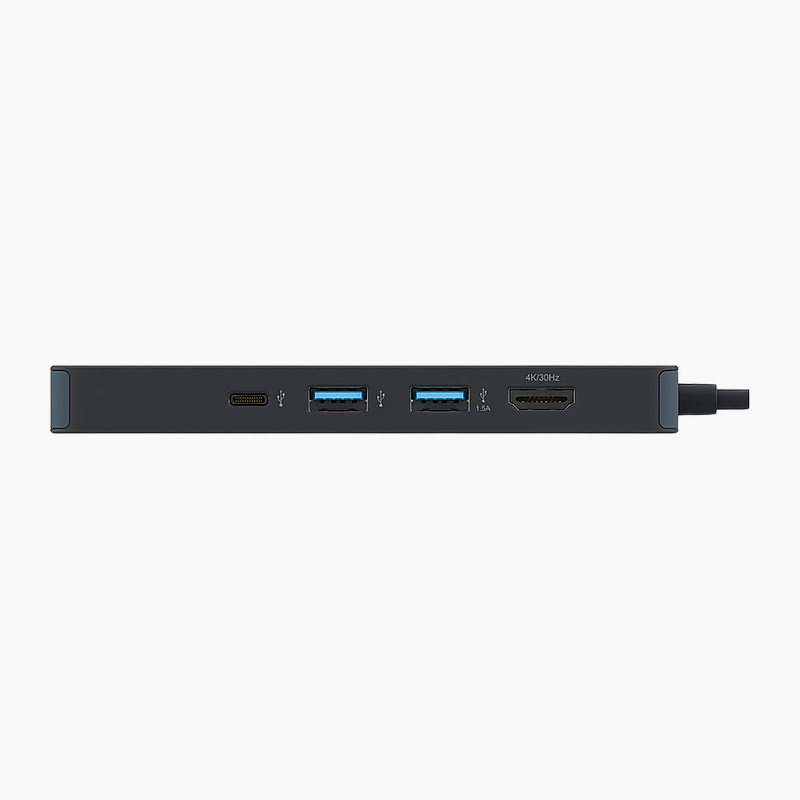
Display support: Single display at 4K 60Hz. Video outputs: 1x HDMI. Display count and resolution depend on your laptop’s graphics and connection.
Ports for Every Peripheral
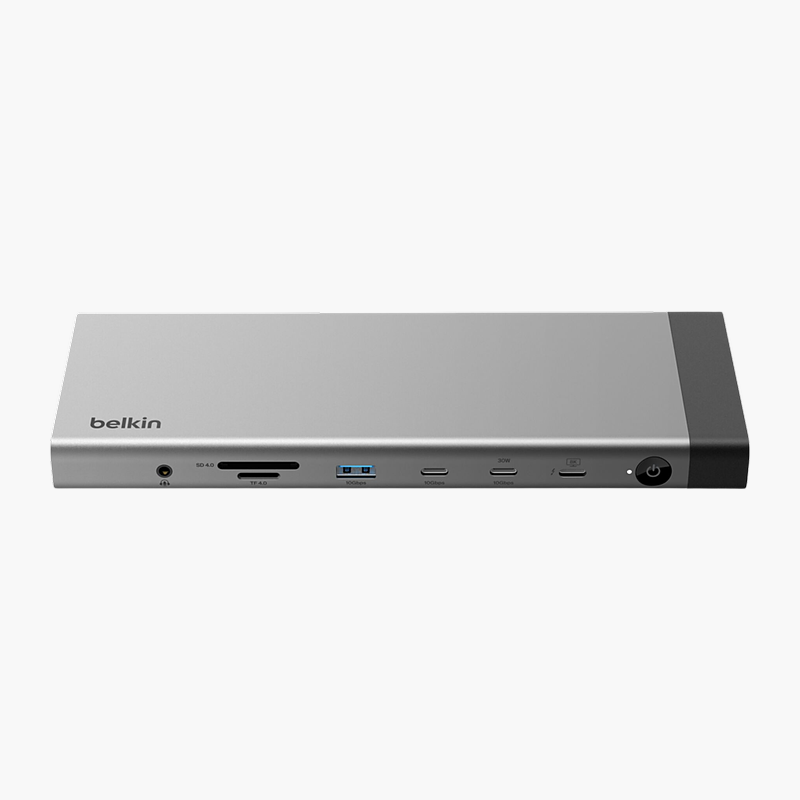
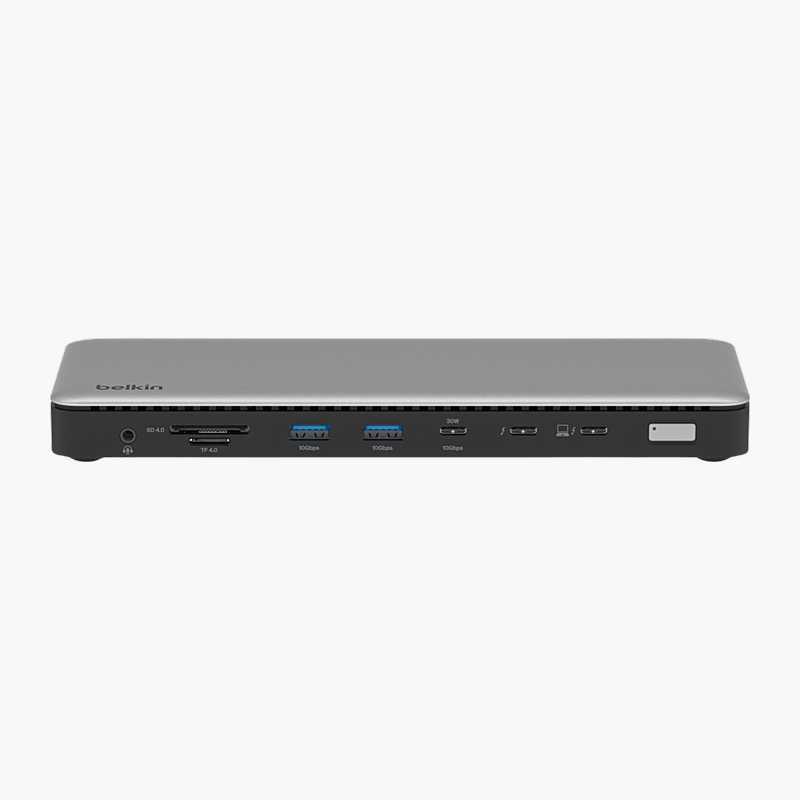
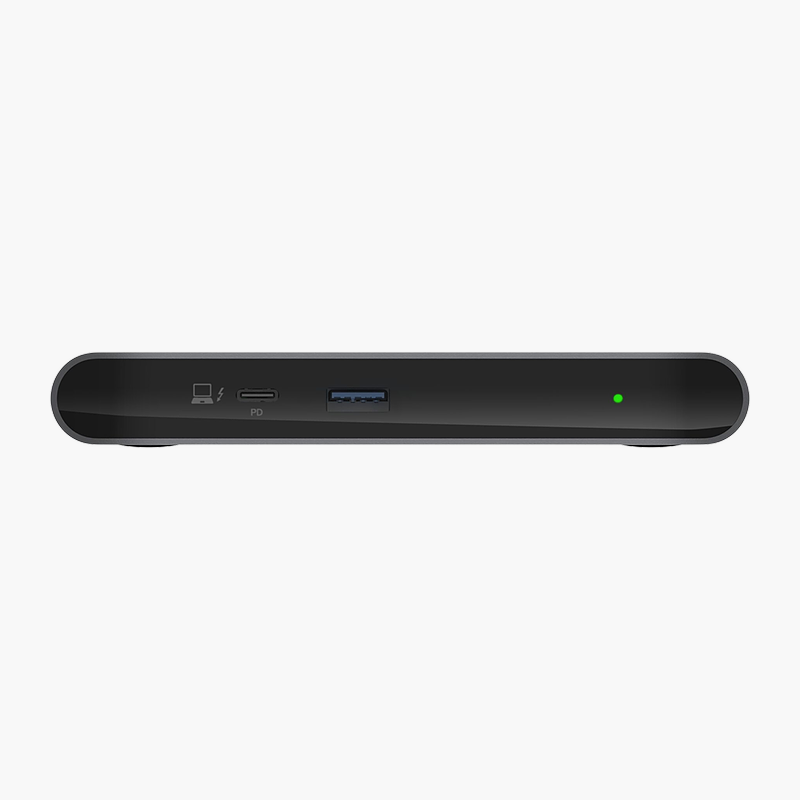
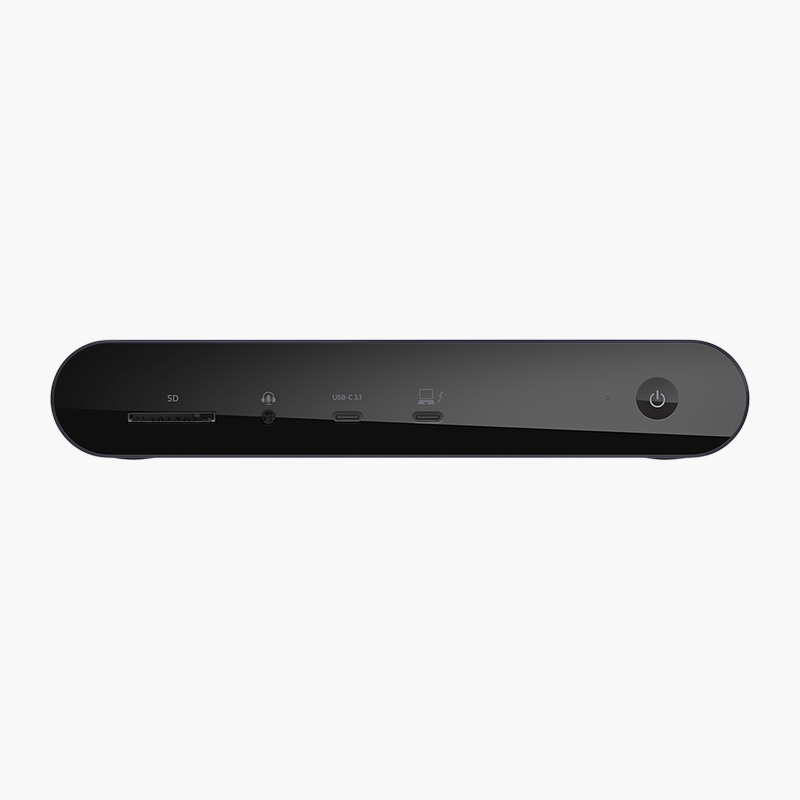
USB connectivity: 2x USB-A; 1x USB-C PD 3.0. It also includes SD + microSD card slots.
Setup Instructions
How to Set Up the Belkin Connect 7-in-1 USB-C Multiport Hub
- Plug the hub’s integrated cable into your laptop’s USB-C port.
- For charging, connect your laptop’s USB-C power adapter to the hub’s Power Delivery input port.
- Connect your monitor or projector to the HDMI port.
- Plug in your USB devices and memory cards.
- Open your operating system’s display settings to arrange the external screen.

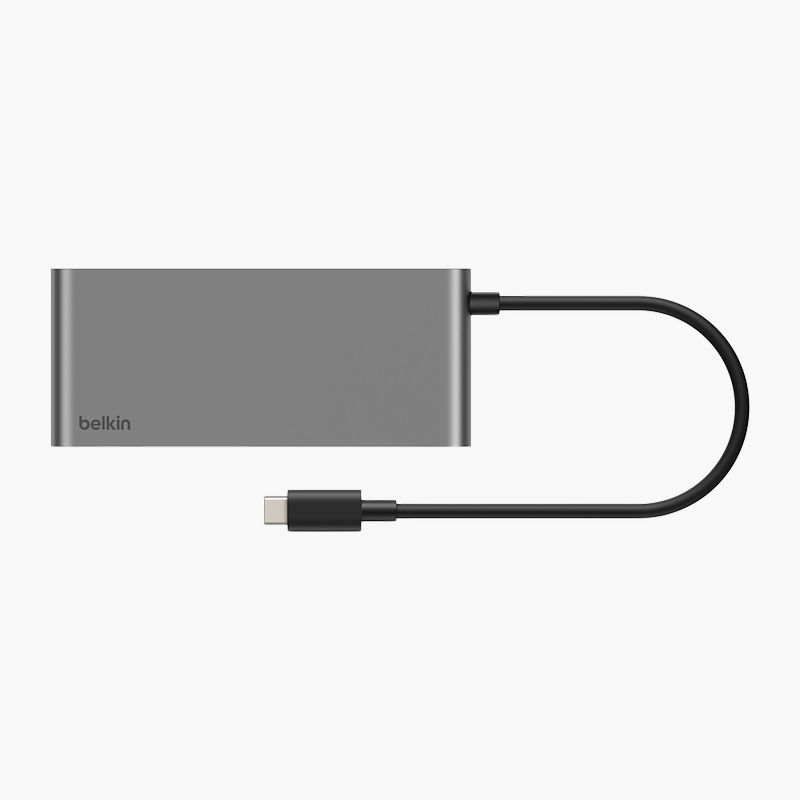




Reviews
There are no reviews yet.