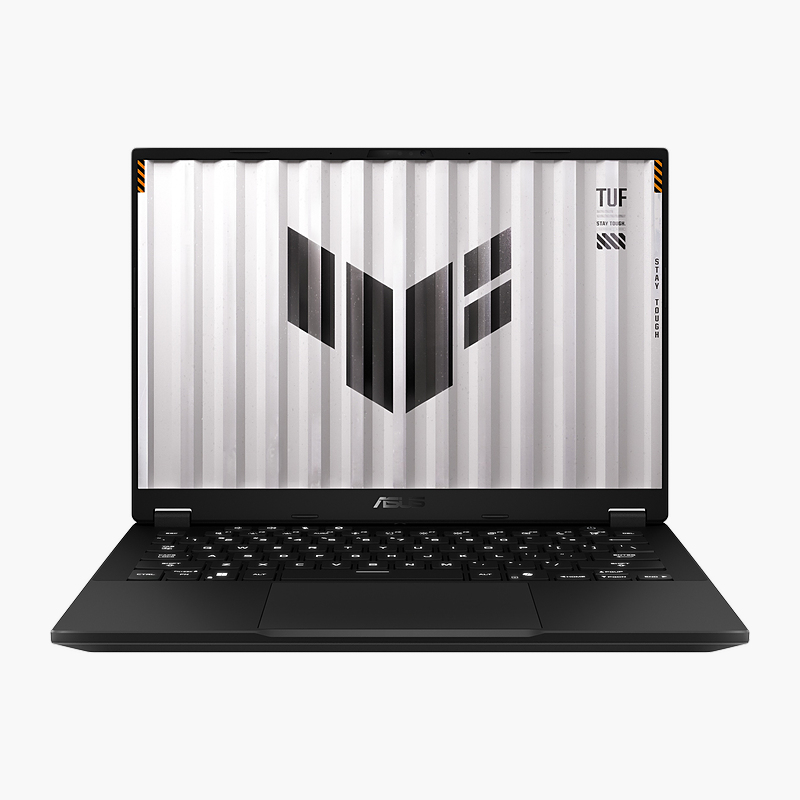
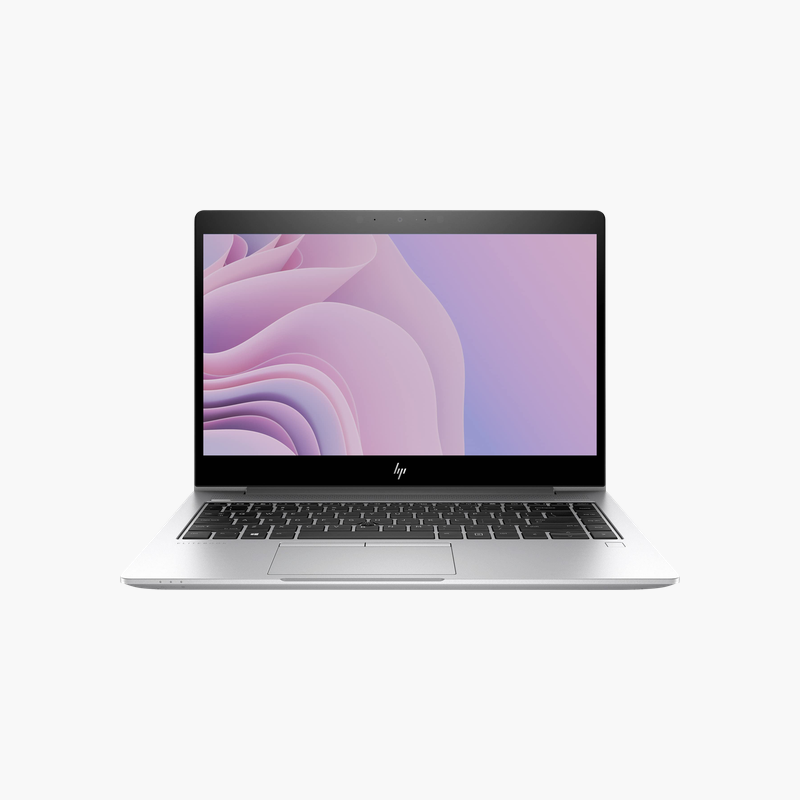
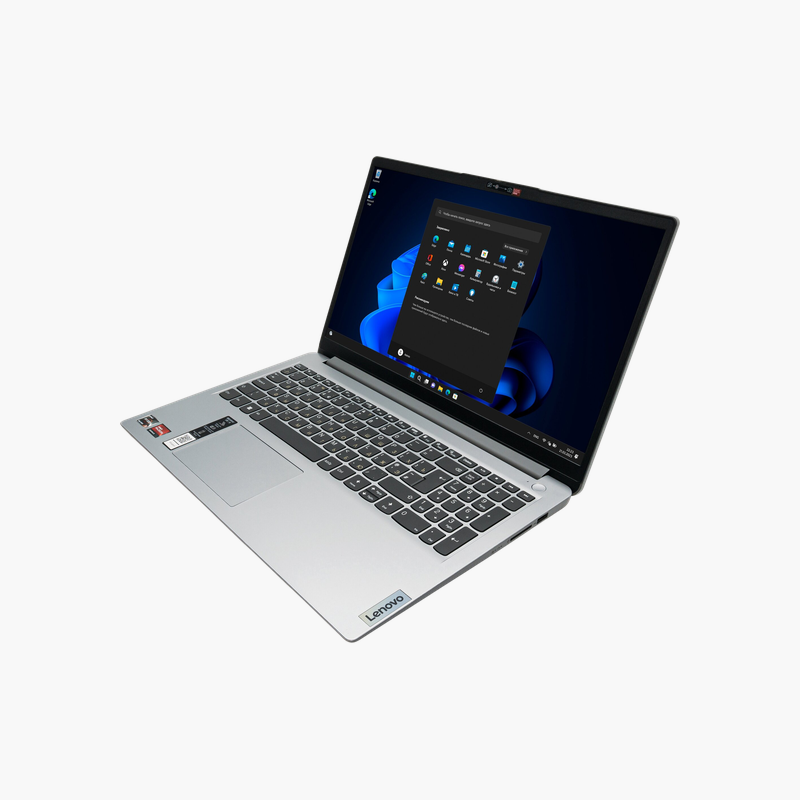
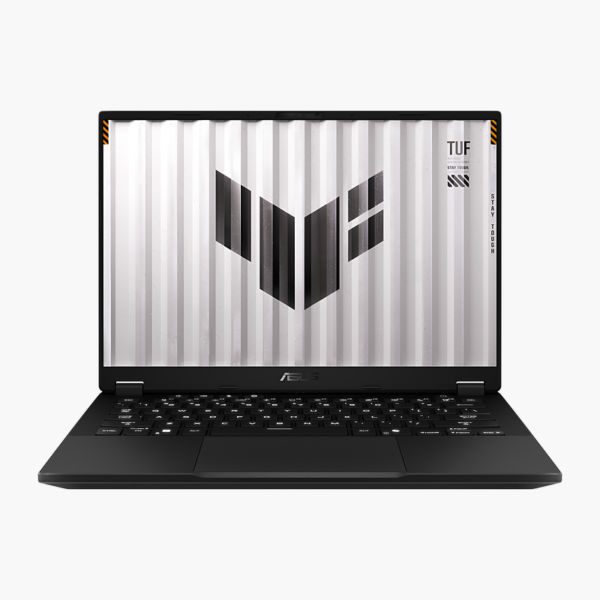
ASUS TUF Gaming A14 (2026) 14″ Gaming Laptop (FA401EA-DS96) – Ryzen AI Max+ 392, 32GB RAM, 1TB SSD

SKU: FA401EA-DS96
  • 30-Day Hassle Free Returns
  • Secure Payment Options

Price on RequestRequest a quote for volume pricing, availability and lead time.

Key Value Highlights

  • AMD Ryzen AI Max+ 392 – High clock speeds and core counts keep frame rates steady in demanding games.
  • 32GB memory – Ample memory for large files, virtual machines and heavy multitasking.
  • 1TB SSD – Fast boot and app loading with room for documents and projects.
  • 14-inch 2560 x 1600 display – Smooth, responsive visuals for fast-paced games.
  • Copilot+ PC – On-device AI features powered by the built-in NPU.

Description

The ASUS TUF Gaming A14 (2026) is a 14-inch gaming laptop powered by the AMD Ryzen AI Max+ 392, with 32GB of memory and a 1TB SSD. Its 14-inch 2560 x 1600 display makes it a strong fit for gamers and streamers who want high frame rates. It runs Windows 11 and is a Copilot+ PC with on-device AI features.

Built to play, ready to stream.

Desktop-Class Gaming Performance in a Laptop

Older or entry-level laptops struggle to keep frame rates stable in modern games, and slow storage means long load times between matches.

The ASUS TUF Gaming A14 (2026) pairs the AMD Ryzen AI Max+ 392 with AMD Radeon 8060S integrated graphics, 32GB of memory and a 1TB SSD, driving its 14-inch 2560 x 1600 display for smooth, responsive gameplay.

Graphics and Display

The AMD Radeon 8060S integrated graphics drives the 14-inch 2560 x 1600 display (2560 x 1600 (2.5K), 165Hz) for fluid motion in fast-paced titles.

Performance and Storage

The AMD Ryzen AI Max+ 392 and 32GB of memory handle gaming, streaming and multitasking, while the 1TB PCIe NVMe SSD shortens load times.

Setup Instructions

How to Set Up the ASUS TUF Gaming A14 (2026)

  1. Connect the included power adapter and charge the laptop.
  2. Press the power button and follow the Windows setup screens.
  3. Connect to Wi-Fi and sign in with your Microsoft or work account.
  4. Run Windows Update and MyASUS to install the latest drivers and firmware.
  5. Install your game launcher and graphics driver updates, then select the high-performance power mode.

Overview

BrandASUS
ModelTUF Gaming A14 (2026)
Product TypeGaming Laptop
ProcessorAMD Ryzen AI Max+ 392
Memory32GB
Storage1TB PCIe NVMe SSD
Screen Size14″
Display2560 x 1600 (2.5K), 165Hz
GraphicsAMD Radeon 8060S integrated graphics
Operating SystemWindows 11
TouchscreenNo
AI PCCopilot+ PC
Part NumberFA401EA-DS96
ConditionBrand New
In the BoxLaptop, power adapter, documentation

Frequently Asked Questions

Find answers to common questions about this product.

Customer Reviews

Reviews

There are no reviews yet.

Be the first to review “ASUS TUF Gaming A14 (2026) 14″ Gaming Laptop (FA401EA-DS96) – Ryzen AI Max+ 392, 32GB RAM, 1TB SSD”

Your email address will not be published. Required fields are marked *