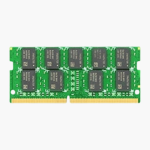
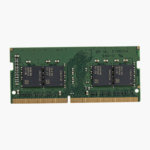
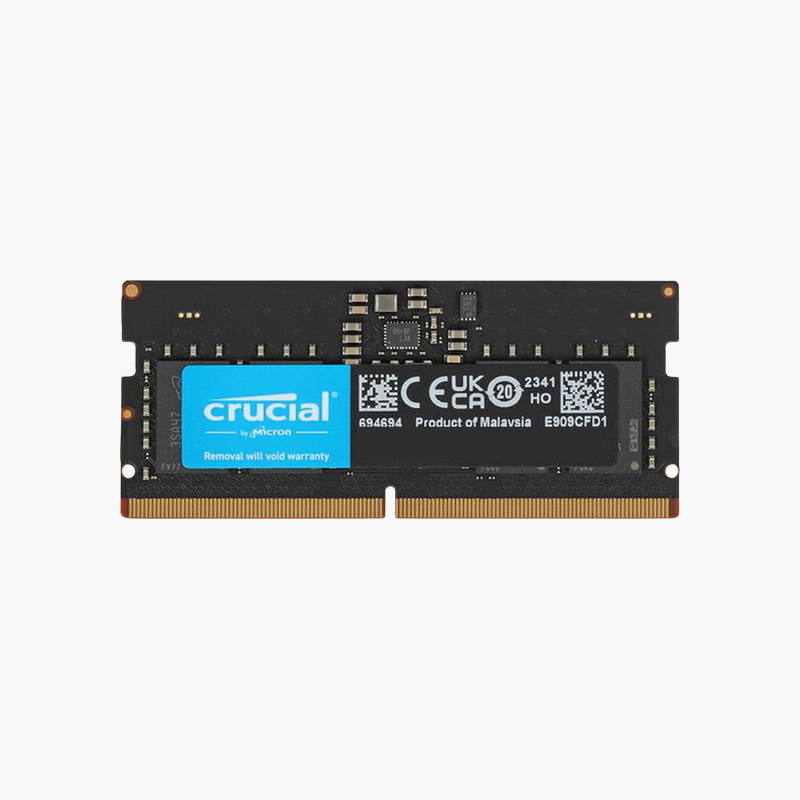
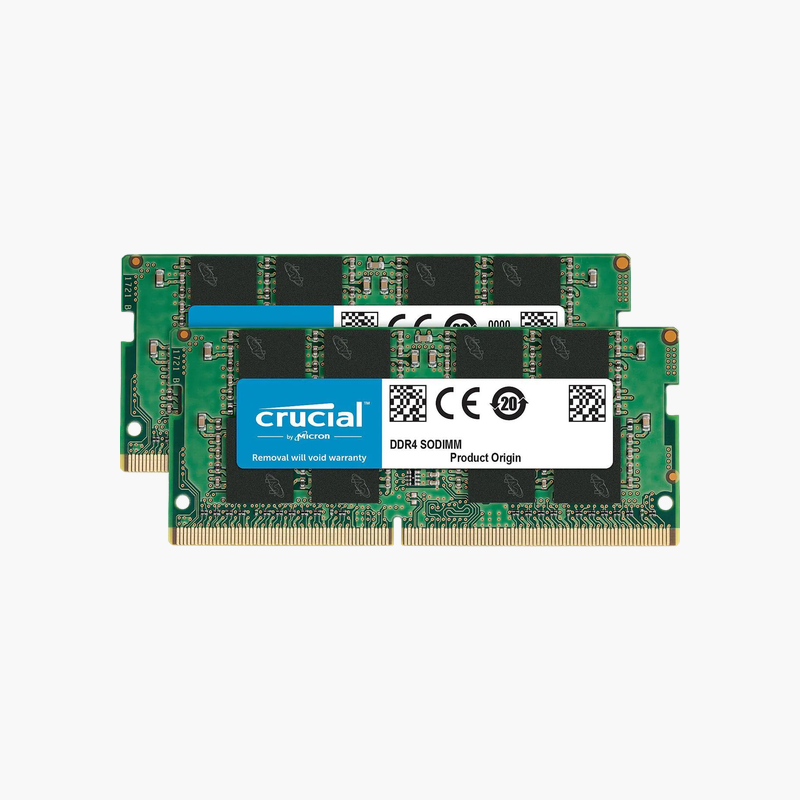
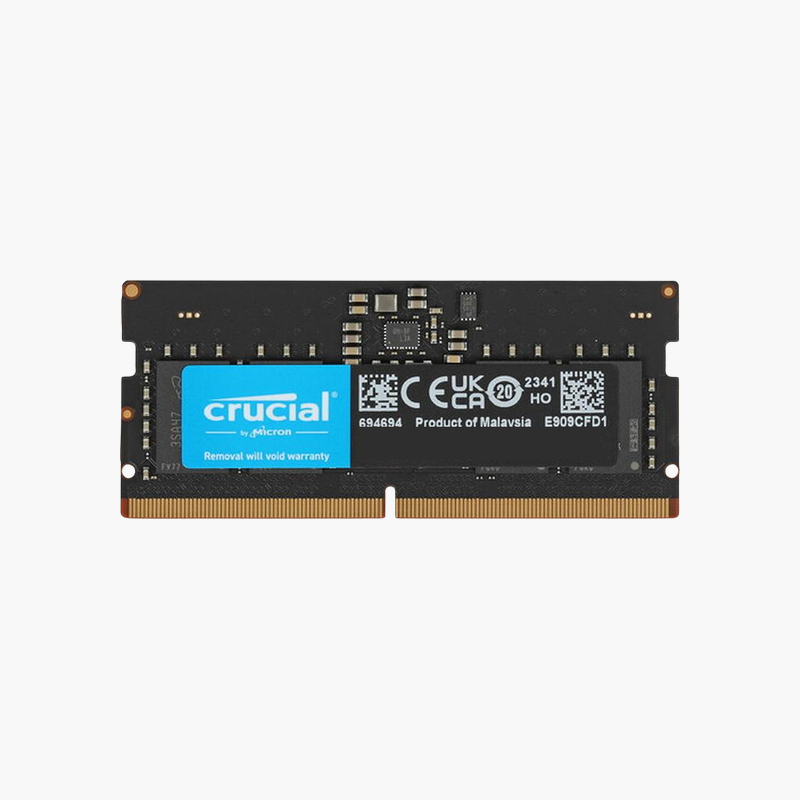
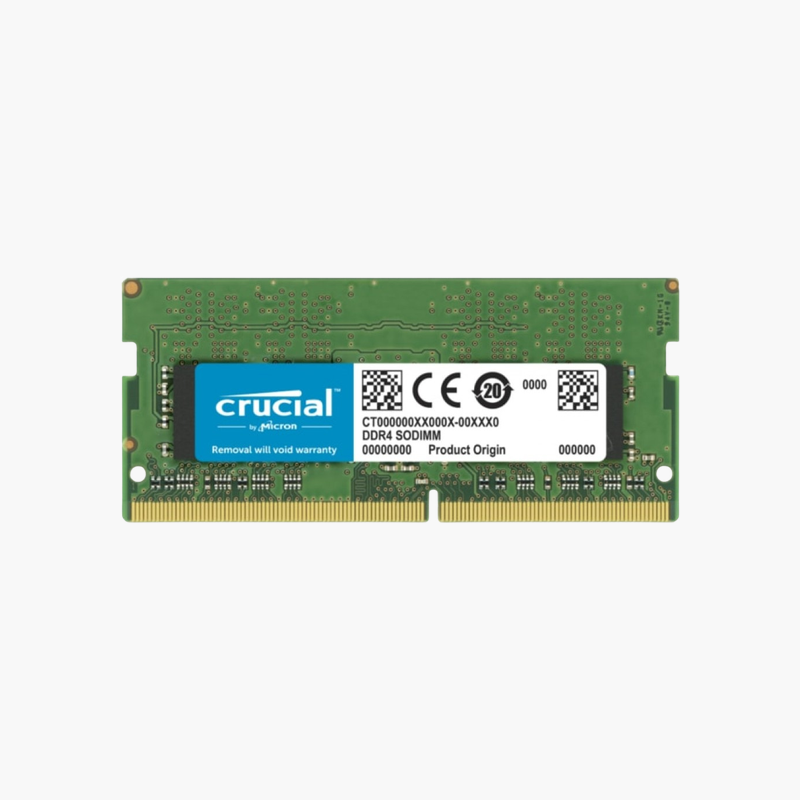
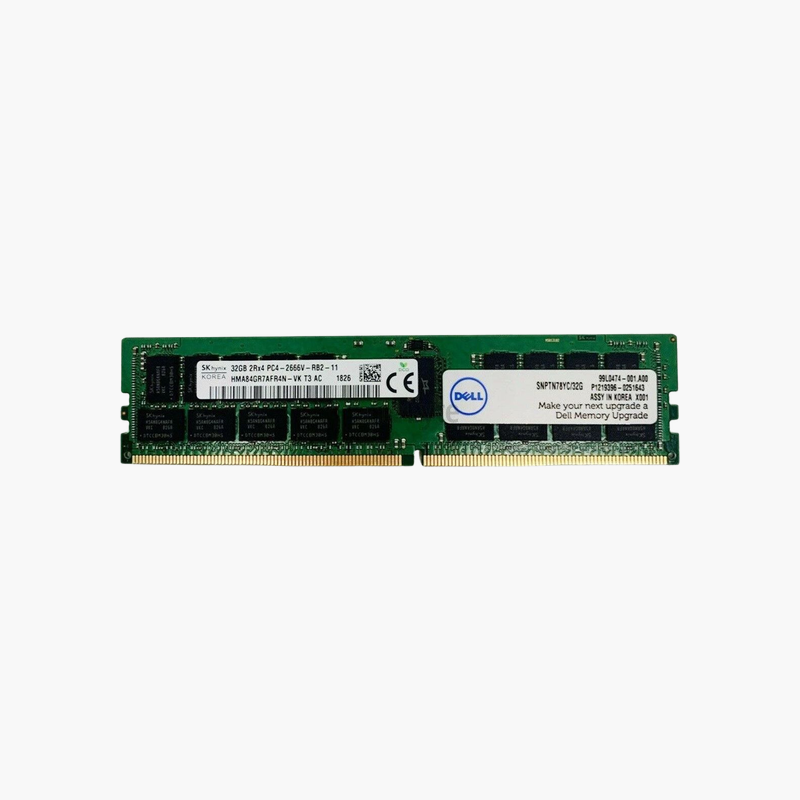
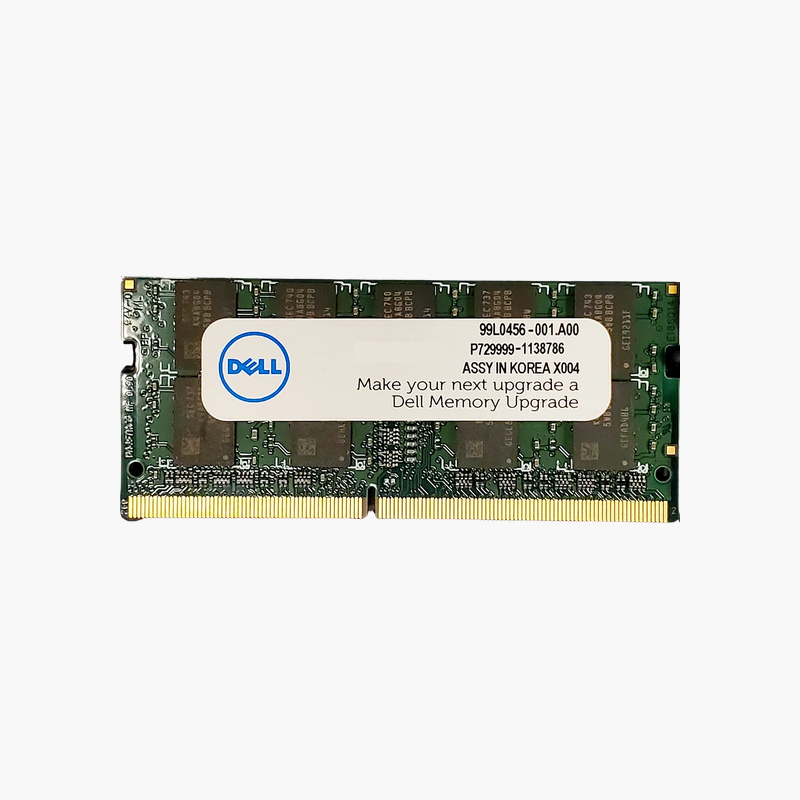
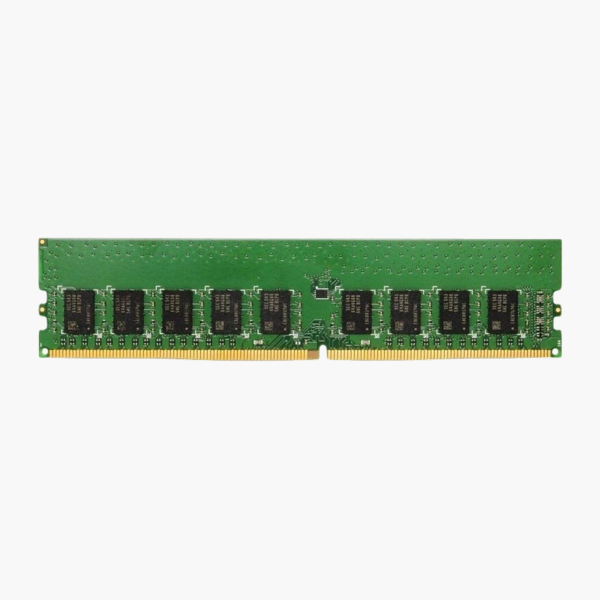
Synology 16GB DDR4-2666 ECC SO-DIMM NAS Memory (D4ECSO-2666-16G)
Synology 16GB DDR4-2666 ECC SO-DIMM NAS Memory (D4ECSO-2666-16G) – PC4-21300 Price on RequestRequest a quote for volume pricing, availability and lead time.
Back to products
Synology 16GB DDR4 ECC SO-DIMM NAS Memory (D4ES01-16G)
Synology 16GB DDR4 ECC SO-DIMM NAS Memory (D4ES01-16G) Price on RequestRequest a quote for volume pricing, availability and lead time.

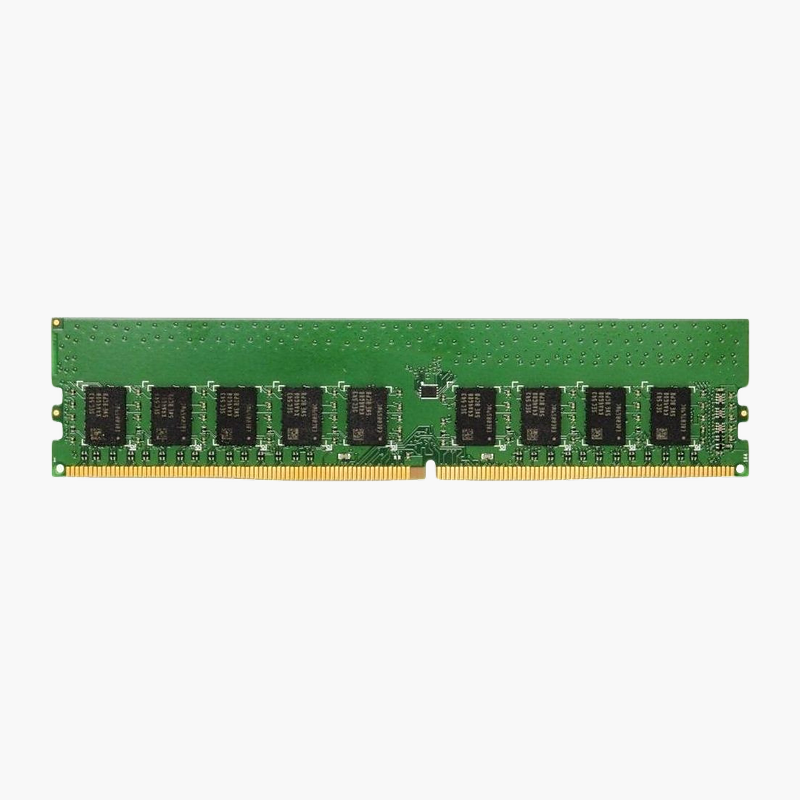
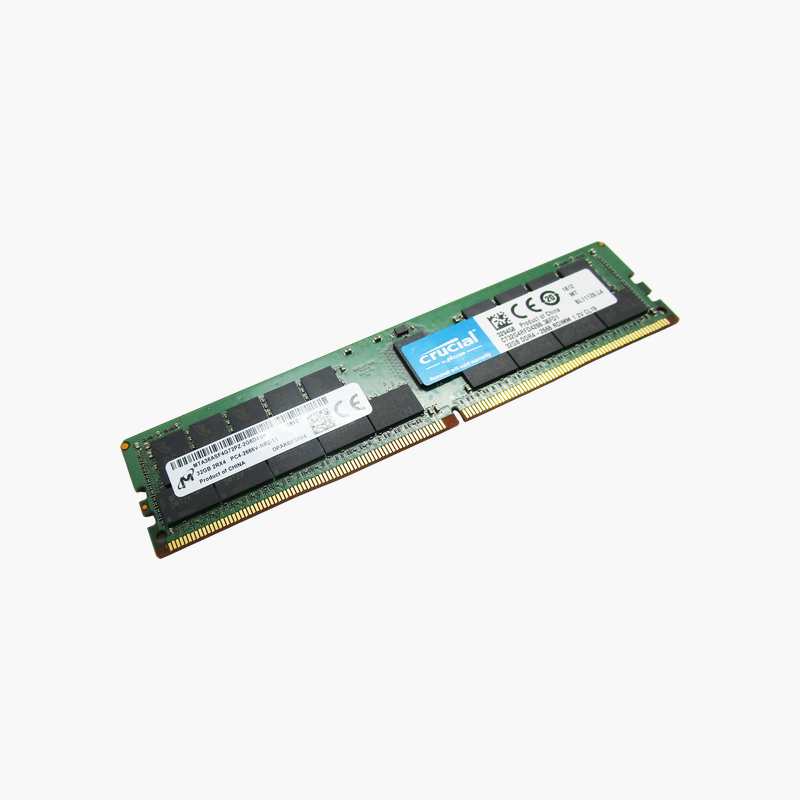
Synology 16GB DDR4 ECC RDIMM NAS Memory (D4ER01-16G)

SKU: D4ER01-16G
  • 30-Day Hassle Free Returns
  • Secure Payment Options

Price on RequestRequest a quote for volume pricing, availability and lead time.

Key Value Highlights

  • 16GB capacity – More memory for multitasking and larger files.
  • ECC registered design – Detects and corrects single-bit memory errors for better data integrity.
  • Built for compatibility – Compatible Synology NAS models (check Synology’s compatibility list).
  • DDR4 RDIMM – Use only in slots designed for this memory type.

Description

The Synology 16GB DDR4 ECC RDIMM NAS module is designed for network attached storage systems. Its ECC design and registered buffer help keep data accurate under continuous load. It is built for Compatible Synology NAS models (check Synology’s compatibility list).

More memory for a more capable NAS.

More Memory for Your NAS Workloads

A NAS running many users, containers, virtual machines or caching runs short of memory quickly, which slows file access and background tasks.

This 16GB DDR4 ECC RDIMM module adds capacity for file services, apps and virtualisation on compatible Synology NAS systems.

Specifications That Match Your System

Key specs: DDR4, 288-pin, RDIMM, 1.2V. Match the memory type, form factor and speed your system supports.

Error Correction and Stability

ECC memory corrects single-bit errors automatically, which helps prevent crashes and silent data corruption in systems that run around the clock.

Setup Instructions

How to Install the Memory

  1. Shut down the NAS from its management interface and unplug the power cable.
  2. Open the memory slot cover as described in the NAS hardware guide.
  3. Insert the module, aligning the notch, until it clicks into place.
  4. Close the cover, power on and confirm the new memory size in the NAS system information.

Overview

BrandSynology
Product LineSynology
Capacity16GB
Kit Configuration1 x 16GB
Memory TypeDDR4
Form FactorRDIMM
Pin Count288-pin
ECCYes
BufferingRegistered
Voltage1.2V
CompatibilityCompatible Synology NAS models (check Synology’s compatibility list)
Use CaseNetwork attached storage systems
Part NumberD4ER01-16G
ConditionBrand New
In the Box1 x 16GB memory module

Frequently Asked Questions

Find answers to common questions about this product.

Customer Reviews

Reviews

There are no reviews yet.

Be the first to review “Synology 16GB DDR4 ECC RDIMM NAS Memory (D4ER01-16G)”

Your email address will not be published. Required fields are marked *