















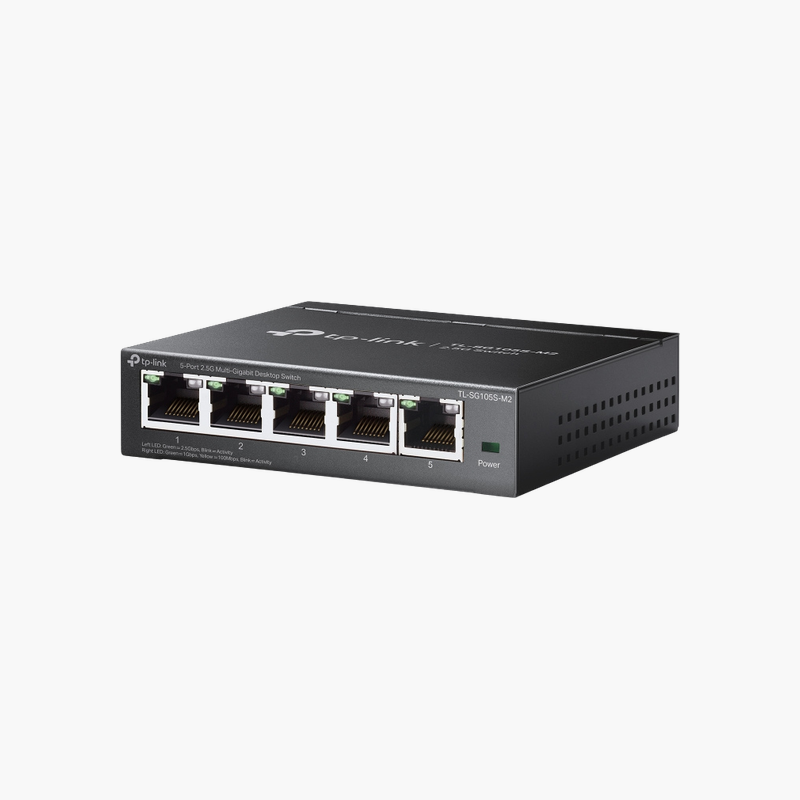
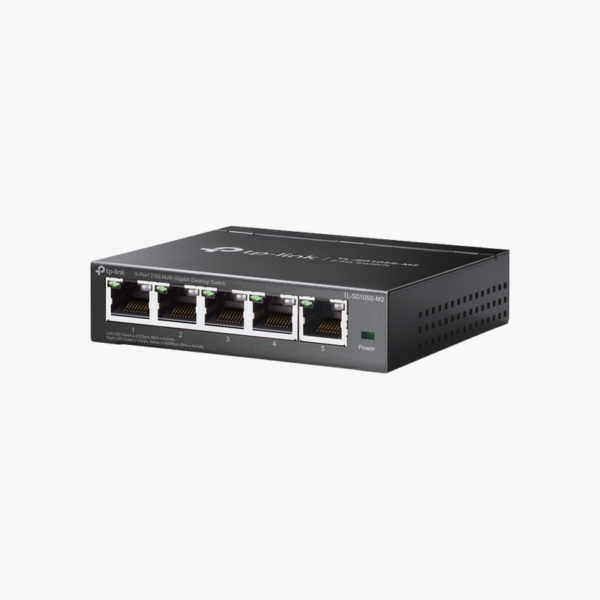
The TP-Link TL-SG105S-M2 5-Port 2.5G Desktop Switch is an unmanaged switch with 5x 2.5G RJ45. It is built for home offices, small businesses and quick network expansion. Setup is plug-and-play, with no configuration required. It installs in minutes. It is designed for continuous, always-on operation.
Reliable connections for every device.
Add More Wired Connections in Seconds
Routers and modems rarely have enough Ethernet ports for every PC, console, printer and NAS, and Wi-Fi alone is not always fast or stable enough.
The TP-Link TL-SG105S-M2 5-Port 2.5G Desktop Switch adds 5x 2.5G RJ45 with no setup – plug it into your router and connect devices for fast, stable wired connections.
Ports and Performance
Ports: 5x 2.5G RJ45.
Management and Installation
No configuration needed – connect devices and go. Fits on a desk or shelf, or mounts on a wall.
Setup Instructions
How to Set Up the TP-Link TL-SG105S-M2 5-Port 2.5G Desktop Switch
- Place the switch on a desk, wall or rack and connect the power adapter or power cord.
- Connect one port to your router or main switch with an Ethernet cable.
- Plug in your computers, access points, cameras and other devices.
- Check the port LEDs to confirm each link is active.














Reviews
There are no reviews yet.