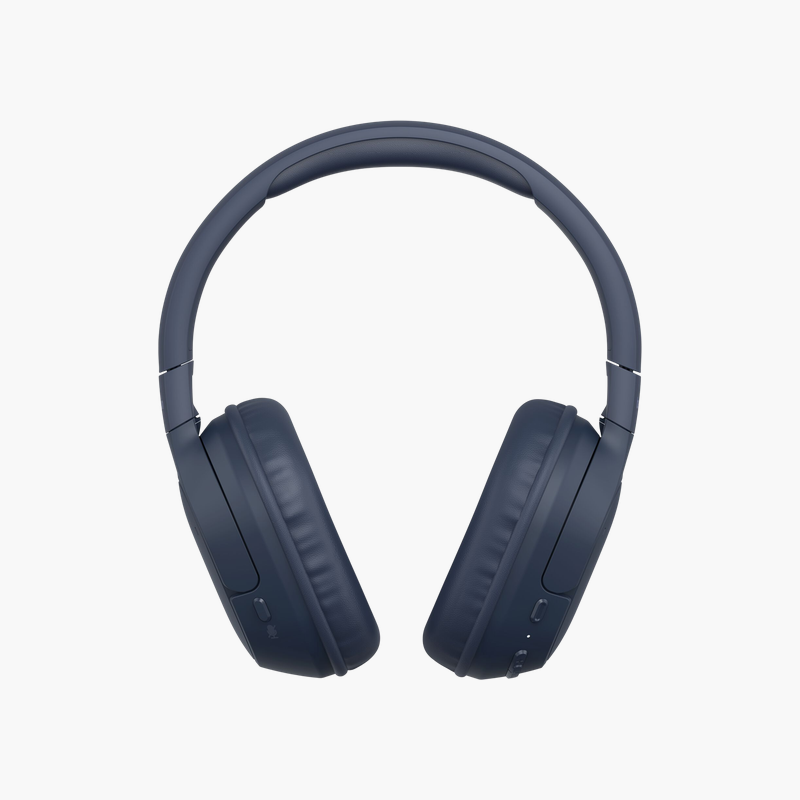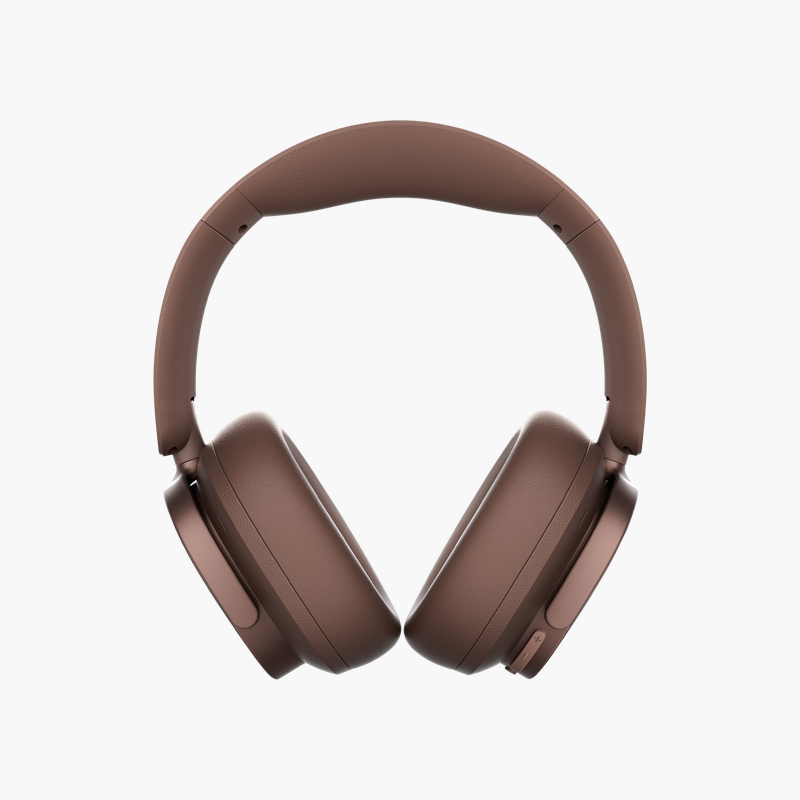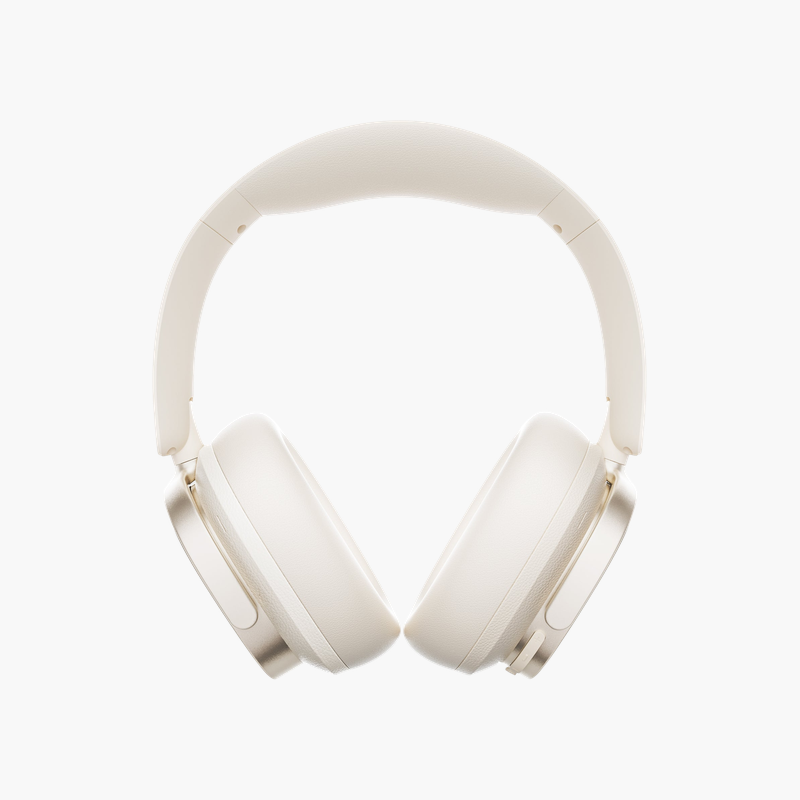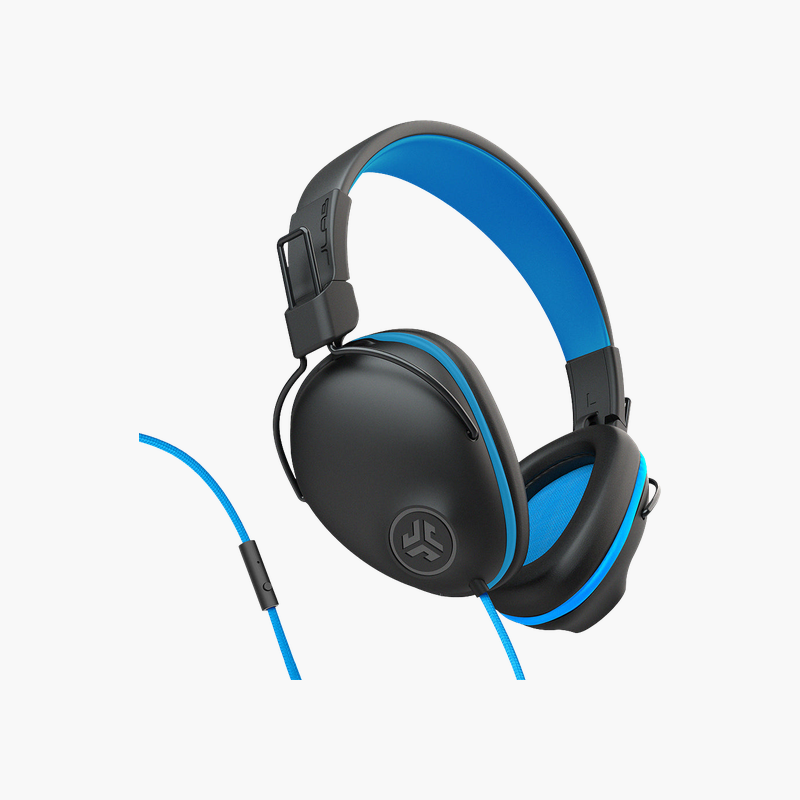
JLab Studio Wired On-Ear Headphones (HASTUDIORGRYBLU4)
JLab Studio Wired On-Ear Headphones (HASTUDIORGRYBLU4) Price on RequestRequest a quote for volume pricing, availability and lead time.
Back to products
Kensington Classic 3.5mm Headphones (K97602WW)
Kensington Classic 3.5mm Headphones (K97602WW) Price on RequestRequest a quote for volume pricing, availability and lead time.

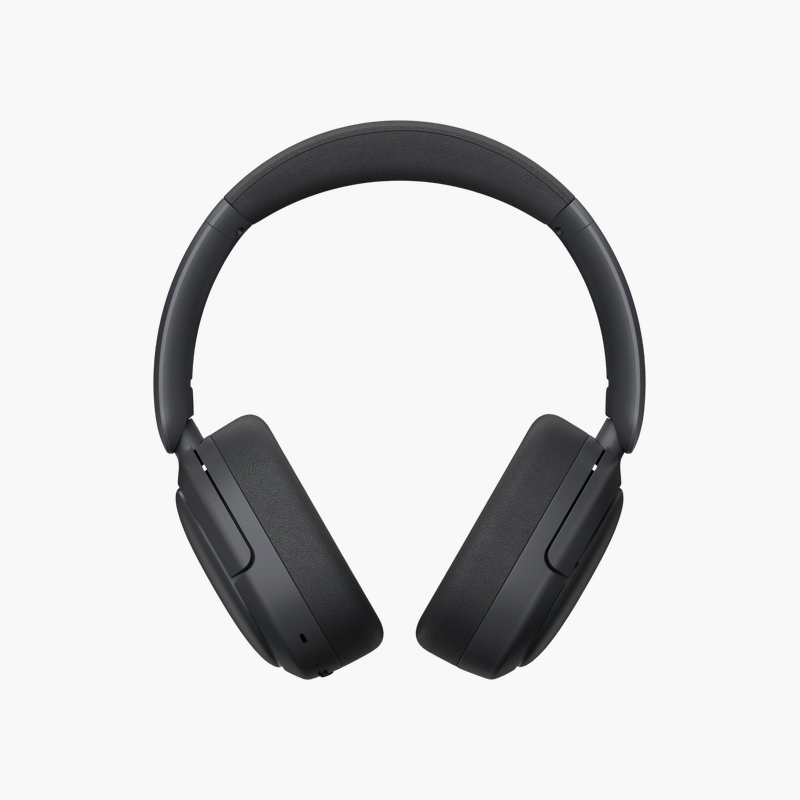
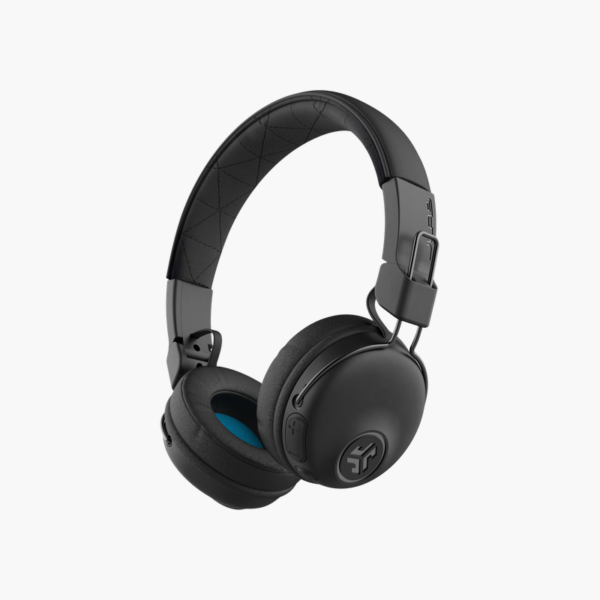
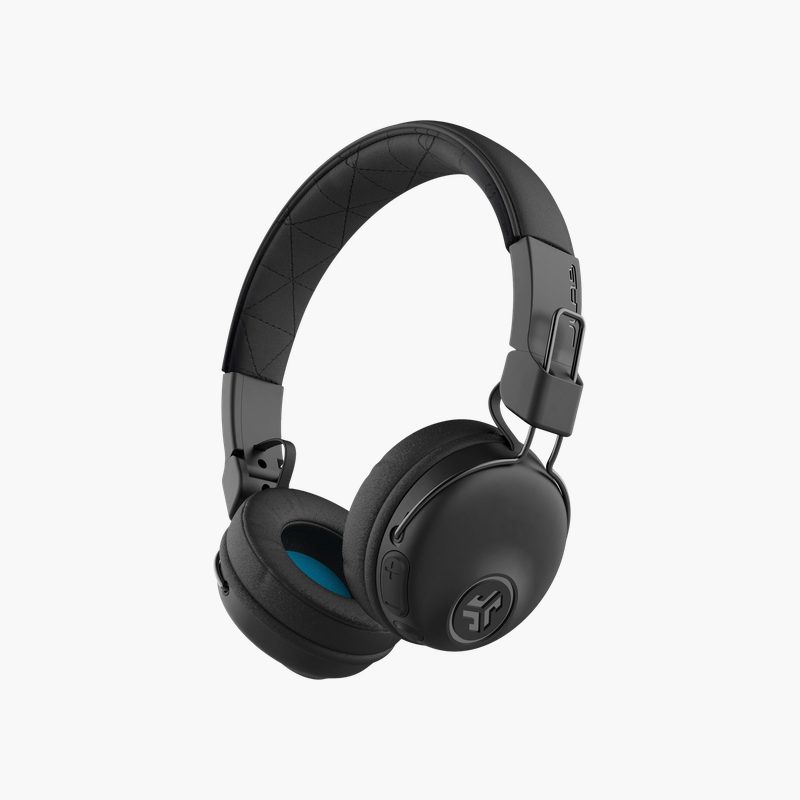
JLab Studio Wireless On-Ear Headphones (Black) (HBASTUDIORBLK4)

SKU: HBASTUDIORBLK4
  • 30-Day Hassle Free Returns
  • Secure Payment Options

Price on RequestRequest a quote for volume pricing, availability and lead time.

Key Value Highlights

  • 30+ hours of playtime – A 10-minute quick charge adds about 1 hour.
  • 40mm drivers – Clear, full sound for music and video.
  • EQ3 sound modes – JLab Signature, Balanced and Bass Boost, selectable on the headphones.
  • Built-in microphone – Take calls and use your voice assistant.
  • Lightweight 141 g design – Comfortable for all-day listening.

Description

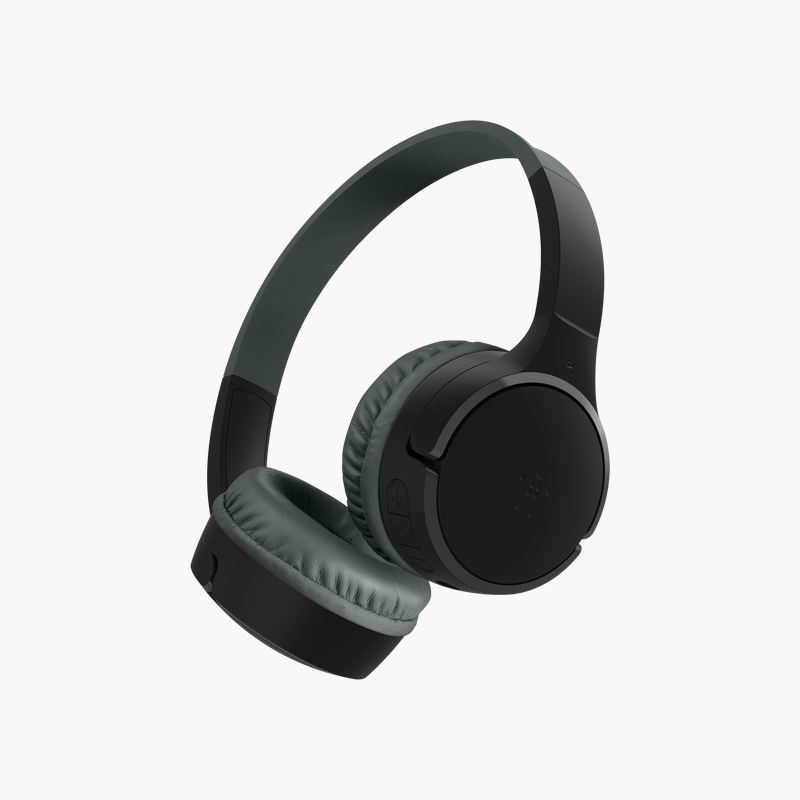
The JLab Studio Wireless are on-ear Bluetooth 5.0 headphones with 40mm drivers, three EQ3 sound modes, a built-in MEMS mic and over 30 hours of playtime in a lightweight 141 g design. It suits commuters, students, remote workers and everyday music listeners.

Great sound, fewer cables.

Wireless Freedom Without Sacrificing Sound

Cheap wireless headphones run out of battery quickly, drop connections when you switch devices and flatten the sound of music and video.

40mm neodymium drivers cover the full range, and EQ3 lets you switch between JLab Signature, Balanced and Bass Boost on the headphones themselves.

Sound and Connectivity

30+ hours of playtime: A 10-minute quick charge adds about 1 hour. 40mm drivers: Clear, full sound for music and video.

Battery Life and Everyday Comfort

EQ3 sound modes: JLab Signature, Balanced and Bass Boost, selectable on the headphones. Built-in microphone: Take calls and use your voice assistant. Lightweight 141 g design: Comfortable for all-day listening. This version is finished in Black.

Setup Instructions

How to Set Up the JLab Studio Wireless On-Ear Headphones

  1. Charge the headphones fully before first use.
  2. Turn them on and hold the power button to enter pairing mode.
  3. Select the headphones in your device’s Bluetooth settings.
  4. Pair a second device for multipoint use, or plug in the cable for wired listening.

Overview

BrandJLab
ModelStudio Wireless On-Ear Headphones
Headphone TypeOn-ear wireless
Driver40 mm neodymium
Impedance32 ohms
BluetoothBluetooth 5.0, approx. 9 m range
Battery Life30+ hours
Quick Charge10 minutes = approx. 1 hour
Charging TimeApprox. 3 hours
EQEQ3: Signature, Balanced, Bass Boost
MicrophoneBuilt-in MEMS mic
Charging PortMicro-USB
Part NumberHBASTUDIORBLK4
ConditionBrand New
In the BoxHeadphones, Micro-USB charging cable

Frequently Asked Questions

Find answers to common questions about this product.

Customer Reviews

Reviews

There are no reviews yet.

Be the first to review “JLab Studio Wireless On-Ear Headphones (Black) (HBASTUDIORBLK4)”

Your email address will not be published. Required fields are marked *