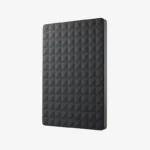
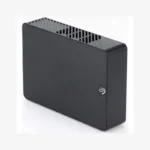
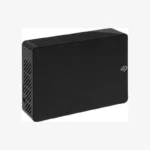
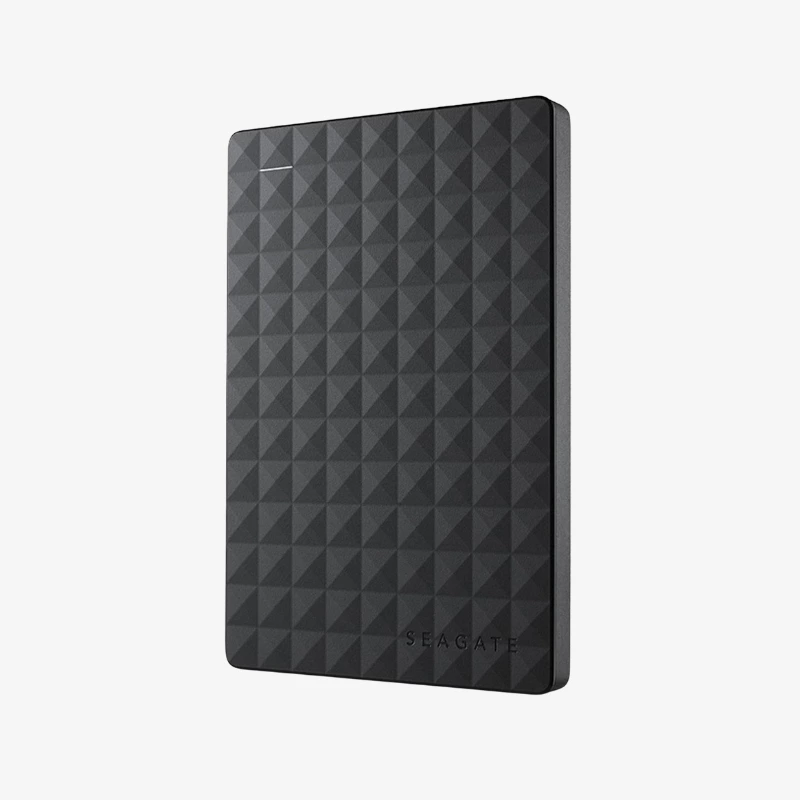
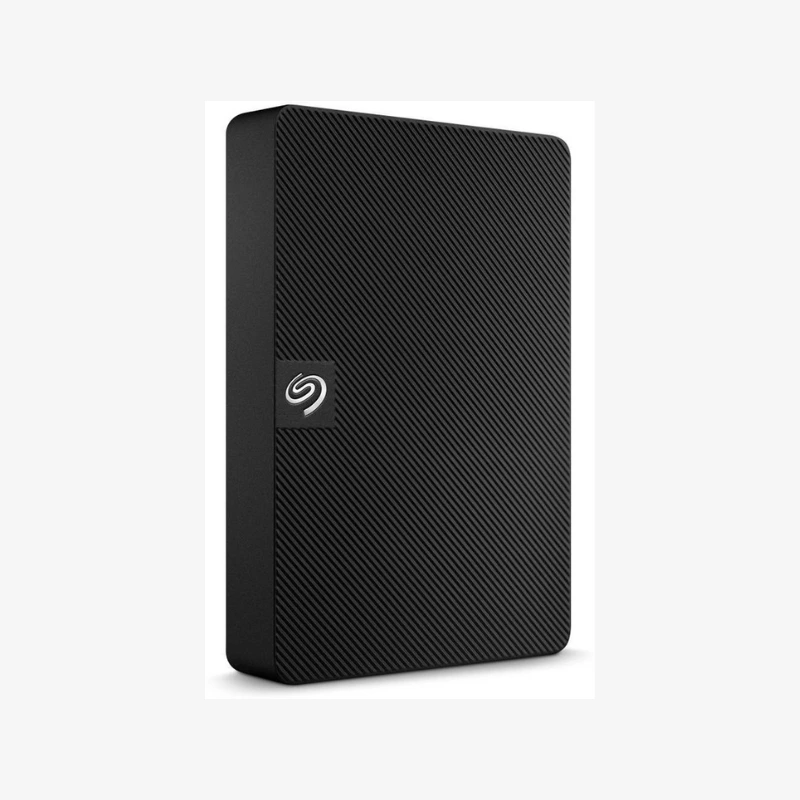
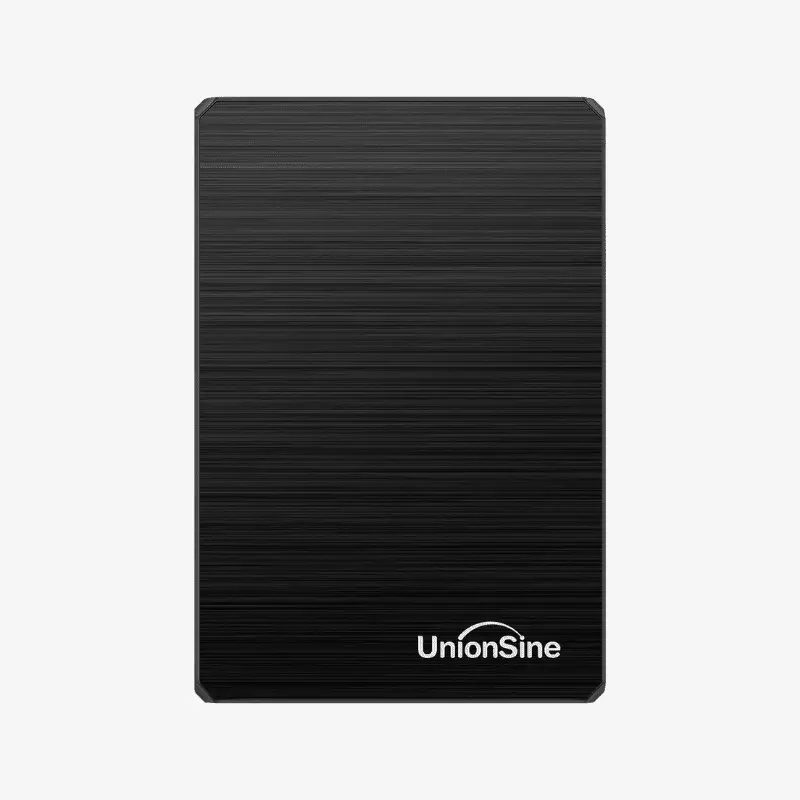
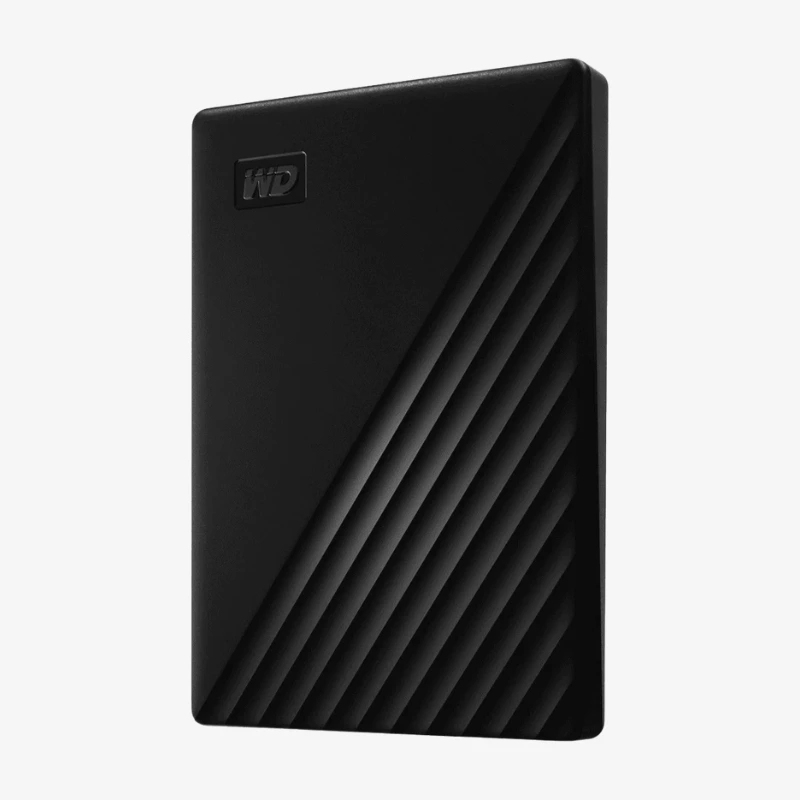
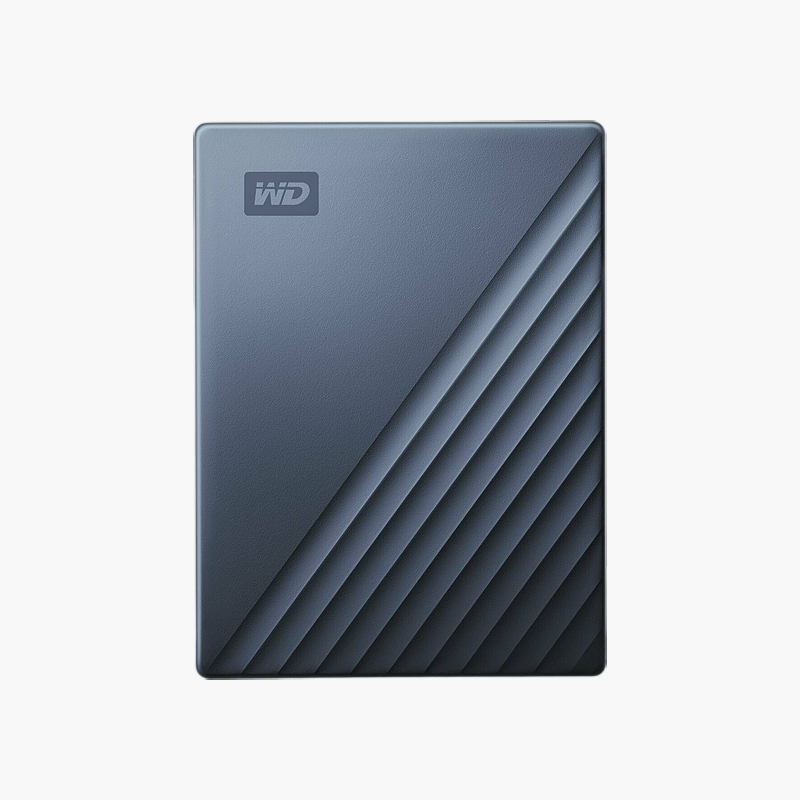
Seagate Expansion 1TB Portable External Hard Drive (STGX1000400) — USB 3.0, Bus-Powered Storage
Seagate Expansion 1TB Portable External Hard Drive (STGX1000400) — USB 3.0, Bus-Powered Storage Price on RequestRequest a quote for volume pricing, availability and lead time.
Back to products
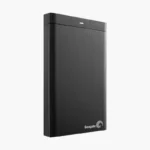
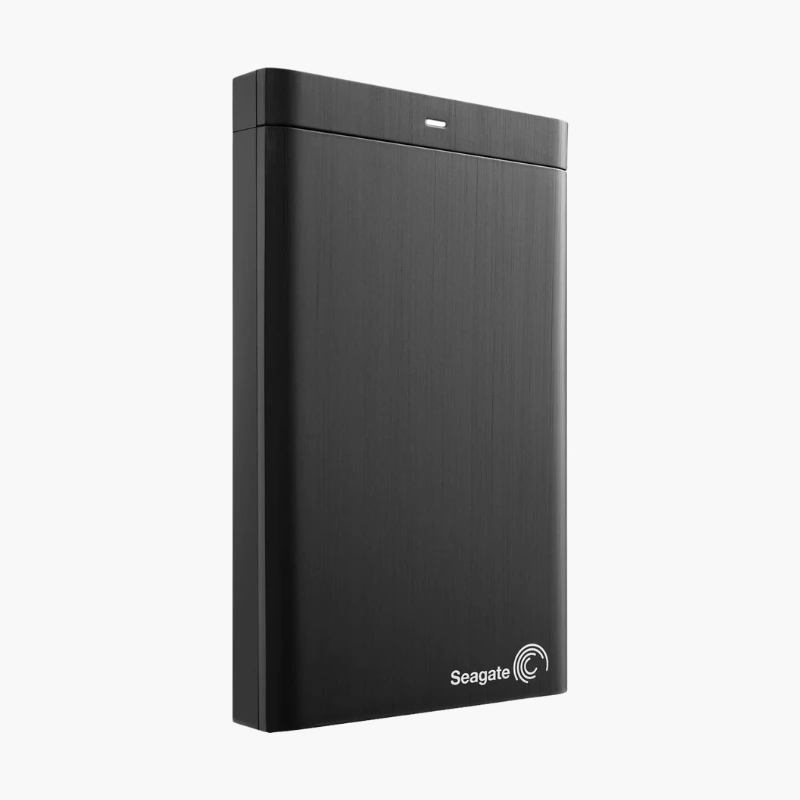
Seagate Backup Plus 500GB Portable External Hard Drive (STHB500401) — USB 3.0, Bus-Powered Storage
Seagate Backup Plus 500GB Portable External Hard Drive (STHB500401) — USB 3.0, Bus-Powered Storage Price on RequestRequest a quote for volume pricing, availability and lead time.

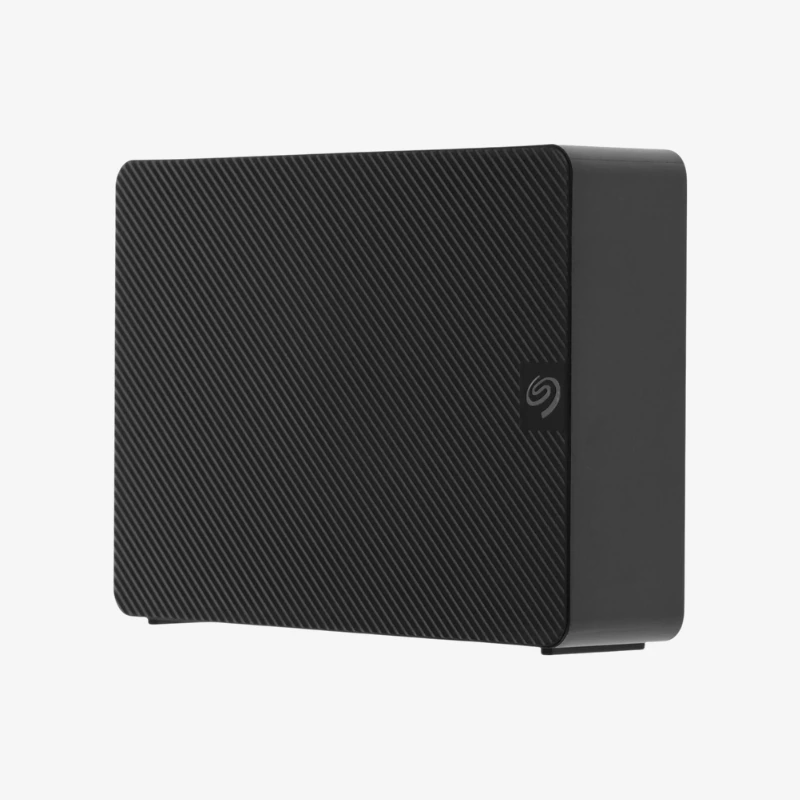
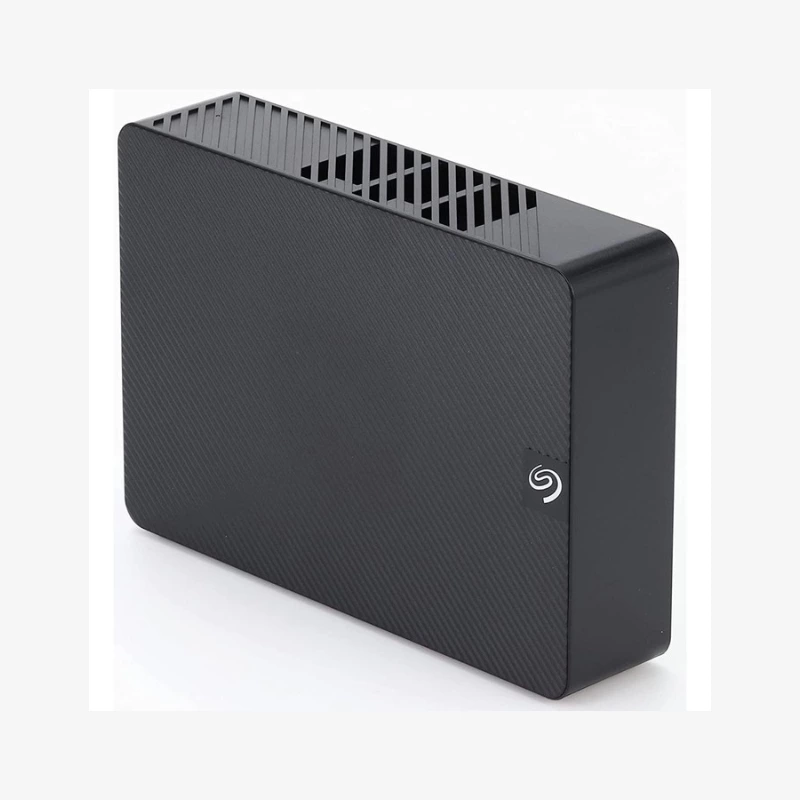
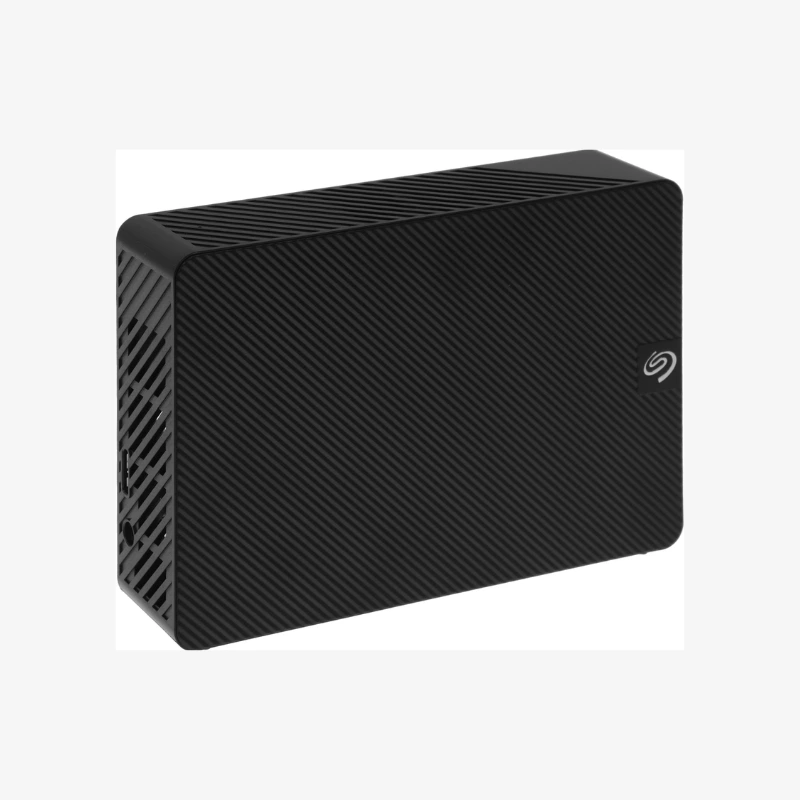
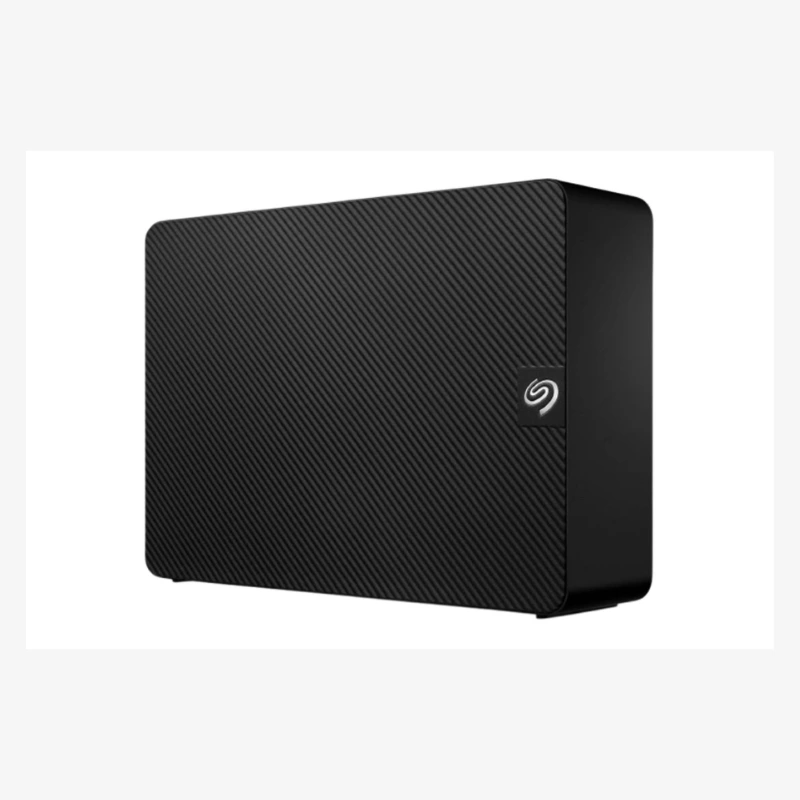
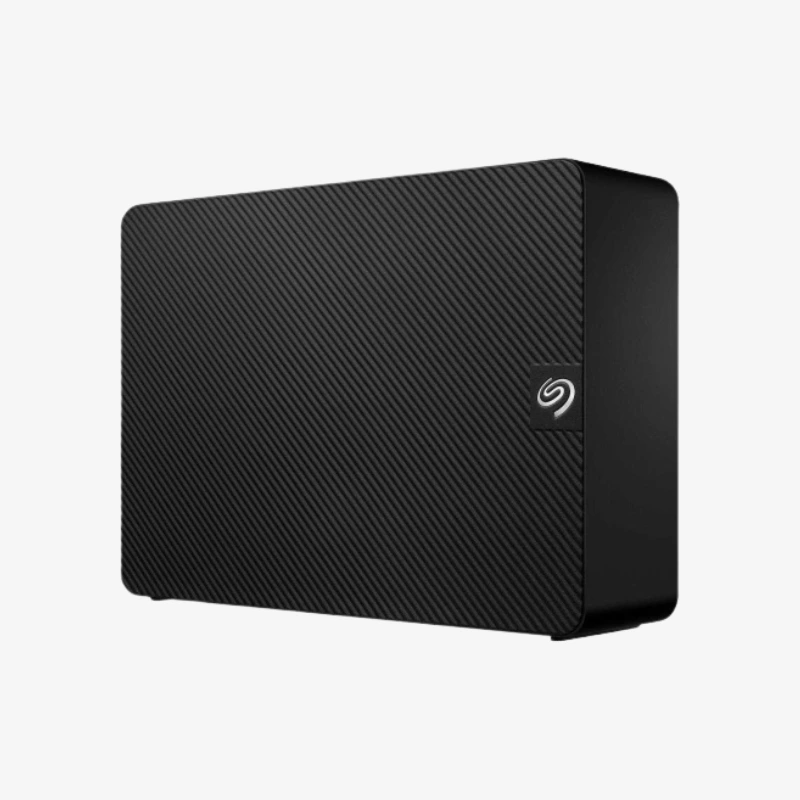
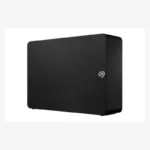
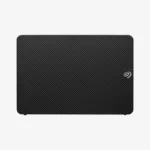
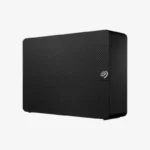
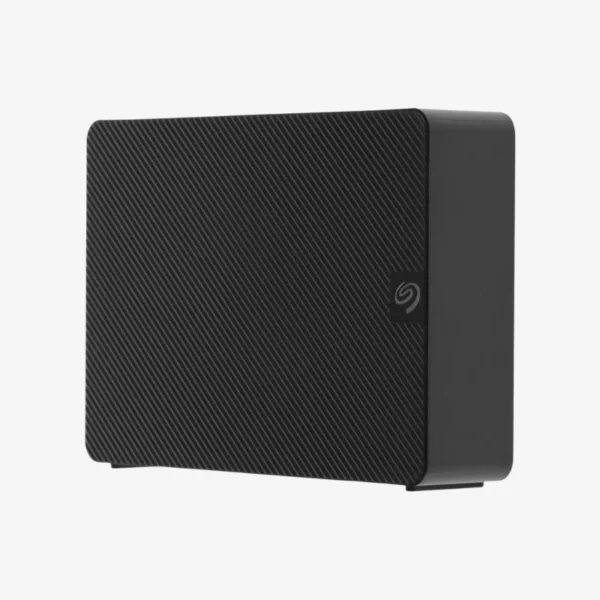
Seagate Expansion Desktop 8TB External Desktop Hard Drive (STKP8000400) — USB 3.0 Plug-and-Play Backup Storage

SKU: SEAGATE-EXPANSION-DESKTOP
  • 30-Day Hassle Free Returns
  • Secure Payment Options

Price on RequestRequest a quote for volume pricing, availability and lead time.

The Seagate Expansion Desktop External Hard Drive is available in 8TB, 16TB, 20TB, 22TB, 24TB, 28TB. Select a capacity above to see the price, stock and model-specific highlights.

Description

The Seagate Expansion Desktop 8TB (STKP8000400) is a desktop external hard drive with a USB 3.0 connection. It runs from mains power and adds high-capacity backup and archive storage to any Windows or Mac computer.

Deep-Dive Story & Problem/Solution

Outgrowing Your Computer’s Internal Storage

Photo libraries, video projects and system backups quickly outgrow the internal drive of a desktop or laptop. Cloud storage gets expensive at multi-terabyte scale and depends on internet speed for large restores.

The STKP8000400 gives you 8TB of local storage that connects in seconds. It is plug-and-play — drag and drop files, or schedule automatic backups with your preferred backup software.

High-Capacity Desktop Backup

With 8TB in a single desktop enclosure, the drive can hold full-system backups, years of photos and large media collections in one place.

Works with Windows, macOS and More

Windows and macOS (reformat for macOS/Time Machine if required). USB 3.0 delivers fast transfers on modern computers, and the drive remains compatible with older USB 2.0 ports.

Setup Instructions

How to Set Up the Seagate Expansion Desktop 8TB

  1. Connect the power adapter to the drive and a wall outlet.
  2. Plug the USB cable into a USB 3.0 port on your computer.
  3. Wait for the drive to appear in File Explorer (Windows) or Finder (macOS); reformat it in Disk Utility if you plan to use Time Machine.
  4. Drag and drop files, or set up automatic backups using your preferred backup software.

Overview

Storage Capacity16TB, 20TB, 22TB, 24TB, 28TB, 8TB
SeriesSeagate Expansion Desktop
Drive TypeExternal Desktop Hard Disk Drive
Form Factor3.5-inch desktop enclosure
InterfaceUSB 3.0 (USB 2.0 compatible)
Power SourceExternal AC power adapter
CompatibilityWindows and macOS (reformat for macOS/Time Machine if required)
SetupPlug-and-play, no drivers required
SoftwareSeagate Toolkit backup and mirror software (download)
Key FeaturesLarge-capacity desktop backup, drag-and-drop file transfer
Ideal ForHome and office backup, media libraries, archives
BrandSeagate
ConditionBrand New

Frequently Asked Questions

Find answers to common questions about this product.

Customer Reviews