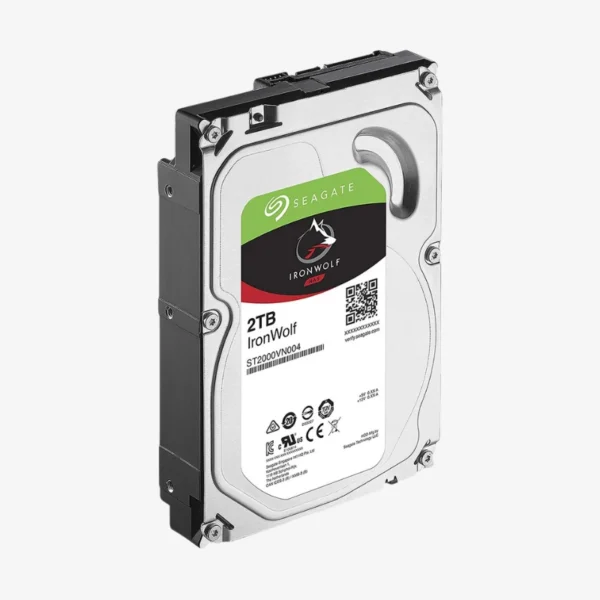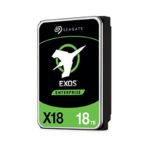
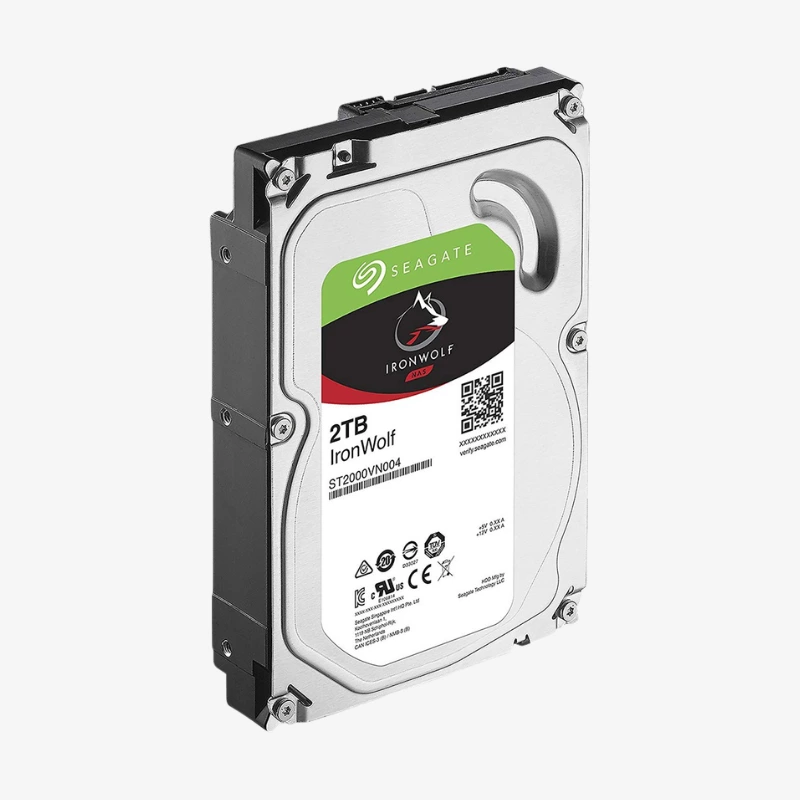
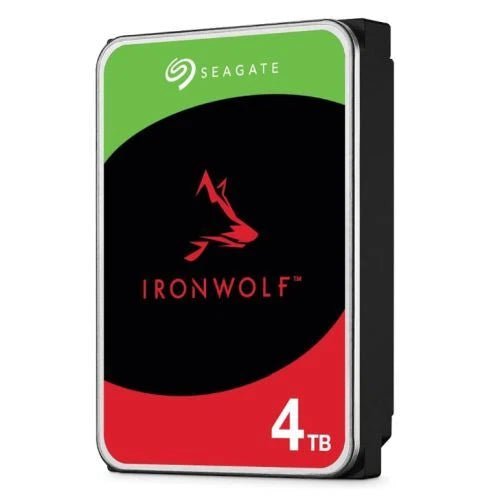
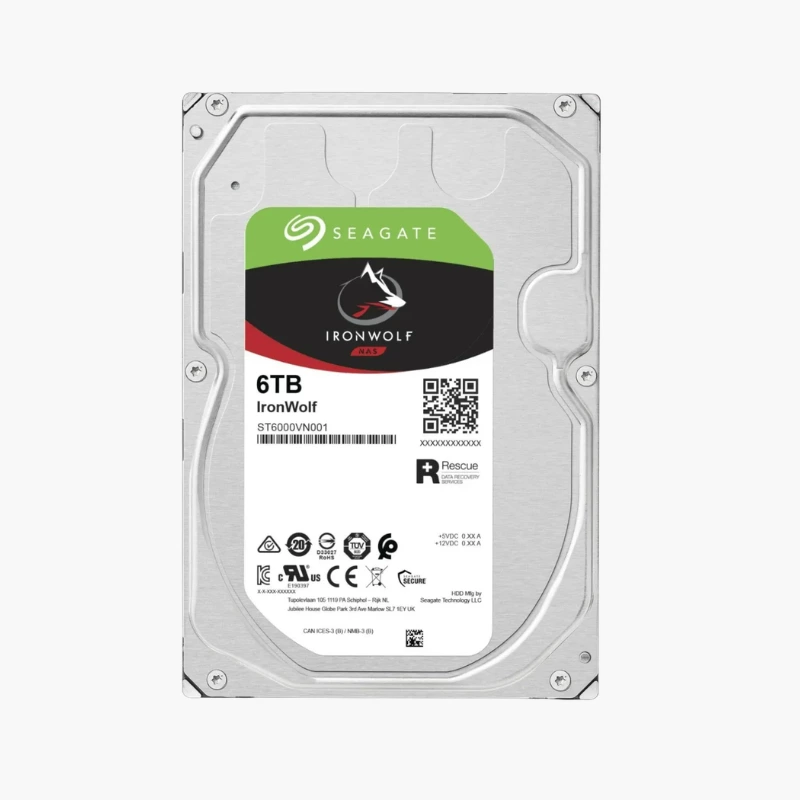

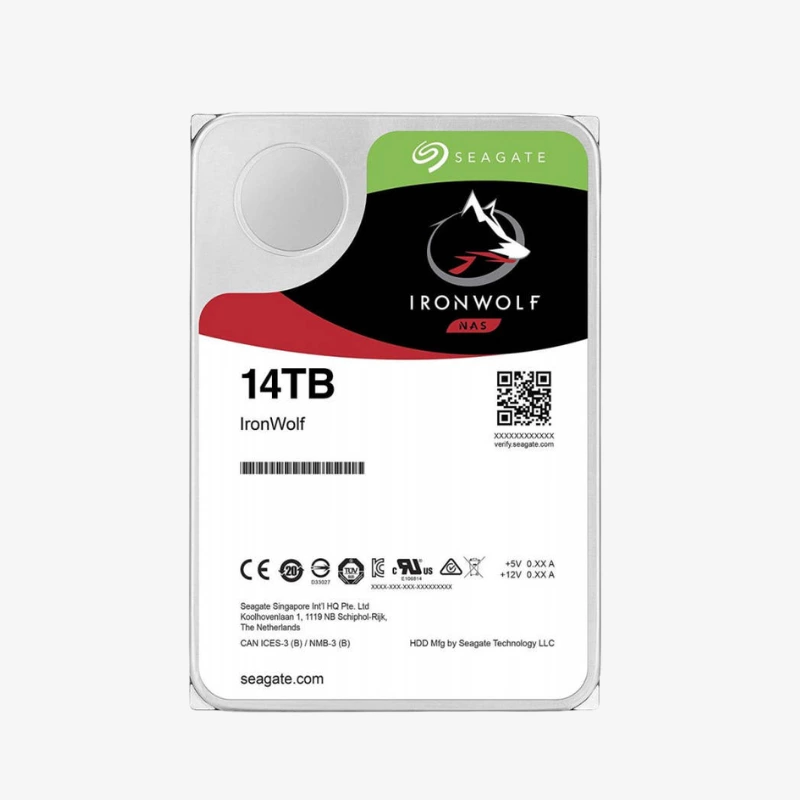
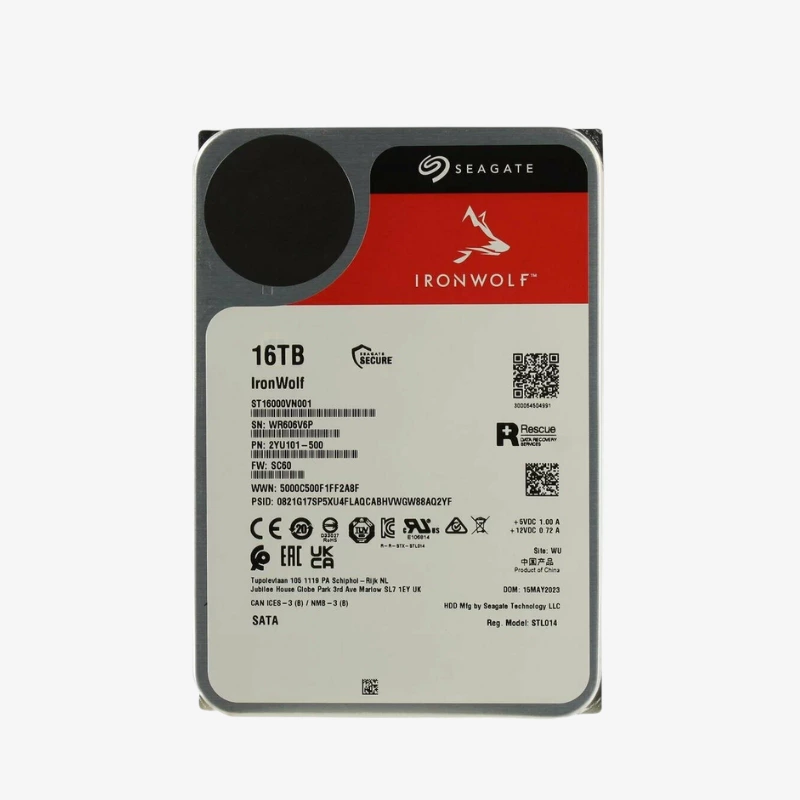
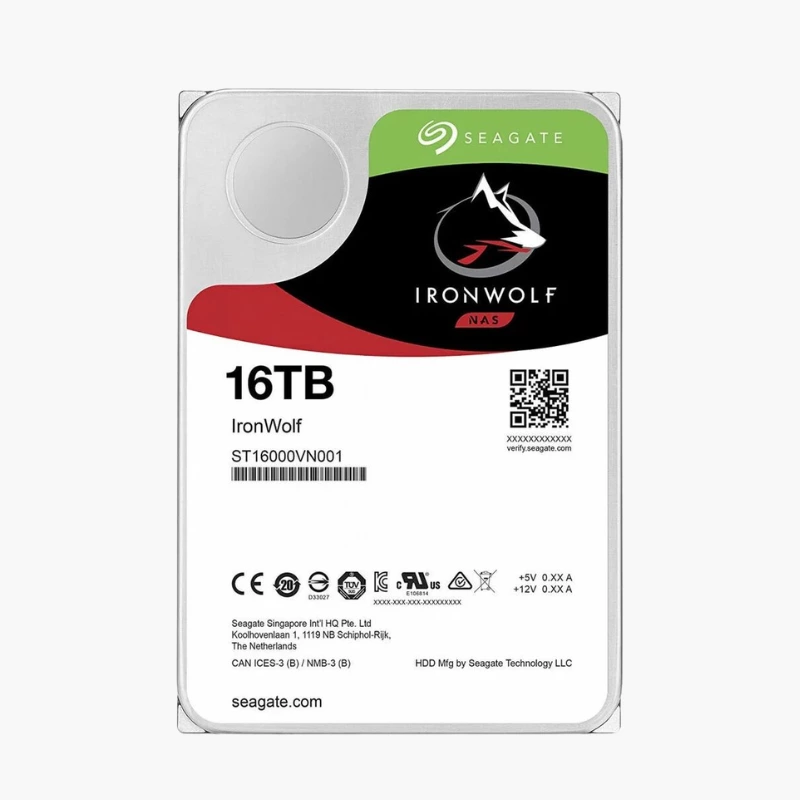
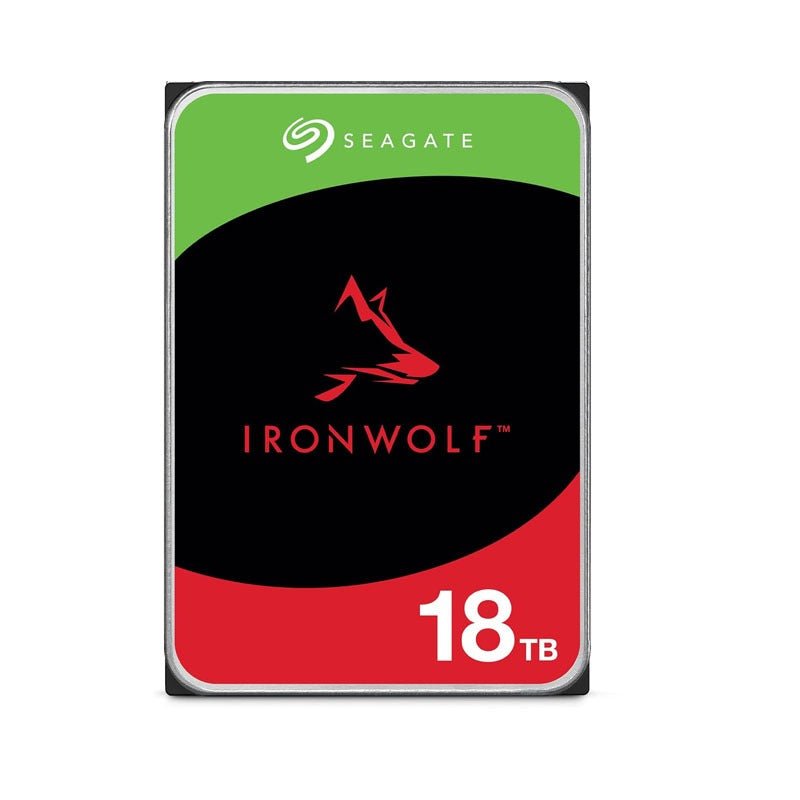
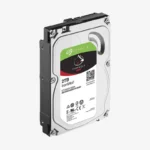
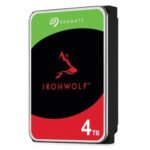
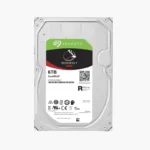
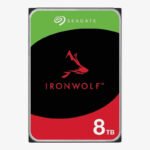
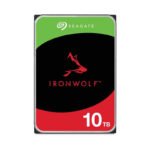
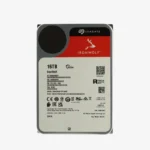
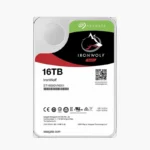
The Seagate IronWolf 2TB (ST2000VN004) is a 3.5-inch internal hard drive built specifically for network attached storage. It combines CMR recording, AgileArray firmware and a 180TB per year workload rating, and is designed for 24/7 operation in up to 8-bay NAS enclosures — a strong fit for a 2-bay mirror for family photos, documents and PC backups.
Deep-Dive Story & Problem/Solution
Why a Desktop Drive Fails Inside a NAS
Desktop hard drives are validated for a few hours of intermittent use per day. A NAS keeps every drive spinning around the clock, next to other drives that generate shared heat and vibration. Under those conditions desktop drives wear out early, and their long error-recovery routines can cause a RAID controller to mark a healthy disk as failed and drop it from the array.
The Seagate IronWolf 2TB is engineered for that environment. Its AgileArray firmware limits error-recovery time so the drive keeps responding to the RAID controller, and it is rated for continuous, multi-user operation. Its efficient design keeps heat and noise down in compact home NAS enclosures.
The second trap is SMR (shingled magnetic recording). SMR drives overlap data tracks to raise capacity, which slows sustained writes dramatically — exactly what happens during a RAID rebuild. Every IronWolf drive uses CMR, so rebuild and large-copy speeds stay predictable when your array is most vulnerable.
CMR Recording — Predictable Rebuilds and Transfers
With conventional magnetic recording, each track is written independently. The ST2000VN004 delivers steady write speeds whether you are copying a large video project, running snapshot replication or rebuilding an array after replacing a failed disk, shortening the window in which a second failure could cost you data.
IronWolf Health Management — Early Warning for Your Data
On supported Synology, QNAP, Asustor and TerraMaster systems, IronWolf Health Management (IHM) monitors the drive’s condition and gives prevention, intervention and recovery recommendations, helping you replace a drive before problems turn into data loss.
Setup Instructions
How to Install the Seagate IronWolf 2TB in Your NAS
- Check your NAS manufacturer’s compatibility list and confirm the enclosure has a free 3.5-inch SATA bay.
- Power down the NAS (unless it supports hot-swap), then mount the drive in its tray using screws or the tool-less clips.
- Power on the NAS. Synology DSM, QNAP QTS, TrueNAS and Unraid detect the new drive automatically.
- Create a new storage pool or add the drive to an existing RAID volume, then enable scheduled S.M.A.R.T. tests and health alerts.