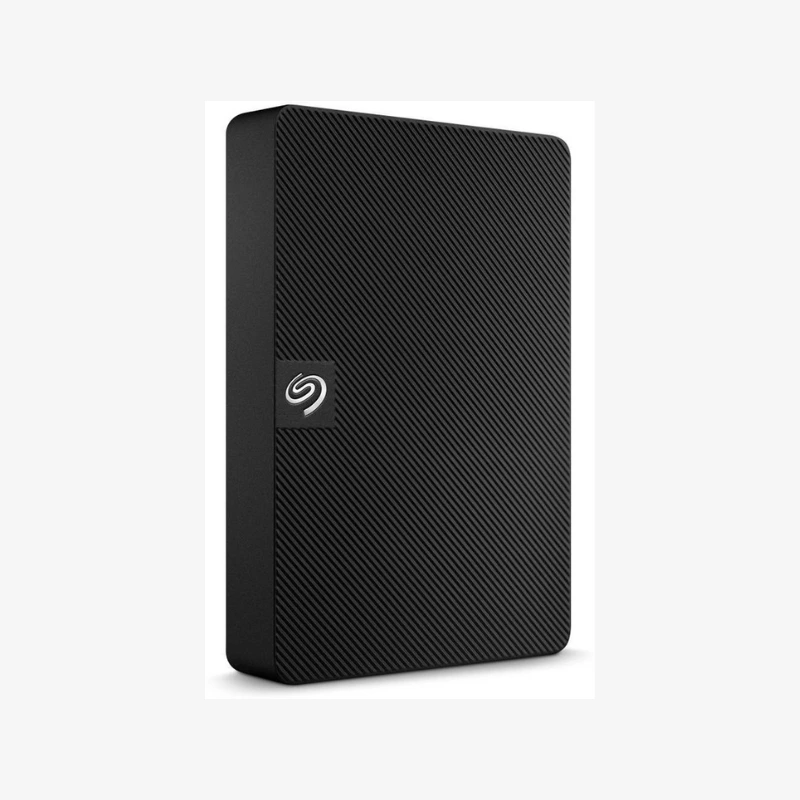
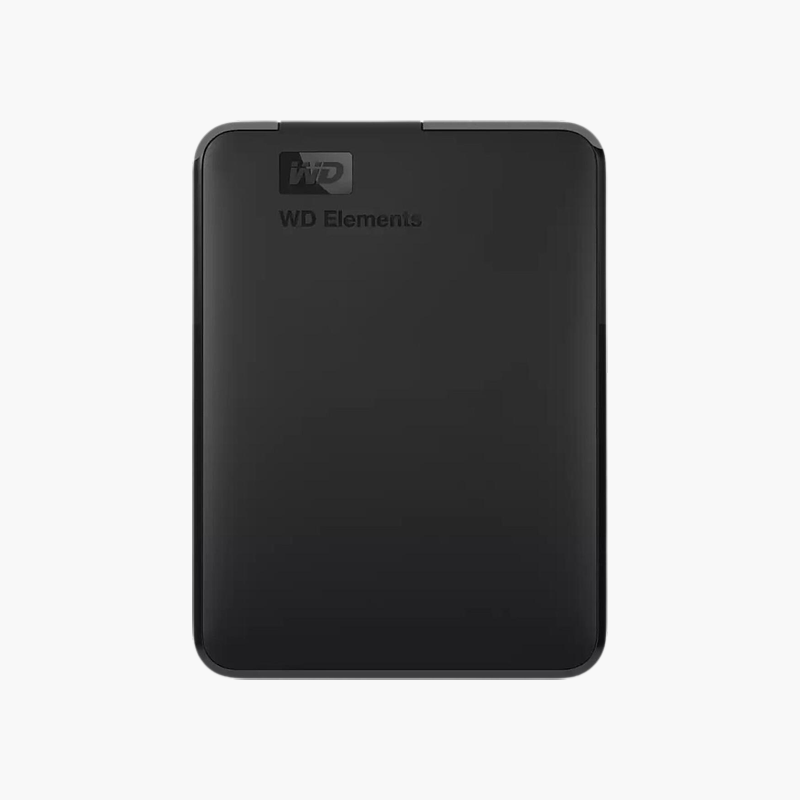
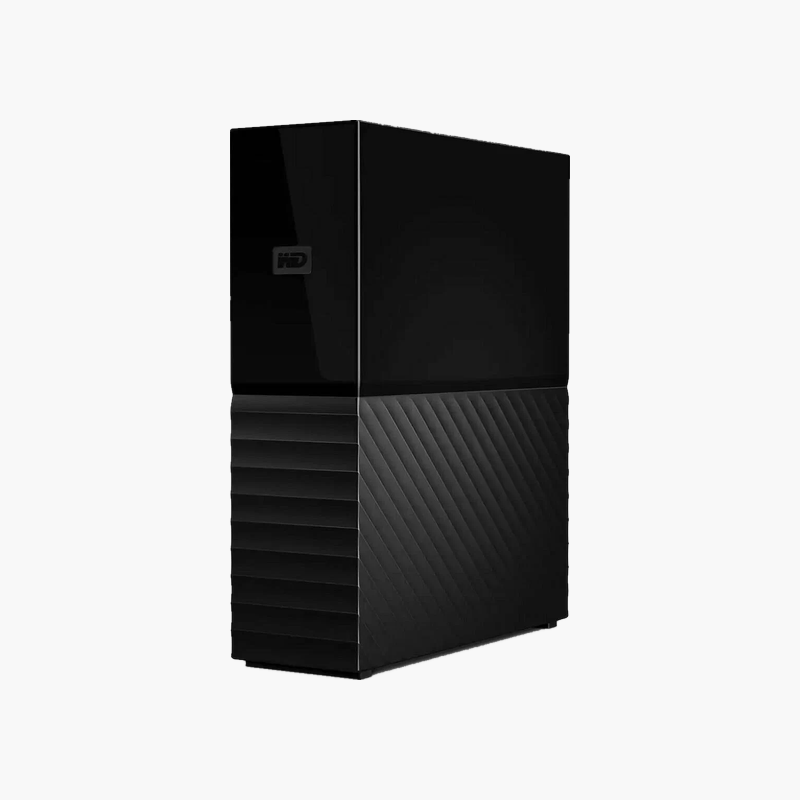
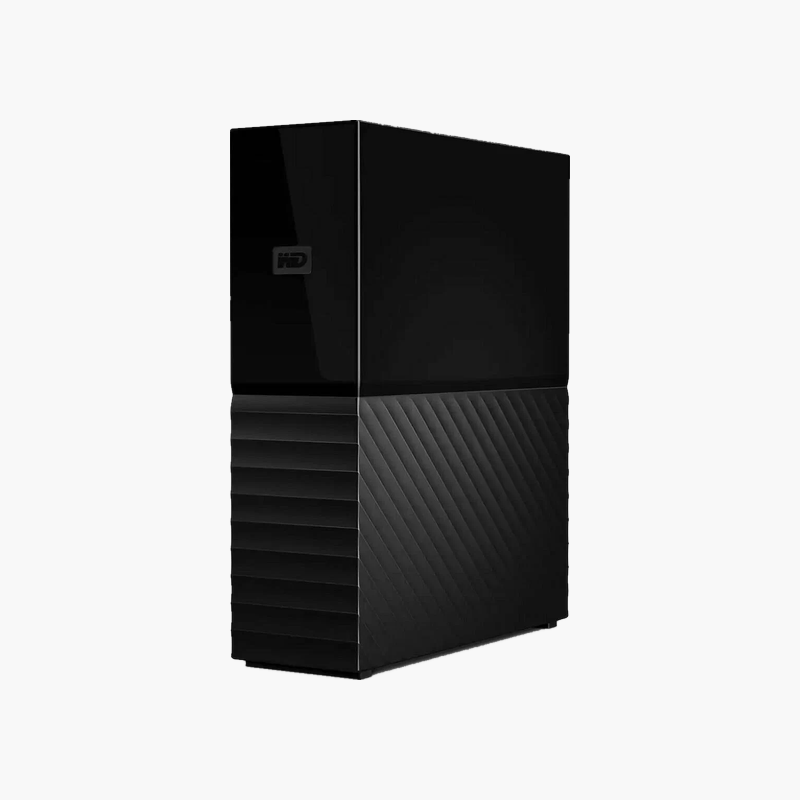
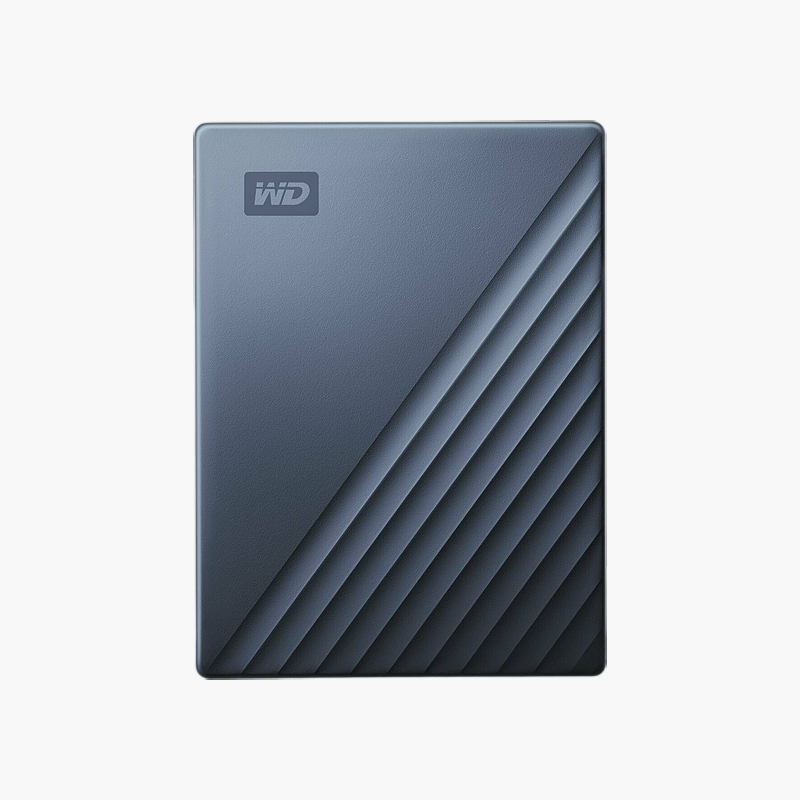
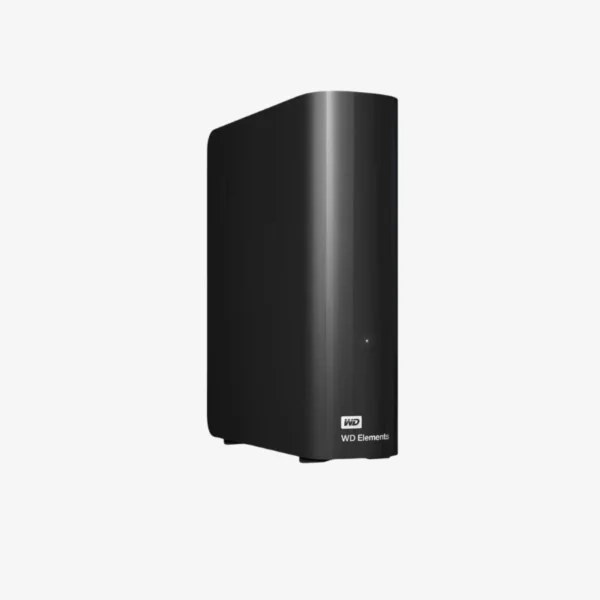
WD Elements 5TB Portable External Hard Drive (WDBA3A0050BBK-WESN) — USB 3.2 Gen 1, Black
WD Elements 5TB Portable External Hard Drive (WDBA3A0050BBK-WESN) — USB 3.2 Gen 1, Black Price on RequestRequest a quote for volume pricing, availability and lead time.
Back to products
WD My Passport 2TB Portable External Hard Drive (WDBAYN0020BBK-WESN) — USB 3.2 Gen 1, Black
WD My Passport 2TB Portable External Hard Drive (WDBAYN0020BBK-WESN) — USB 3.2 Gen 1, Black Price on RequestRequest a quote for volume pricing, availability and lead time.

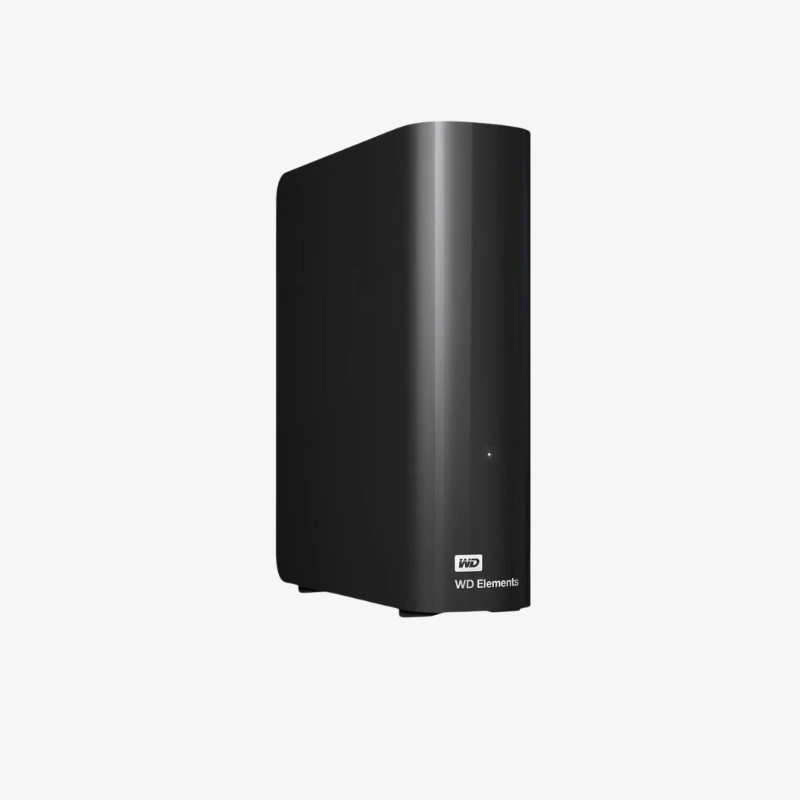
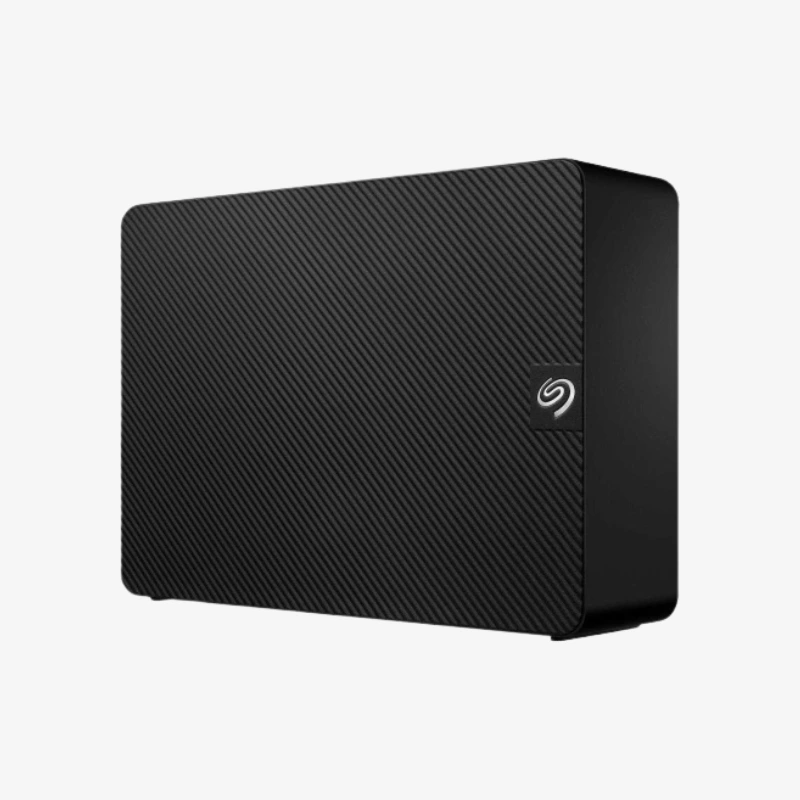
WD Elements 20TB Desktop External Hard Drive (WDBWLG0200HBK-NESN) — USB 3.2 Gen 1

SKU: WDBWLG0200HBK-NESN
  • 30-Day Hassle Free Returns
  • Secure Payment Options

Price on RequestRequest a quote for volume pricing, availability and lead time.

Key Value Highlights

  • 20TB desktop capacity – Centralize media libraries, project archives, and full-system backups on one drive.
  • USB 3.2 Gen 1 (USB 3.0) interface – Transfers up to 5Gb/s, backward compatible with USB 2.0.
  • External AC power adapter – Dedicated power supports a full-size 3.5-inch drive for sustained, stable operation.
  • Plug-and-play, formatted for Windows – Connect and start storing files immediately on Windows PCs.
  • Desk-friendly enclosure – Sits beside your PC, TV, or workstation as permanent high-capacity storage.

Description

Massive desktop storage for backups and media libraries, ready out of the box.

The WD Elements Desktop 20TB (WDBWLG0200HBK-NESN) is a USB 3.2 Gen 1 external desktop hard drive for home users, creators, and small offices that need large-scale local storage. With 20TB of capacity and plug-and-play setup, it handles full-system backups, 4K video archives, and growing photo libraries in one simple drive.

Why a 20TB Desktop Drive Is the Simplest Way to Back Up and Store Everything

Data grows faster than most people plan for. Phones shoot 4K video, cameras produce larger RAW files, and multiple computers in a home or office each need backing up. Juggling several small drives leads to scattered files and missed backups.

The WD Elements Desktop 20TB consolidates that into one device. Its full-size 3.5-inch drive and external power adapter deliver capacity that portable drives cannot match, and USB 3.2 Gen 1 keeps large transfers moving quickly.

Because it stays on your desk, it suits scheduled backups with Windows File History or third-party backup software, so your copy stays current without manual effort.

20TB for Backups, Media, and Archives

Keep a complete backup of multiple PCs, a large movie or music collection, and years of project files in one place, with room left to grow.

Straightforward Setup

Plug in the power adapter and USB cable and the drive is ready on Windows. Mac users can reformat it with Disk Utility for macOS or Time Machine use.

How It Works / Setup Instructions

How to Set Up the WD Elements Desktop 20TB

  1. Connect the AC power adapter to the drive and a wall outlet.
  2. Connect the USB cable from the drive to a USB 3.0 or newer port on your computer.
  3. On Windows, open File Explorer and the drive appears ready to use. On a Mac, reformat it in Disk Utility if needed.
  4. Copy your files, or set up Windows File History, Time Machine, or your backup software to back up automatically.

Overview

Model NumberWDBWLG0200HBK-NESN
Product LineWD Elements Desktop
Capacity20TB
Drive TypeDesktop External Hard Drive (HDD)
Form FactorDesktop (3.5-inch drive inside)
InterfaceUSB 3.2 Gen 1 (USB 3.0), up to 5Gb/s
Backward CompatibilityUSB 2.0
PowerExternal AC power adapter
Default FormatNTFS (Windows)
OS CompatibilityWindows; macOS after reformatting
ColorBlack
Hardware EncryptionNot included
Region VersionNorth America (NESN)
SetupPlug-and-play
ConditionBrand New
In the Box1x WD Elements Desktop 20TB drive, 1x USB cable, 1x AC power adapter

Frequently Asked Questions

Find answers to common questions about this product.

Customer Reviews