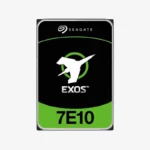
Seagate Exos 7E10 4TB Enterprise Hard Drive (ST4000NM000B) — 7200 RPM, SATA 6Gb/s, 256MB Cache
Seagate Exos 7E10 4TB Enterprise Hard Drive (ST4000NM000B) — 7200 RPM, SATA 6Gb/s, 256MB Cache Price on RequestRequest a quote for volume pricing, availability and lead time.
Back to products
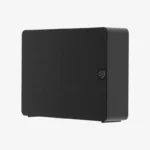
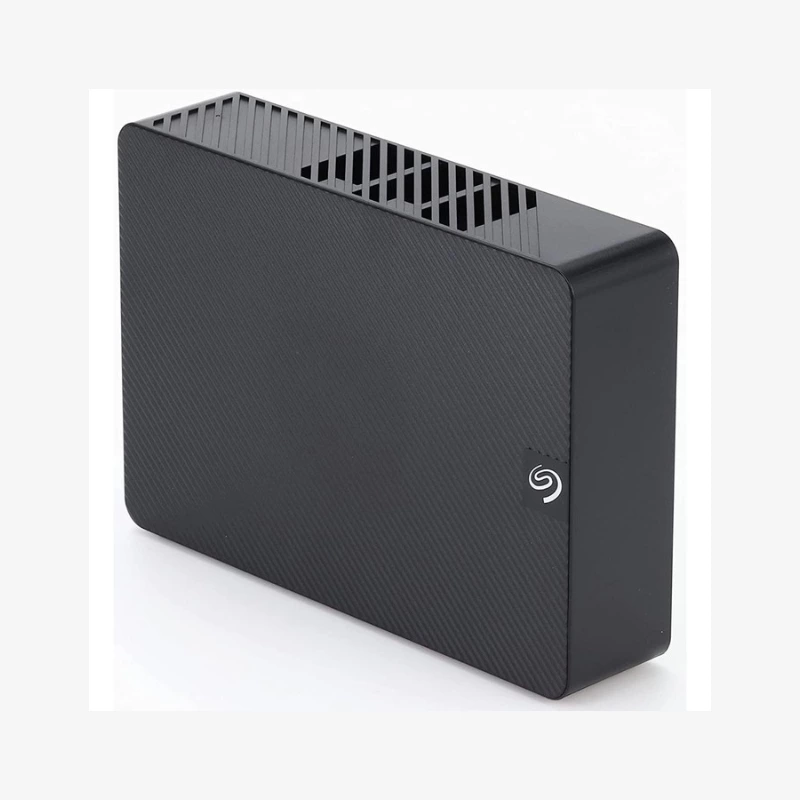
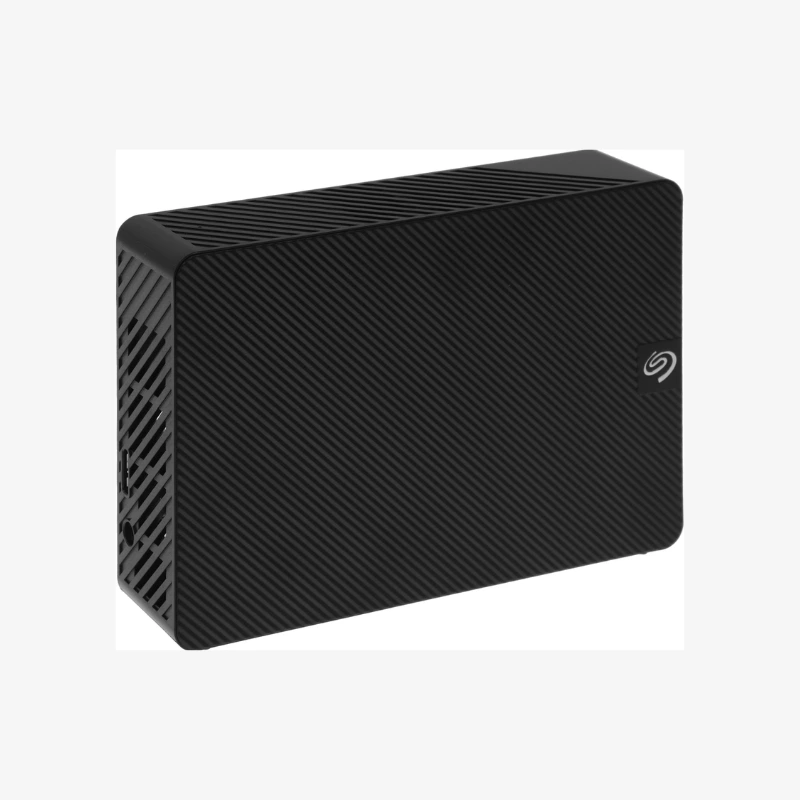
Seagate Expansion Desktop 8TB External Desktop Hard Drive (STKP8000400) — USB 3.0 Plug-and-Play Backup Storage
Seagate Expansion Desktop 8TB External Desktop Hard Drive (STKP8000400) — USB 3.0 Plug-and-Play Backup Storage Price on RequestRequest a quote for volume pricing, availability and lead time.

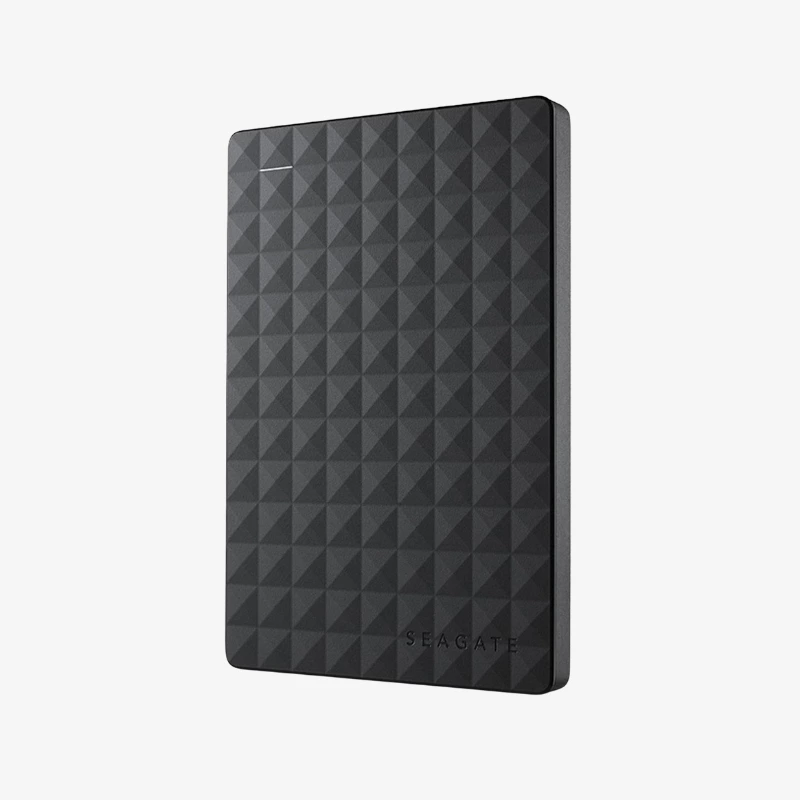
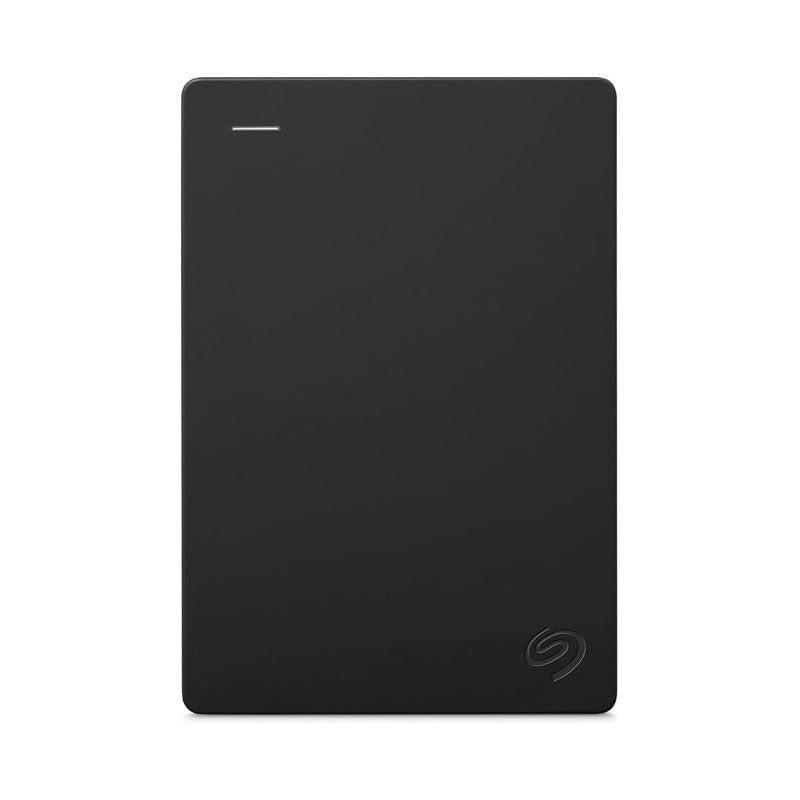
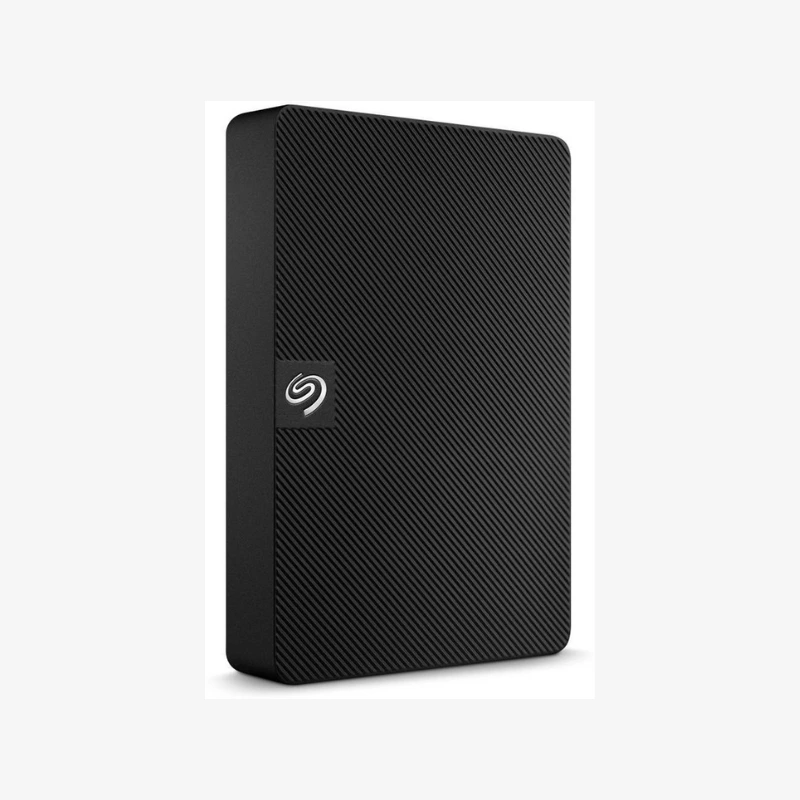
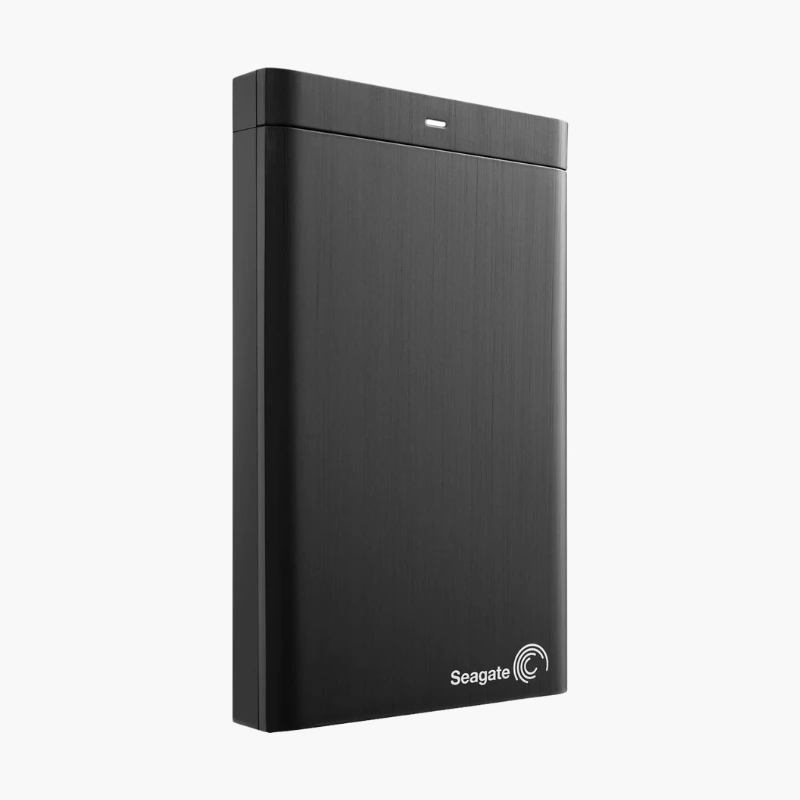
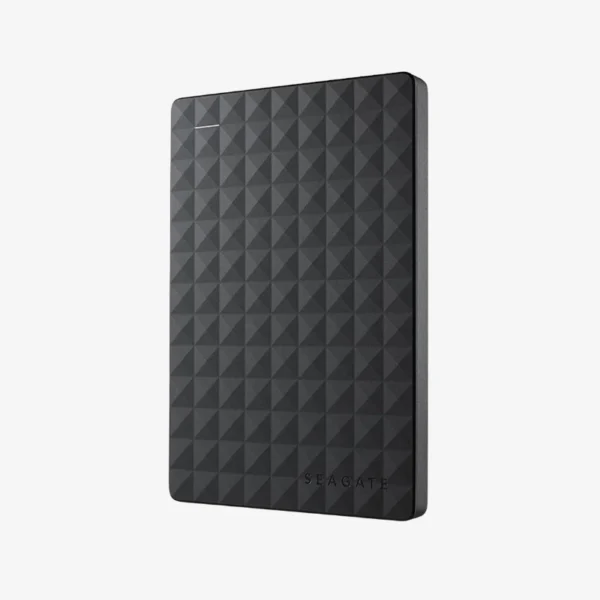
Seagate Expansion 1TB Portable External Hard Drive (STGX1000400) — USB 3.0, Bus-Powered Storage

SKU: SEAGATE-EXPANSION-PORTABLE
  • 30-Day Hassle Free Returns
  • Secure Payment Options

Price on RequestRequest a quote for volume pricing, availability and lead time.

The Seagate Expansion Portable External Hard Drive is available in 1TB, 2TB, 4TB, 5TB. Select a capacity above to see the price, stock and model-specific highlights.

Description

The Seagate Expansion 1TB (STGX1000400) is a portable external hard drive with a USB 3.0 connection. It draws power from the USB port, so you can carry and back up files anywhere without a power adapter.

Deep-Dive Story & Problem/Solution

Running Out of Space on the Go

Laptops with small SSDs fill up fast, and relying on cloud uploads for large files is slow on hotel or mobile connections.

The STGX1000400 gives you 1TB of local storage that connects in seconds. It is plug-and-play — drag and drop files, or schedule automatic backups with your preferred backup software.

Compact, Bus-Powered Design

The compact enclosure needs only one USB cable for both data and power, making it easy to carry between home, office and travel.

Works with Windows, macOS and More

Windows and macOS; works with PS4/PS5 and Xbox for game storage. USB 3.0 delivers fast transfers on modern computers, and the drive remains compatible with older USB 2.0 ports.

Setup Instructions

How to Set Up the Seagate Expansion 1TB

  1. Connect the included USB cable to the drive.
  2. Plug the USB cable into a USB 3.0 port on your computer.
  3. Wait for the drive to appear in File Explorer (Windows) or Finder (macOS); reformat it in Disk Utility if you plan to use Time Machine.
  4. Drag and drop files, or set up automatic backups using your preferred backup software.

Overview

Storage Capacity1TB, 2TB, 4TB, 5TB
SeriesSeagate Expansion
Drive TypeExternal Portable Hard Disk Drive
Form Factor2.5-inch portable enclosure
InterfaceUSB 3.0 (USB 2.0 compatible)
Power SourceUSB bus-powered (no adapter needed)
CompatibilityWindows and macOS; works with PS4/PS5 and Xbox for game storage
SetupPlug-and-play, no drivers required
SoftwareSeagate Toolkit backup software (download)
Key FeaturesCompact, bus-powered, drag-and-drop file storage
Ideal ForLaptop backup, travel storage, console game libraries
BrandSeagate
ConditionBrand New

Frequently Asked Questions

Find answers to common questions about this product.

Customer Reviews