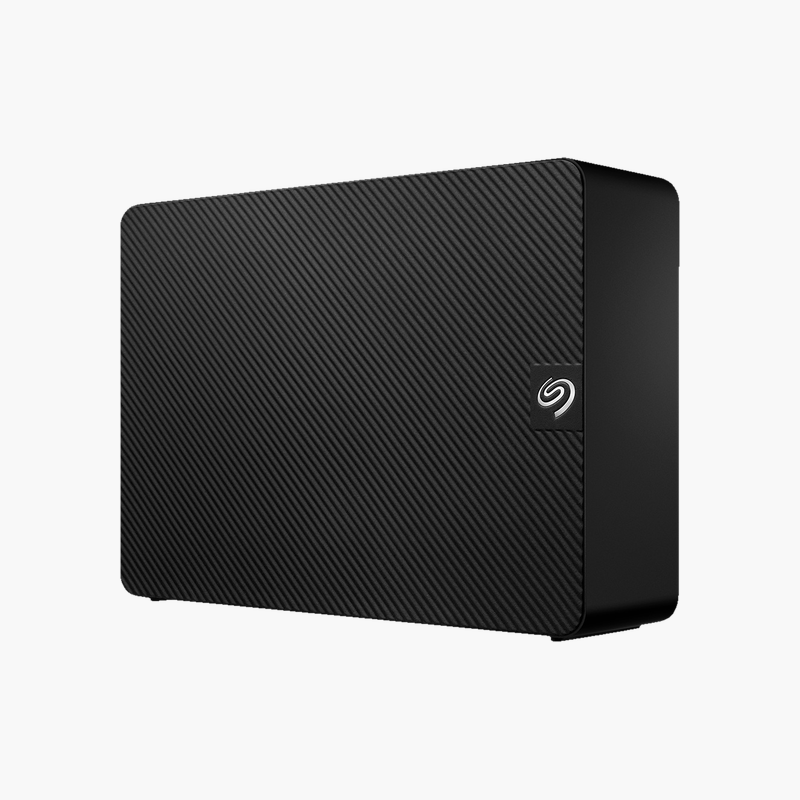
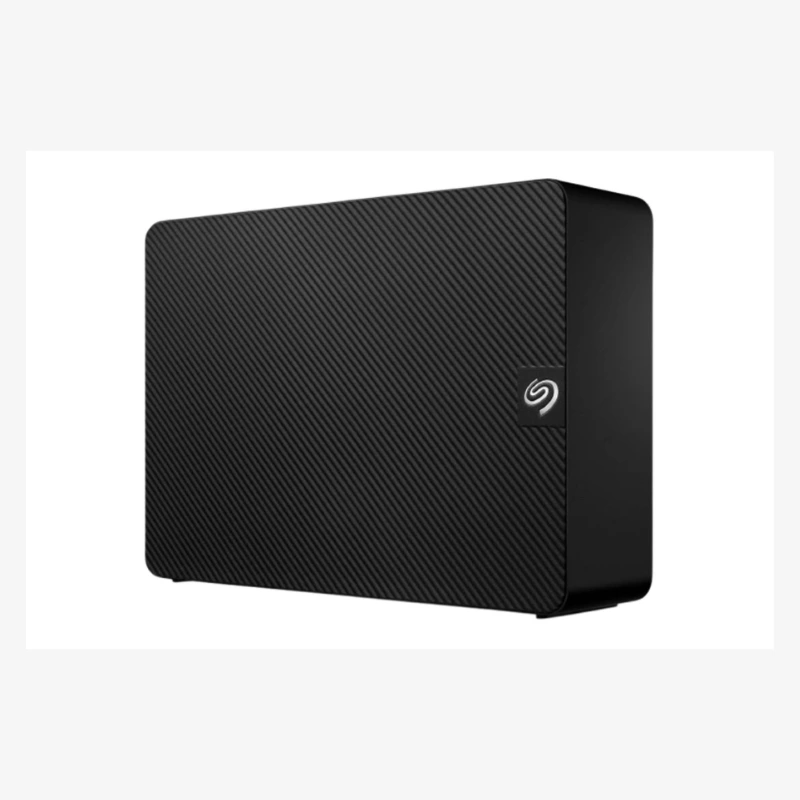
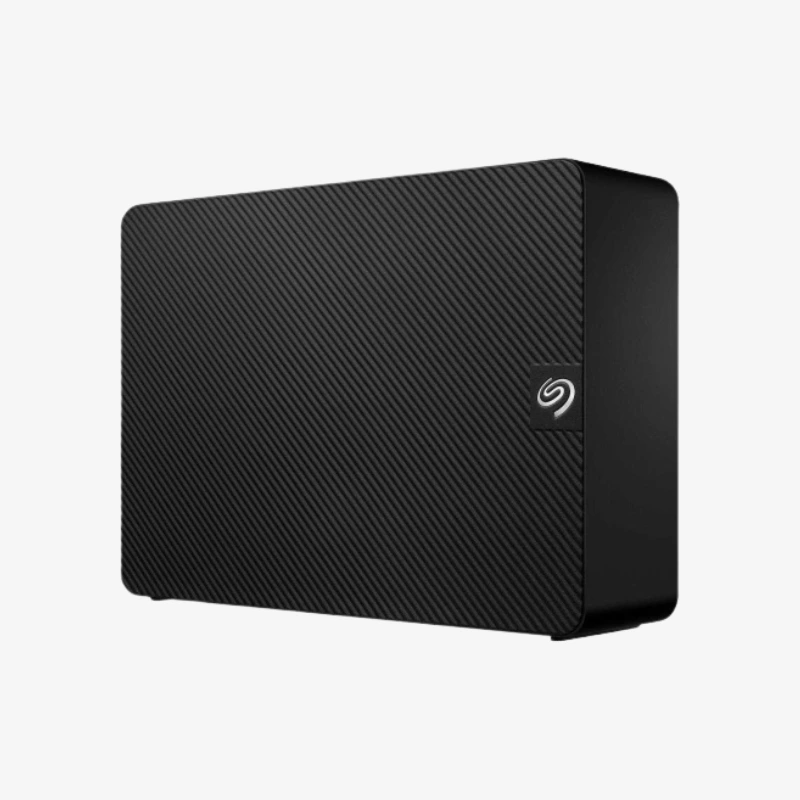
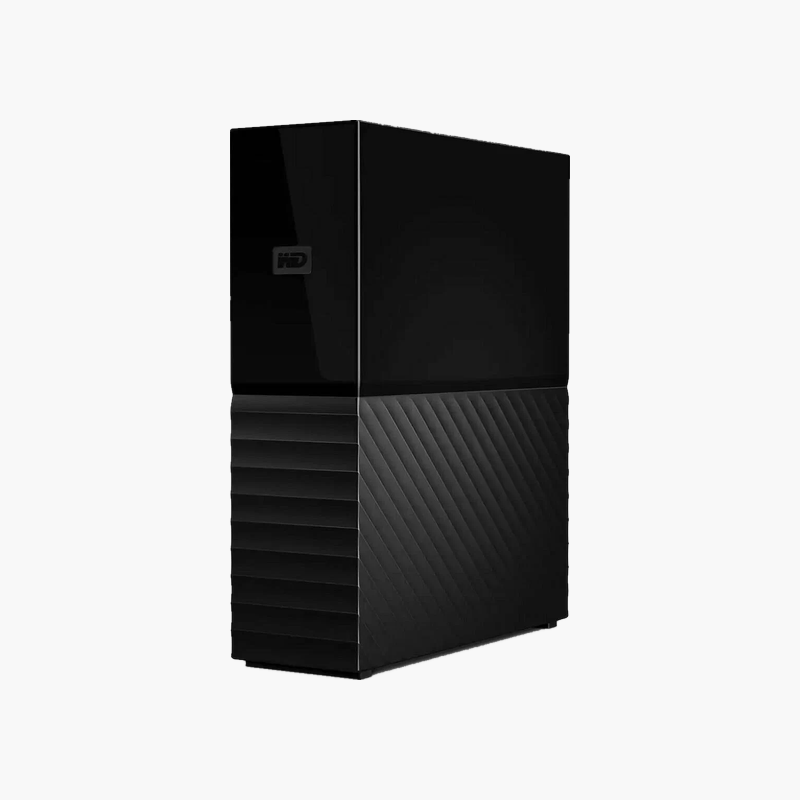
WD Elements 20TB Desktop External Hard Drive (WDBWLG0200HBK-NESN) — USB 3.2 Gen 1
WD Elements 20TB Desktop External Hard Drive (WDBWLG0200HBK-NESN) — USB 3.2 Gen 1 Price on RequestRequest a quote for volume pricing, availability and lead time.
Back to products
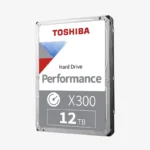
Toshiba X300 12TB Performance Hard Drive (HDWR51CXZSTA) — 7200 RPM CMR for Gaming & Creative PCs
Toshiba X300 12TB Performance Hard Drive (HDWR51CXZSTA) — 7200 RPM CMR for Gaming & Creative PCs Price on RequestRequest a quote for volume pricing, availability and lead time.

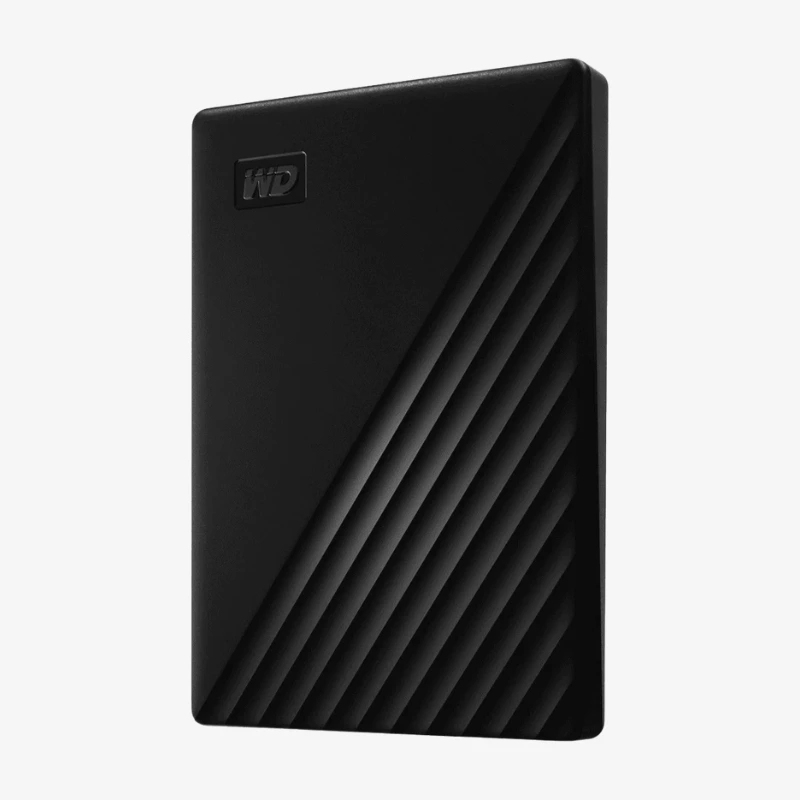
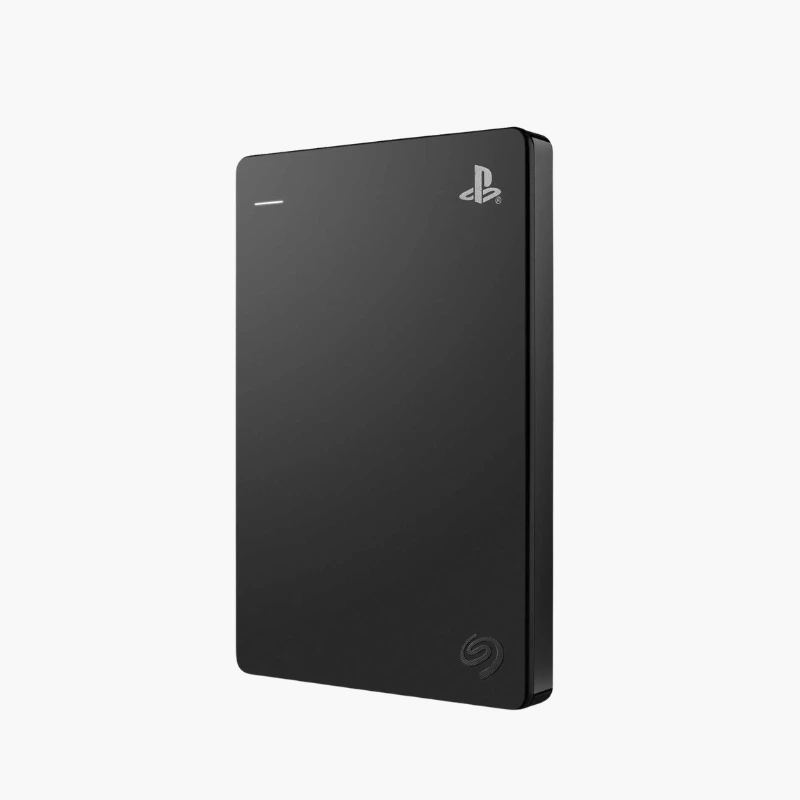
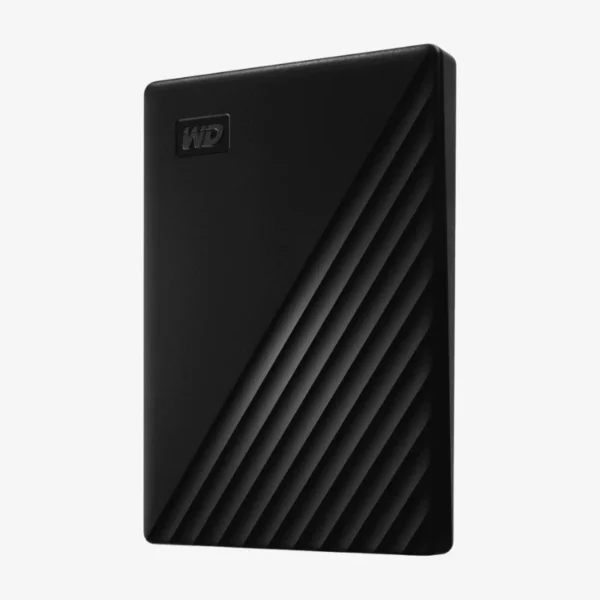
WD My Passport 2TB Portable External Hard Drive (WDBAYN0020BBK-WESN) — USB 3.2 Gen 1, Black

SKU: WDBAYN0020BBK-WESN
  • 30-Day Hassle Free Returns
  • Secure Payment Options

Price on RequestRequest a quote for volume pricing, availability and lead time.

Key Value Highlights

  • 256-bit AES hardware encryption – Password protection with on-drive encryption helps keep files private if the drive is lost.
  • 2TB portable capacity – Room for photo libraries, documents, and full laptop backups in a slim design.
  • USB 3.2 Gen 1 interface – Transfers up to 5Gb/s, backward compatible with USB 2.0 ports.
  • Automatic backup software – Set a schedule and back up files from your computer without manual copying.
  • USB bus-powered – No power adapter needed; one cable for data and power.

Description

Secure, portable storage with password protection and automatic backup.

The WD My Passport 2TB (WDBAYN0020BBK-WESN) is a slim USB 3.2 Gen 1 portable external hard drive with 256-bit AES hardware encryption and password protection. It is built for students, professionals, and home users who want 2TB of secure, portable backup storage that works right out of the box.

How the WD My Passport 2TB Protects Your Files On the Go

Portable drives are easy to lose, and an unprotected drive exposes everything on it. At the same time, many people skip backups because copying files by hand is tedious.

The WD My Passport 2TB addresses both problems. Built-in 256-bit AES hardware encryption with password protection keeps data locked if the drive goes missing, and Western Digital’s backup software can run scheduled backups automatically.

It connects with one USB cable for power and data, works with USB 3.2 Gen 1 and USB 2.0 ports, and fits easily in a laptop bag or pocket.

Hardware Encryption and Password Protection

Encryption runs on the drive itself, so it does not slow your computer. Once you set a password, the drive cannot be read without it, adding a layer of protection for personal and work files.

Automatic, Scheduled Backups

Choose what to back up and how often, and the software handles it in the background. It is a simple way to keep a current copy of your important files without remembering to do it manually.

How It Works / Setup Instructions

How to Set Up the WD My Passport 2TB

  1. Connect the drive to your computer’s USB port using the included cable.
  2. Wait for the drive to appear in File Explorer (Windows) or Finder (macOS).
  3. Install Western Digital’s software to set a password and turn on hardware encryption.
  4. Drag and drop files, or set up scheduled backups so your copy stays current.

Overview

Weight2 lbs
Dimensions5 × 5 × 5 in
Model NumberWDBAYN0020BBK-WESN
Product LineWD My Passport
Capacity2TB
Drive TypePortable External Hard Drive (HDD)
Form FactorPortable (2.5-inch drive inside)
InterfaceUSB 3.2 Gen 1, up to 5Gb/s
Backward CompatibilityUSB 2.0
PowerUSB bus-powered
Hardware Encryption256-bit AES
Password ProtectionYes (via WD software)
Backup SoftwareWestern Digital backup software (download)
OS CompatibilityWindows; macOS may require reformatting
ColorBlack
ConditionBrand New
In the Box1x WD My Passport 2TB drive, 1x USB cable

Frequently Asked Questions

Find answers to common questions about this product.

Customer Reviews

Reviews

There are no reviews yet.

Be the first to review “WD My Passport 2TB Portable External Hard Drive (WDBAYN0020BBK-WESN) — USB 3.2 Gen 1, Black”

Your email address will not be published. Required fields are marked *