PCIe Gen5 storage that roughly doubles what the fastest Gen4 drives can do.
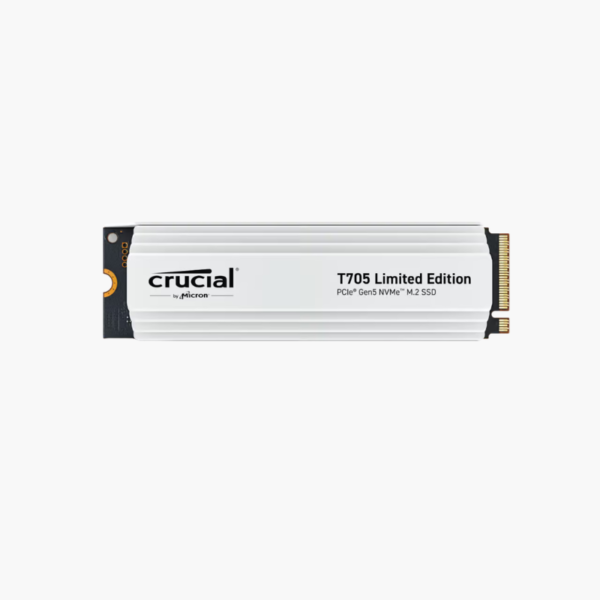
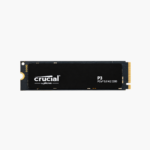
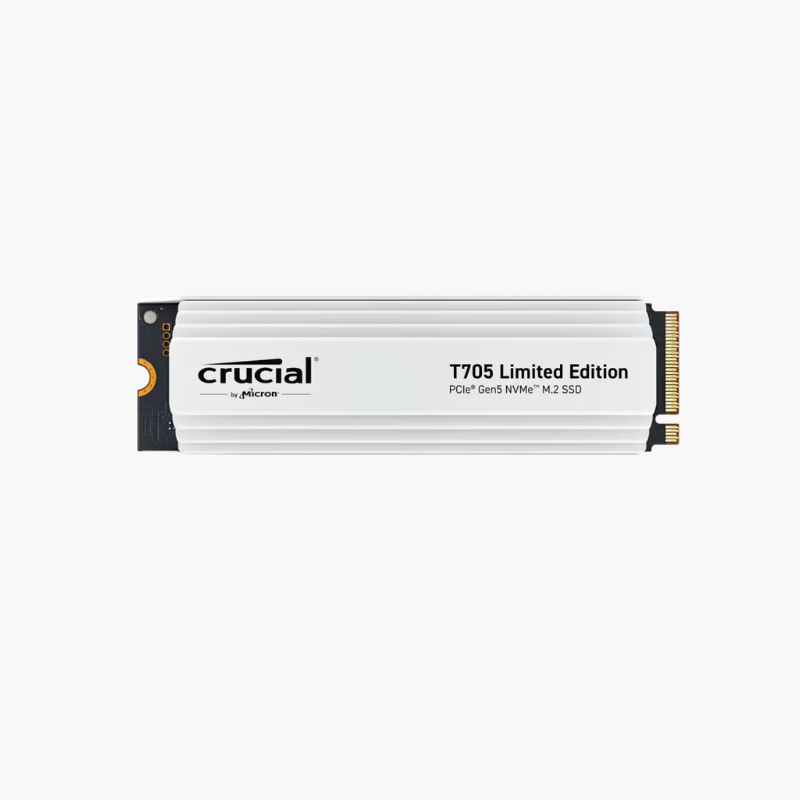
The Crucial T705 2TB is a PCIe Gen5 x4 NVMe M.2 2280 SSD for high-end gaming PCs and workstations. Built with a Phison E26 controller, DRAM cache and Micron 232-layer TLC NAND, it reads at up to 14,500MB/s and writes at up to 12,700MB/s, accelerating AI, 8K video and massive game installs.
When Gen4 Storage Becomes the Bottleneck
Professionals working with 8K footage, large AI datasets or massive 3D scenes move tens or hundreds of gigabytes at a time. Even top Gen4 drives cap out around 7,400MB/s, which leaves modern Gen5 platforms waiting on storage.
The T705 uses PCIe Gen5’s doubled bandwidth to reach up to 14,500MB/s reads. Projects open faster, datasets load sooner and large exports complete in a fraction of the time.
Extreme Speed for Demanding Workloads
With up to 14,500MB/s reads and 12,700MB/s writes, the T705 speeds up AI model loading, 8K editing, large compiles and DirectStorage games.
Cooling Matters at Gen5 Speeds
This model (SSD3) ships without a heatsink, so install it under a motherboard M.2 heatsink with a thermal pad to sustain peak performance during long transfers.
Setup Instructions
How to Install the Crucial T705 2TB
- Update the motherboard BIOS, shut down and unplug the PC.
- Remove the heatsink from a PCIe Gen5 M.2 slot (usually closest to the CPU).
- Insert and secure the SSD, then reinstall the motherboard heatsink with its thermal pad.
- Boot, confirm a Gen5 x4 link in BIOS or Crucial Storage Executive, and initialize the drive.