Dell 32GB DDR4-2666 ECC Registered RDIMM Server Memory (A9781929) – 2Rx4, 288-Pin
Dell 32GB DDR4-2666 ECC Registered RDIMM Server Memory (A9781929) – 2Rx4, 288-Pin Price on RequestRequest a quote for volume pricing, availability and lead time.
Back to products
Dell 16GB (2x8GB) DDR4-3200 SODIMM Laptop RAM Kit (AA937596) – Dual Channel
Dell 16GB (2x8GB) DDR4-3200 SODIMM Laptop RAM Kit (AA937596) – Dual Channel Price on RequestRequest a quote for volume pricing, availability and lead time.

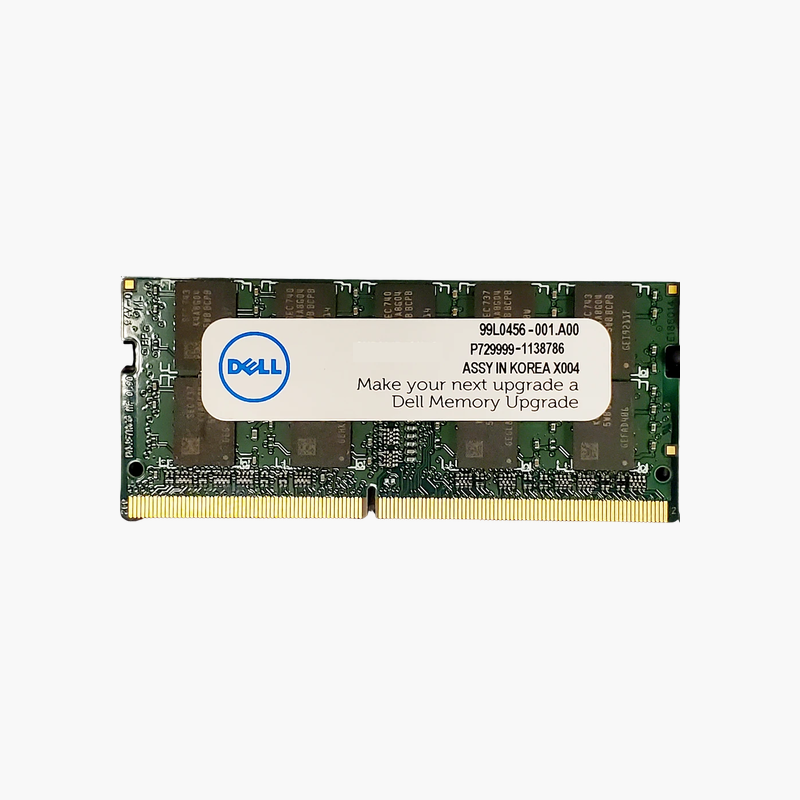
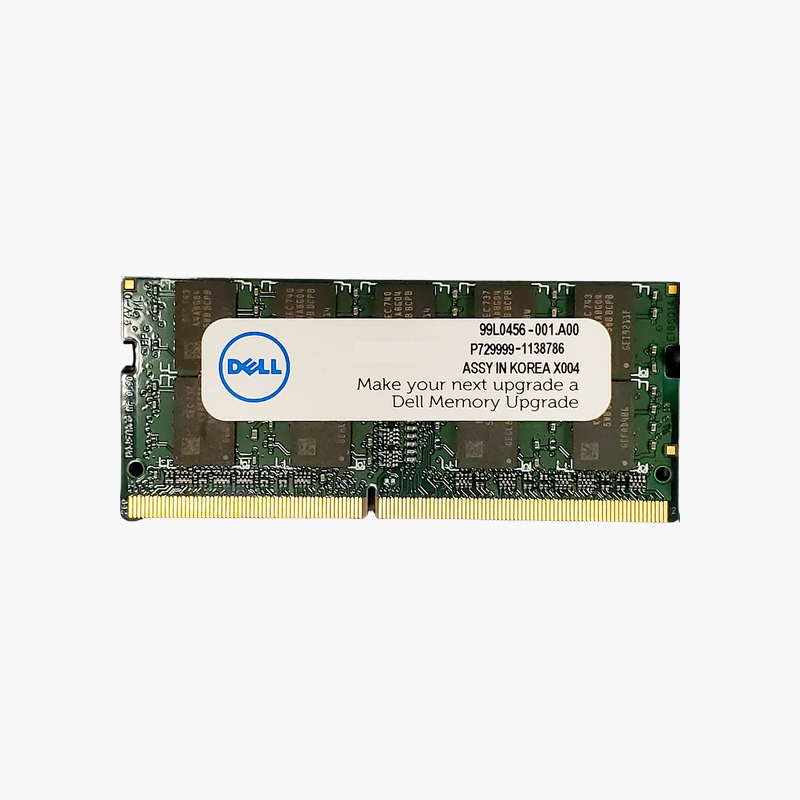
Dell 8GB DDR4-2133 SODIMM Laptop Memory (SNPH8PGNC/8G) – 260-Pin, 1.2V

SKU: SNPH8PGNC/8G
  • 30-Day Hassle Free Returns
  • Secure Payment Options

Price on RequestRequest a quote for volume pricing, availability and lead time.

Key Value Highlights

  • Dell part SNPH8PGNC/8G – The Dell-listed 8GB module for many first-generation DDR4 laptops.
  • DDR4-2133 SODIMM – Native speed for Intel 6th Gen (Skylake) Dell notebooks.
  • 1.2V, 260-pin – Standard DDR4 laptop format with low heat output.
  • Repair or upgrade – Replace a failed module or add a second for 16GB dual channel.

Description

Keep Skylake-era Dell laptops running with the right 8GB DDR4 module.

The Dell SNPH8PGNC/8G is an 8GB DDR4-2133 SODIMM for Dell laptops and compact systems from the first DDR4 generation, including many Latitude, Precision, and Inspiron models with Intel 6th Gen processors. It is ideal for repairs and for bringing older units to 16GB.

Practical Upgrades for First-Generation DDR4 Laptops

Dell laptops built around Intel 6th Gen processors run DDR4 at 2133 MT/s. Many still serve as reliable office machines but struggle with 4GB or 8GB of memory under current software.

Adding this 8GB module to an existing 8GB stick brings the system to 16GB in dual channel, a meaningful improvement for browser-based work and office applications.

Because it matches the platform’s native speed and Dell’s listed part number, it avoids the compatibility checks needed with faster third-party modules.

Ideal for Refurbishers and IT Spares

Refurbishers and IT departments maintaining older Dell fleets can use one part number to repair or upgrade units consistently.

Runs Cool at Standard Voltage

At 1.2V, DDR4 uses less power than the DDR3L it replaced, helping battery life and keeping laptop temperatures down.

How to Install Dell Laptop Memory

  1. Shut down the system, unplug the charger, and disconnect the battery if the service manual recommends it.
  2. Remove the bottom cover or memory access panel and locate the SODIMM slots.
  3. Insert the module at an angle with the notch aligned, then press it down until the retaining clips lock.
  4. Reassemble, power on, and confirm the new capacity and speed in BIOS or Windows Task Manager.

Overview

BrandDell
Model NumberSNPH8PGNC/8G
Capacity8GB (1 x 8GB)
Memory TypeDDR4 SDRAM
Speed2133 MT/s (PC4-17000)
CAS LatencyCL15
Voltage1.2V
Module TypeSODIMM
Pin Count260-pin
RankSingle rank
Error CheckingNon-ECC, unbuffered
CompatibilityDell laptops and compact desktops with DDR4 SODIMM slots
Use CaseLaptop repair and upgrades
ConditionBrand New
In the Box1 x 8GB DDR4 SODIMM module

Frequently Asked Questions

Find answers to common questions about this product.

Customer Reviews

Reviews

There are no reviews yet.

Be the first to review “Dell 8GB DDR4-2133 SODIMM Laptop Memory (SNPH8PGNC/8G) – 260-Pin, 1.2V”

Your email address will not be published. Required fields are marked *