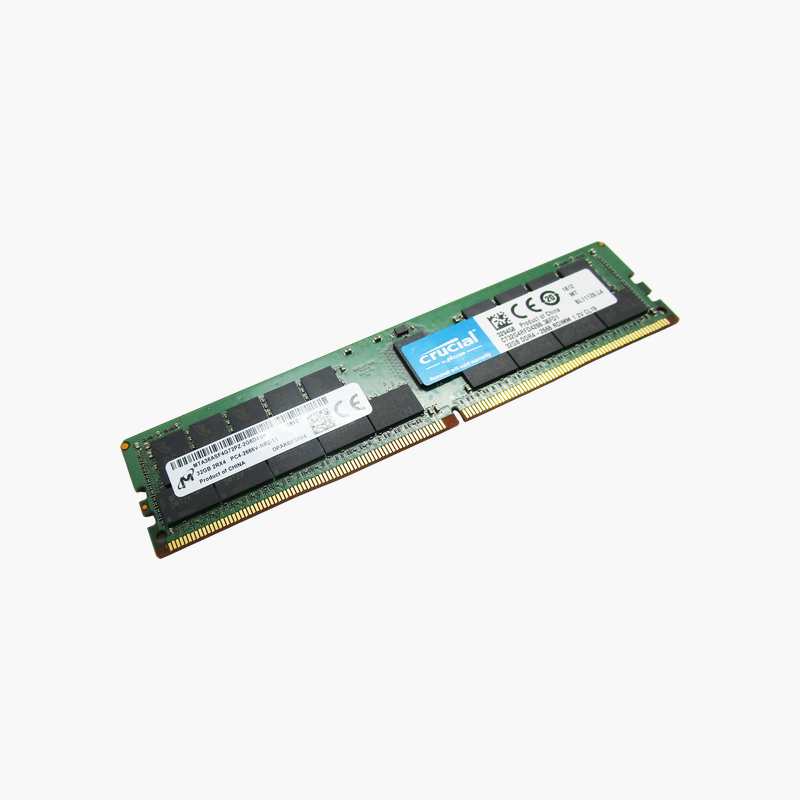
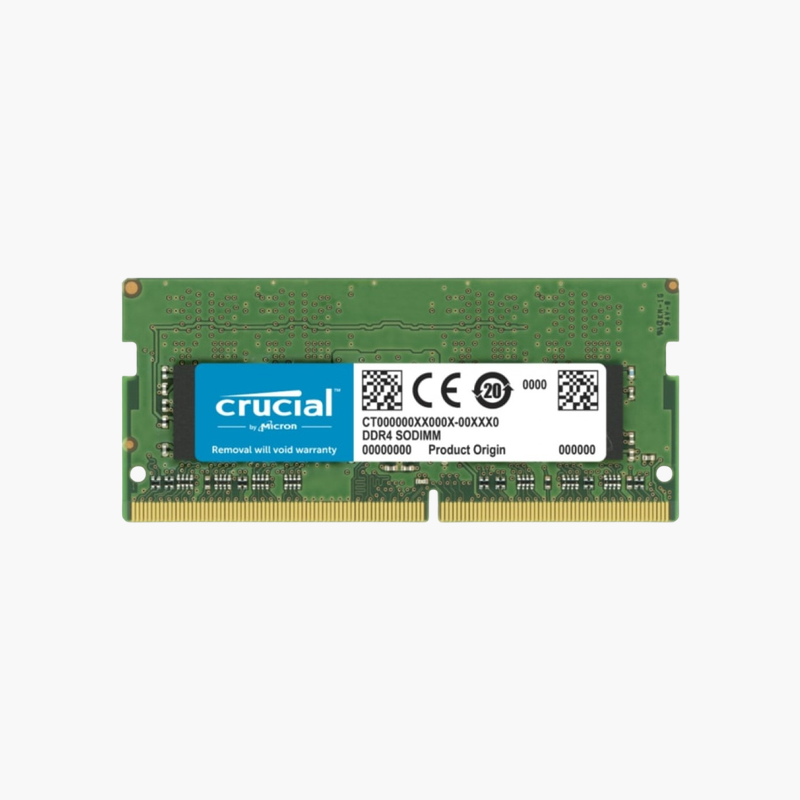
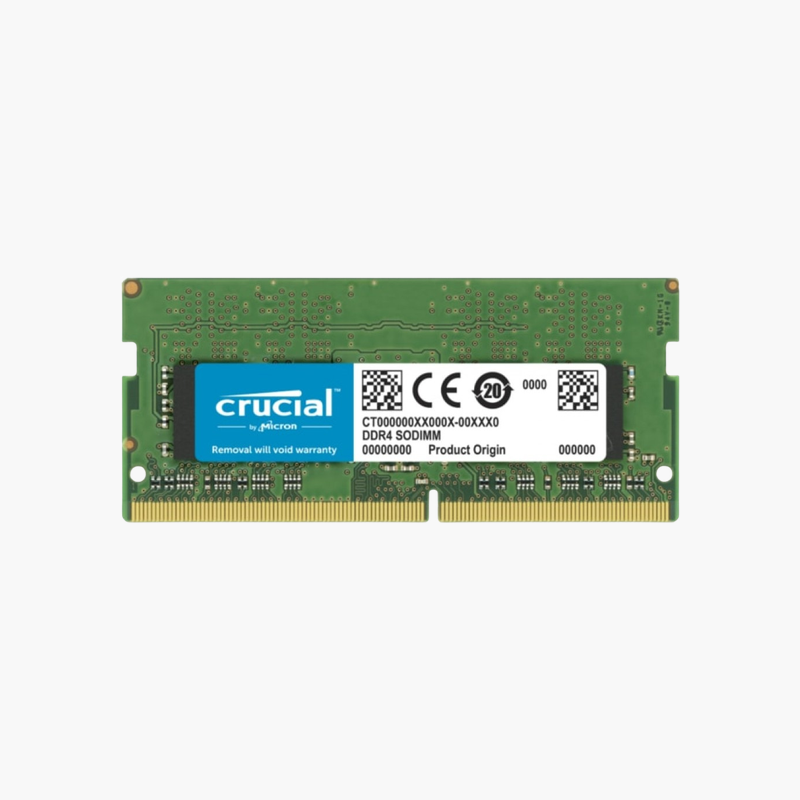
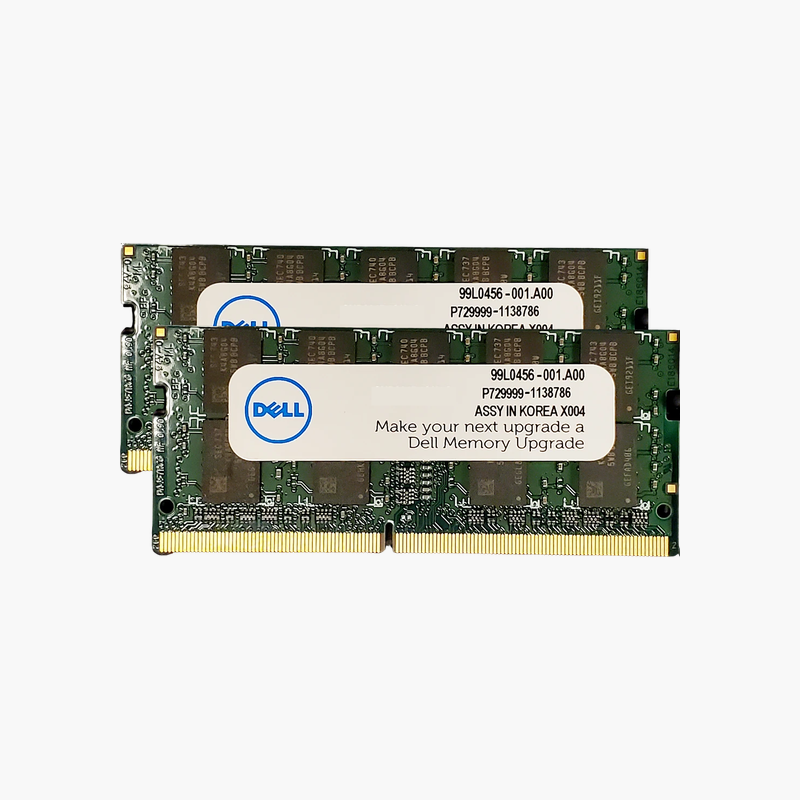
Crucial 16GB DDR4-2400 SODIMM Laptop RAM (CT16G4SFD824A) – CL17, 1.2V
Crucial 16GB DDR4-2400 SODIMM Laptop RAM (CT16G4SFD824A) – CL17, 1.2V Price on RequestRequest a quote for volume pricing, availability and lead time.
Back to products
Crucial 16GB DDR5-4800 SODIMM Laptop RAM (CT16G48C40S5) – CL40, 262-Pin
Crucial 16GB DDR5-4800 SODIMM Laptop RAM (CT16G48C40S5) – CL40, 262-Pin Price on RequestRequest a quote for volume pricing, availability and lead time.

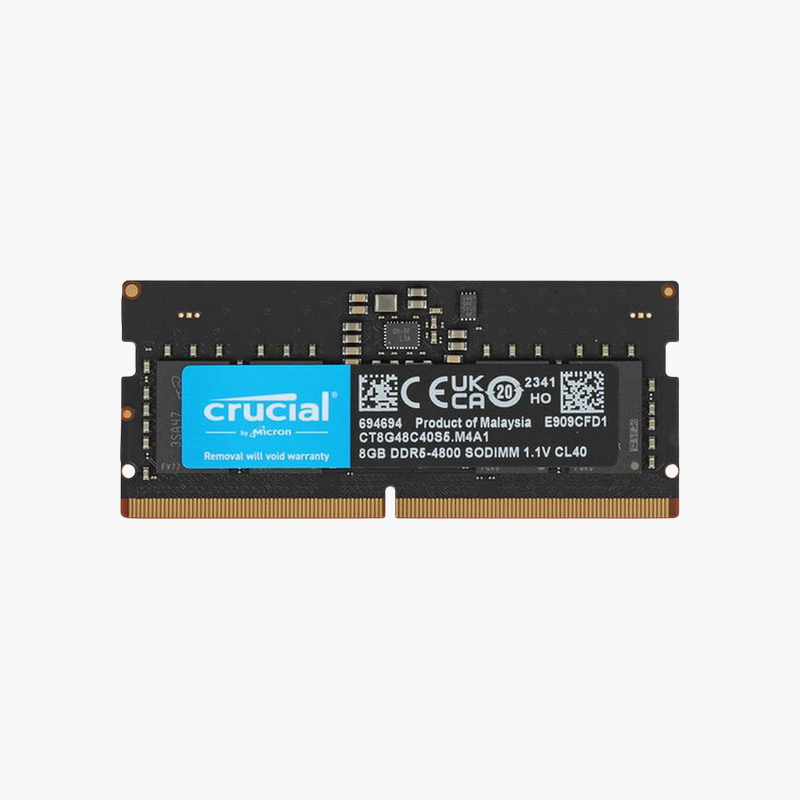
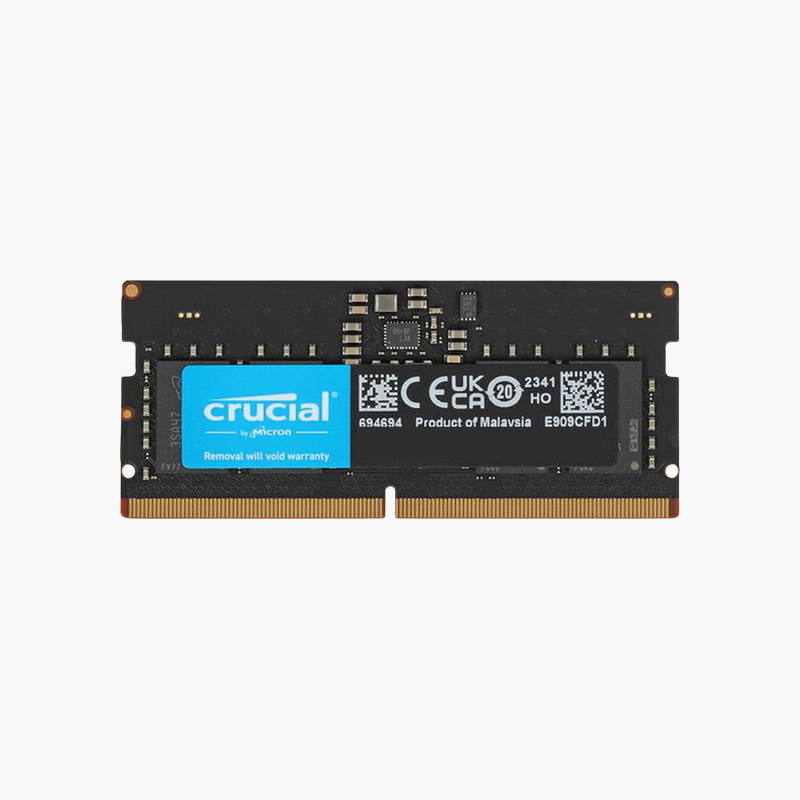
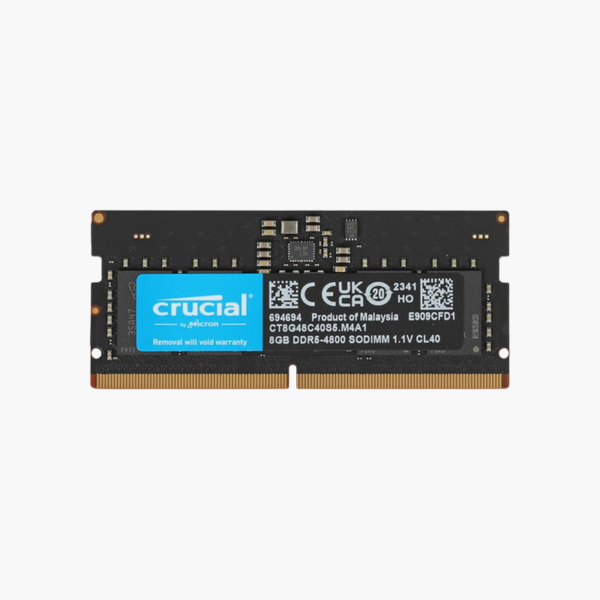
Crucial 8GB DDR5-4800 SODIMM Laptop RAM (CT8G48C40S5) – CL40, 262-Pin

SKU: CT8G48C40S5
  • 30-Day Hassle Free Returns
  • Secure Payment Options

Price on RequestRequest a quote for volume pricing, availability and lead time.

Key Value Highlights

  • 8GB DDR5-4800 SODIMM – Turns a single 8GB DDR5 configuration into 16GB dual channel.
  • 1.1V with on-module PMIC – Lower voltage and cleaner power delivery than DDR4.
  • CL40 JEDEC timings – Plug-and-play operation with no BIOS tuning.
  • 262-pin DDR5 SODIMM – Fits Intel 12th Gen+ and AMD Ryzen 6000+ laptops and mini PCs.

Description

Add 8GB of DDR5 and unlock dual-channel performance in a newer laptop.

The Crucial CT8G48C40S5 is an 8GB DDR5-4800 SODIMM for laptops and mini PCs built on Intel 12th Gen or newer and AMD Ryzen 6000 or newer platforms. It is ideal for adding a second module to an 8GB single-stick system, enabling dual-channel bandwidth at a low 1.1V.

Why DDR5 Laptops Need Two Modules

Many DDR5 laptops ship with one 8GB module to cut cost. Each DDR5 module has two independent 32-bit subchannels, but a single stick still leaves half of the laptop’s memory channels empty.

Adding this 8GB module brings the system to 16GB in dual channel. That doubles available bandwidth, which directly improves Intel Iris Xe and AMD Radeon integrated graphics and reduces stutter when many apps are open.

DDR5 runs at 1.1V, lower than DDR4’s 1.2V, and each module carries its own power management IC for cleaner voltage regulation.

DDR5 Efficiency for Thin Laptops

The lower operating voltage and on-module power regulation help reduce heat in thin chassis, while on-die ECC corrects internal DRAM bit errors as part of the DDR5 standard.

Backward Speed Support

On platforms that run DDR5 at different speeds, the module runs at the highest speed both the laptop and the module support.

How to Install the Crucial 8GB DDR5 SODIMM

  1. Turn off the laptop, unplug the charger, and disconnect the internal battery if your service manual recommends it.
  2. Remove the bottom cover and locate the DDR5 SODIMM slots; release any existing module by spreading the clips.
  3. Insert the module at an angle with the notch aligned, then press down until it locks.
  4. Power on. The first DDR5 boot can take longer while the system trains memory; then confirm capacity and speed in BIOS or Task Manager.

Overview

BrandCrucial
Model NumberCT8G48C40S5
Capacity8GB (1 x 8GB)
Memory TypeDDR5 SDRAM
Speed4800 MT/s (PC5-38400)
CAS LatencyCL40
Voltage1.1V
Module TypeSODIMM
Pin Count262-pin
RankSingle rank (1Rx16)
Error CheckingNon-ECC (with DDR5 on-die ECC)
Power ManagementOn-module PMIC
CompatibilityIntel 12th Gen+ and AMD Ryzen 6000+ laptops and mini PCs
ConditionBrand New
In the Box1 x 8GB DDR5 SODIMM module

Frequently Asked Questions

Find answers to common questions about this product.

Customer Reviews