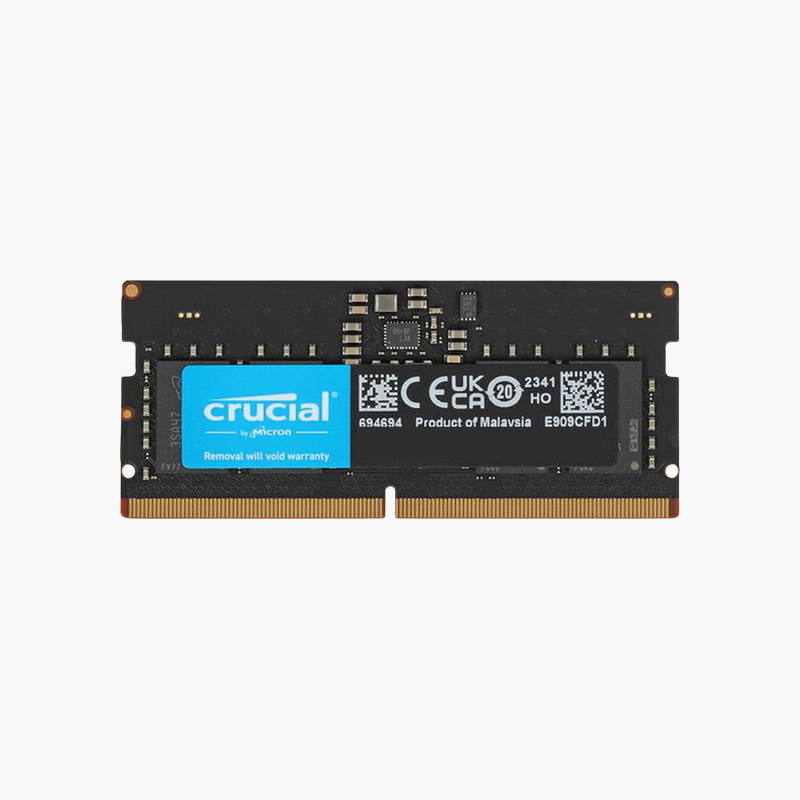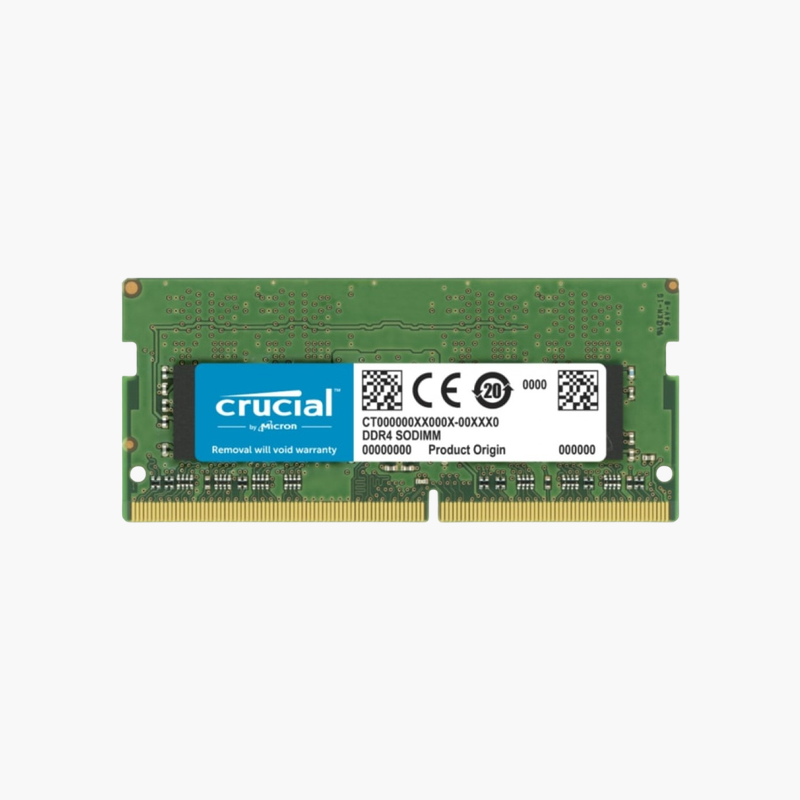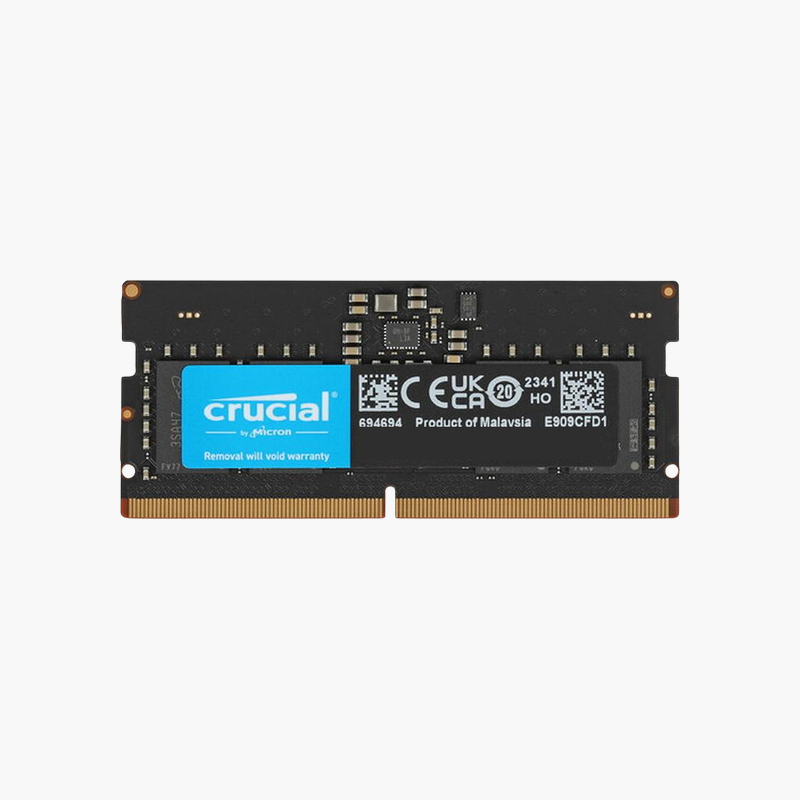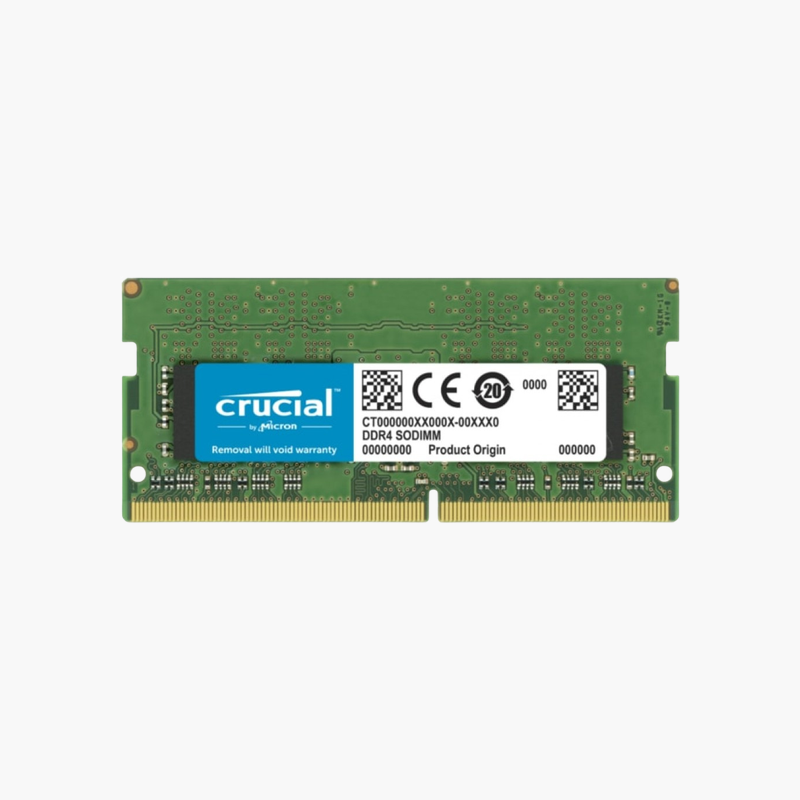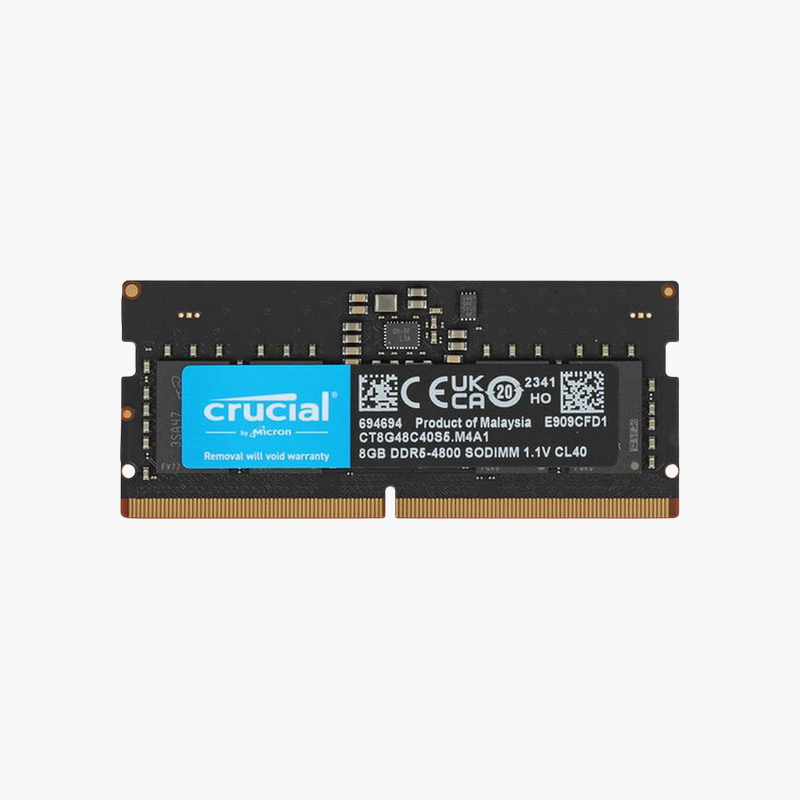
Dell 32GB DDR4-3466 SuperSpeed SODIMM Memory (AB742087) – 2Rx8 for Precision Mobile Workstations
Dell 32GB DDR4-3466 SuperSpeed SODIMM Memory (AB742087) – 2Rx8 for Precision Mobile Workstations Price on RequestRequest a quote for volume pricing, availability and lead time.
Back to products
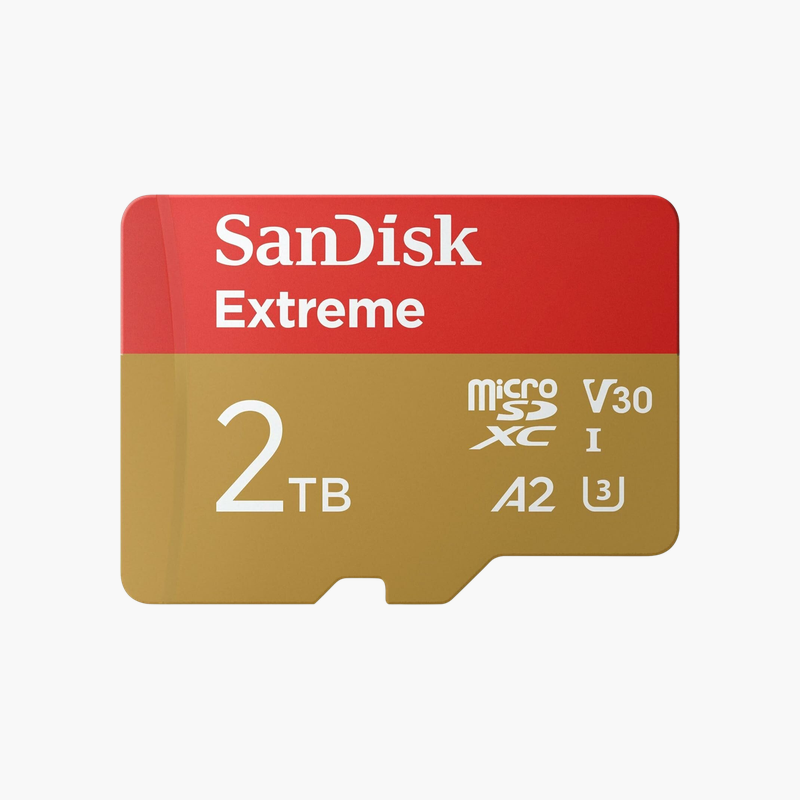
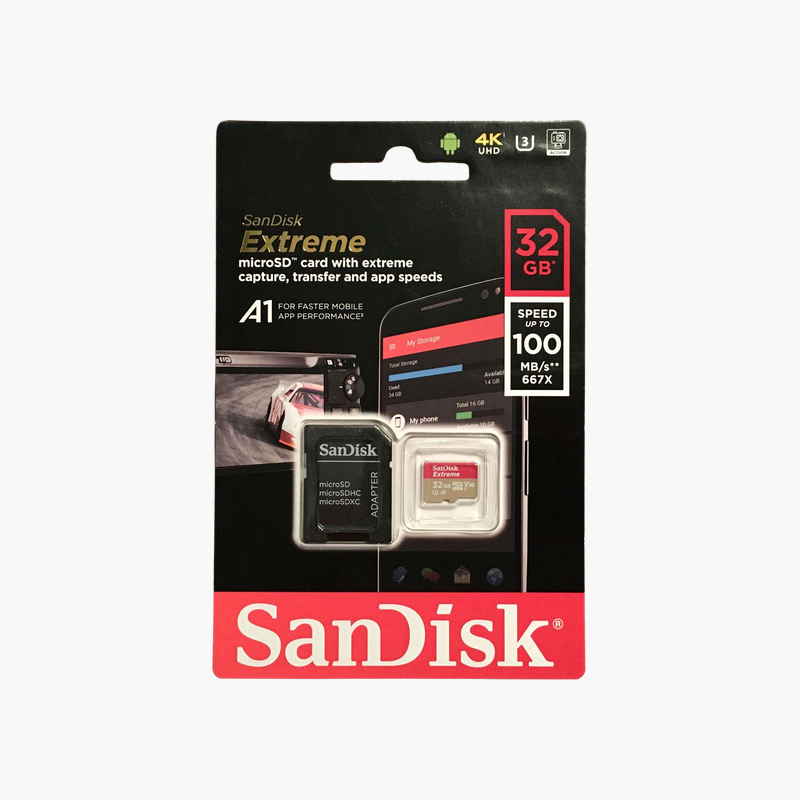
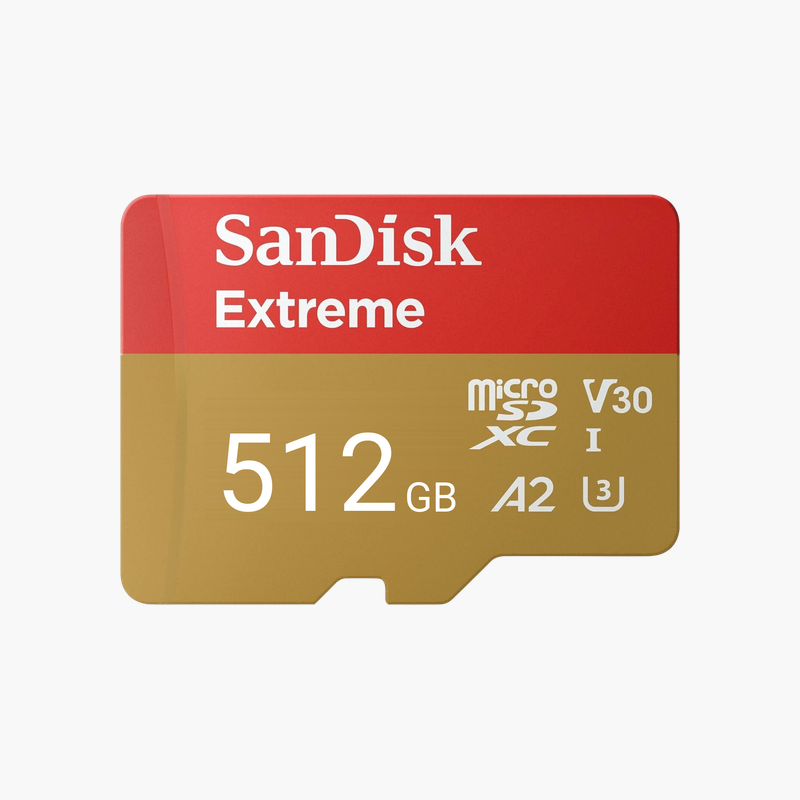
SanDisk Extreme 2TB microSDXC UHS-I Card (SDSQXAV-2T00-GN6MA) – A2, U3, V30, 4K Video
SanDisk Extreme 2TB microSDXC UHS-I Card (SDSQXAV-2T00-GN6MA) – A2, U3, V30, 4K Video Price on RequestRequest a quote for volume pricing, availability and lead time.

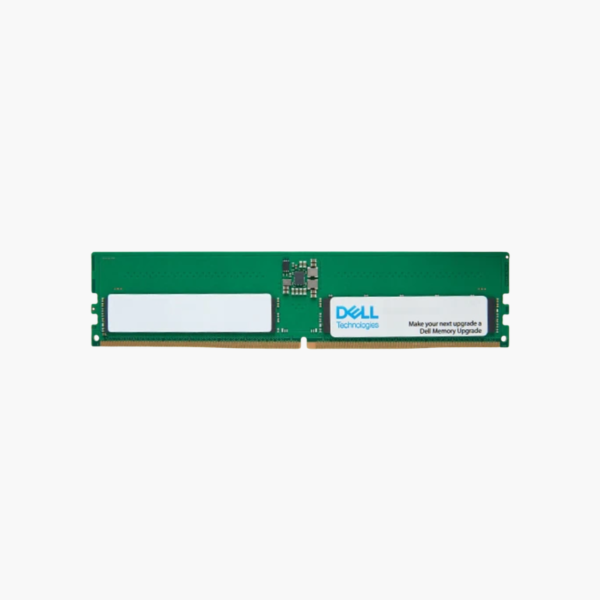
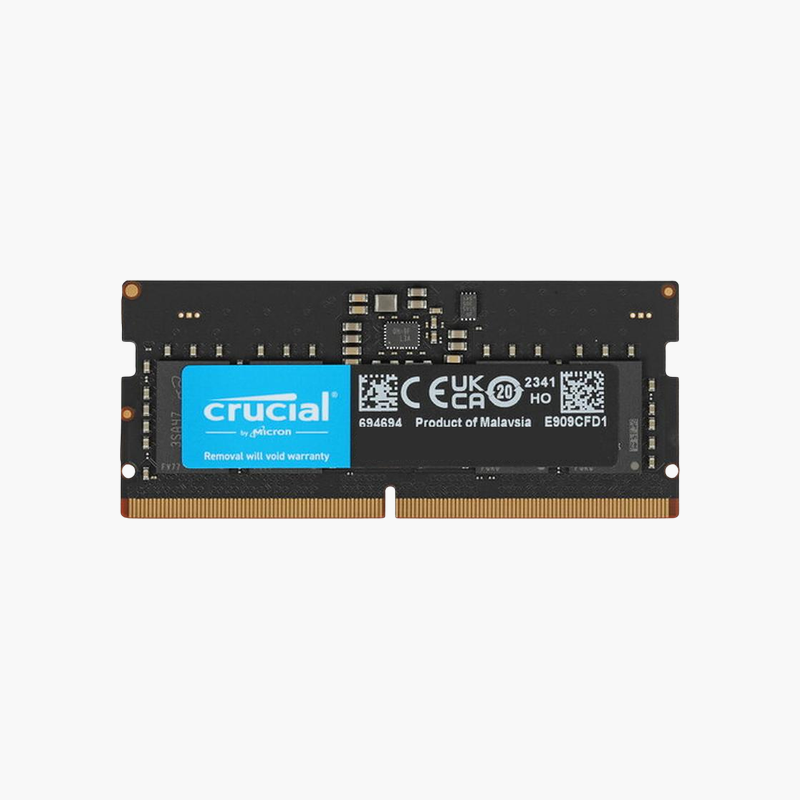
Dell 8GB DDR5-5600 UDIMM Desktop Memory (SNPGDGT0C/8G, AC774045) – 1Rx16, CL46

SKU: SNPGDGT0C/8G
  • 30-Day Hassle Free Returns
  • Secure Payment Options

Price on RequestRequest a quote for volume pricing, availability and lead time.

Key Value Highlights

  • Dell part AC774045 / SNPGDGT0C/8G – Dell-listed DDR5 module for current Dell desktops.
  • 8GB DDR5-5600 UDIMM – Adds a second channel to single-module DDR5 desktops.
  • 1.1V with on-module PMIC – DDR5 power regulation on the stick for clean, efficient operation.
  • 288-pin DDR5 desktop format – Fits DDR5 UDIMM slots; not compatible with DDR4 or laptops.

Description

Turn a single-stick Dell DDR5 desktop into a dual-channel system.

The Dell AC774045 (SNPGDGT0C/8G) is an 8GB DDR5-5600 UDIMM for Dell desktops such as OptiPlex tower and SFF, Precision tower, and XPS systems. Adding it to an existing 8GB module enables dual-channel memory, improving office multitasking and integrated graphics performance in business deployments.

Single-Module Desktops Leave Bandwidth Unused

Many entry configurations of DDR5 Dell desktops ship with one 8GB module. That leaves only one memory channel active and limits total memory to 8GB, which Windows 11 and modern browsers fill quickly.

Installing this module alongside the original gives 16GB in dual channel. Bandwidth doubles, which helps integrated Intel graphics drive multiple monitors and keeps apps responsive.

The module runs at up to 5600 MT/s at 1.1V and automatically matches the speed your Dell desktop supports.

Dell-Listed Part for Managed Fleets

Using the Dell part number keeps desktops aligned with Dell’s configuration documentation and simplifies ordering across sites.

DDR5 Efficiency

On-module power management and on-die ECC are part of the DDR5 standard, supporting stable operation at higher speeds than DDR4.

How to Install Dell DDR5 Desktop Memory

  1. Shut down the desktop, unplug the power cable, and press the power button to discharge residual power.
  2. Remove the side panel or cover and locate the memory slots; check the Owner’s Manual for the slot to use for dual channel.
  3. Align the notch and press the module firmly until the latches close.
  4. Close the case, power on, and allow extra time on first boot for DDR5 memory training, then confirm 16GB in BIOS or Task Manager.

Overview

BrandDell
Model NumberAC774045 (SNPGDGT0C/8G)
Capacity8GB (1 x 8GB)
Memory TypeDDR5 SDRAM
Speed5600 MT/s (PC5-44800)
CAS LatencyCL46
Voltage1.1V
Module TypeUDIMM (Unbuffered DIMM)
Pin Count288-pin
RankSingle rank (1Rx16)
Error CheckingNon-ECC (with DDR5 on-die ECC)
CompatibilityDell OptiPlex, Precision, Inspiron, and XPS desktops with DDR5 UDIMM slots
Power ManagementOn-module PMIC
ConditionBrand New
In the Box1 x 8GB DDR5 UDIMM module

Frequently Asked Questions

Find answers to common questions about this product.

Customer Reviews

Reviews

There are no reviews yet.

Be the first to review “Dell 8GB DDR5-5600 UDIMM Desktop Memory (SNPGDGT0C/8G, AC774045) – 1Rx16, CL46”

Your email address will not be published. Required fields are marked *