















Clear, reliable Cisco voice calling for everyday office users.
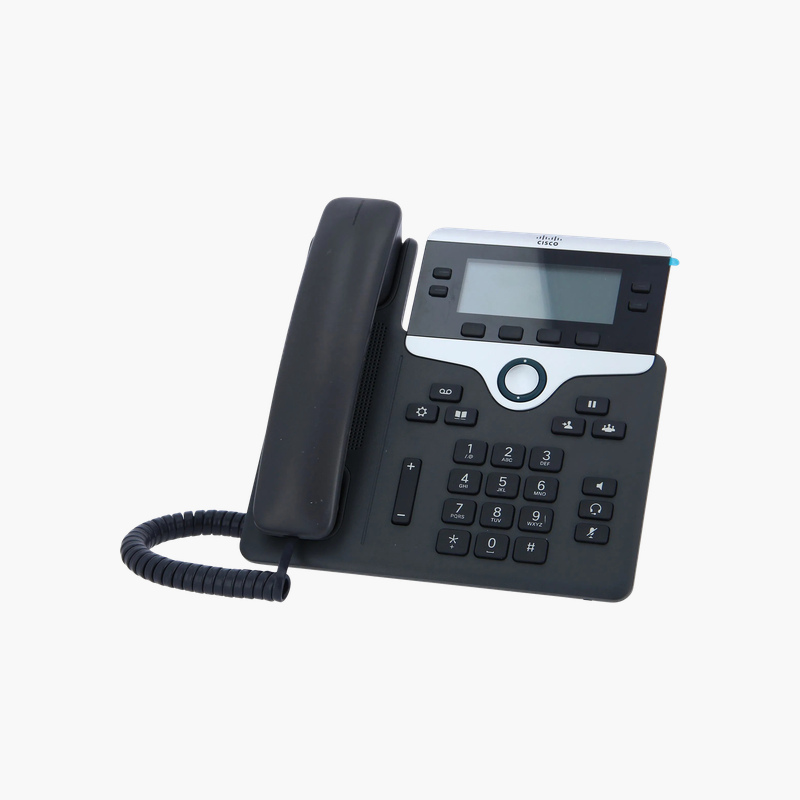
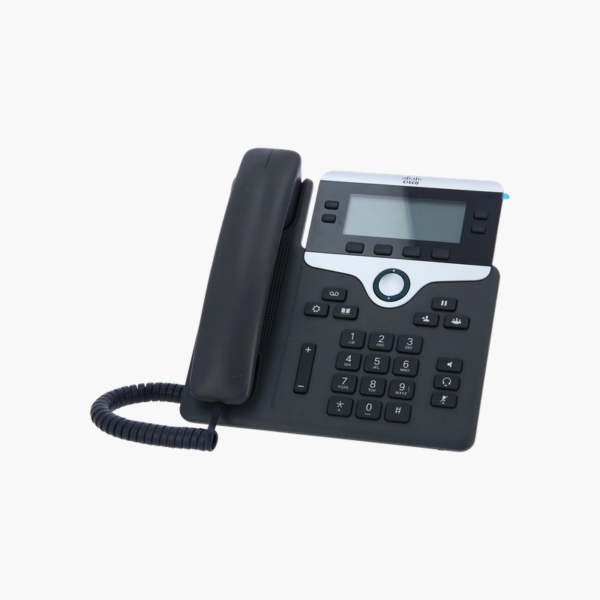
The Cisco IP Phone 7841 (CP-7841-K9) is a desk phone with a 3.5-inch backlit grayscale (396×81) display, 4 programmable line keys and a 2-port Gigabit Ethernet switch with PoE. It runs Cisco Enterprise firmware and suits everyday office users. Wideband audio and a full-duplex speakerphone keep conversations clear.
Why Businesses Replace Analog and Softphone-Only Setups with Cisco IP Phones
Analog phones need separate cabling and lack modern features, while softphones depend on headset quality and computer performance. Teams that take many calls need a dedicated device that is always ready and sounds clear.
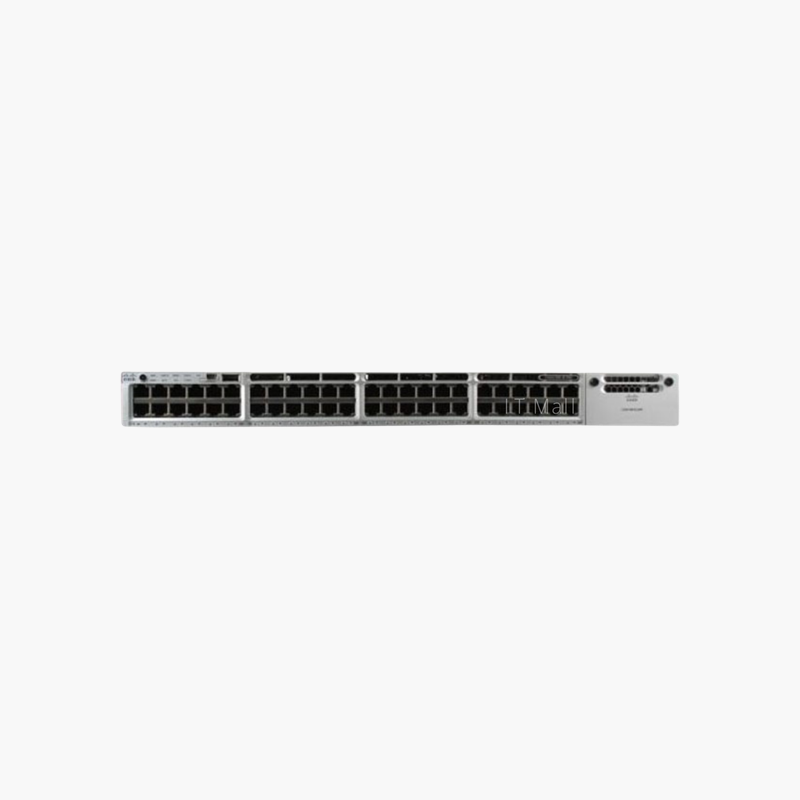
The 7841 connects over the same Ethernet network as your computers and can be powered by PoE, so one cable carries voice, data and power. Its built-in switch lets a PC connect through the phone, saving switch ports and cabling.
It runs Cisco Enterprise firmware for Cisco call control such as Cisco Unified Communications Manager (CUCM), with consistent features across the Cisco phone portfolio.
Display and Line Management
The 3.5-inch backlit grayscale (396×81) display shows caller details, call status and menus, and 4 programmable line keys give quick access to lines, shared lines and speed dials.
Network and Power Efficiency
2-port Gigabit Ethernet switch, PoE keeps desk cabling simple. PoE support means the phone can be powered by a PoE switch, so no separate power adapter is needed at the desk.
How to Set Up the Cisco IP Phone 7841
- Connect the phone’s network port to a PoE switch port (or use the optional power supply), and connect your PC to the phone’s PC port.
- Attach the handset and stand, then wait for the phone to start and obtain an IP address.
- Register the phone with your call control system (for example CUCM) using its MAC address.
- Test inbound and outbound calls, set the ring tone and volume, and update firmware from the call control platform.













Reviews
There are no reviews yet.