Cisco’s flagship stackable access switch, built for security, scale and high-density PoE.
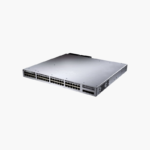
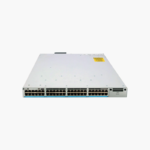
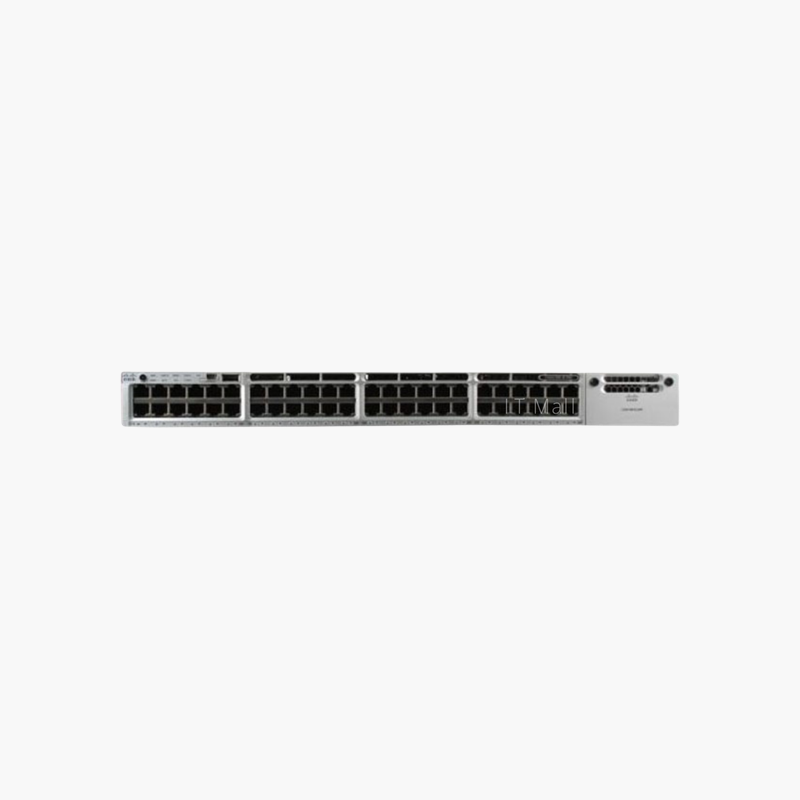
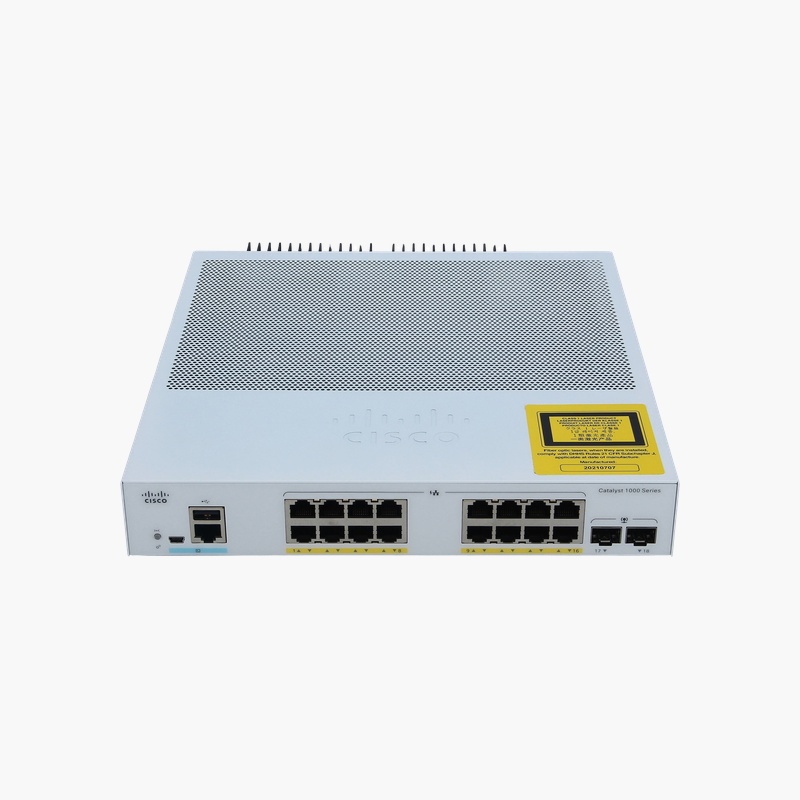
The Cisco C9300-48T-A is a 48-port Gigabit switch from the Cisco Catalyst 9300 Series, with a modular uplink slot. It runs Cisco IOS XE with the Network Advantage license, for enterprises, campuses and branches that need Layer 3 access switching with security and automation built in.
What the C9300-48T-A Solves in a Modern Access Network
Access switches now carry far more than desktop traffic: Wi-Fi 6 access points, IP phones, cameras and IoT devices all connect at the edge, and each one is a potential security gap. Older or entry-level switches struggle with that mix, offering limited segmentation, no programmability and little visibility into what is connected.
The C9300-48T-A runs Cisco IOS XE, the same operating system used across the Catalyst 9000 family, so policies, templates and automation tools stay consistent from branch to campus. With the Network Advantage license it provides everything in Network Essentials plus full OSPF, EIGRP, IS-IS, BGP, PIM multicast, VRF segmentation and higher scale, giving you Layer 3 capabilities at the access layer.
Security and resilience are built into the hardware: secure boot and trustworthy systems validate the software image at startup, 802.1X and MACsec-ready ports protect the edge, and dual field-replaceable power supply bays plus field-replaceable redundant fans keep the switch running if a component fails.
High-Performance Data Switching
With 256 Gbps of switching capacity and a 190.47 Mpps forwarding rate, the C9300-48T-A moves traffic from all 48 Gigabit ports and its uplinks at line rate. It supports 32,000 MAC addresses and 32,000 IPv4 routes, which suits busy office floors, labs and server-access roles where PoE is not needed.
Modular Uplinks and Stacking for Growth
The uplink slot accepts a field-replaceable network module, so you can start with 1G uplinks and move to 10G or multigigabit later without replacing the switch. StackWise-480 (480 Gbps) stacking connects up to eight switches into one logical unit, and StackPower shares power across the stack.
How to Set Up the Cisco C9300-48T-A
- Rack-mount the switch in a 19-inch rack, install the power supply (and a second supply if used for redundancy), and connect power.
- Install your chosen uplink network module, insert SFP or SFP+ optics, and connect the uplinks to the distribution or core switch.
- Connect through the console port or use the Day 0 WebUI to set the hostname, management IP, credentials and license level, then upgrade to the recommended Cisco IOS XE release.
- Configure VLANs, 802.1X, QoS and stacking, then onboard the switch into Cisco Catalyst Center or your management platform if you use one.



























Reviews
There are no reviews yet.