
















Upgrade Catalyst 3850 uplinks without replacing the switch.
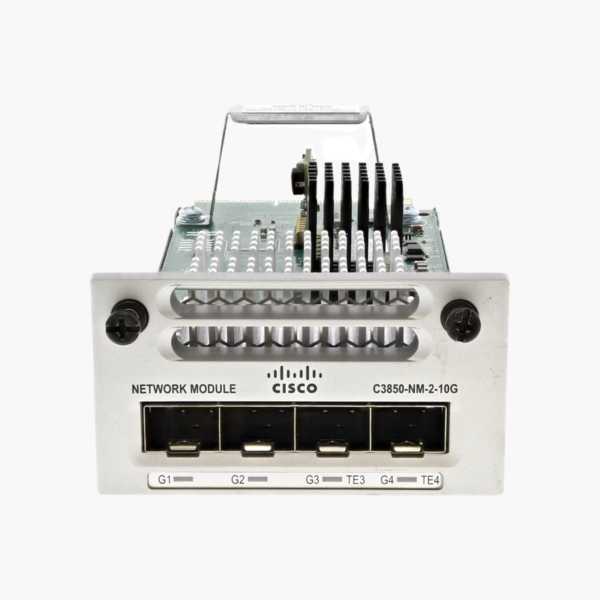
The Cisco C3850-NM-2-10G is a field-replaceable uplink network module for Catalyst 3850 switches, providing 4 SFP slots: 2 x 10G SFP+ + 2 x 1G SFP, or 4 x 1G SFP. It is used to move a Catalyst 3850 from 1G to 10G uplinks, giving network teams a simple way to change uplink speed and media as the network grows.
Why Modular Uplinks Protect Your Switch Investment
Fixed-uplink switches lock you into one uplink speed. When the core moves from 1G to 10G, or a new building needs a fiber link, the only option is often to replace the entire switch, along with its cabling and configuration work.
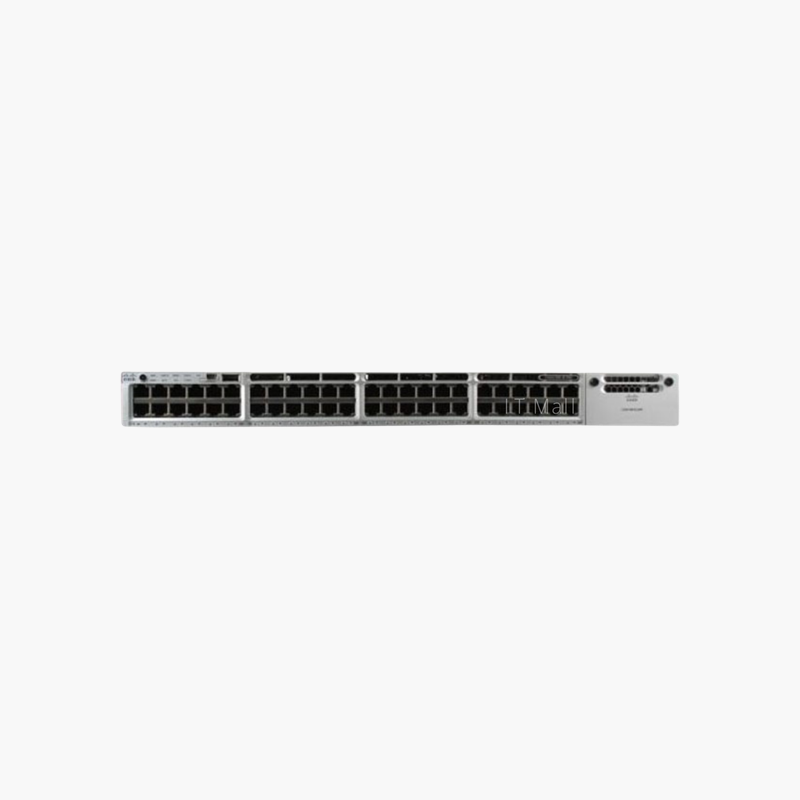
The C3850-NM-2-10G solves this by placing the uplink ports on a removable module. You choose the uplink type that fits today, then swap or upgrade the module later, while the access ports, PoE and configuration of the Catalyst 3850 stay in place.
Because the module is a genuine Cisco part designed for the Catalyst 3850 uplink slot, it is detected automatically and managed from the same CLI and management tools as the rest of the switch.
Flexible 10G and 1G Port Layout
The C3850-NM-2-10G provides 4 SFP slots: 2 x 10G SFP+ + 2 x 1G SFP, or 4 x 1G SFP. SFP+ ports accept 10GBASE-SR, LR and DAC cables, and also run at 1G with SFP modules for mixed environments.
Simple Installation and Upgrades
The module slides into the uplink slot at the front of the switch and can be inserted or removed while the switch is running. This keeps maintenance windows short and lets you stock a spare module instead of a spare switch.
How to Install the Cisco C3850-NM-2-10G
- Confirm your switch model and software release support the C3850-NM-2-10G (check the Cisco compatibility matrix).
- Remove the blank cover or existing module from the uplink slot and insert the C3850-NM-2-10G until it seats firmly, then tighten the captive screws.
- Insert the required SFP or SFP+ modules or cables and connect them to the upstream switch.
- Verify the module with “show inventory” and “show interfaces status”, then configure the uplinks as trunks or EtherChannel members.












Reviews
There are no reviews yet.