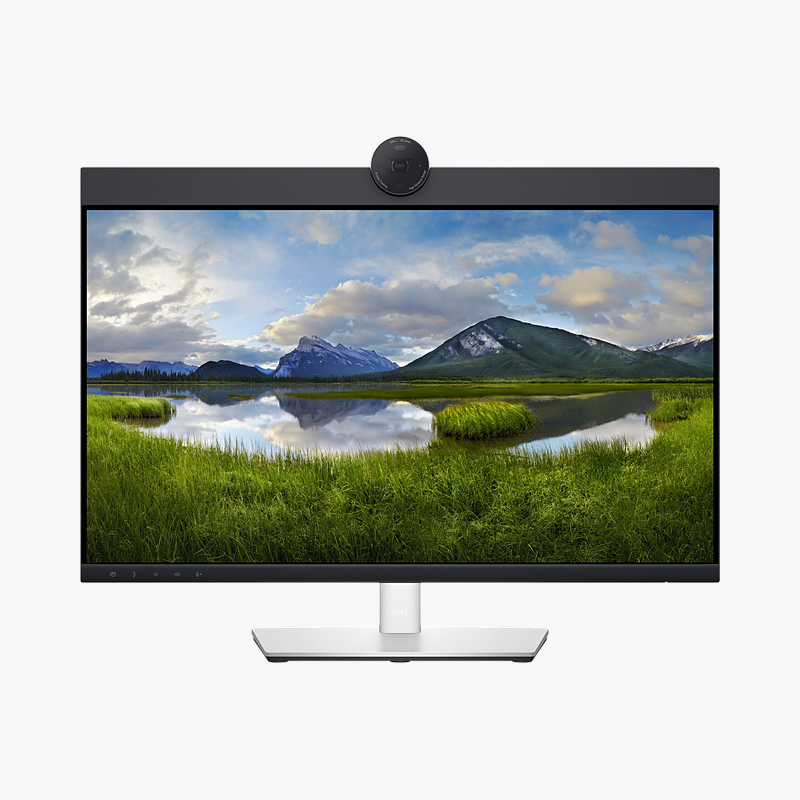
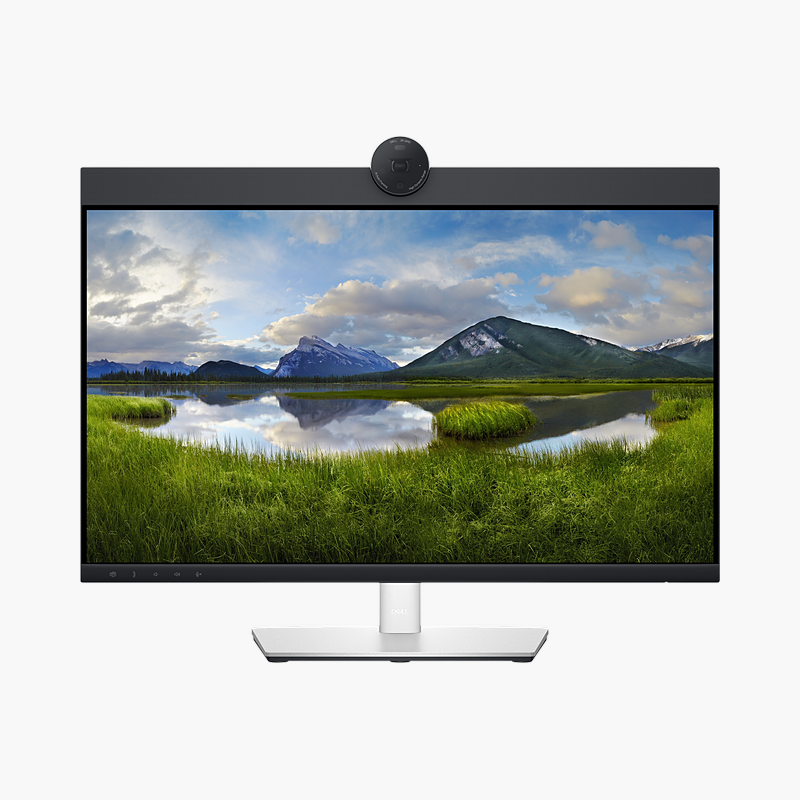
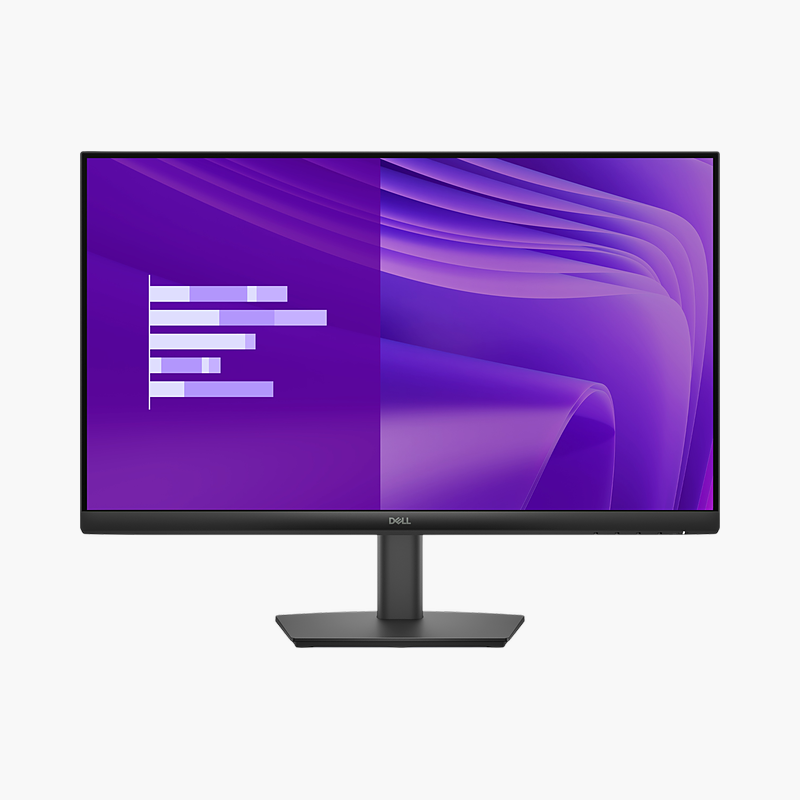
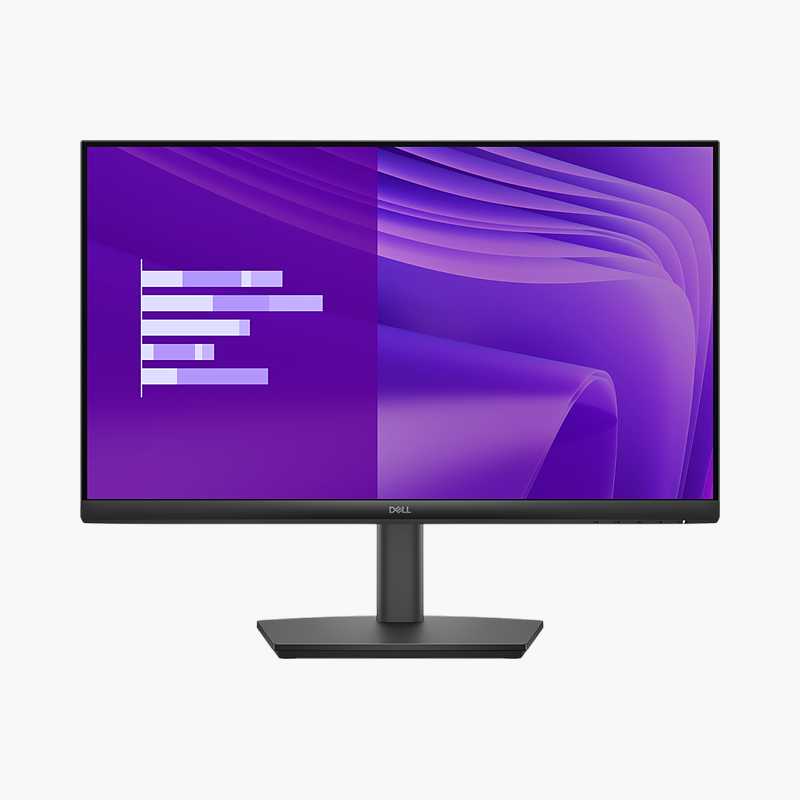
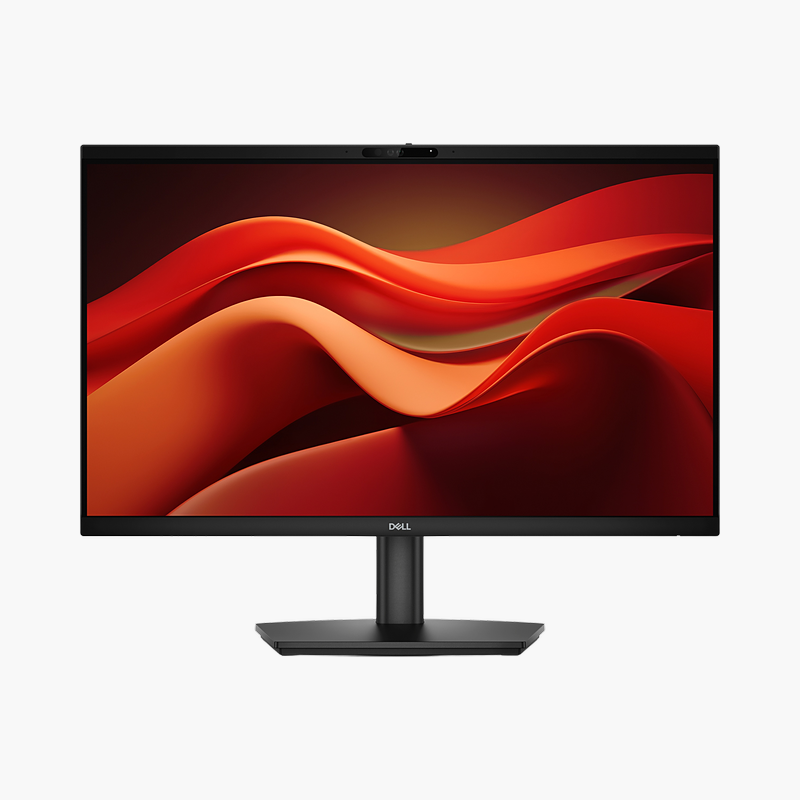
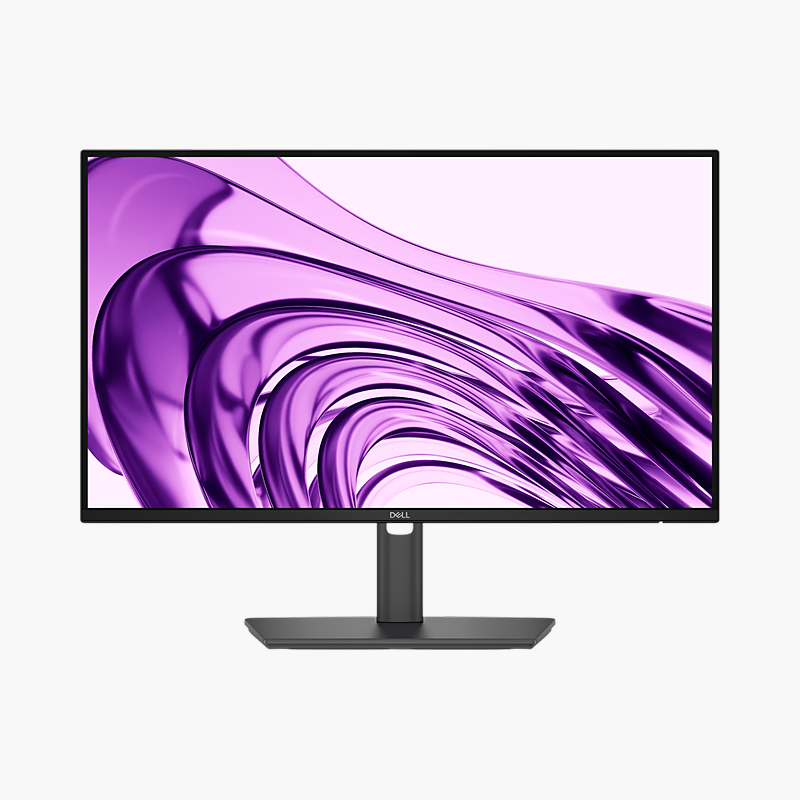
Dell Pro 24 E2425HSM 23.8" Full HD IPS Monitor (E2425HSM)
Dell Pro 24 E2425HSM 23.8" Full HD IPS Monitor (E2425HSM) – 100Hz, Height-Adjustable, Built-In Speakers Price on RequestRequest a quote for volume pricing, availability and lead time.
Back to products
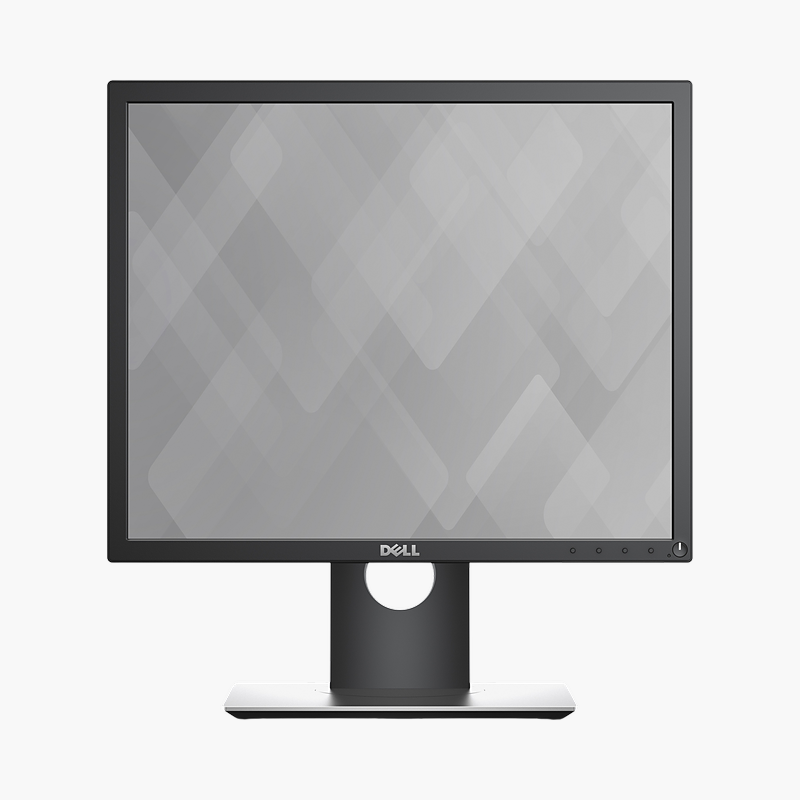
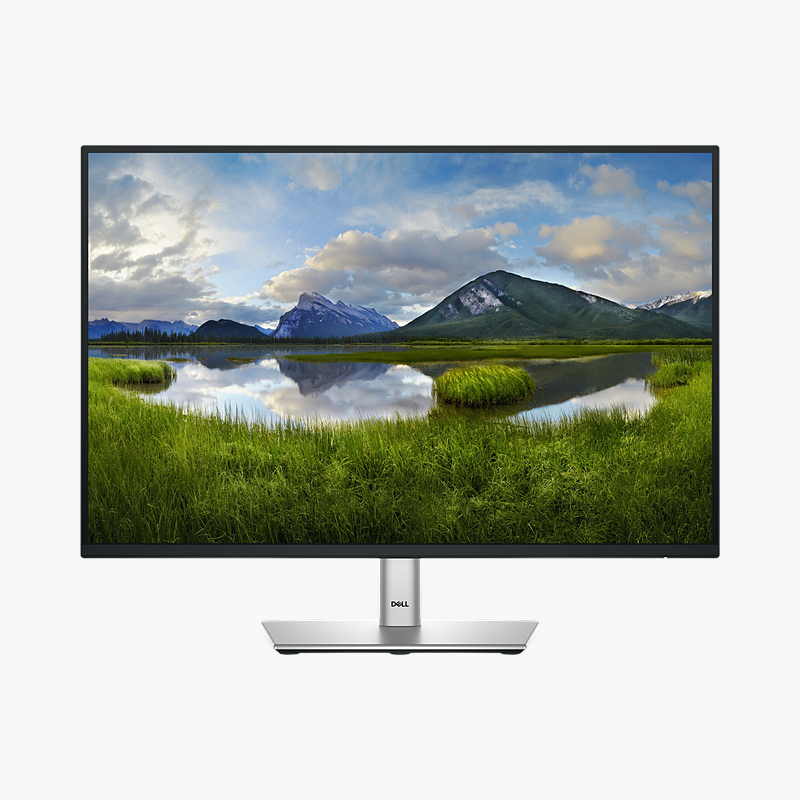
Dell P1917S 19" SXGA IPS Monitor (P1917S)
Dell P1917S 19" SXGA IPS Monitor (P1917S) – 60Hz, Height-Adjustable, HDMI, DP, VGA Price on RequestRequest a quote for volume pricing, availability and lead time.

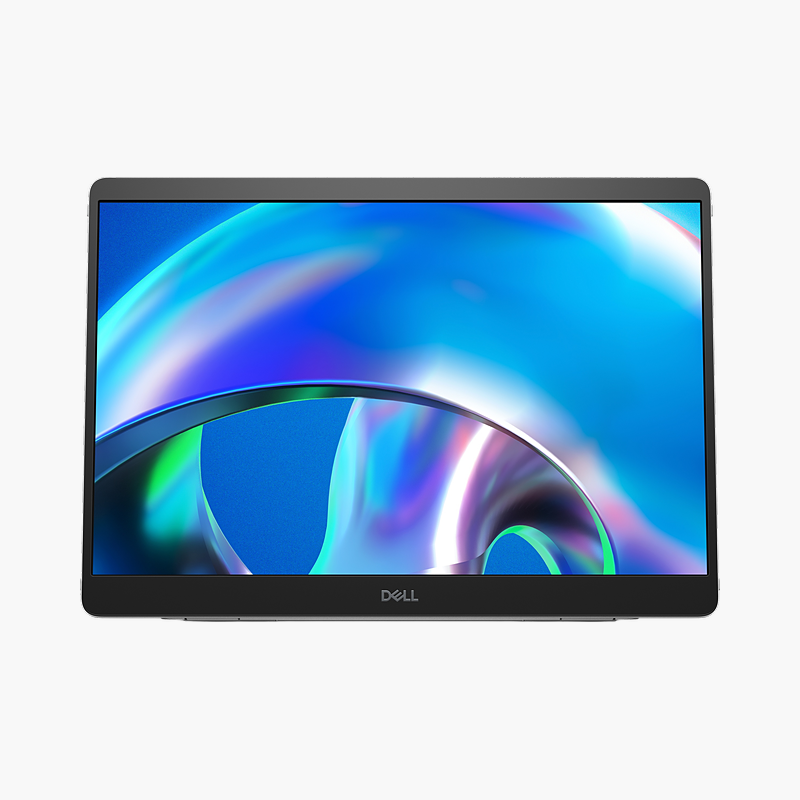
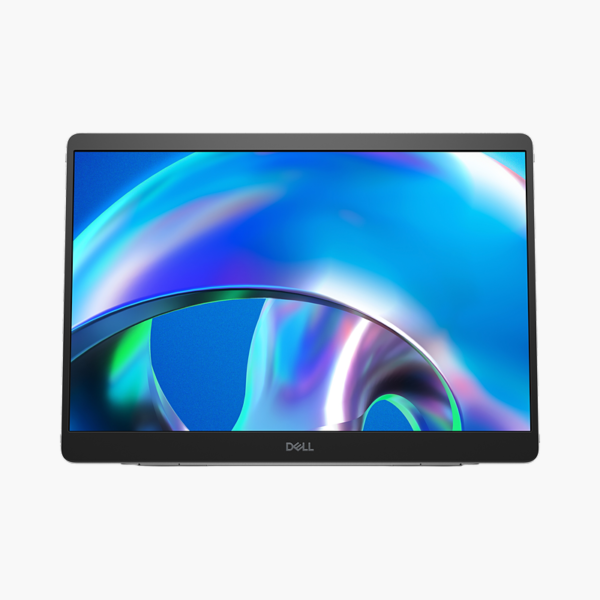
Dell Pro 14 Plus P1425 14″ WUXGA IPS Portable Monitor (P1425) – 60Hz, 2x USB-C (DP Alt Mode)

SKU: P1425
  • 30-Day Hassle Free Returns
  • Secure Payment Options

Price on RequestRequest a quote for volume pricing, availability and lead time.

Key Value Highlights

  • 14″ WUXGA IPS panel (1920 x 1200) – 16:10 ratio adds 120 extra vertical pixels over Full HD for longer documents and code.
  • 2x USB-C connectivity – Single-cable video and power from a compatible laptop, tablet or phone with USB-C DisplayPort Alt Mode.
  • 60Hz refresh rate – Stable 60Hz picture suited to office, design and productivity work.
  • Single-cable USB-C power and video – Adds practical capability for everyday work.
  • ComfortView Plus (built-in low blue light) – Reduces blue-light exposure and flicker during long working days.

Description

The Dell Pro 14 Plus P1425 is a 14″ WUXGA IPS portable monitor with a 60Hz refresh rate. It is built for travellers, hybrid workers and students who need a second screen on the go, giving a clear, comfortable screen for long working days.

Your second screen, anywhere you work.

A Second Screen That Fits in Your Laptop Bag

Working from a single small laptop screen means constantly switching windows, and full-size monitors are not an option in hotels, client offices or on the train.

The Dell Pro 14 Plus P1425 adds a 14″ WUXGA display that connects with one USB-C cable for both video and power from a compatible device. Its slim, light design and integrated adjustable kickstand make setup quick anywhere.

One-Cable Setup

Connect to a laptop, tablet or phone with USB-C DisplayPort Alt Mode; power pass-through lets you charge the laptop through the monitor when a charger is attached.

Built to Travel

A thin profile and protective cover keep the screen safe in a bag, while the kickstand sets a comfortable viewing angle on any desk.

Setup Instructions

How to Set Up the Dell Pro 14 Plus P1425

  1. Unbox the monitor, remove the protective film and open the kickstand or cover.
  2. Connect your PC or laptop with a USB-C cable, then connect the power cable.
  3. Power on, open the on-screen menu and set the resolution to 1920 x 1200 at 60Hz in your operating system’s display settings.
  4. Adjust the kickstand angle so the top of the screen sits at or slightly below eye level.

Overview

BrandDell
Model NumberP1425
Product LineDell Pro 14 Plus Portable
Screen Size14″
Resolution1920 x 1200 (WUXGA, 16:10)
Panel TypeIPS
Refresh Rate60Hz
USB-C Power DeliveryUSB-C power pass-through
Video Inputs2x USB-C (DP Alt Mode)
USB Ports2x USB-C
Stand AdjustmentIntegrated adjustable kickstand
Aspect Ratio0.6736111111
Eye ComfortComfortView Plus (built-in low blue light), flicker-free
ConditionBrand New
In the BoxMonitor, USB-C cable, protective cover/sleeve

Frequently Asked Questions

Find answers to common questions about this product.

Customer Reviews

Reviews

There are no reviews yet.

Be the first to review “Dell Pro 14 Plus P1425 14″ WUXGA IPS Portable Monitor (P1425) – 60Hz, 2x USB-C (DP Alt Mode)”

Your email address will not be published. Required fields are marked *