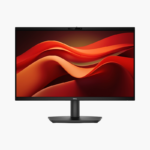
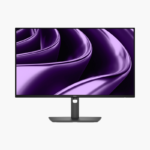
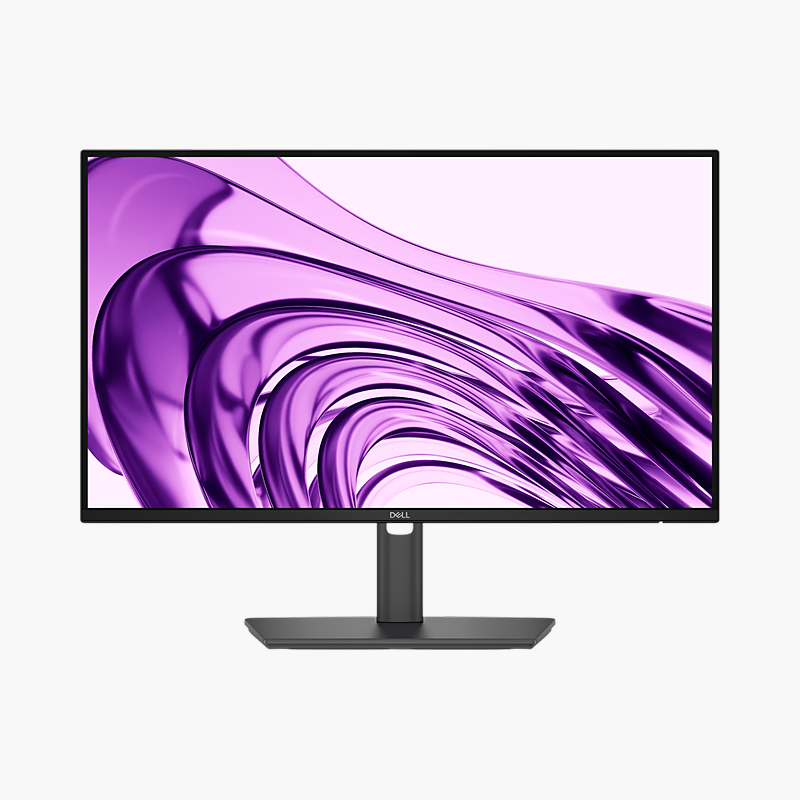
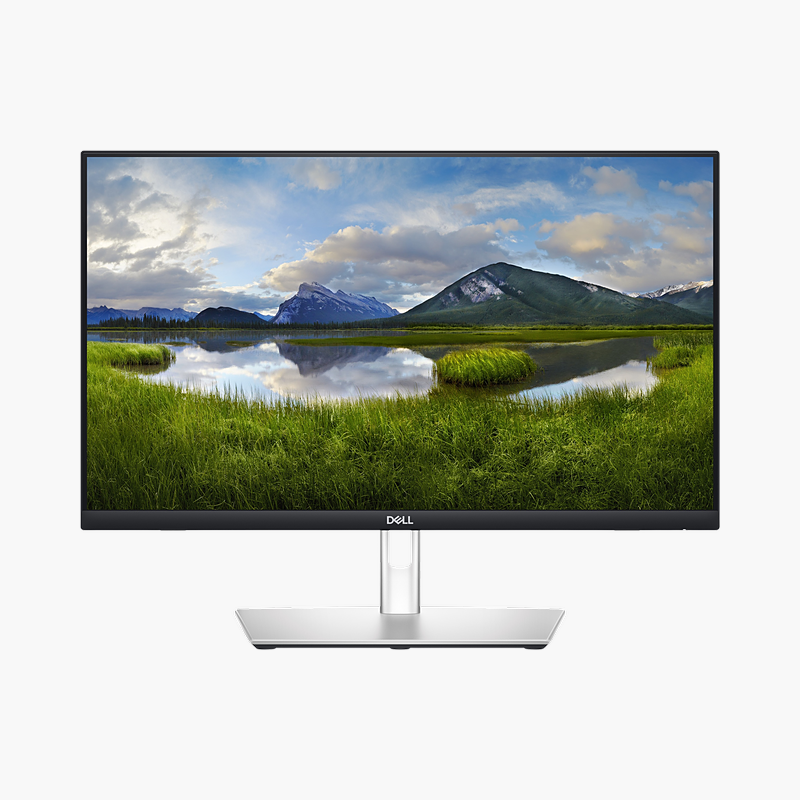
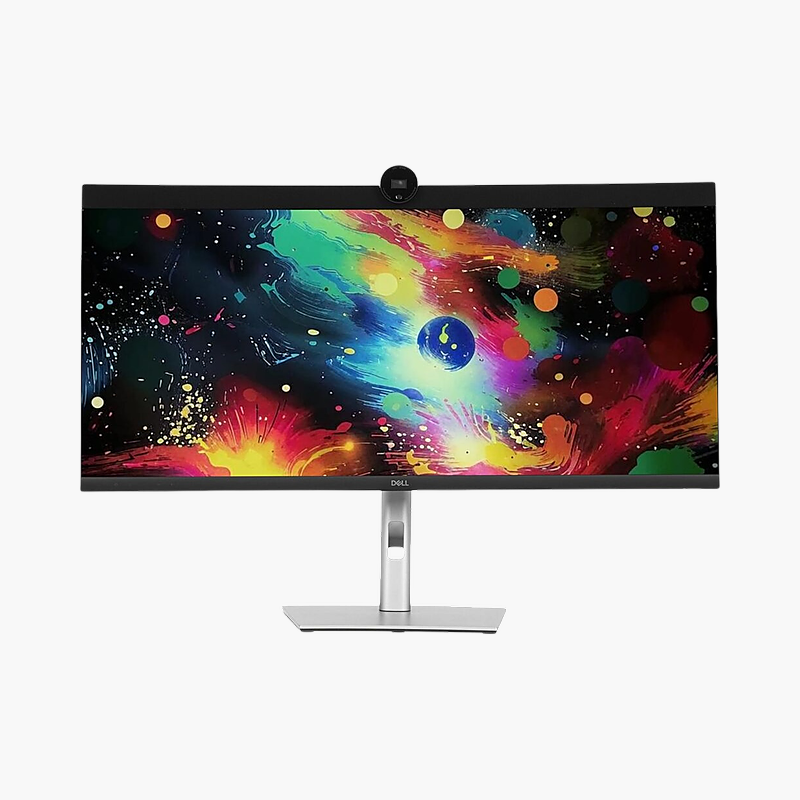
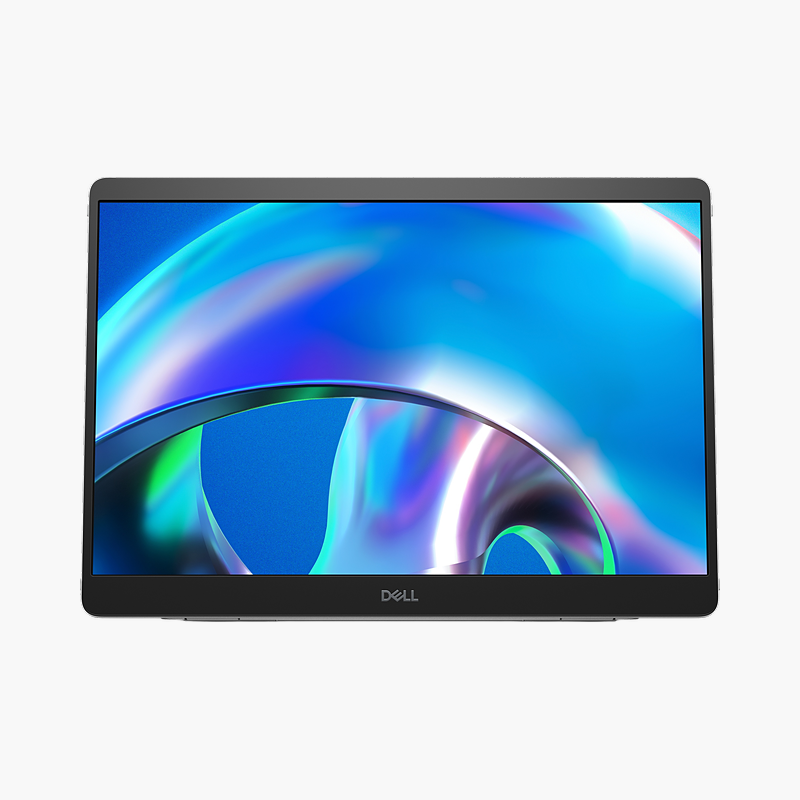
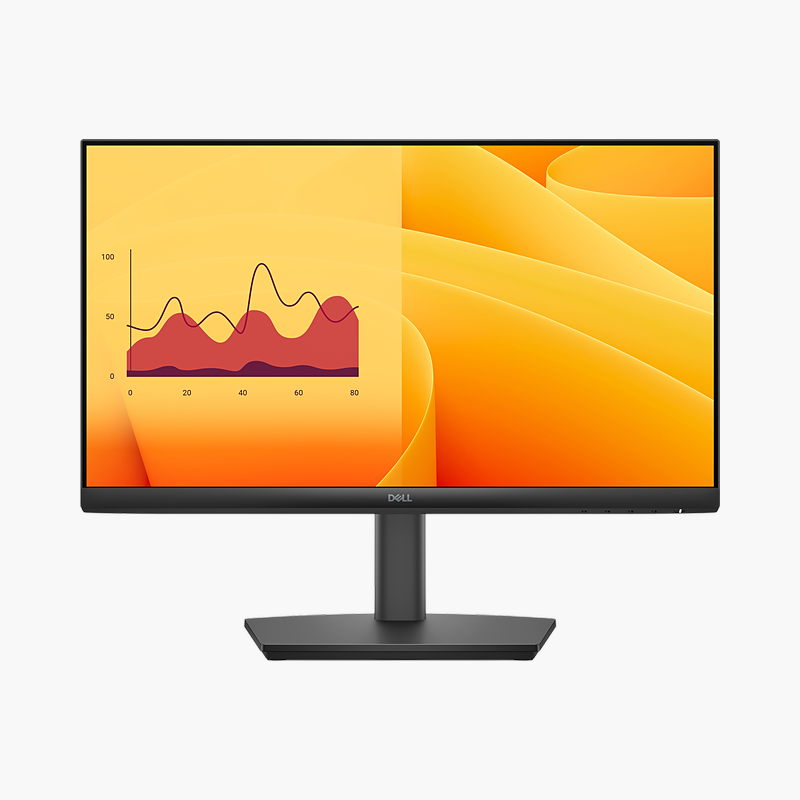
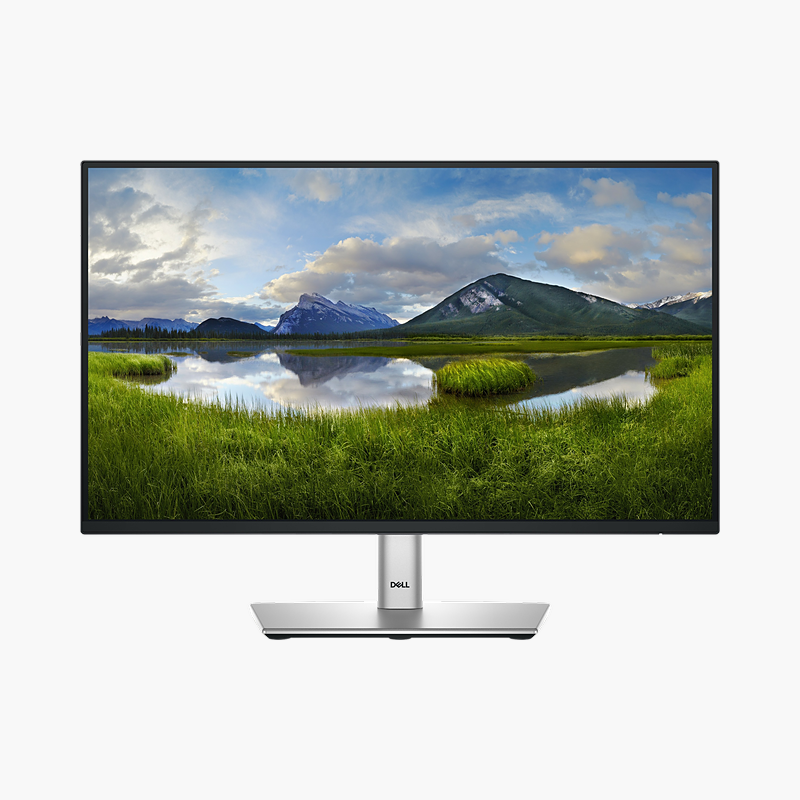
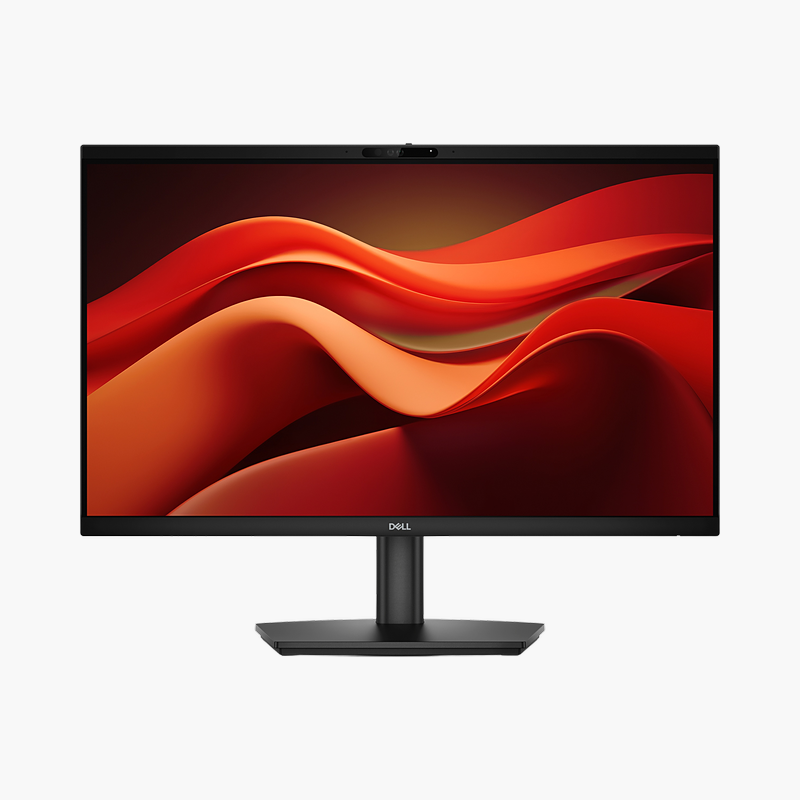
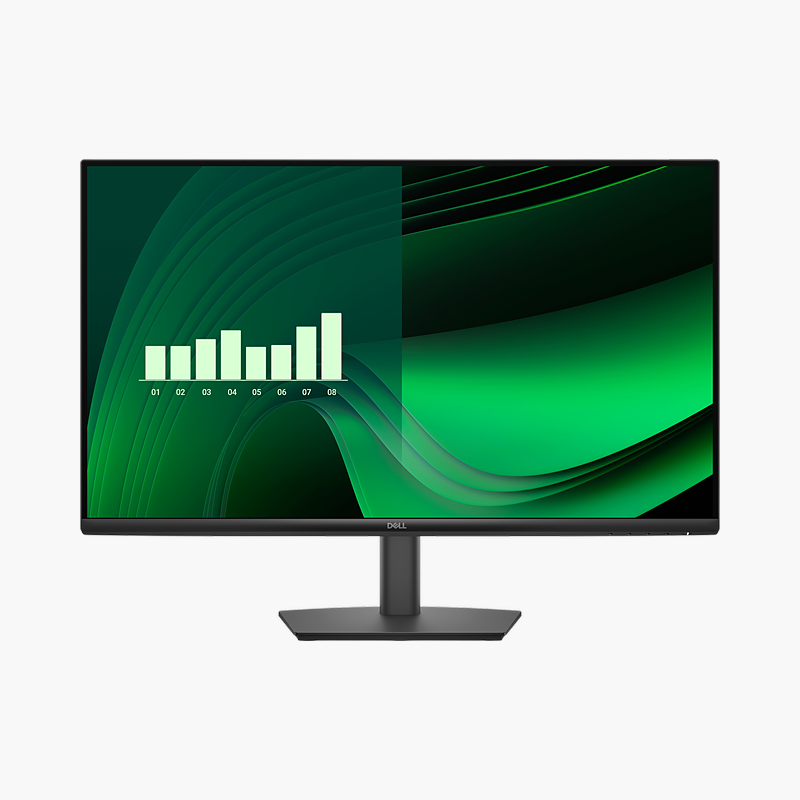
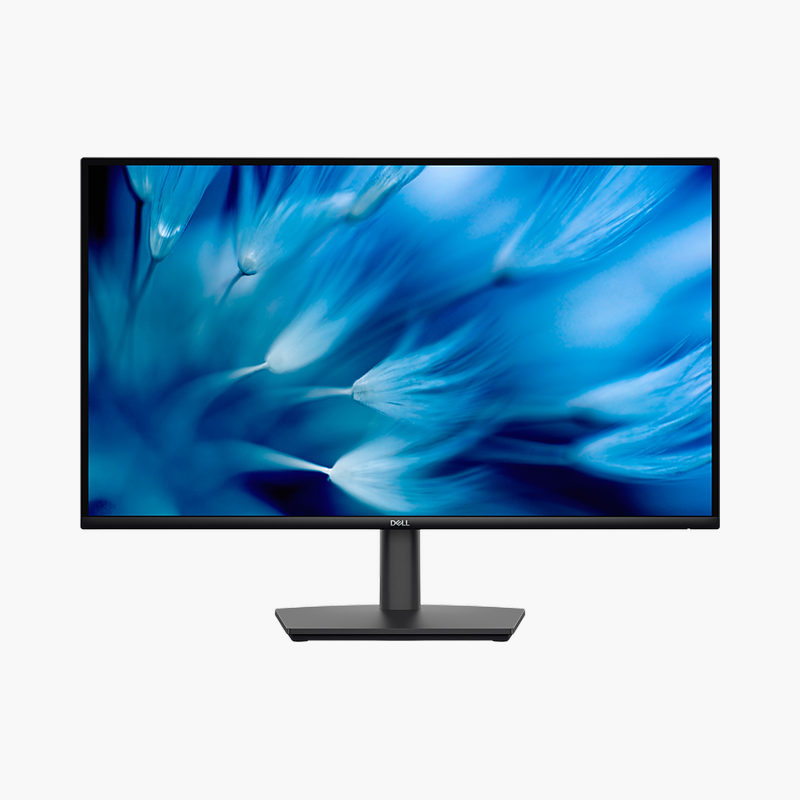
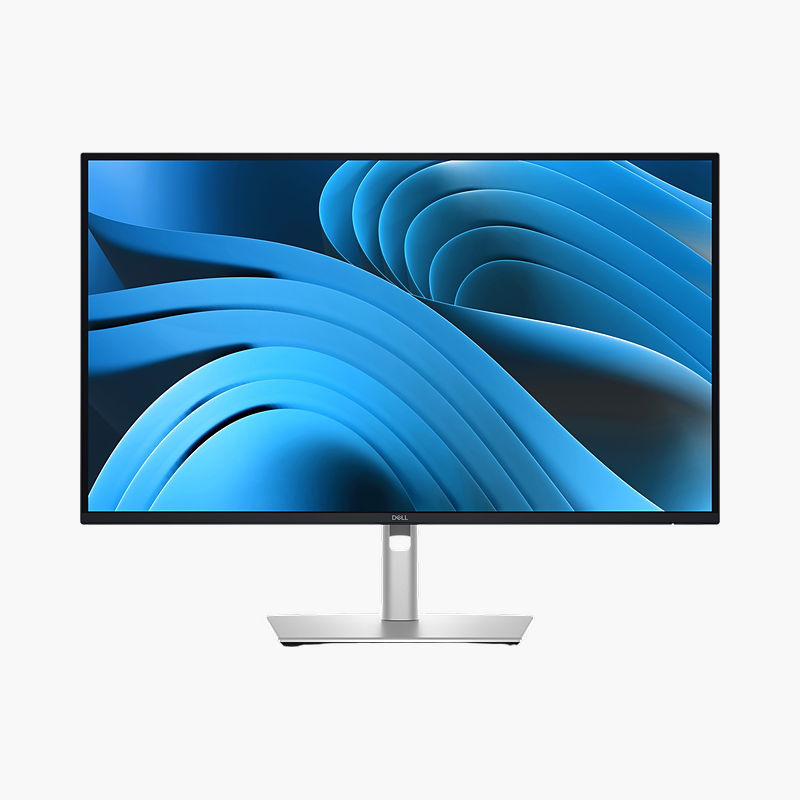
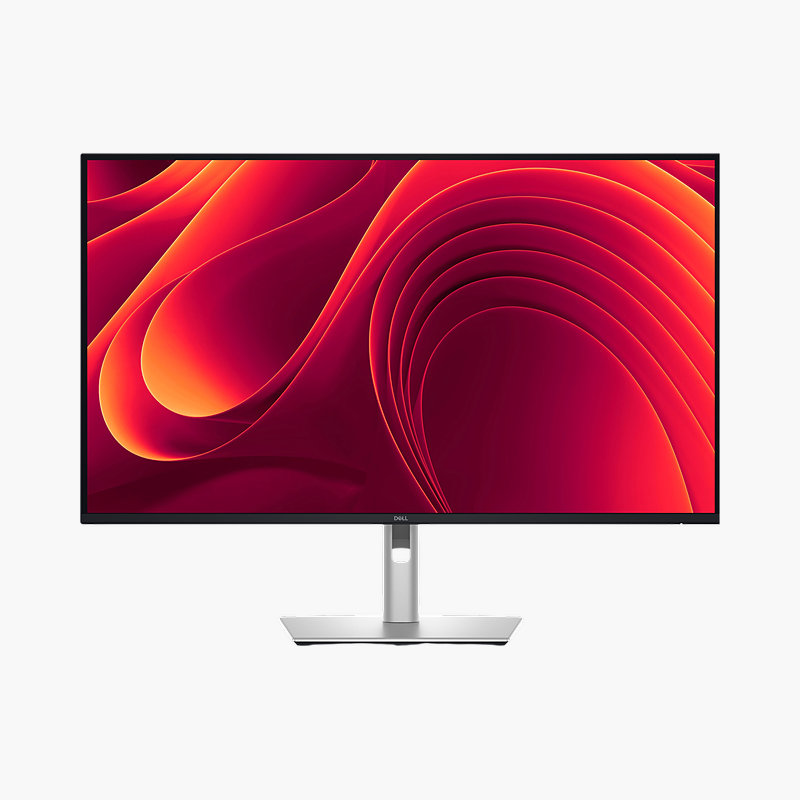
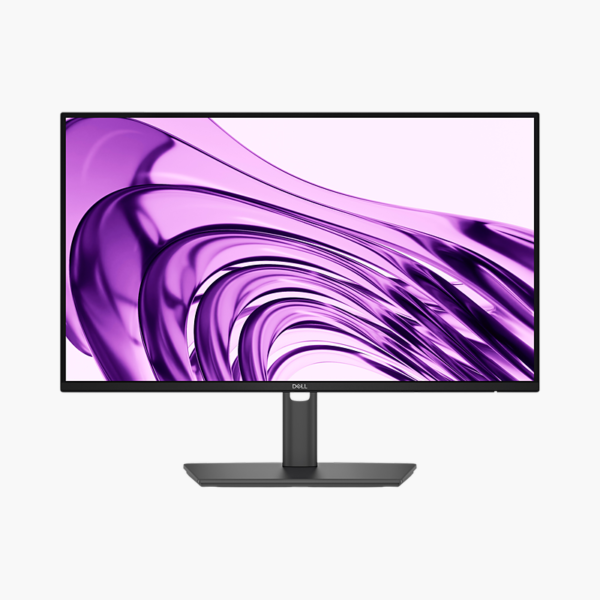
Dell Pro P 22 P2226H 21.5″ Full HD IPS Monitor (P2226H) – 100Hz, Height-Adjustable, HDMI, DP

SKU: P2226H
  • 30-Day Hassle Free Returns
  • Secure Payment Options

Price on RequestRequest a quote for volume pricing, availability and lead time.

Key Value Highlights

  • 21.5″ Full HD IPS panel (1920 x 1080) – Clear 1080p picture for office apps, browsing and video calls.
  • 100Hz refresh rate – Smoother scrolling and cursor movement than a 60Hz office display.
  • Height (150 mm), tilt, swivel and pivot stand – Set the screen at eye level to reduce neck and shoulder strain.
  • ComfortView Plus (built-in low blue light) – Reduces blue-light exposure and flicker during long working days.
  • HDMI 1.4, DisplayPort 1.4 inputs – Connects to current desktops, laptops and docking stations.

Description

The Dell Pro P 22 P2226H (part number P2226H) is a 21.5″ Full HD IPS monitor with a 100Hz refresh rate. It is built for office and home-office productivity, giving a clear, comfortable screen for long working days. HDMI 1.4, DisplayPort 1.4 inputs connect desktops and laptops.

See more, work faster and stay comfortable.

Upgrade From a Small or Dated Office Display

Small, dim or low-refresh monitors make text harder to read, force constant window switching and contribute to eye strain and neck discomfort over a full working day.

The Dell Pro P 22 P2226H gives a 21.5″ Full HD IPS screen with 100Hz refresh rate, 300 nits brightness and 99% sRGB colour, so text is sharp, scrolling is smooth and colours stay consistent across wide viewing angles.

Flexible Connections

HDMI 1.4, DisplayPort 1.4 inputs connect desktops, laptops and docking stations, and 3x USB-A, 1x USB-C (15W) ports put peripherals within reach.

Comfort for Long Days

ComfortView Plus (built-in low blue light) and the height (150 mm), tilt, swivel and pivot stand help you work comfortably for hours.

Setup Instructions

How to Set Up the Dell Pro P 22 P2226H

  1. Unbox the monitor, attach the stand and place it on a stable desk.
  2. Connect your PC or laptop with an HDMI or DisplayPort cable, then connect the power cable.
  3. Power on, open the on-screen menu and set the resolution to 1920 x 1080 at 100Hz in your operating system’s display settings.
  4. Adjust the stand height and tilt so the top of the screen sits at or slightly below eye level.

Overview

BrandDell
Model NumberP2226H
Product LineDell Pro P 22
Screen Size21.5″
Resolution1920 x 1080 (Full HD)
Panel TypeIPS
Refresh Rate100Hz
Video InputsHDMI 1.4, DisplayPort 1.4
Brightness300 nits
Contrast Ratio1500:1 (static)
Response Time5 ms (GtG)
USB Ports3x USB-A, 1x USB-C (15W)
Color Gamut99% sRGB
ConditionBrand New
In the BoxMonitor, stand, power cable and video/USB connection cable(s)

Frequently Asked Questions

Find answers to common questions about this product.

Customer Reviews

Reviews

There are no reviews yet.

Be the first to review “Dell Pro P 22 P2226H 21.5″ Full HD IPS Monitor (P2226H) – 100Hz, Height-Adjustable, HDMI, DP”

Your email address will not be published. Required fields are marked *