Back to products
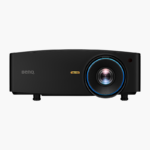
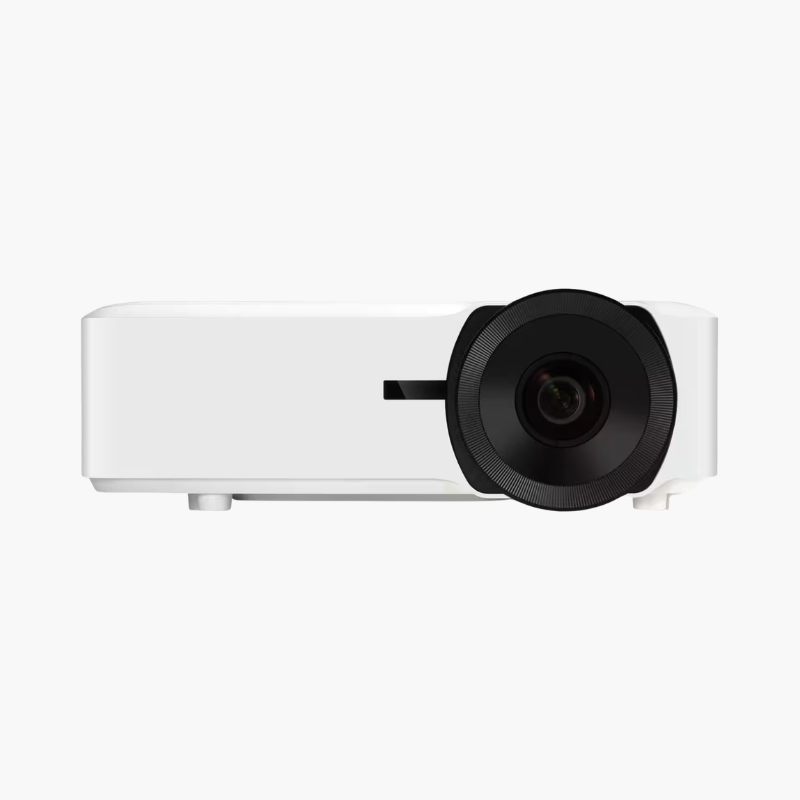
BenQ HT8050 Replacement Lamp Module (HT8050LAMP-001)
BenQ HT8050 Replacement Lamp Module (HT8050LAMP-001) Price on RequestRequest a quote for volume pricing, availability and lead time.

BenQ HT1075 Replacement Lamp Module (HT1075STLAMP-001)

SKU: HT1075STLAMP-001
  • 30-Day Hassle Free Returns
  • Secure Payment Options

Price on RequestRequest a quote for volume pricing, availability and lead time.

Key Value Highlights

  • BenQ replacement lamp module – Restores full brightness to a dim or failed projector lamp.
  • Designed for the BenQ HT1075 – Matched to the projector’s lamp housing and power requirements.
  • Lamp-in-housing module – Drops into the lamp bay without handling the bare bulb.
  • User-replaceable – Swap the lamp through the lamp door with a screwdriver in minutes.
  • Restores image quality – Brings back brightness and colour lost as an old lamp ages.

Description

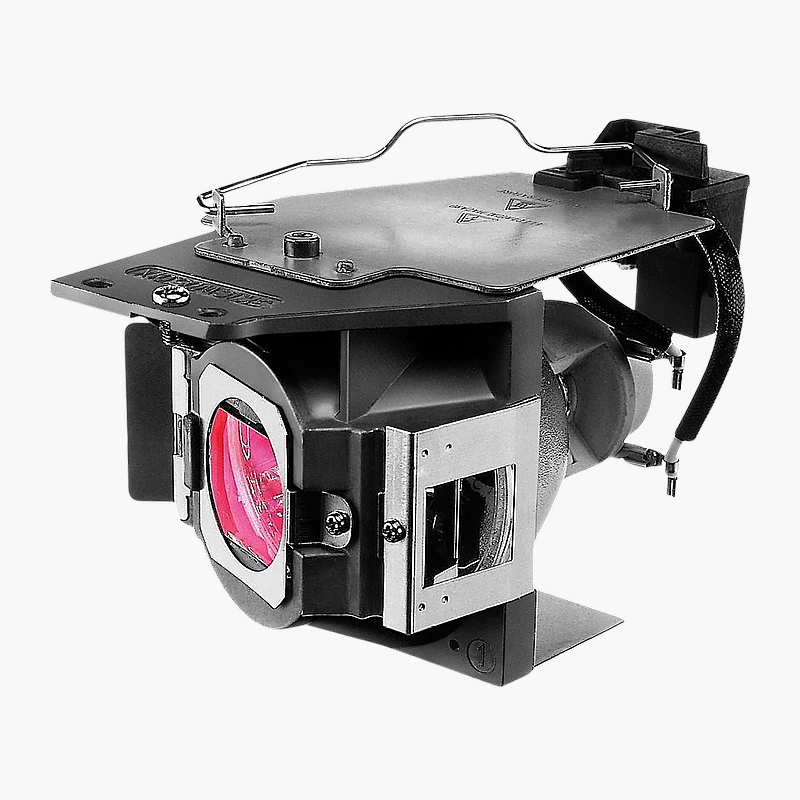
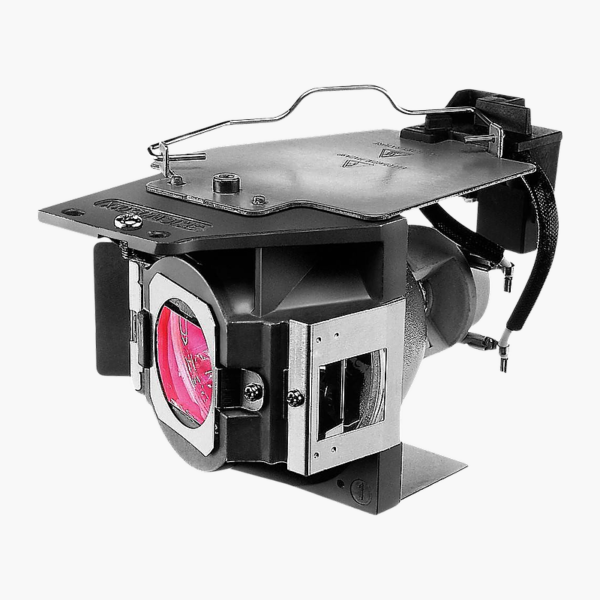
The BenQ HT1075 Series Lamp replacement module is a projector lamp in its housing for the BenQ HT1075. It is for home theater owners whose projector has dimmed or shows a lamp warning, restoring brightness so the picture looks as it did when new, without replacing the projector.

Fresh lamp, full brightness again.

Bring a Dim Projector Back to Full Brightness

Projector lamps lose brightness gradually over their life. Colours fade, dark scenes look muddy and eventually the projector shows a lamp warning or will not turn on.

This module replaces the worn lamp in the BenQ HT1075 with a fresh one in a ready-to-install housing, so the projector returns to its rated brightness without professional service.

Simple, Tool-Light Installation

The lamp sits in a housing that slides into the lamp compartment and is secured with screws, so you never touch the glass bulb.

Reset and Enjoy

After installation, reset the lamp timer in the projector menu so lamp-life tracking and Eco modes work correctly.

Setup Instructions

How to Install the BenQ HT1075 Series Lamp

  1. Turn the projector off, unplug it and let it cool for at least 45 minutes.
  2. Open the lamp cover and unscrew the old lamp module, lifting it out by its handle.
  3. Insert the new module, tighten the screws and refit the lamp cover.
  4. Power on and reset the lamp hour counter in the projector’s settings menu.

Overview

BrandBenQ
Model NumberHT1075STLAMP-001
Product TypeProjector Replacement Lamp Module
Compatible ProjectorBenQ HT1075
Lamp FormatLamp in housing (module)
InstallationUser-replaceable through the lamp door
After InstallationReset lamp hours in the projector menu
HandlingDo not touch the bulb glass; allow projector to cool first
DisposalContains mercury – recycle at a lamp recycling point
When to ReplaceLamp warning or noticeable brightness loss
CategoryProjector accessories
ResultRestores original brightness and colour
Projector TypeBenQ DLP home theater projector
ConditionBrand New
In the Box1x replacement lamp module

Frequently Asked Questions

Find answers to common questions about this product.

Customer Reviews

Reviews

There are no reviews yet.

Be the first to review “BenQ HT1075 Replacement Lamp Module (HT1075STLAMP-001)”

Your email address will not be published. Required fields are marked *