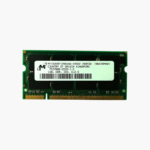
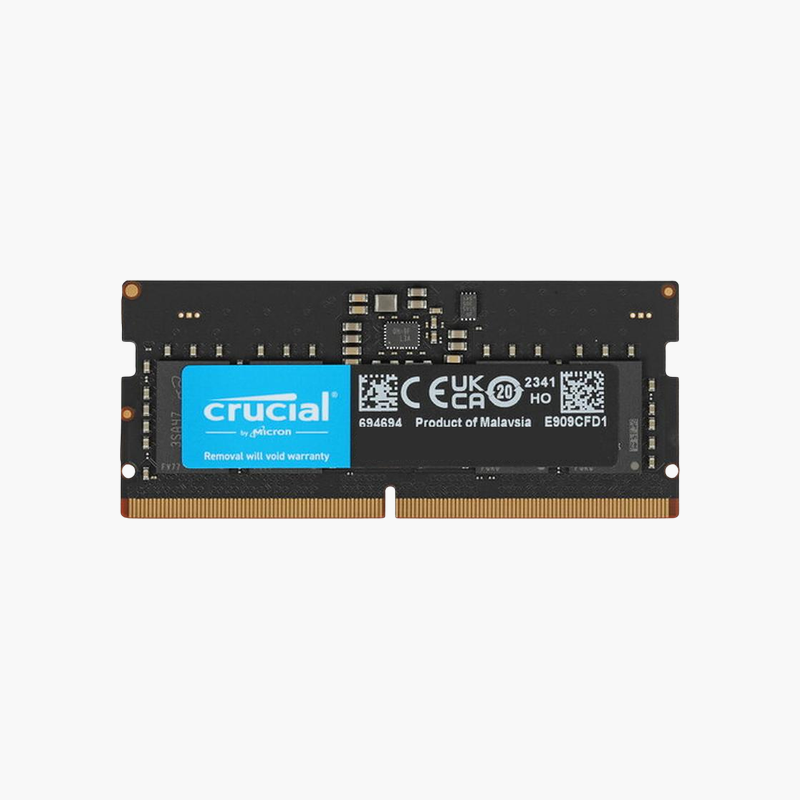
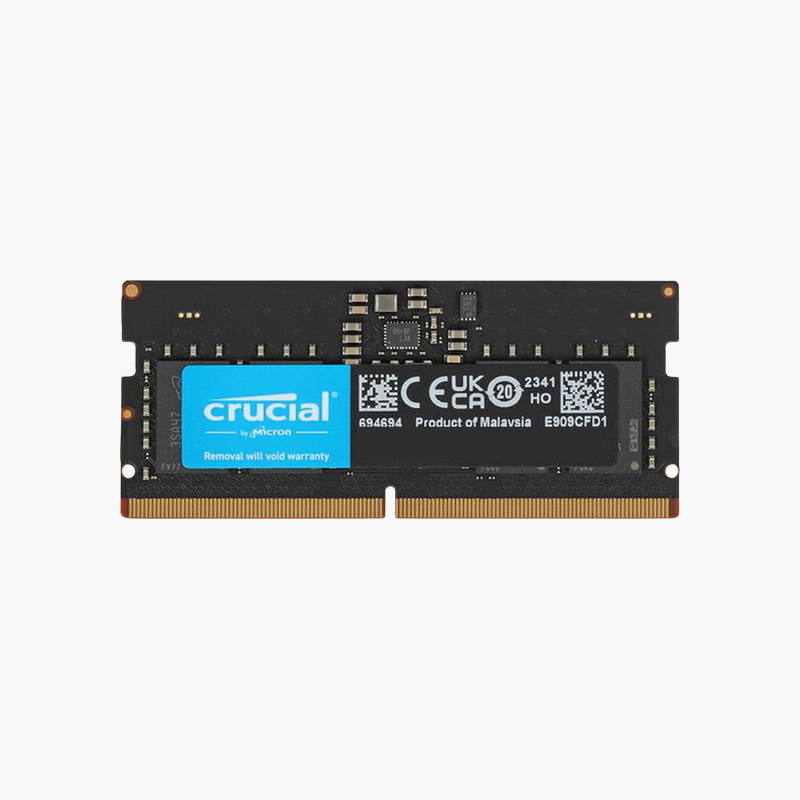
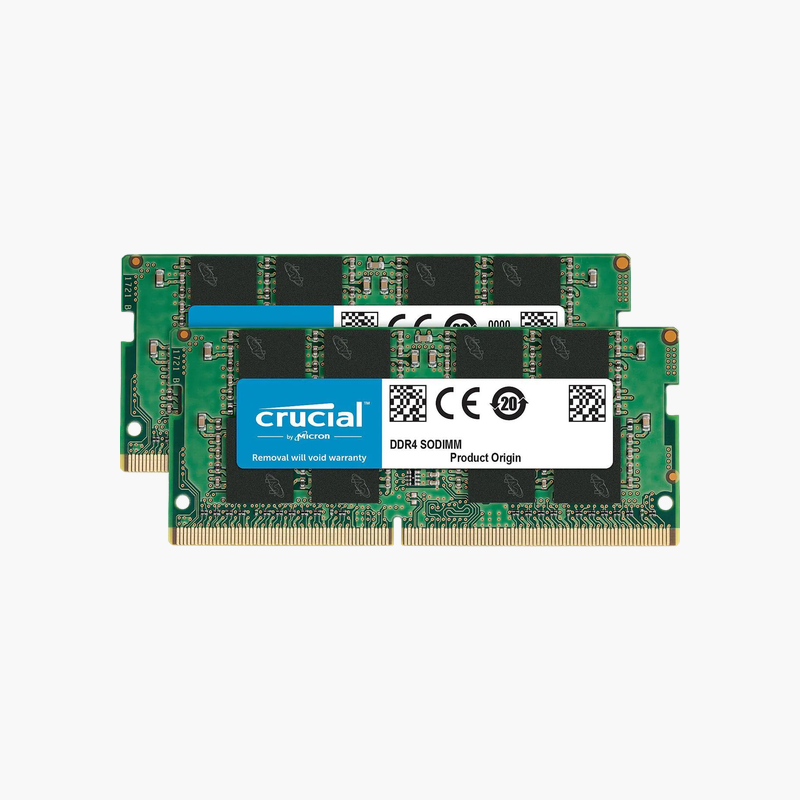
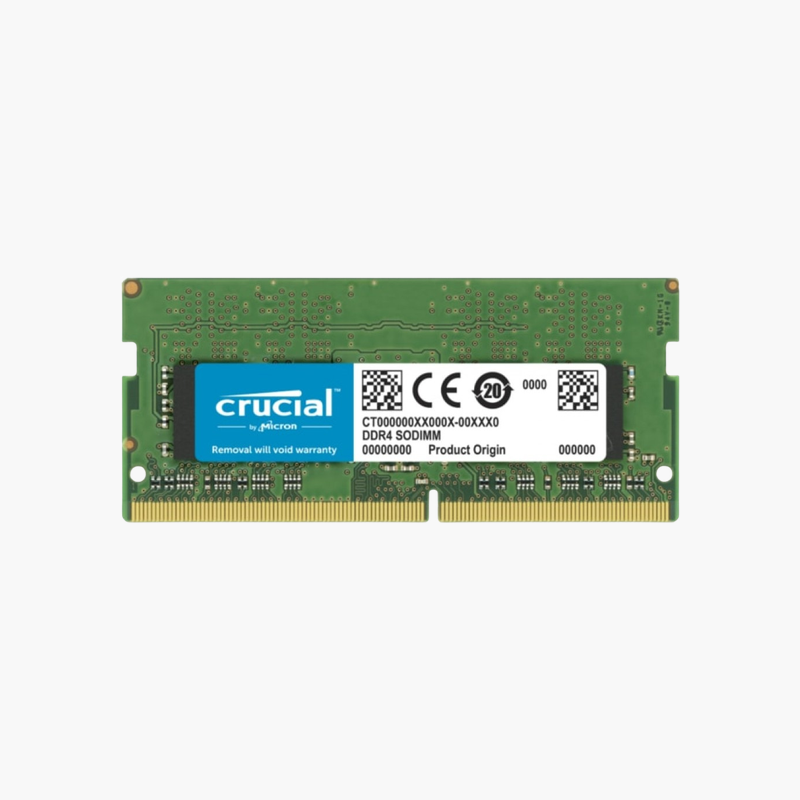
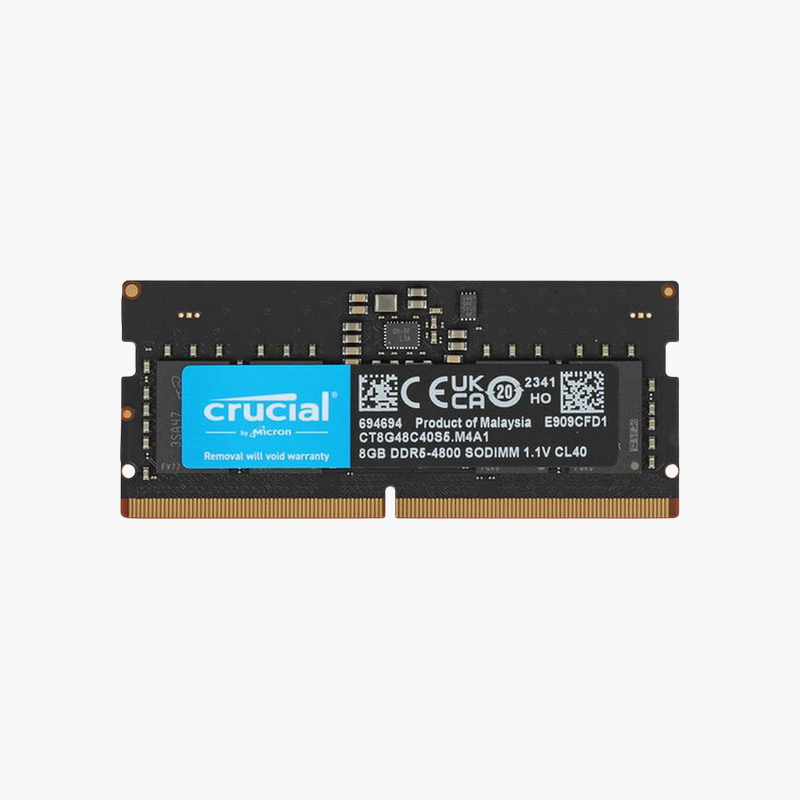
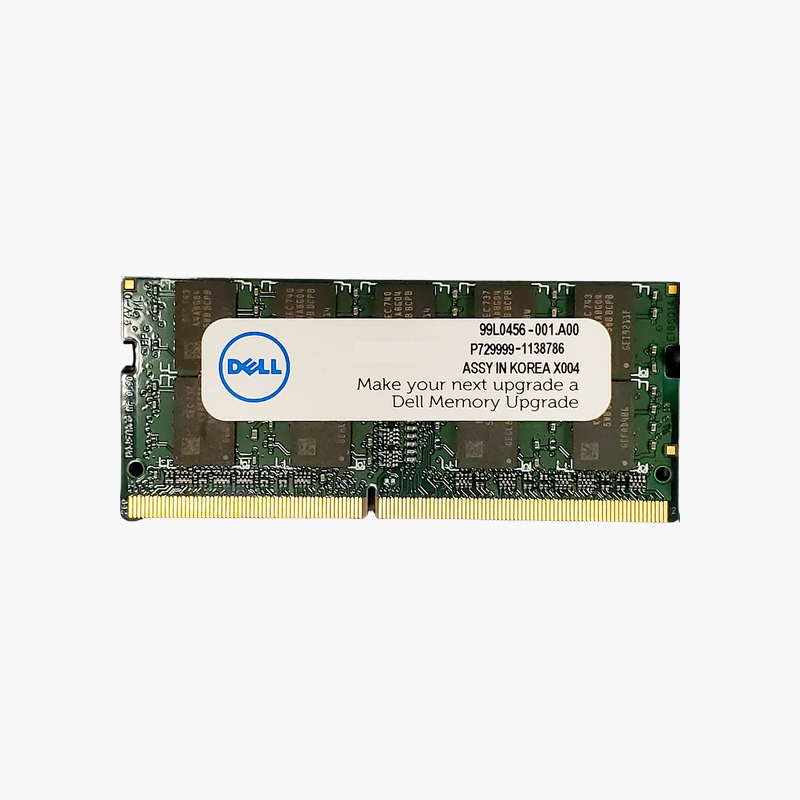
Micron 1GB DDR-333 PC2700 SODIMM Laptop Memory (MT16VDDF12864HG-335D2) – 200-Pin, 2.5V
Micron 1GB DDR-333 PC2700 SODIMM Laptop Memory (MT16VDDF12864HG-335D2) – 200-Pin, 2.5V Price on RequestRequest a quote for volume pricing, availability and lead time.
Back to products
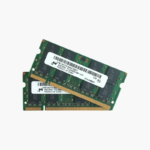
Micron 8GB (2x4GB) DDR2-800 SODIMM Laptop RAM Kit (MT16HTF51264HZ-800C1) – PC2-6400S
Micron 8GB (2x4GB) DDR2-800 SODIMM Laptop RAM Kit (MT16HTF51264HZ-800C1) – PC2-6400S Price on RequestRequest a quote for volume pricing, availability and lead time.

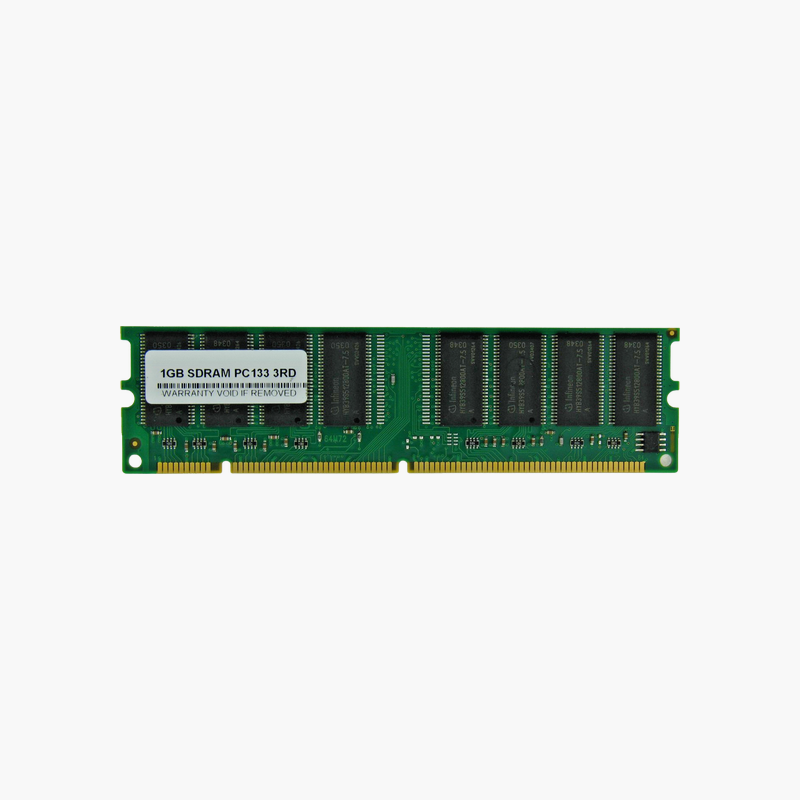
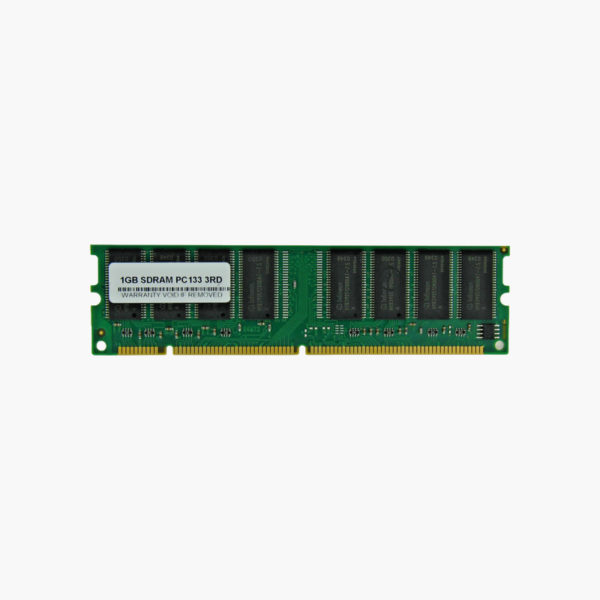
1GB PC133 SDRAM 168-Pin DIMM Desktop Memory – Non-ECC, Unbuffered, 3.3V

SKU: PC133-1GB-168PIN-DIMM
  • 30-Day Hassle Free Returns
  • Secure Payment Options

Price on RequestRequest a quote for volume pricing, availability and lead time.

Key Value Highlights

  • 1GB PC133 SDRAM – Maximum-capacity SDR module for legacy desktops that support high-density SDRAM.
  • 168-pin DIMM, 3.3V – The original SDRAM desktop form factor used before DDR.
  • Non-ECC, unbuffered – Matches standard consumer and office desktop motherboards of the era.
  • Backward compatible with PC100/PC66 – Runs at lower bus speeds on older systems that support it.

Description

SDRAM memory to bring vintage desktops and legacy equipment back to life.

This 1GB PC133 SDRAM module is a 168-pin, non-ECC, unbuffered DIMM for late-1990s and early-2000s desktops and industrial PCs. It serves retro computing enthusiasts, repair technicians, and businesses that still depend on legacy machines for specialized software, machine control, or archival access.

Keeping Legacy Desktops and Industrial PCs Running

Some manufacturing lines, lab instruments, and archival systems still run on PCs built around SDRAM. When memory fails, these machines stop, and modern memory cannot replace it because SDRAM uses a different slot, voltage, and signalling.

This module provides 1GB of PC133 SDRAM on a standard 168-pin DIMM at 3.3V. It runs at 133MHz on PC133 systems and can run at 100MHz on PC100 boards that support its density.

For retro gaming and vintage computing builds, maximizing memory helps period-correct operating systems such as Windows 98, 2000, and XP run more smoothly.

For Vintage Computing Builds

Restorers can bring period hardware up to its maximum supported memory for better stability and multitasking within era-appropriate software.

Important Density Note

1GB SDRAM modules use high-density chips. Some older chipsets, such as the Intel 440BX, only recognize up to 512MB per module or may detect half the capacity, so confirm your motherboard supports 1GB SDRAM DIMMs.

How to Install PC133 SDRAM in a Desktop

  1. Shut down the PC, unplug it, and touch the metal case to discharge static.
  2. Open the case and locate the 168-pin DIMM slots; open the slot latches.
  3. Align the two notches on the module with the keys in the slot and press firmly until the latches close.
  4. Power on and check the memory count in the BIOS POST screen or the operating system.

Overview

BrandGeneric (unbranded)
Capacity1GB (1 x 1GB)
Memory TypeSDRAM (SDR)
Speed133MHz (PC133)
CAS LatencyCL3
Voltage3.3V
Module TypeDIMM
Pin Count168-pin
Error CheckingNon-ECC
BufferingUnbuffered
Backward CompatibilityPC100 and PC66 (where density is supported)
CompatibilityLegacy desktops and industrial PCs with 168-pin SDRAM slots
Use CaseLegacy repairs, retro computing, industrial systems
ConditionBrand New
In the Box1 x 1GB PC133 SDRAM DIMM

Frequently Asked Questions

Find answers to common questions about this product.

Customer Reviews