















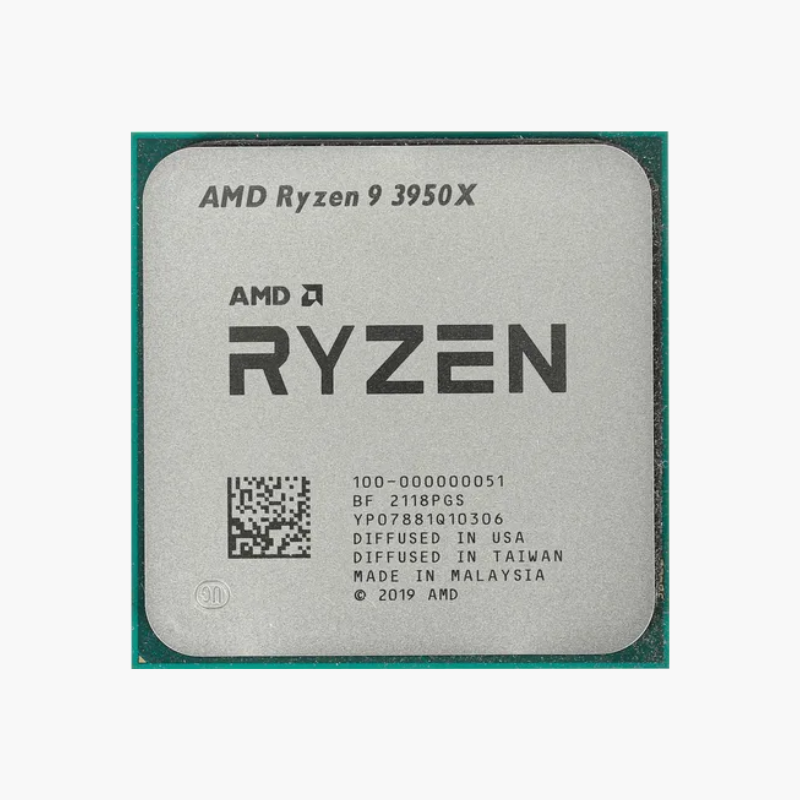
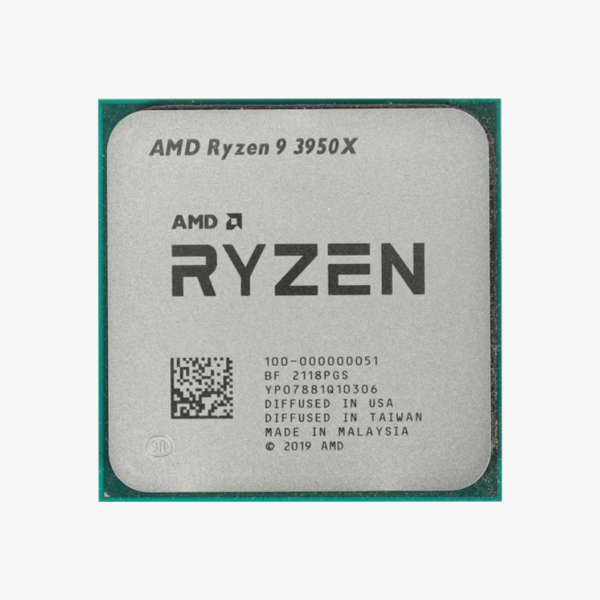
The AMD Ryzen 9 3950X is a Ryzen 3000 Series desktop processor based on Zen 2 (Matisse), featuring 16 cores, 32 threads and boost clocks up to 4.7 GHz. It uses the AM4 socket, supports DDR4-3200 memory and PCIe 4.0, and is aimed at 3D rendering, video production, software development and enthusiast gaming.
When Render Times and Compile Jobs Become the Bottleneck – AMD Ryzen 9 3950X
For creators, developers and engineers, a slow processor costs hours every week. Renders, 4K exports, simulation runs and full code builds all scale with core count, and a mid-range chip forces you to wait.
The Ryzen 9 3950X brings 16 cores and 32 threads with 64MB of L3 cache, boosting up to 4.7 GHz. It scales across rendering, encoding, compiling and virtual machines while still delivering strong gaming performance.
Plan cooling around its 105W TDP: a mid-range single-tower air cooler keeps it at full boost during long workloads.
Zen 2 Chiplet Design With PCIe 4.0
The Ryzen 9 3950X uses AMD’s chiplet design with 7nm Zen 2 cores and was among the first desktop processors to support PCIe 4.0, doubling bandwidth for NVMe SSDs and graphics cards compared to PCIe 3.0.
Unlocked for Precision Boost Overdrive
The Ryzen 9 3950X is fully unlocked. Precision Boost Overdrive and Curve Optimizer let you raise sustained clocks or reduce voltage for cooler, quieter operation on B550 and X570 boards. It has no integrated graphics, so a discrete graphics card is required.
Setup Instructions
How to Install the AMD Ryzen 9 3950X
- Confirm your motherboard uses the AM4 socket with an AMD X570, B550, X470 or B450 chipset. Older 400-series and some 500-series boards need a BIOS update before they can boot this processor.
- Lift the socket lever, align the gold triangle on the Ryzen 9 3950X with the triangle on the socket, and let the processor drop into place without pressure. AM4 processors have pins on the underside, so handle the chip by its edges. Lower the lever to lock it.
- Apply a thin layer of thermal paste and mount an AM4-compatible cooler; a mid-range single-tower air cooler suits this 105W processor.
- Power on, enter the BIOS to confirm the processor is detected, enable the DOCP or XMP memory profile, then install Windows and the latest AMD chipset drivers.






Reviews
There are no reviews yet.