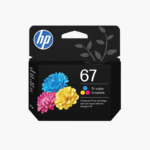
HP 67 Black and Tri-Color Original Ink Cartridges 2-Pack – For DeskJet 1255, 2700, 4100 and ENVY 6000, 6400
HP 67 Black and Tri-Color Original Ink Cartridges 2-Pack – For DeskJet 1255, 2700, 4100 and ENVY 6000, 6400 Price on RequestRequest a quote for volume pricing, availability and lead time.
Back to products
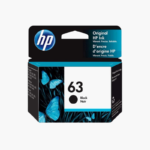
HP 63 Black Original Ink Cartridge (F6U62AN) – For DeskJet, ENVY, and OfficeJet Printers
HP 63 Black Original Ink Cartridge (F6U62AN) – For DeskJet, ENVY, and OfficeJet Printers Price on RequestRequest a quote for volume pricing, availability and lead time.

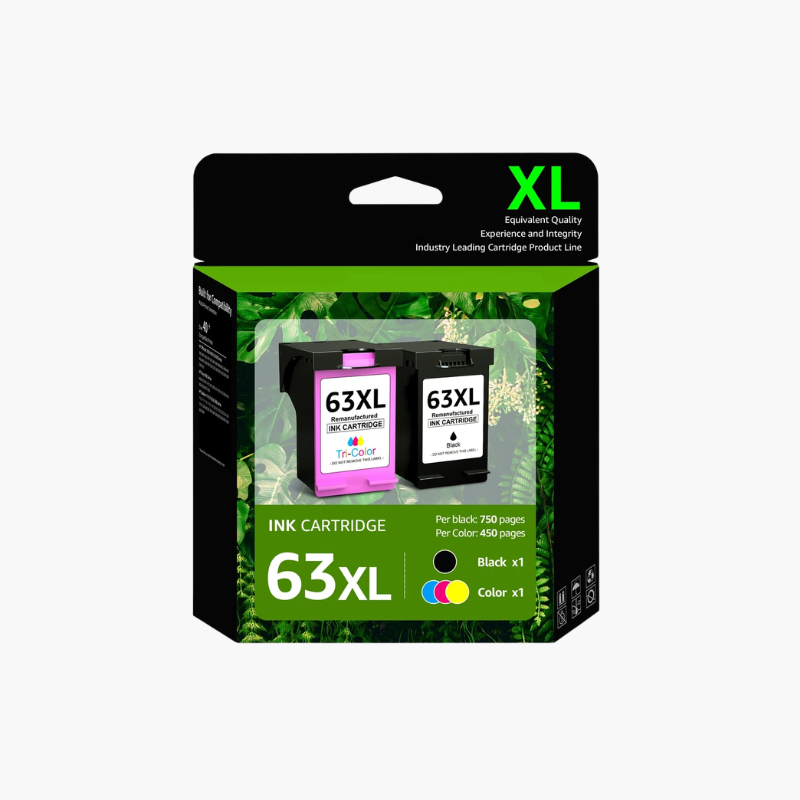
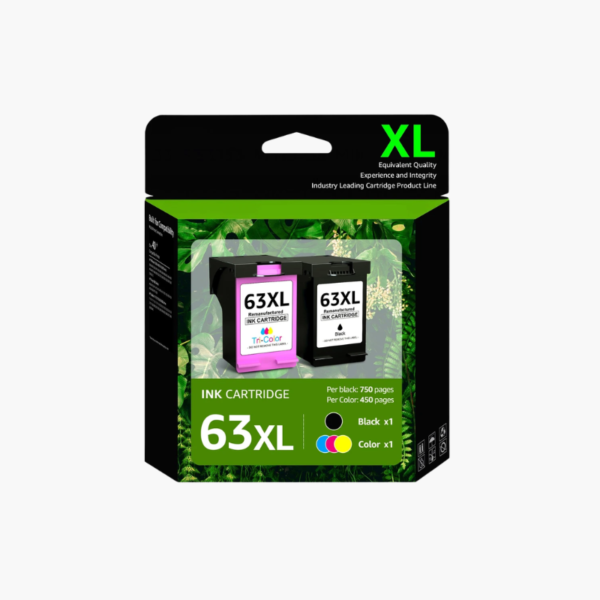
HP 63 Black and Tri-Color Original Ink Cartridges 2-Pack – For DeskJet, ENVY, and OfficeJet Printers

SKU: HP-63-BLACK-TRICOLOR-2-PACK
  • 30-Day Hassle Free Returns
  • Secure Payment Options

Price on RequestRequest a quote for volume pricing, availability and lead time.

Key Value Highlights

  • Black and tri-color in one pack – Restocks both cartridges together.
  • About 190 black pages – Covers routine document printing.
  • About 165 color pages – Prints graphics, photos, and school projects.
  • Fits HP 63 printers – Works with DeskJet, ENVY, and OfficeJet series listed below.

Description

The HP 63 Black and Tri-Color Original Ink Cartridges 2-Pack is a replacement set for HP DeskJet, ENVY, and OfficeJet printers that use HP 63 ink. It contains one black cartridge rated for about 190 pages and one tri-color cartridge rated for about 165 pages of everyday home printing.

Deep-Dive Story & Problem/Solution

Running Out of One Color Stops the Whole Print Job

Many HP home printers pause when either cartridge is empty. Keeping only one spare leaves the printer unusable when the other colour runs out unexpectedly.

The HP 63 combo pack provides both cartridges in one purchase. Pigment black handles text, and the tri-color cartridge combines cyan, magenta, and yellow dye inks for color output.

Each cartridge carries its own print head, so replacing it also renews the nozzles.

Compatible Printer Series

HP DeskJet 1112, 2130, 3630; HP ENVY 4510, 4520; HP OfficeJet 3830, 4650, 5255 and other models that accept HP 63 cartridges.

Standard Yield for Light Use

These standard cartridges suit occasional printing. HP 63XL cartridges are available for higher volumes.

Setup Instructions

How to Install HP 63 Ink Cartridges

  1. Turn on the printer and open the cartridge access door.
  2. Press down to release each used cartridge and pull it out.
  3. Peel the protective tape from the new cartridges without touching the contacts.
  4. Fit tri-color in the left slot and black in the right slot, close the door, and print the alignment page.

Overview

ModelHP 63 Black and Tri-Color 2-Pack
Product TypeOriginal ink cartridges
ColorsBlack; tri-color (cyan, magenta, yellow)
Black Ink TypePigment-based
Color Ink TypeDye-based
Black Page YieldApprox. 190 pages
Tri-Color Page YieldApprox. 165 pages
Yield TypeStandard
Print TechnologyHP Thermal Inkjet
Compatible DeskJet Series1112, 2130, 3630
Compatible ENVY Series4510, 4520
Compatible OfficeJet Series3830, 4650, 5255
Pack Quantity2 cartridges
MaintenanceRun the printer alignment after installation

Frequently Asked Questions

Find answers to common questions about this product.

Customer Reviews

Reviews

There are no reviews yet.

Be the first to review “HP 63 Black and Tri-Color Original Ink Cartridges 2-Pack – For DeskJet, ENVY, and OfficeJet Printers”

Your email address will not be published. Required fields are marked *