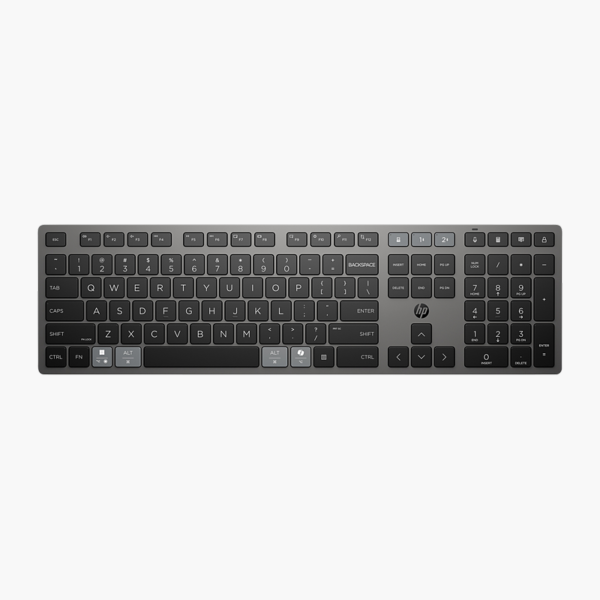
HP 685 Comfort Dual-Mode Keyboard (8T6L9UT)
HP 685 Comfort Dual-Mode Keyboard (8T6L9UT) – Wireless, Numeric Keypad Price on RequestRequest a quote for volume pricing, availability and lead time.
Back to products
HP ProBook 4 G2a 14" WUXGA Laptop (DH7V1UT)
HP ProBook 4 G2a 14" WUXGA Laptop (DH7V1UT) – Ryzen AI 5 430, 16GB RAM, 512GB SSD Price on RequestRequest a quote for volume pricing, availability and lead time.

HP 725 Multi-Device Rechargeable Keyboard (9T5B2AA) – Wireless, Numeric Keypad

SKU: 9T5B2AA
  • 30-Day Hassle Free Returns
  • Secure Payment Options

Price on RequestRequest a quote for volume pricing, availability and lead time.

Key Value Highlights

  • Bluetooth / 2.4GHz multi-device – Cable-free typing with a dependable wireless connection.
  • Full-size with numeric keypad – Dedicated numeric keypad speeds up data entry and spreadsheets.
  • Multi-device switching – Switch between computers with a single key.
  • Programmable keys – Assign shortcuts to the keys you use most.
  • Rechargeable battery – Recharge and keep working – no disposable batteries.

Description

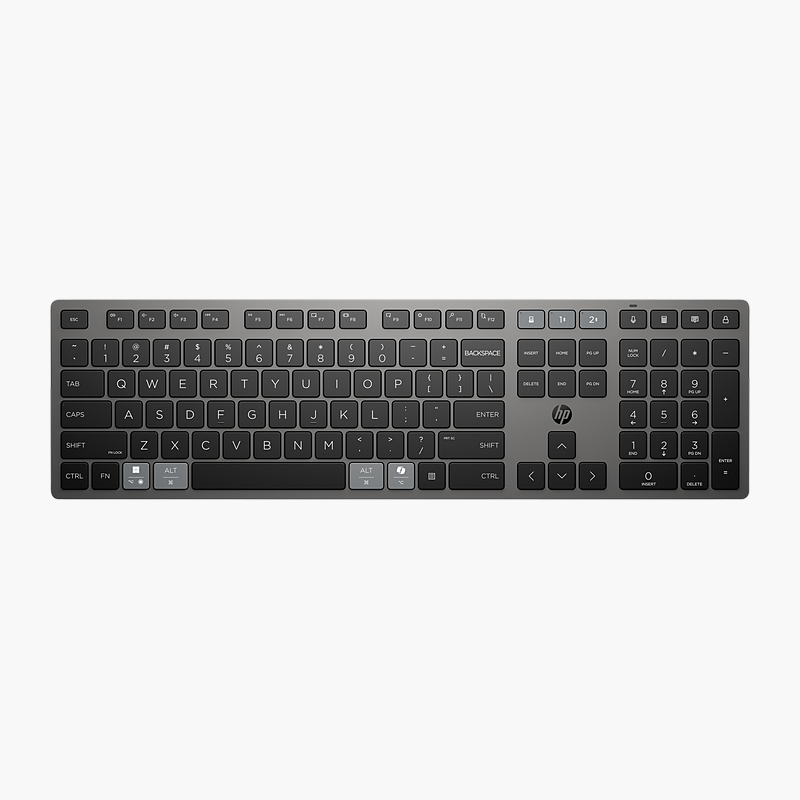
The HP 725 Multi-Device Rechargeable Keyboard is a wireless keyboard with a full-size layout with a numeric keypad, plus multi-device switching and programmable keys. It is built for busy office desks, schools and home offices, delivering comfortable, accurate typing without cables cluttering the desk. It works with Windows, macOS and ChromeOS.

Comfortable typing for every workday.

A Dependable Keyboard for Daily Work

Worn or cramped keyboards cause typing errors and fatigue, and switching between separate devices for calls, sign-in or data entry slows the working day.

The HP 725 Multi-Device Rechargeable Keyboard offers a full-size layout with a numeric keypad, plus multi-device switching and programmable keys, and connects via bluetooth / 2.4GHz multi-device.

Layout and Features

The full-size layout with a numeric keypad gives every key a familiar position. Switch between computers with a single key. Assign shortcuts to the keys you use most.

Connection and Power

Connects via bluetooth / 2.4GHz multi-device. It has a rechargeable battery and is compatible with Windows, macOS and ChromeOS.

Setup Instructions

How to Set Up the HP 725 Multi-Device Rechargeable Keyboard

  1. Charge the keyboard with the included USB cable before first use.
  2. Plug the USB receiver into your computer and switch the keyboard on.
  3. Or, for Bluetooth, hold the pairing key and select the keyboard in your computer’s Bluetooth settings.
  4. Test the keys and adjust keyboard settings in your operating system.

Overview

BrandHP
Model725 Multi-Device Rechargeable Keyboard
Product TypeKeyboard
Interface TypeWireless
ConnectionBluetooth / 2.4GHz multi-device
LayoutFull-size with numeric keypad
Numeric KeypadYes
Key FeaturesMulti-device switching; Programmable keys
Power SourceRechargeable battery
OS CompatibilityWindows, macOS, ChromeOS
Multi-DeviceYes
Smart Card ReaderNo
Part Number9T5B2AA
ConditionBrand New
In the BoxKeyboard, charging cable, quick start guide

Frequently Asked Questions

Find answers to common questions about this product.

Customer Reviews

Reviews

There are no reviews yet.

Be the first to review “HP 725 Multi-Device Rechargeable Keyboard (9T5B2AA) – Wireless, Numeric Keypad”

Your email address will not be published. Required fields are marked *