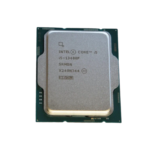
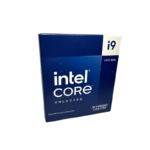
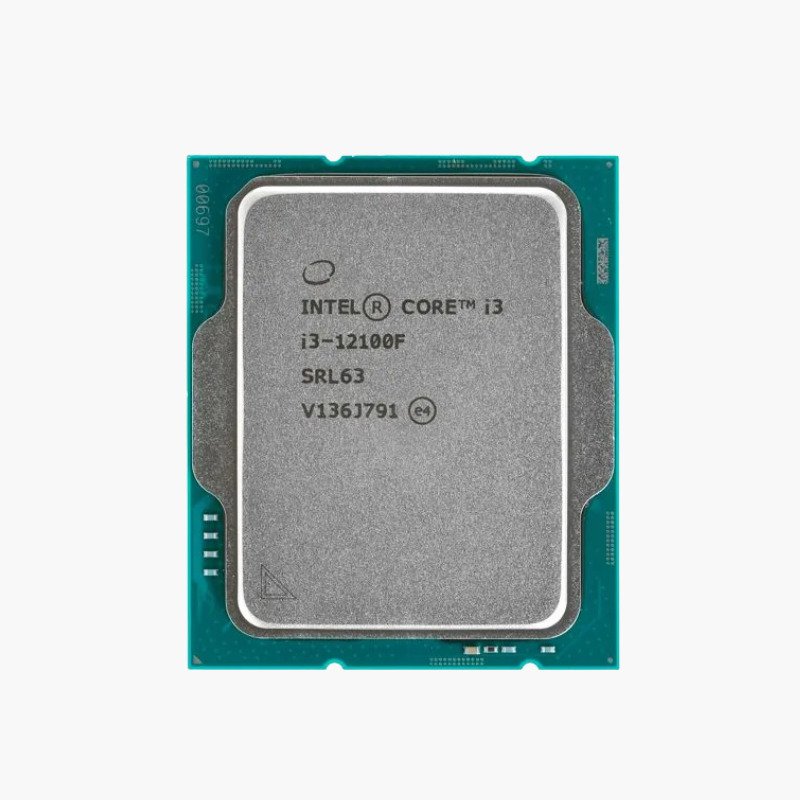
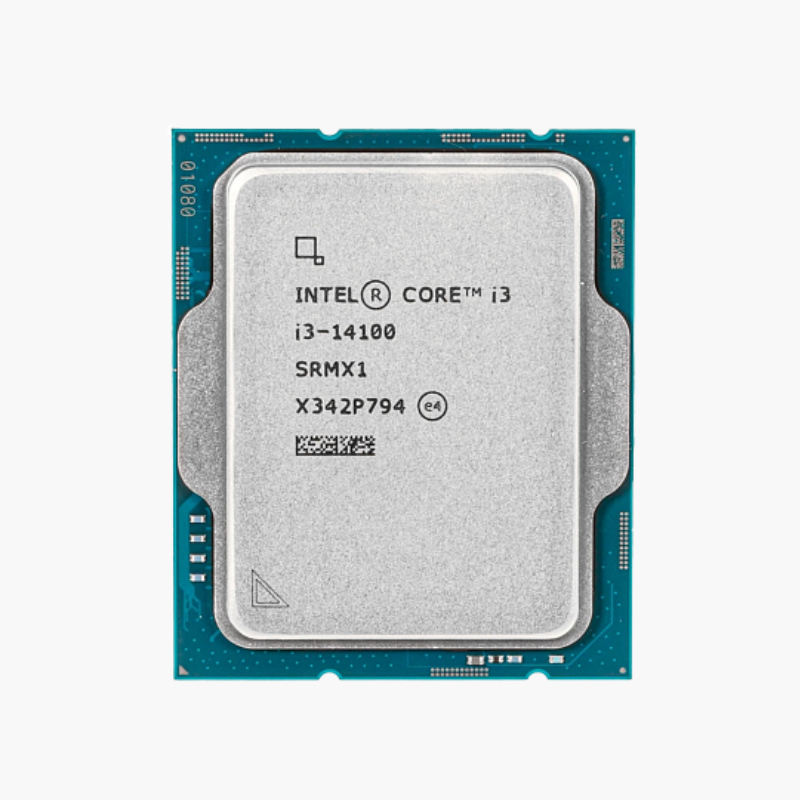
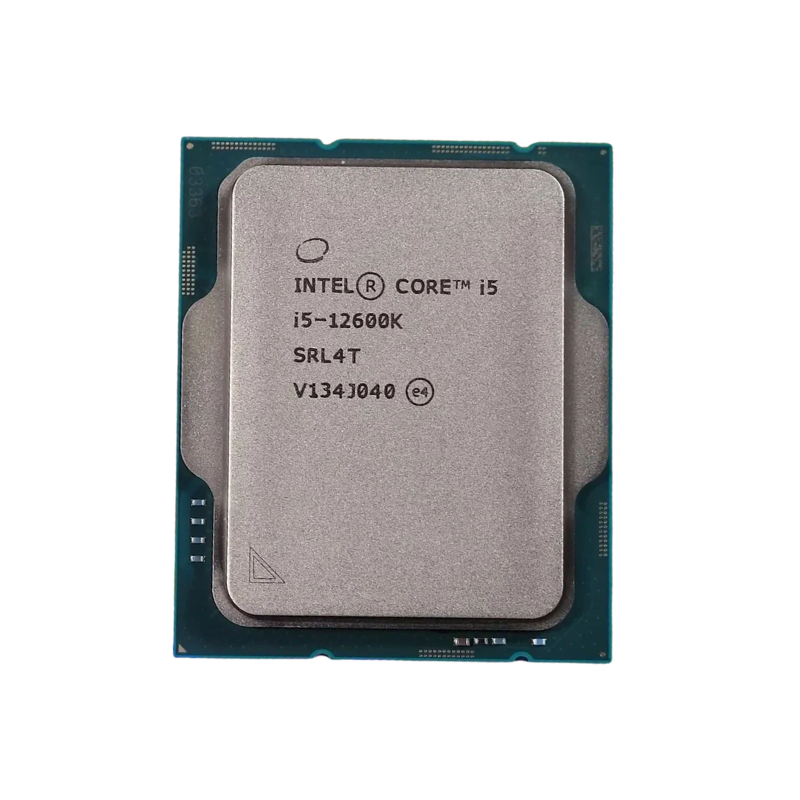
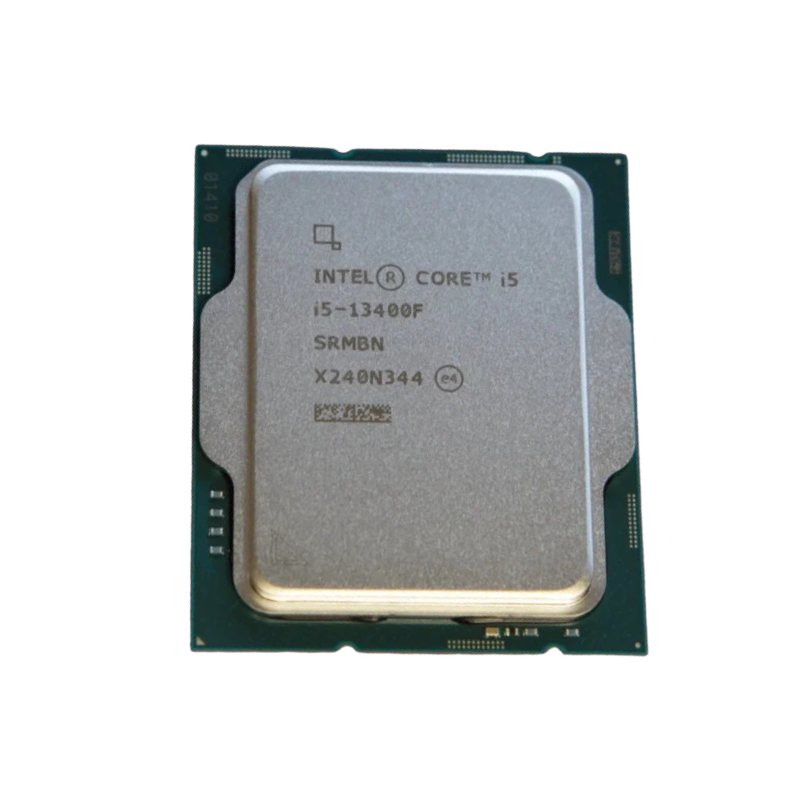
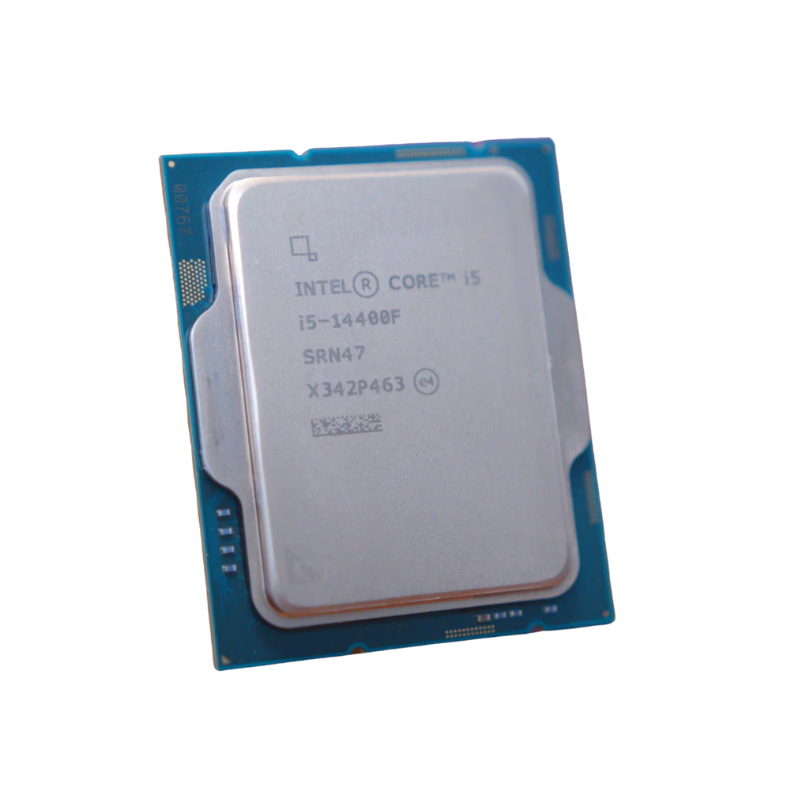
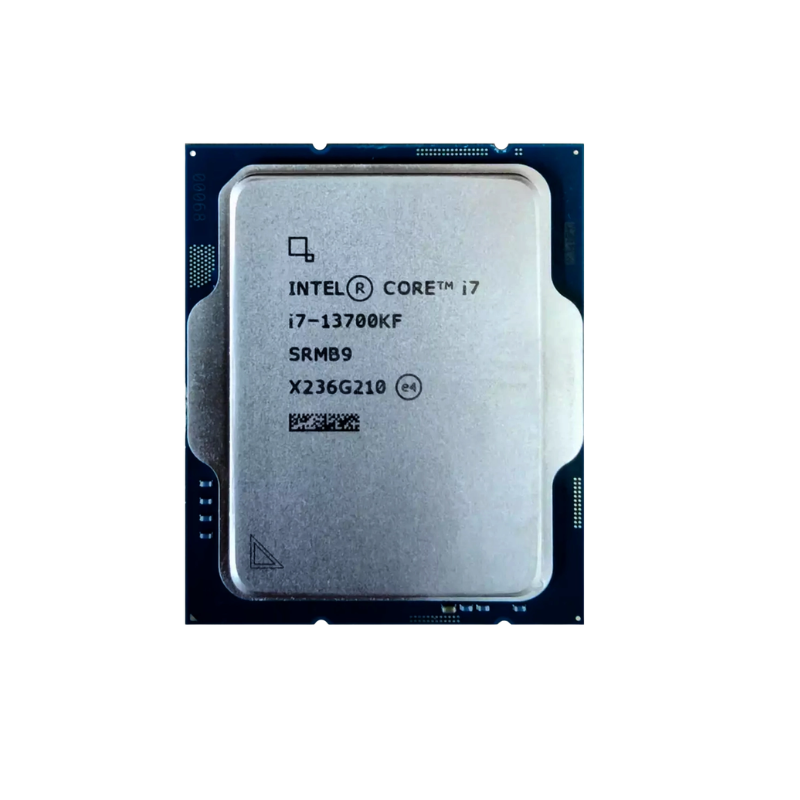
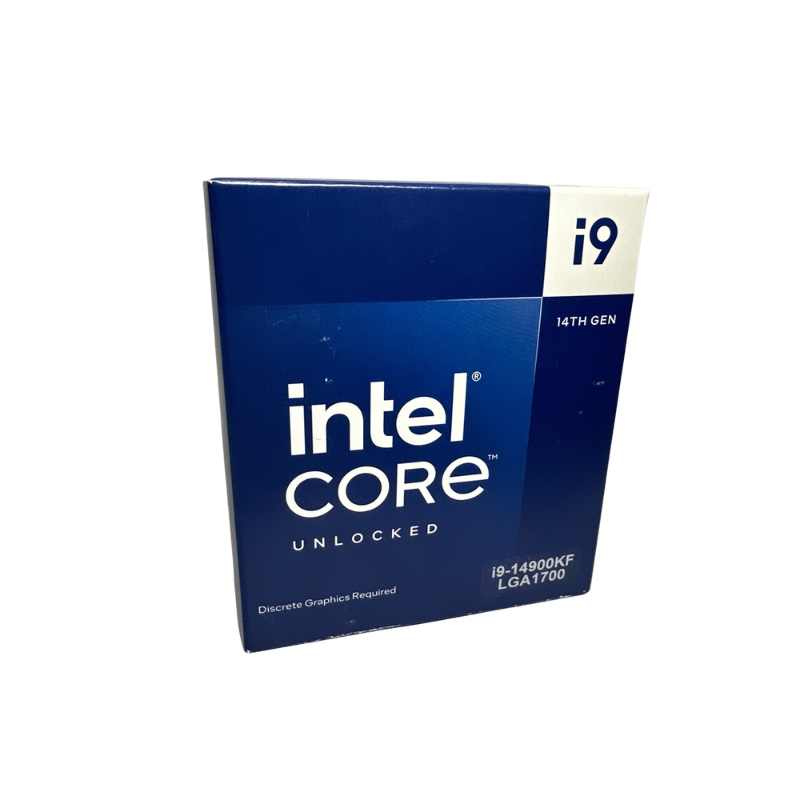
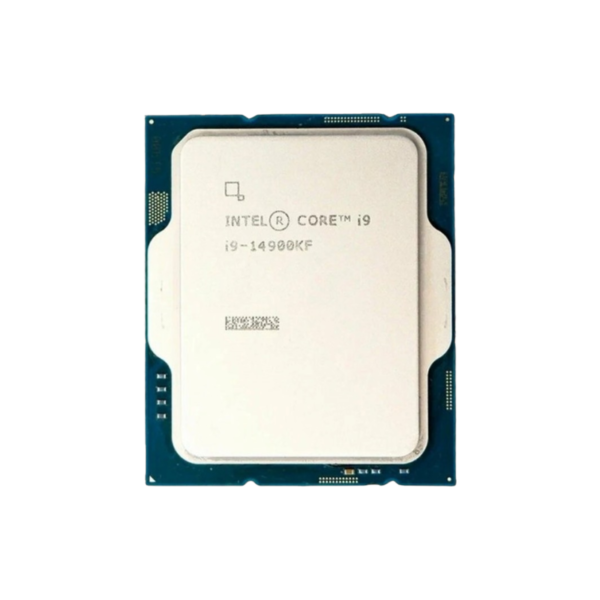
Intel Core i9-14900KF 14th Gen Desktop Processor – 24 Cores (8P+16E), Up to 6.0 GHz, LGA1700, Unlocked, No Integrated Graphics

SKU: INTEL-CORE-I9-14900KF
  • 30-Day Hassle Free Returns
  • Secure Payment Options

Price on RequestRequest a quote for volume pricing, availability and lead time.

Key Value Highlights

  • 24 cores / 32 threads (8P + 16E) – Performance cores handle games and active apps while 16 efficient cores absorb background work, keeping frame times and responsiveness steady.
  • Up to 6.0 GHz max turbo + 36MB cache – High single-core speed keeps game engines, browsers and office apps responsive, while the large shared cache cuts trips to system memory.
  • LGA1700 with DDR4 or DDR5 support – Reuse affordable DDR4 or step up to DDR5-5600 for more bandwidth, on either 600-series or 700-series motherboards.
  • Unlocked multiplier – Overclock cores, cache and memory on a Z-series motherboard, or undervolt to cut heat and fan noise without losing performance.
  • No integrated graphics (F-series) – You pay only for CPU performance; pair it with any discrete graphics card for gaming or GPU-accelerated work.

Description

The Intel Core i9-14900KF is a 14th Gen Intel Core desktop processor (Raptor Lake Refresh) with 24 cores (8 Performance + 16 Efficient), 32 threads and a maximum turbo frequency of 6.0 GHz. It uses the LGA1700 socket, supports DDR5-5600 and DDR4-3200 memory, and is aimed at enthusiast gaming, 3D rendering, video production and software development workstations.

When Render Times and Compile Jobs Become the Bottleneck – Intel Core i9-14900KF

For creators, developers and engineers, time is the real cost of a slow processor. A 3D render, a 4K export or a full code build that takes twice as long adds up to hours lost every week, and a mid-range chip forces you to choose between working and waiting.

The i9-14900KF attacks that problem with 24 cores (8 Performance + 16 Efficient) and 32 threads. The performance cores reach up to 6.0 GHz for lightly threaded tasks such as gaming, modeling viewports and single-threaded applications, while 16 efficient cores scale across rendering, encoding, compiling and virtual machines.

Be realistic about power: under sustained all-core load the i9-14900KF can draw up to 253W, so plan for a 360mm AIO liquid cooler or a top-tier dual-tower air cooler and a quality Z-series motherboard. Set up properly, it delivers flagship desktop performance.

Hybrid Architecture – 8 P-Cores and 16 E-Cores Working Together

Intel Thread Director works with Windows 11 to place each task on the right type of core. Demanding foreground work goes to the 8 performance cores, while background and highly parallel work spreads across the 16 efficient cores. The result is 32 threads of capacity with better responsiveness than a processor built from identical cores alone.

Unlocked for Overclocking and Tuning

The K-series multiplier is unlocked, so you can raise core, cache and memory clocks on a Z690 or Z790 motherboard. Many owners also undervolt to lower temperatures and fan noise while keeping stock performance. As a KF model it has no integrated graphics, so a discrete graphics card is required.

Setup Instructions

How to Install the Intel Core i9-14900KF

  1. Confirm your motherboard uses the LGA1700 socket with an Intel 600-series or 700-series chipset. If you are using a 600-series board, update the BIOS first so it recognizes this processor. Install the latest BIOS with Intel microcode 0x12B or newer, which Intel released to address voltage-related instability on 13th and 14th Gen desktop processors.
  2. Lift the socket load plate, align the triangle marker and the notches on the i9-14900KF with the socket, and lower it straight down without pressure. Close the load plate and lever; the plastic socket cover will pop off.
  3. Apply a thin layer of thermal paste and mount an LGA1700-compatible cooler. Use at least a 360mm AIO liquid cooler or a top-tier dual-tower air cooler for this chip’s 125W base and 253W maximum turbo power.
  4. Connect your monitor to the graphics card (this model has no integrated graphics), power on, enter the BIOS to confirm the processor is detected and enable the XMP memory profile, then install Windows 11 and the latest chipset drivers.

Overview

Model NumberCore i9-14900KF
BrandIntel
Processor Series14th Gen Intel Core
ArchitectureRaptor Lake Refresh
SocketLGA1700
Cores24 (8P + 16E)
Threads32
Performance-Core Base Clock3.2 GHz
Max Turbo FrequencyUp to 6.0 GHz
Cache36MB Intel Smart Cache
Base / Max Turbo Power125W / 253W
Integrated GraphicsNone (discrete GPU required)
Memory SupportDDR5-5600 / DDR4-3200 / up to 192GB
OverclockingUnlocked multiplier
Compatible ChipsetsIntel 600 / 700-series (Z790 / B760 / H770 / Z690 / B660 / H610)
In the Box1x processor (no cooler included)
ConditionBrand New

Frequently Asked Questions

Find answers to common questions about this product.

Customer Reviews

Reviews

There are no reviews yet.

Be the first to review “Intel Core i9-14900KF 14th Gen Desktop Processor – 24 Cores (8P+16E), Up to 6.0 GHz, LGA1700, Unlocked, No Integrated Graphics”

Your email address will not be published. Required fields are marked *