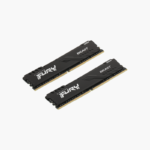
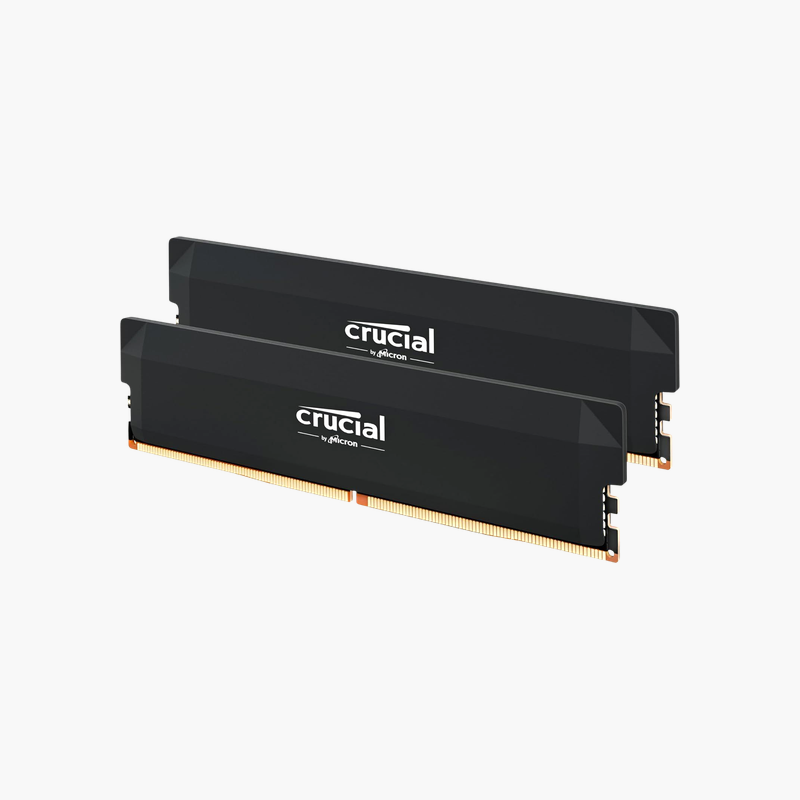
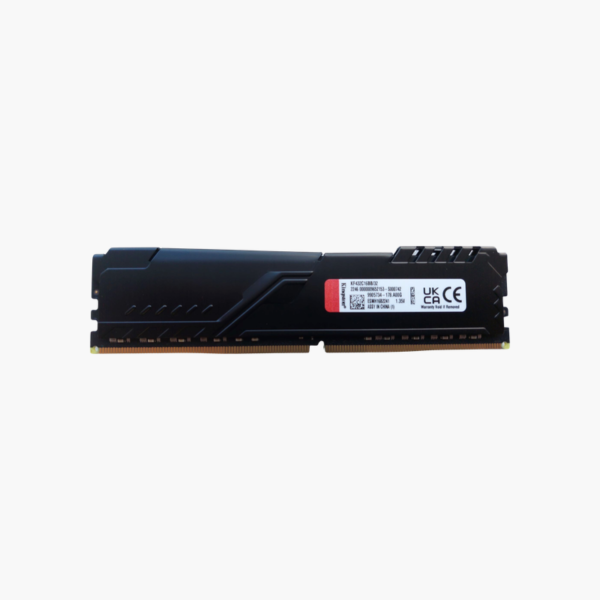
Kingston FURY Beast 32GB (2x16GB) DDR4-3200 CL16 Desktop RAM Kit (KF432C16BBK2/32)
Kingston FURY Beast 32GB (2x16GB) DDR4-3200 CL16 Desktop RAM Kit (KF432C16BBK2/32) Price on RequestRequest a quote for volume pricing, availability and lead time.
Back to products
Micron 1GB DDR-333 PC2700 SODIMM Laptop Memory (MT16VDDF12864HG-335D2) – 200-Pin, 2.5V
Micron 1GB DDR-333 PC2700 SODIMM Laptop Memory (MT16VDDF12864HG-335D2) – 200-Pin, 2.5V Price on RequestRequest a quote for volume pricing, availability and lead time.

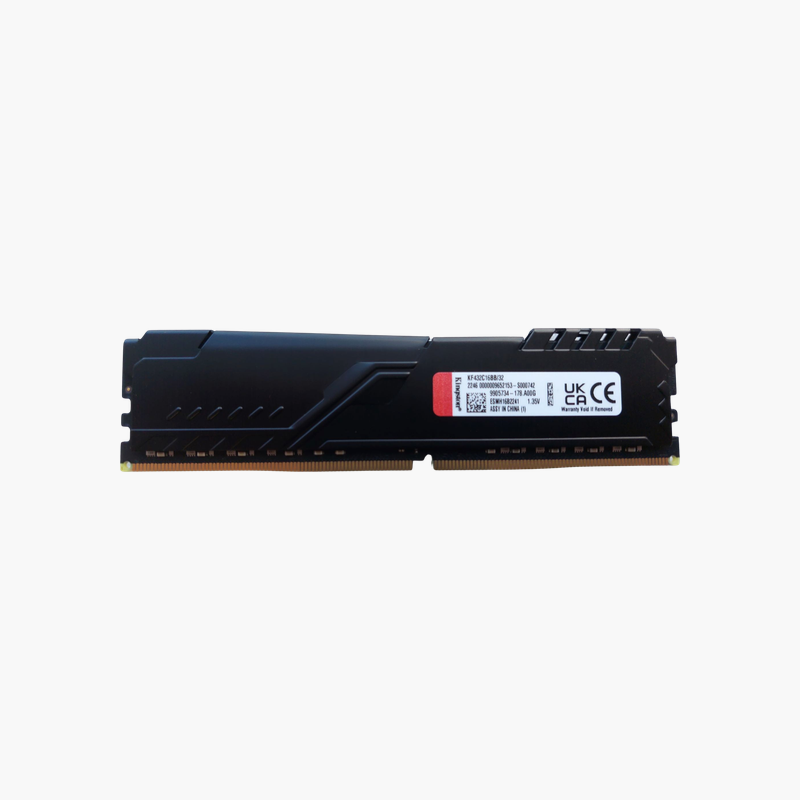
Kingston FURY Beast 32GB DDR4-3200 CL16 Desktop RAM (KF432C16BB/32) – Single Module

SKU: KF432C16BB/32
  • 30-Day Hassle Free Returns
  • Secure Payment Options

Price on RequestRequest a quote for volume pricing, availability and lead time.

Key Value Highlights

  • 32GB on a single DIMM – Start at 32GB and expand to 64GB or 128GB with matching modules.
  • DDR4-3200 CL16 – Low latency at a speed most DDR4 platforms support.
  • Intel XMP-ready, AMD Ryzen compatible – One BIOS setting loads the rated profile.
  • Low-profile heat spreader – Clears most CPU air coolers.

Description

Start with 32GB in one slot and scale to 128GB later.

The Kingston FURY Beast KF432C16BB/32 is a single 32GB DDR4-3200 CL16 desktop module. It suits creators and power users who want high capacity per slot, either adding to an existing 32GB module for 64GB dual channel or planning a four-slot 128GB build for editing, rendering, and virtualization.

Why Memory Speed and Timings Affect Desktop Performance

High-capacity modules let you grow memory without replacing what you already own. A single 32GB stick provides room for heavy workloads today and leaves slots free for later upgrades.

Adding a second identical module gives 64GB in dual channel, and four modules give 128GB on boards that support it, a common target for video editing, 3D rendering, and virtual machine hosts.

Like other FURY Beast DDR4 modules, it runs 3200 MT/s at CL16 using its XMP profile.

Plan for 64GB and 128GB Builds

Buying 32GB modules one at a time lets you scale to 128GB as projects grow, without discarding smaller modules.

Note on Single-Channel Operation

A single module runs in single-channel mode. For best performance, add a second identical module to enable dual channel.

How to Install and Enable Kingston FURY Beast 32GB DDR4-3200

  1. Power down, unplug the PC, and ground yourself on a metal part of the case.
  2. Install the modules in the motherboard’s recommended slots (for two modules, usually A2 and B2).
  3. Press each module down firmly until the latches click, then reconnect power and boot into BIOS.
  4. Enable the XMP profile (Intel) or DOCP/A-XMP (AMD) to run at 3200 MT/s, save, and confirm the speed in BIOS or CPU-Z.

Overview

BrandKingston
Product LineFURY Beast DDR4
Model NumberKF432C16BB/32
Total Capacity32GB (1 x 32GB)
Memory TypeDDR4 SDRAM
Speed3200 MT/s
CAS LatencyCL16
Voltage1.35V (XMP)
Module TypeUDIMM (Unbuffered DIMM)
Pin Count288-pin
Channel ConfigurationSingle module
OverclockingIntel XMP-ready, AMD Ryzen compatible
Heat SpreaderLow-profile black aluminum
CompatibilityIntel and AMD desktops with DDR4 DIMM slots
ConditionBrand New

Frequently Asked Questions

Find answers to common questions about this product.

Customer Reviews