Seagate Expansion Desktop 12TB Desktop External Hard Drive (STKP12000400)
Seagate Expansion Desktop 12TB Desktop External Hard Drive (STKP12000400) – USB 3.0 Price on RequestRequest a quote for volume pricing, availability and lead time.
Back to products
Seagate BarraCuda 8TB Desktop Hard Drive (ST8000DMZ04)
Seagate BarraCuda 8TB Desktop Hard Drive (ST8000DMZ04) – SATA 6Gb/s, 5400 RPM, 256MB Cache, SMR Price on RequestRequest a quote for volume pricing, availability and lead time.

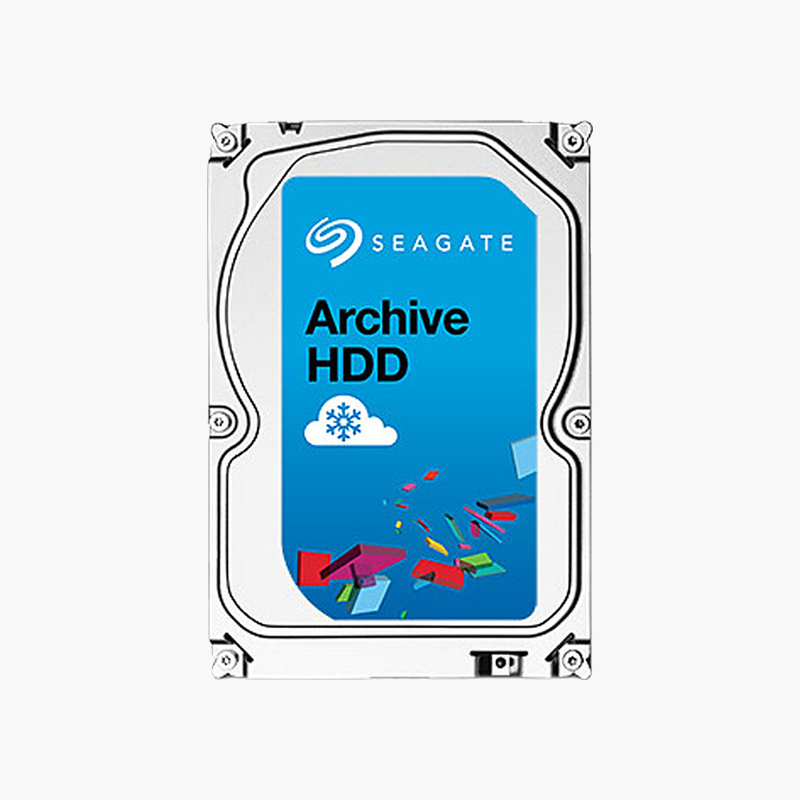
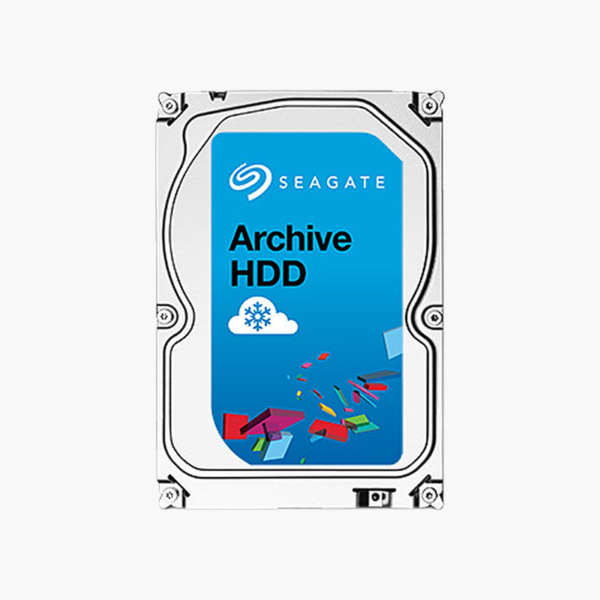
Seagate Archive 8TB Archive Hard Drive (ST8000AS0002) – SATA 6Gb/s, 5900 RPM, 128MB Cache, SMR

SKU: ST8000AS0002
  • 30-Day Hassle Free Returns
  • Secure Payment Options

Price on RequestRequest a quote for volume pricing, availability and lead time.

Key Value Highlights

  • SMR archive design – Low cost per terabyte for cold and backup storage.
  • 5900 RPM, 128MB cache – Efficient sequential reads and writes.
  • Low power operation – Suited to always-on backup targets.
  • SATA 6Gb/s – Standard SATA connectivity.
  • Write-once, read-many use – Ideal for archives that rarely change.

Description

The Seagate Archive 8TB (ST8000AS0002) is a 3.5-inch SMR archive hard drive for backups, cold storage and media archives. With 5900 RPM operation and a 128MB cache, it offers a low cost per terabyte for data that is written once and read occasionally.

Low-cost capacity for data you need to keep, not constantly rewrite.

Matching the Drive to Archive Workloads

Archives and backups write large files once and read them occasionally. Paying for NAS or enterprise performance on this data wastes money.

The Seagate Archive drive uses SMR to increase density and lower cost per terabyte. It works best for sequential, write-once workloads and is not recommended for RAID arrays with frequent rebuilds.

SMR Density for Low Cost

Overlapping tracks raise capacity per platter, which lowers cost for cold storage.

Efficient for Sequential Data

Large sequential writes – backups, video archives, disk images – suit SMR’s strengths.

Setup Instructions

How to Use the Seagate Archive 8TB

  1. Install the drive in a desktop, backup server or external dock.
  2. Initialise and format it in your operating system.
  3. Use it for sequential backups and archives rather than RAID arrays.
  4. Verify backups periodically and store a second copy off-site.

Overview

BrandSeagate
Model NumberST8000AS0002
Product LineSeagate Archive
Capacity8TB
Drive TypeInternal Archive Hard Disk Drive
Form Factor3.5-inch
InterfaceSATA 6Gb/s
Spindle Speed5900 RPM
Cache128MB
Recording TechnologySMR
Optimized ForCold storage, backups and write-once/read-many archives
Workload Rating180TB per year
Operation24/7 capable archive use
ConditionBrand New
In the Box1x Seagate Archive 8TB drive (bare drive, no cables or mounting hardware)

Frequently Asked Questions

Find answers to common questions about this product.

Customer Reviews

Reviews

There are no reviews yet.

Be the first to review “Seagate Archive 8TB Archive Hard Drive (ST8000AS0002) – SATA 6Gb/s, 5900 RPM, 128MB Cache, SMR”

Your email address will not be published. Required fields are marked *