Seagate BarraCuda 500GB Desktop Internal Hard Drive (ST500DM009) — 7200 RPM, 32MB Cache, 3.5-inch SATA
Seagate BarraCuda 500GB Desktop Internal Hard Drive (ST500DM009) — 7200 RPM, 32MB Cache, 3.5-inch SATA Price on RequestRequest a quote for volume pricing, availability and lead time.
Back to products
Seagate Exos X16 12TB Enterprise Hard Drive (ST12000NM001G) — 7200 RPM, SATA 6Gb/s, 256MB Cache
Seagate Exos X16 12TB Enterprise Hard Drive (ST12000NM001G) — 7200 RPM, SATA 6Gb/s, 256MB Cache Price on RequestRequest a quote for volume pricing, availability and lead time.

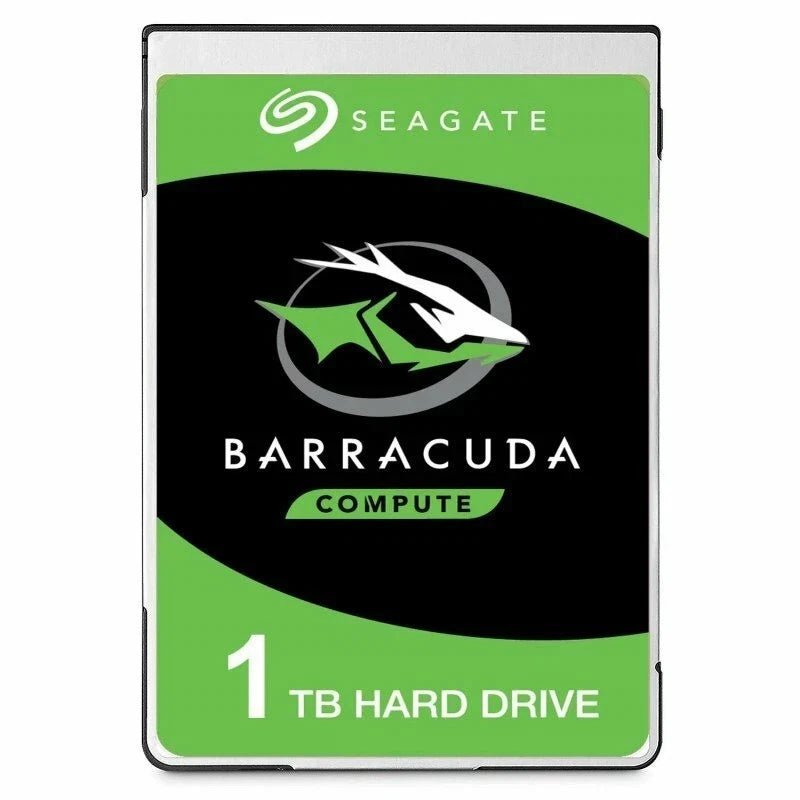
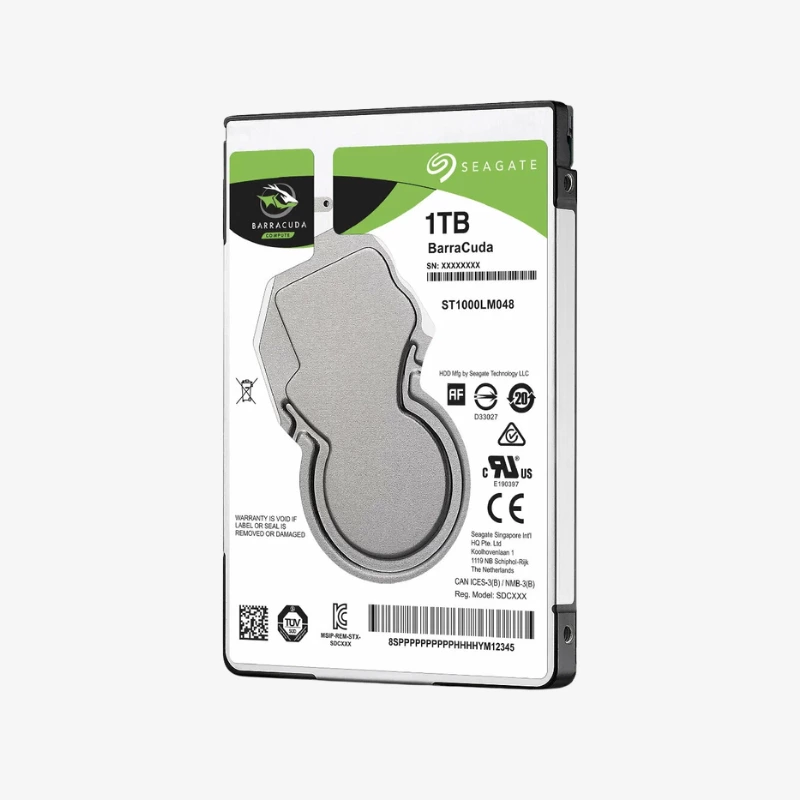
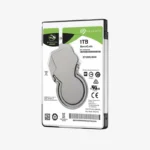
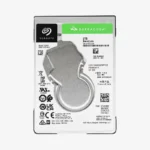
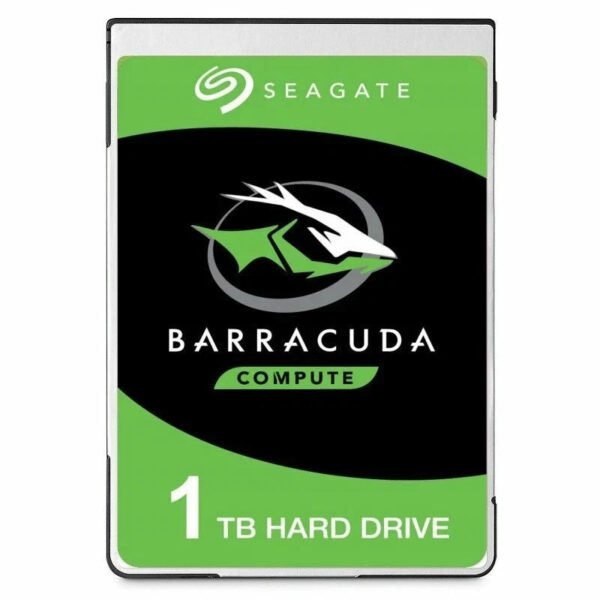
Seagate BarraCuda 1TB 2.5-inch Laptop Hard Drive (ST1000LM048) — 7mm, 5400 RPM, 128MB Cache

SKU: SEAGATE-BARRACUDA-LAPTOP
  • 30-Day Hassle Free Returns
  • Secure Payment Options

Price on RequestRequest a quote for volume pricing, availability and lead time.

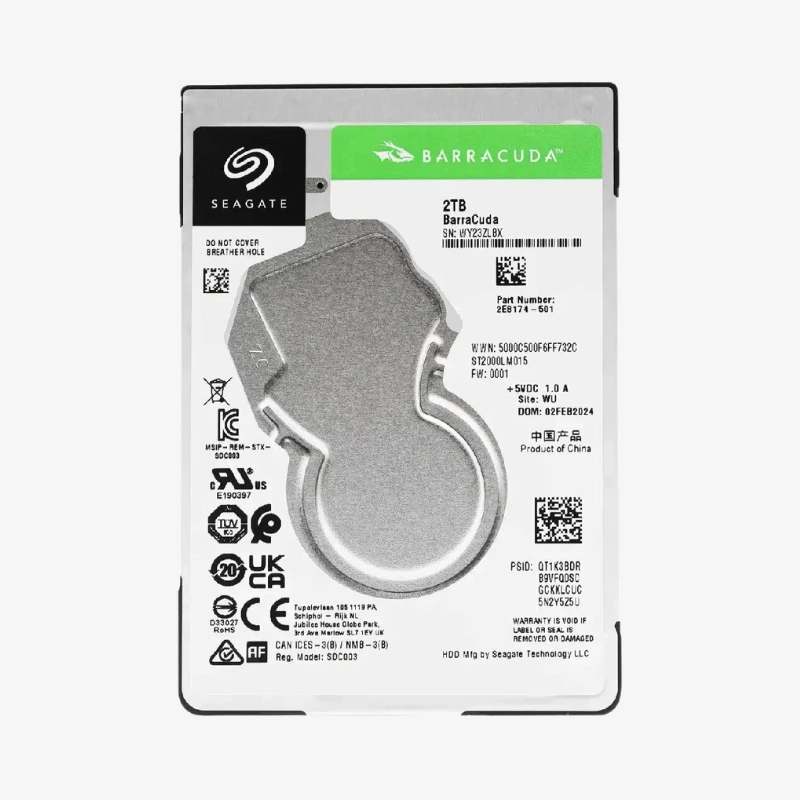
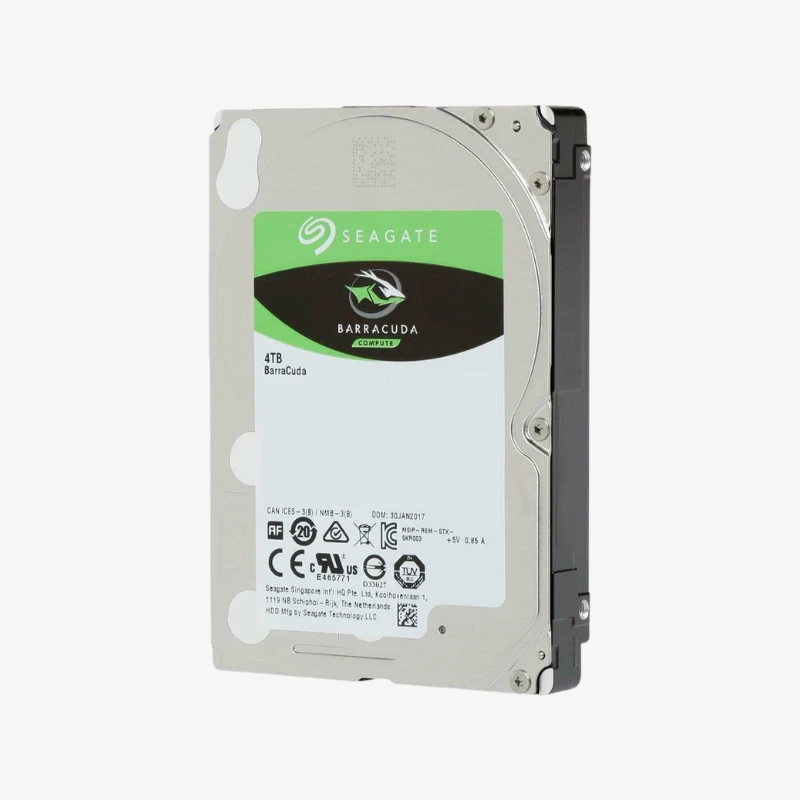
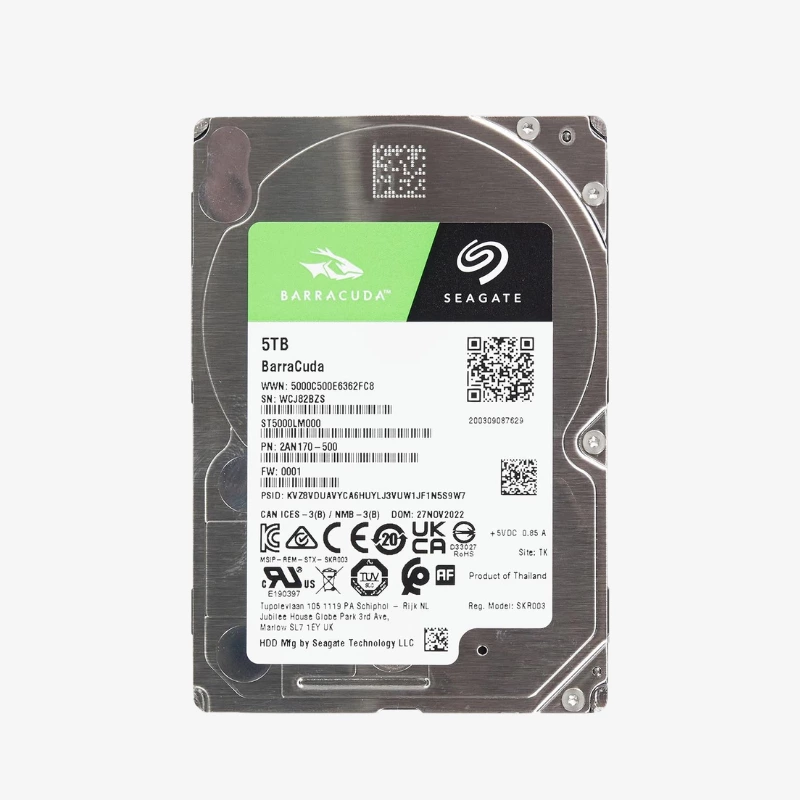
The Seagate BarraCuda 2.5-inch Laptop Hard Drive is available in 1TB, 2TB, 4TB, 5TB across 5 model numbers. Select a capacity and model number above to see the price, stock and model-specific highlights.

Description

The Seagate BarraCuda 1TB (ST1000LM048) is a 2.5-inch, 7mm SATA hard drive with a 5400 RPM spindle and 128MB cache. It adds high-capacity storage to laptops, compact PCs and consoles.

Deep-Dive Story & Problem/Solution

More Storage Without Replacing Your Device

Laptops and compact systems often ship with small drives that fill up quickly with games, photos and work files. Replacing the whole device is expensive; swapping in a larger 2.5-inch drive is not.

The ST1000LM048 provides 1TB in the standard 2.5-inch form factor. At 7mm thick it fits most laptops, including thin models. This model uses SMR recording, optimised for capacity in single-drive use rather than RAID.

Balanced Speed and Power Efficiency

The 5400 RPM spindle and 128MB cache, together with Multi-Tier Caching Technology, provide responsive everyday performance while keeping power draw low to help preserve battery life.

Versatile 2.5-Inch Upgrade

Beyond laptops, the drive works in many game consoles, mini PCs and USB-to-SATA enclosures, making it a flexible way to add portable or secondary storage.

Setup Instructions

How to Install the Seagate BarraCuda 1TB

  1. Back up your data, power off the device and disconnect the charger and battery where possible.
  2. Remove the drive bay cover and transfer any caddy or bracket from the old drive to the new one.
  3. Slide the drive into the SATA connector, secure it and replace the cover.
  4. Clone your old drive or install a fresh OS, or initialise and format it as secondary storage.

Overview

WeightN/A
DimensionsN/A
Storage Capacity1TB, 2TB, 4TB, 5TB
Model NumberST1000LM048, ST1000LM049, ST2000LM015, ST4000LM024, ST5000LM000
SeriesSeagate BarraCuda
Drive TypeInternal 2.5-inch Hard Disk Drive
InterfaceSATA 6Gb/s
Cache128MB
Recording TechnologySMR (Shingled Magnetic Recording)
Workload Rating55TB per year
Reliability Rating2, 400 power-on hours per year
Key TechnologiesMulti-Tier Caching Technology (MTC), low-power mobile design
Optimized ForLaptops, compact PCs, game consoles and external enclosures; 2.5-inch laptop/SFF drive bays
ConditionBrand New

Frequently Asked Questions

Find answers to common questions about this product.

Customer Reviews

Reviews

There are no reviews yet.

Be the first to review “Seagate BarraCuda 1TB 2.5-inch Laptop Hard Drive (ST1000LM048) — 7mm, 5400 RPM, 128MB Cache”

Your email address will not be published. Required fields are marked *