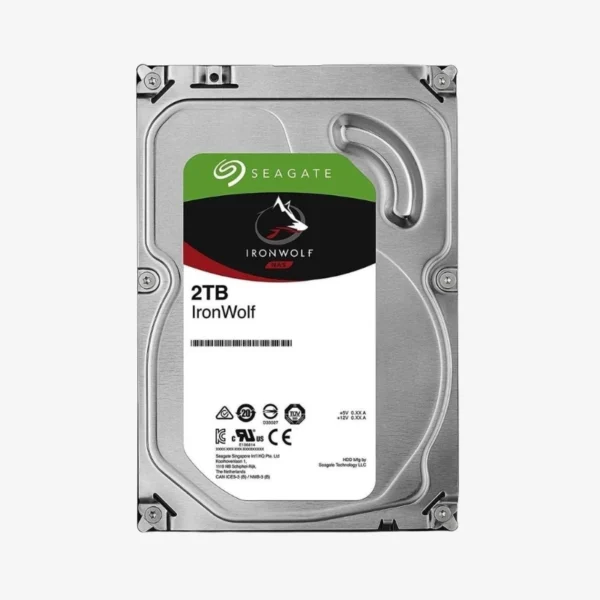
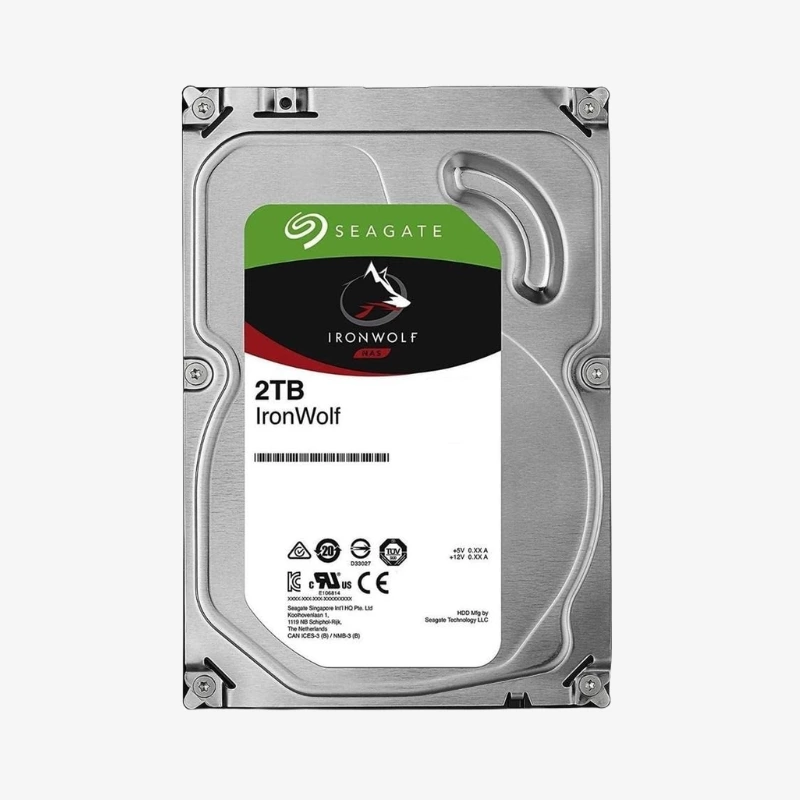
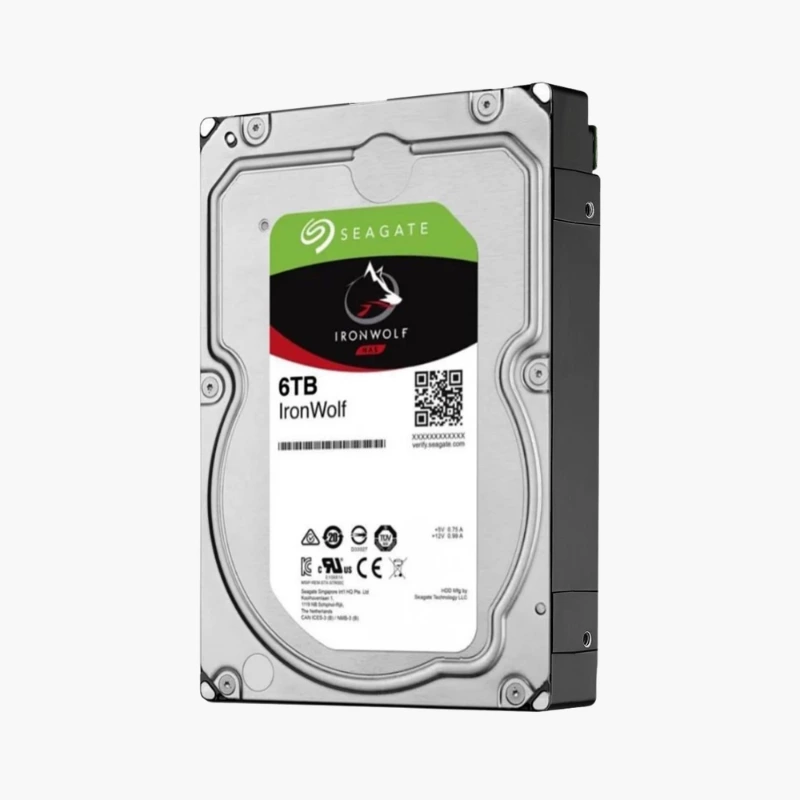
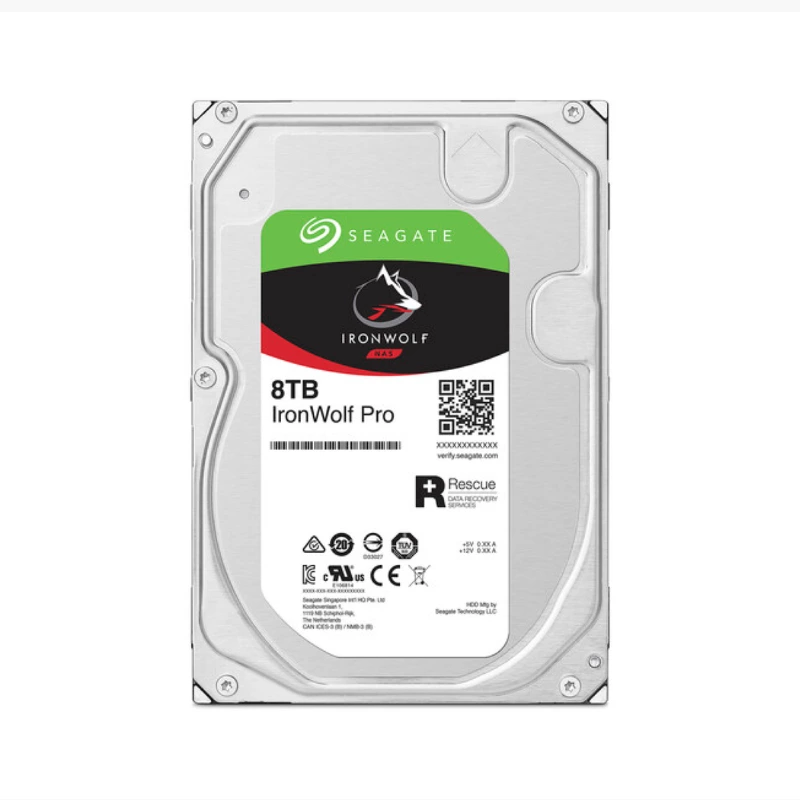
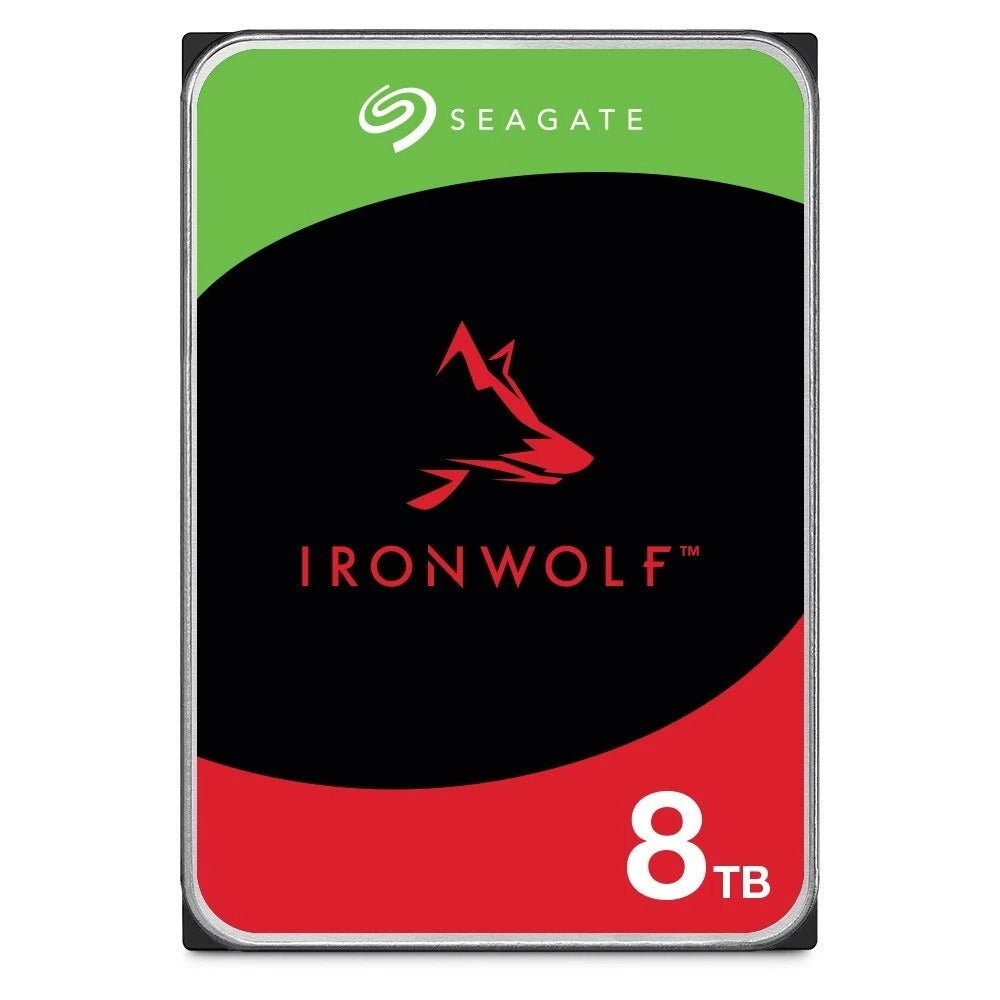
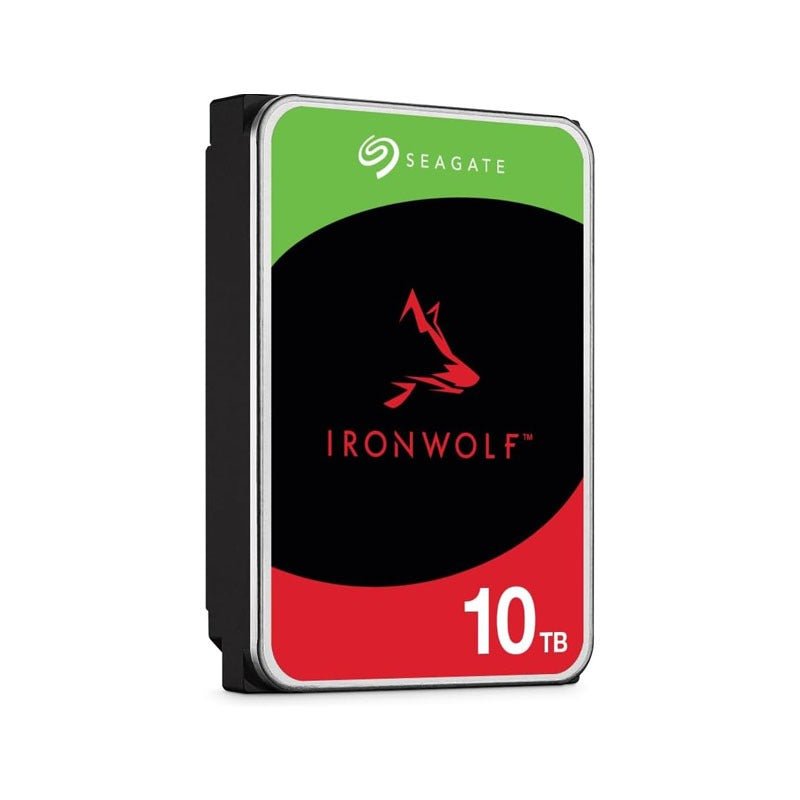
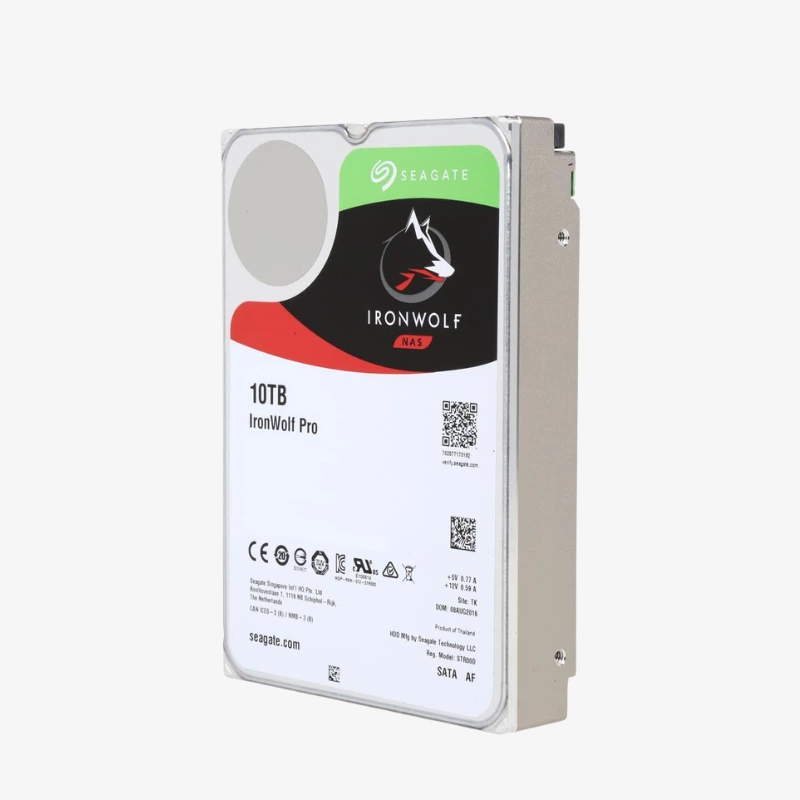
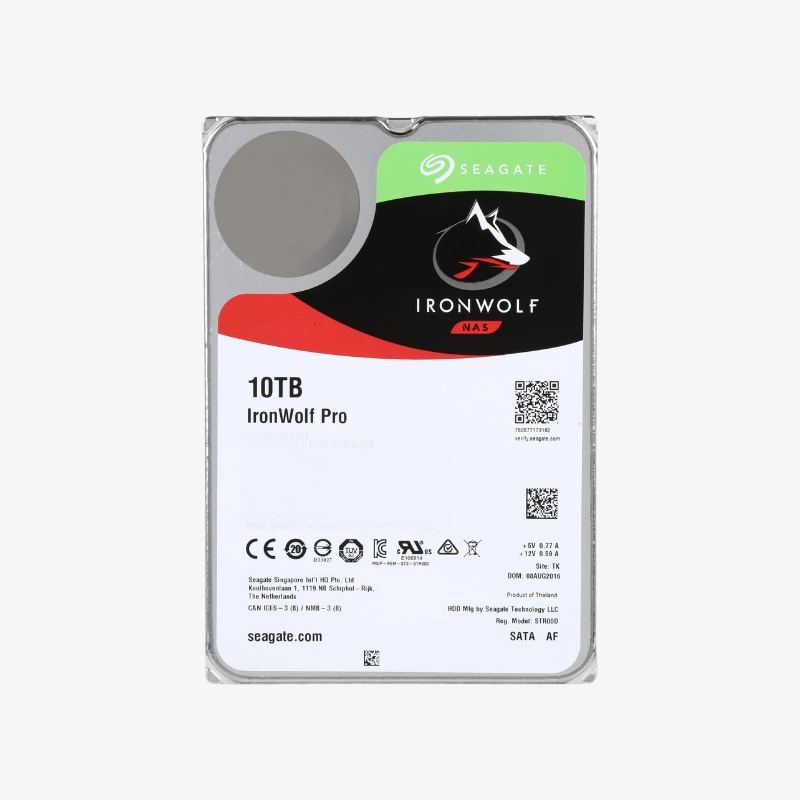
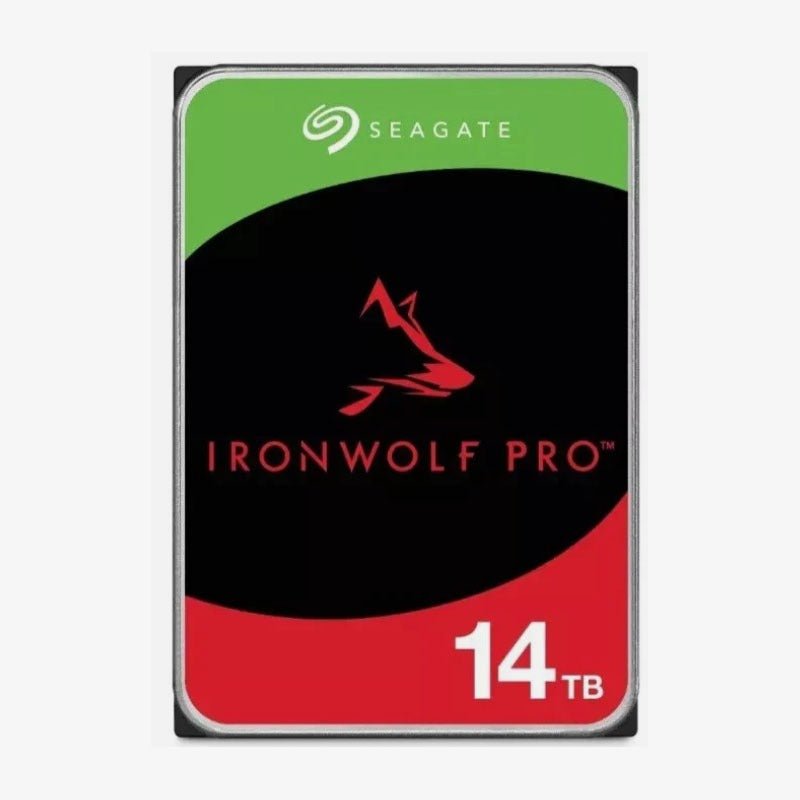
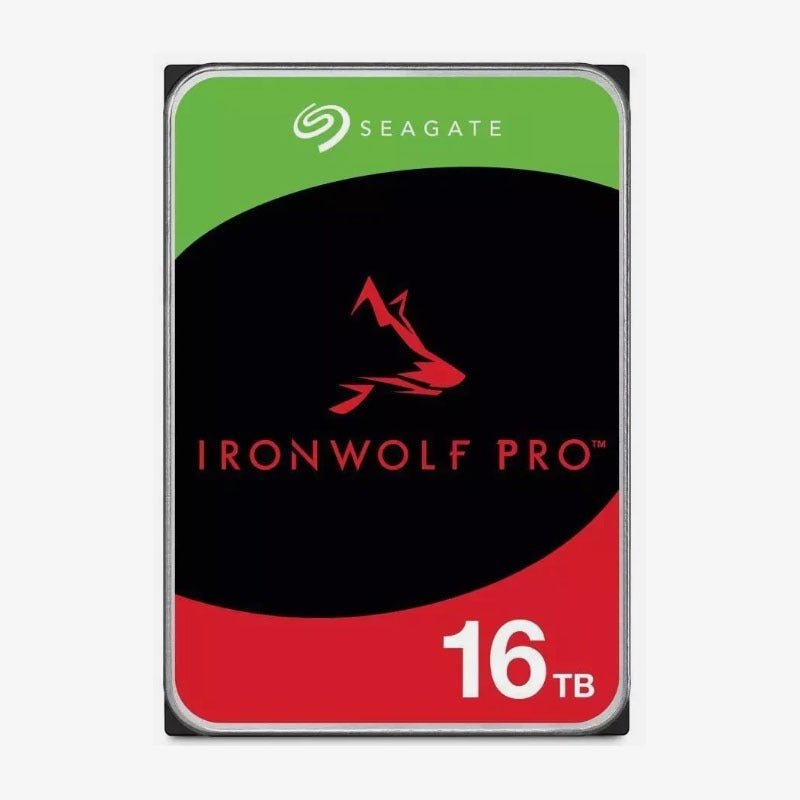
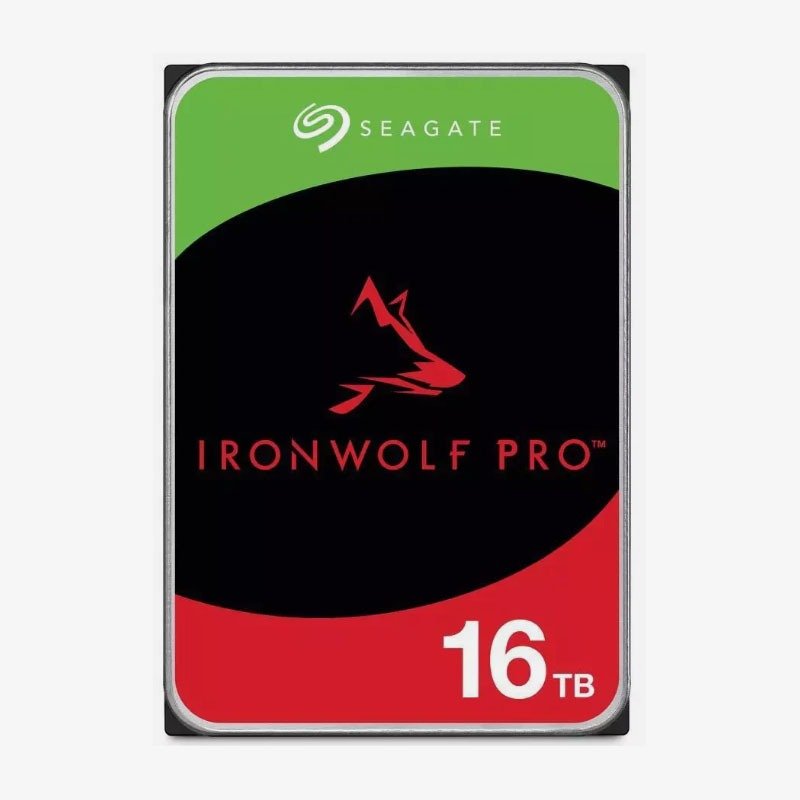

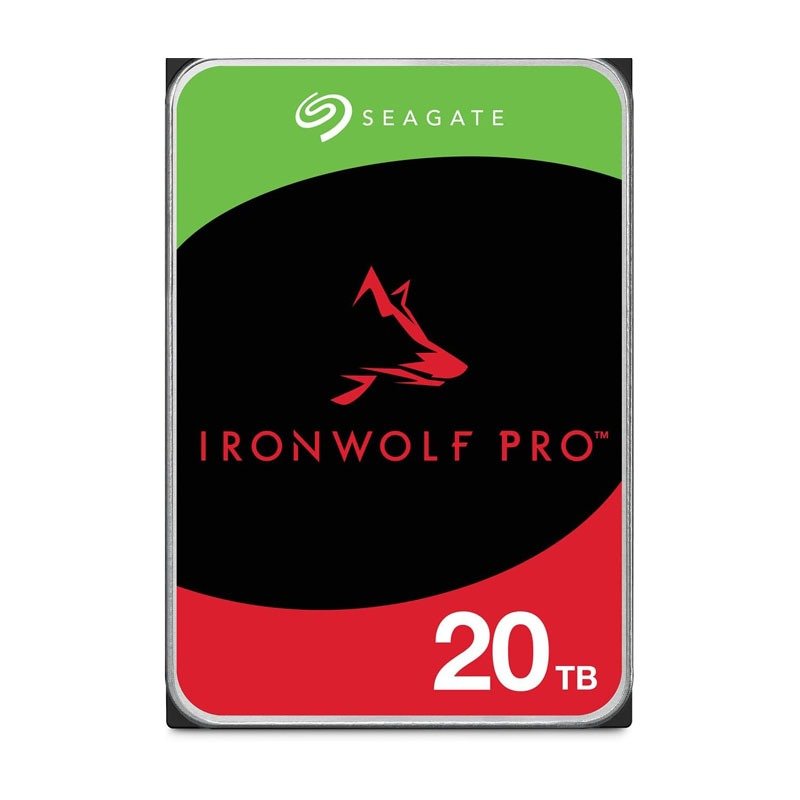
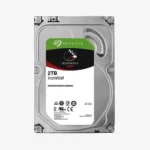
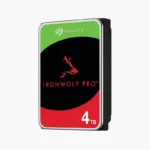
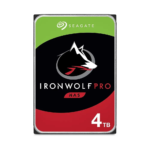
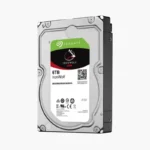
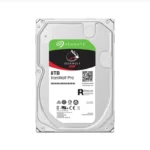
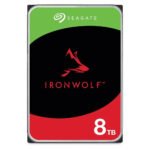
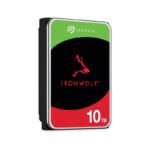
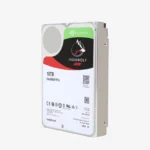
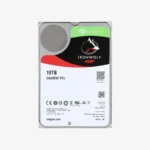
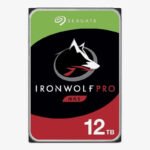
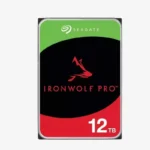
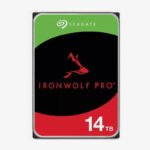
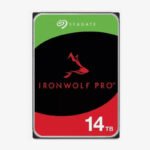
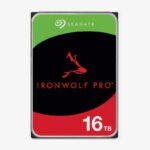
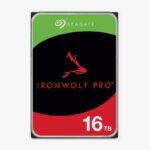
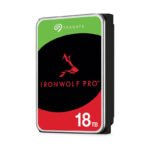
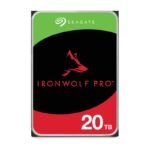
The Seagate IronWolf Pro 2TB (ST2000NT001) is a 3.5-inch, 7200 RPM CMR hard drive for commercial and enterprise NAS. Rated for a 550TB per year workload and 2,000,000 hours MTBF, it is built for multi-bay systems that serve many users around the clock — a strong fit for a 2-bay mirror for family photos, documents and PC backups.
Deep-Dive Story & Problem/Solution
When Standard NAS Drives Hit Their Limits
Entry NAS drives are rated for small arrays and moderate traffic. Business arrays are different: more bays mean more vibration, more users mean more simultaneous reads and writes, and every rebuild puts heavy sustained load on the surviving disks. Drives pushed outside their rated envelope slow down, log errors and fail sooner.
IronWolf Pro is designed for that higher tier. The ST2000NT001 spins at 7200 RPM, carries a 550TB per year workload rating, and uses AgileArray with dual-plane balancing and rotational vibration (RV) sensors to keep performance steady in dense multi-bay chassis. Time-limited error recovery keeps the drive responsive to the RAID controller instead of stalling on a difficult sector.
Like every IronWolf model, it uses CMR rather than SMR, so random writes and rebuilds do not trigger the long write penalties of shingled drives — rebuilds complete faster and the array returns to full redundancy sooner.
Built for Multi-User, Always-On Workloads
From file servers and virtual machine datastores to backup targets and video editing shares, the 2TB capacity and 7200 RPM spindle deliver consistent throughput under concurrent access. The 256MB cache absorbs bursts of small I/O so users see fewer stalls.
Reliability You Can Plan Around
A 2,000,000 hours MTBF rating and 24/7 duty design support predictable replacement planning. IronWolf Health Management on supported NAS platforms adds monitoring and recommendations so failing drives are caught early.
Setup Instructions
How to Install the Seagate IronWolf Pro 2TB in a Business NAS
- Confirm the model is on your NAS vendor’s compatibility list and match capacity with the other drives in the array.
- Power down or use hot-swap if supported, then mount the drive securely in its tray to minimise vibration.
- Let the NAS detect the drive, then create a new pool or replace a failed member to start the rebuild.
- Enable scheduled S.M.A.R.T. tests, IronWolf Health Management (where supported) and email alerts for proactive monitoring.