Enterprise-class storage for AI-enabled recorders and video analytics.
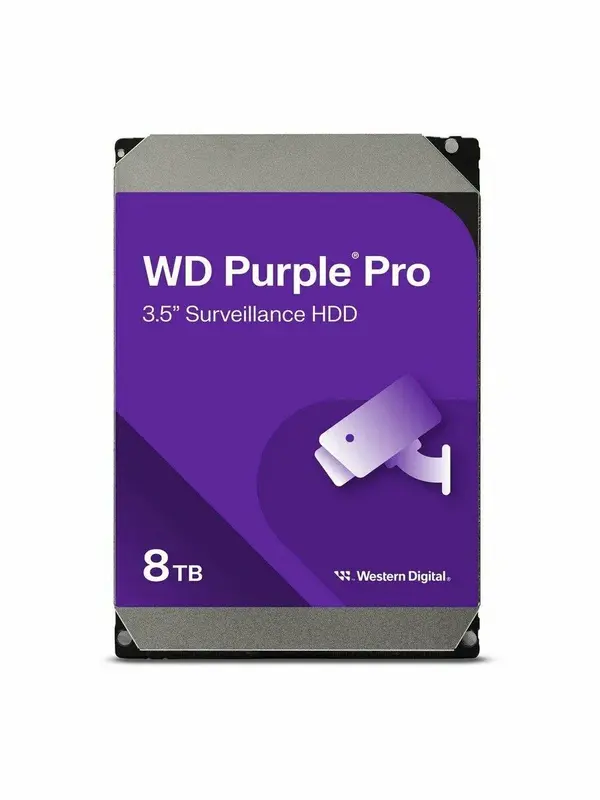
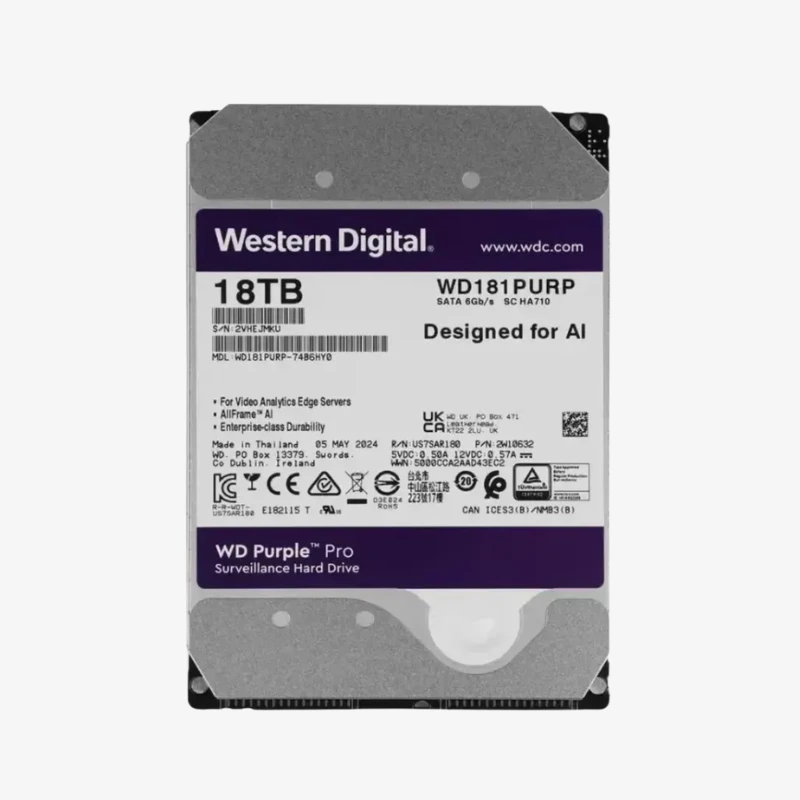
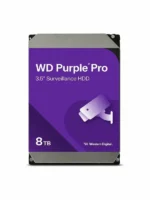
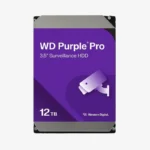
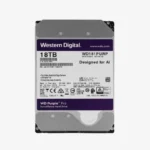
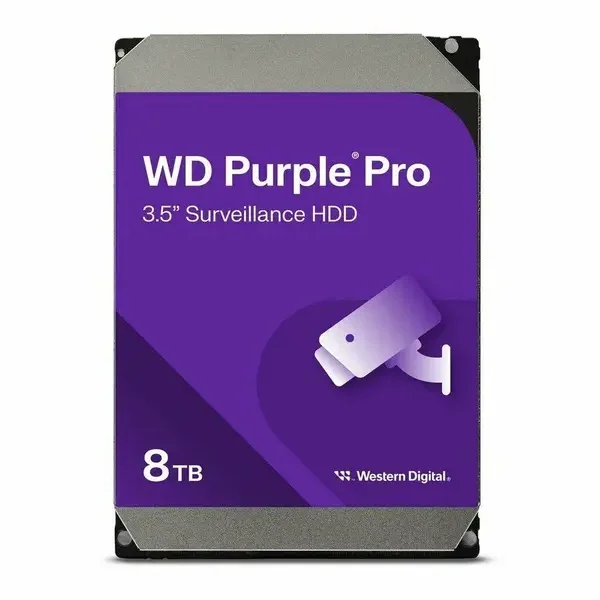
The WD Purple Pro 8TB (WD8001PURP) is a 3.5-inch, 7200 RPM class CMR hard drive for AI-enabled NVRs, video analytics appliances and surveillance servers. Built for installers, IT resellers and businesses running larger systems, it pairs AllFrame AI with a 550TB/year workload rating and 2,000,000 hours MTBF.
Why AI-Enabled Recorders Need More Than a Standard Surveillance Drive
AI-enabled recorders and analytics servers work their drives much harder than a basic DVR. They record many high-resolution streams while constantly reading footage back for face, vehicle and object detection, search and playback. That sustained mix of writes and reads, often in large RAID or JBOD enclosures, exceeds the workload ratings of desktop drives and entry-level surveillance drives.
The WD Purple Pro 8TB is engineered for that environment. Its 550TB/year workload rating is roughly three times that of mainstream WD Purple drives, and its 2,000,000 hours MTBF, 600,000 load/unload cycles and non-recoverable read error rate of <1 in 10^15 bits are enterprise-class figures. The 7200 RPM class spindle, 256MB cache and sustained transfer up to 245 MB/s keep recording, analytics and playback running at the same time.
CMR recording keeps write performance consistent when the system overwrites older footage, which keeps retention periods and recording quality predictable in large deployments.
AllFrame AI: 64 Cameras Plus 32 AI Streams
AllFrame AI firmware improves ATA streaming to reduce frame loss and supports up to 64 single-stream HD cameras alongside 32 concurrent AI streams for deep-learning analytics on the recorder. At Western Digital’s reference bitrate of 3.2 Mbps per camera (1080p, H.265, 25 fps), each camera writes roughly 35GB of video per day. On that basis, the WD Purple Pro 8TB holds about 29 days of continuous footage from 8 cameras, or about 14 days from 16 cameras. Higher resolutions, higher frame rates and H.264 compression shorten that window; motion-based recording extends it.
Proactive Health Monitoring and Multi-Bay Durability
WD Device Analytics (WDDA) provides drive health and diagnostic data to compatible recorders and video management systems, so you can plan replacements before a failure affects footage. Tarnish-resistant components and full multi-bay support suit the heat and vibration of racks and large enclosures. Average read/write power is about 8.6 W, and the drive operates from 0°C to 65°C.
Setup Instructions
How to Install the WD Purple Pro 8TB in Your Recorder or Server
- Power down the recorder and unplug it before opening the case or a drive bay. Check its manual for the maximum supported capacity per drive.
- Mount the drive in a free 3.5-inch bay or tray using the recorder’s screws or tool-less tray, then connect the SATA data and power cables.
- Power on and open the storage or HDD menu. The new drive appears as uninitialized; initialize (format) it, noting that this erases any existing data.
- Assign the drive to a recording group, RAID or JBOD volume, enable overwrite (loop recording), and turn on WDDA or S.M.A.R.T. health alerts if your recorder or VMS supports them.



















Reviews
There are no reviews yet.