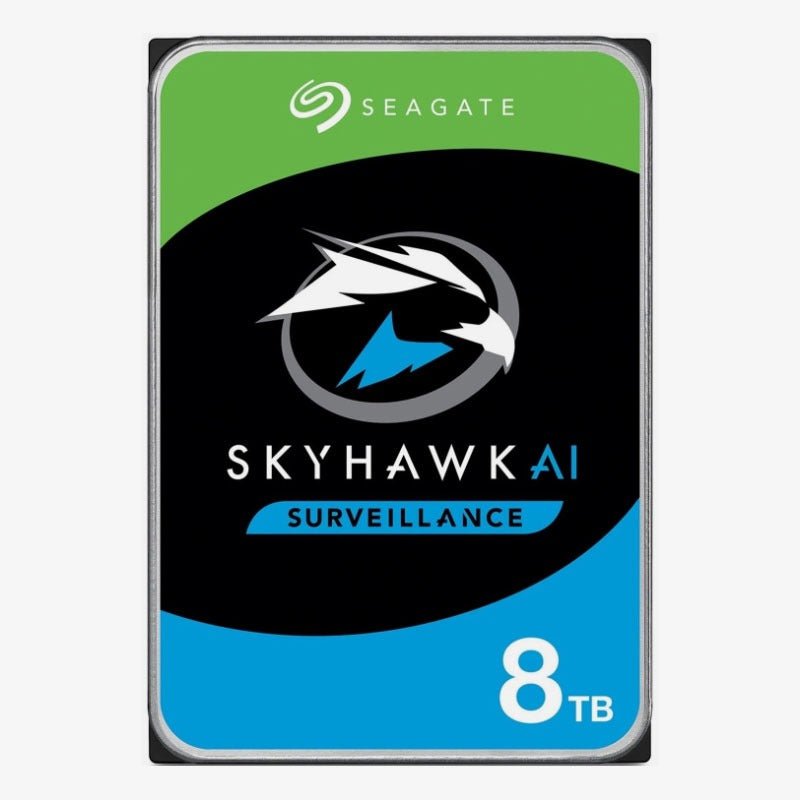
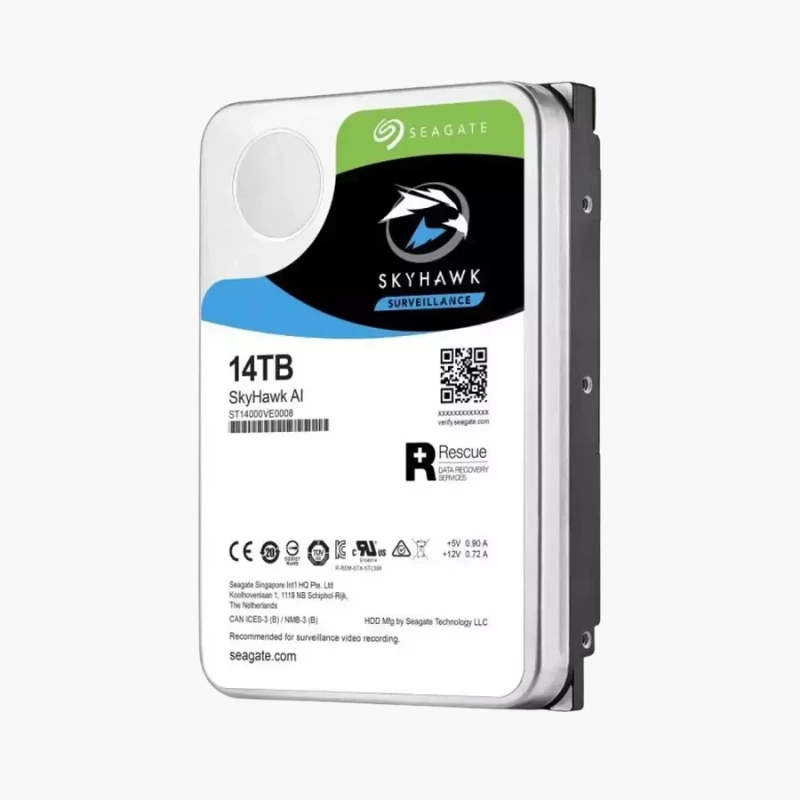
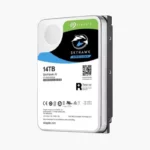
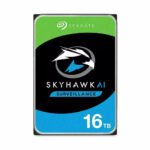
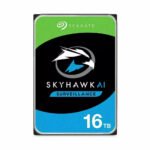
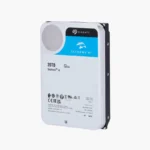
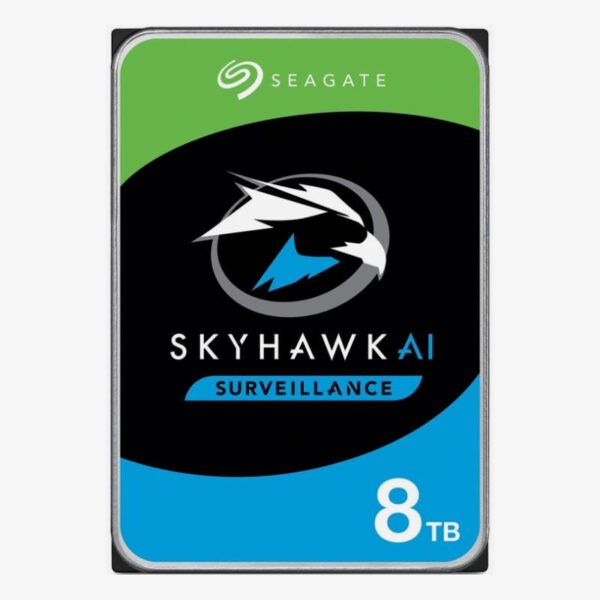
Seagate SkyHawk AI 8TB Surveillance Internal Hard Drive (ST8000VE001) — 7200 RPM, CMR for AI-Enabled NVRs

SKU: SEAGATE-SKYHAWK-AI
  • 30-Day Hassle Free Returns
  • Secure Payment Options

Price on RequestRequest a quote for volume pricing, availability and lead time.

The Seagate SkyHawk AI Surveillance Internal Hard Drive is available in 8TB, 10TB, 12TB, 14TB, 16TB, 20TB across 8 model numbers. Select a capacity and model number above to see the price, stock and model-specific highlights.

Description

The Seagate SkyHawk AI 8TB (ST8000VE001) is a 7200 RPM, CMR surveillance hard drive designed for AI-enabled NVRs. It records up to 64 HD video streams while supporting 32 AI streams, with a 550TB per year workload rating for large NVR deployments, where long retention and many cameras multiply storage needs.

Deep-Dive Story & Problem/Solution

Video Analytics Changes the Workload

Modern NVRs don’t just record — they run face detection, licence plate recognition and object classification on live and stored video. That adds heavy random reads and metadata writes on top of constant video writes. Standard surveillance drives are rated for recording alone, so analytics workloads push them beyond their design limits.

SkyHawk AI is built for that mixed load. ImagePerfect AI firmware handles simultaneous recording and analytics without dropping frames, and the 550TB per year workload rating is roughly three times that of standard surveillance drives. CMR recording keeps write performance consistent around the clock.

ImagePerfect AI — Recording and Analytics Together

The ST8000VE001 supports up to 64 HD cameras plus 32 AI streams, so a single NVR can record and analyse video at the same time. The 256MB cache and 7200 RPM spindle keep footage search and playback responsive during investigations.

Scales with Multi-Bay NVR Deployments

RV sensors maintain performance in multi-bay NVR systems, and with a 1,500,000 hours MTBF rating the 8TB capacity suits large, always-on security installations that need long retention.

Setup Instructions

How to Install the Seagate SkyHawk AI 8TB in an NVR

  1. Power down the NVR and confirm it supports 3.5-inch SATA drives of this capacity.
  2. Mount the drive in an empty bay and connect SATA data and power, or slide it into the hot-swap tray.
  3. Power on the NVR and initialise the drive from the storage management menu.
  4. Assign the drive to a recording group or RAID volume, then configure retention, analytics and health alerts.

Overview

WeightN/A
DimensionsN/A
Storage Capacity10TB, 12TB, 14TB, 16TB, 20TB, 8TB
Model NumberST8000VE001, ST10000VE0008, ST10000VE001, ST12000VE001, ST14000VE0008, ST16000VE000, ST16000VE002, ST20000VE002
SeriesSeagate SkyHawk AI
Drive TypeInternal Surveillance Hard Disk Drive (AI)
Form Factor3.5-inch
InterfaceSATA 6Gb/s
Spindle Speed7200 RPM
Cache256MB
Recording TechnologyCMR (Conventional Magnetic Recording)
Workload Rating550TB per year
Optimized ForAI-enabled NVRs: up to 64 HD video streams plus 32 AI streams; Multi-bay NVR systems (16+ bays)
ConditionBrand New

Frequently Asked Questions

Find answers to common questions about this product.

Customer Reviews