















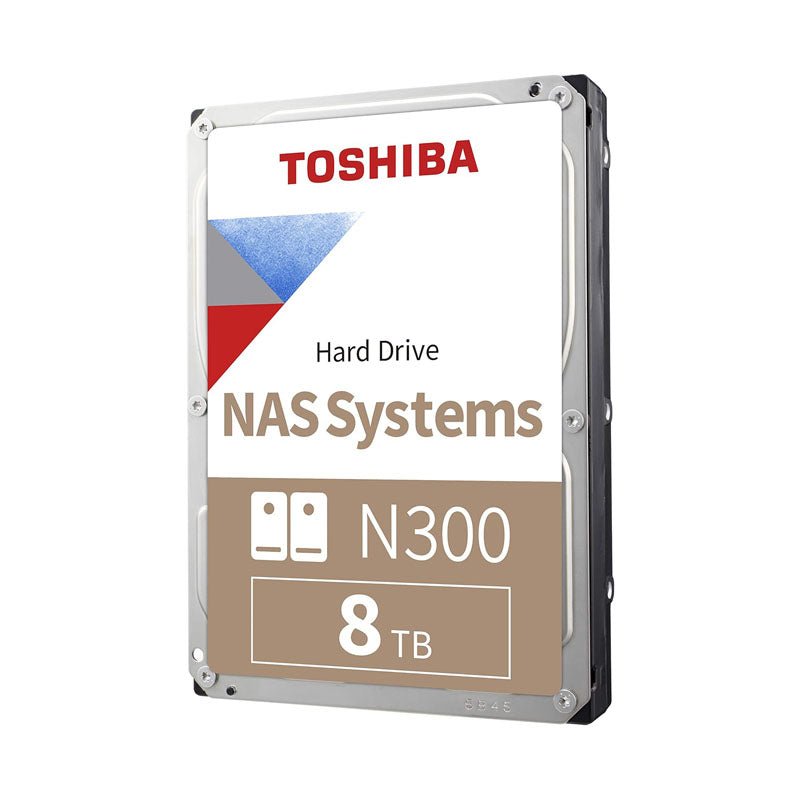
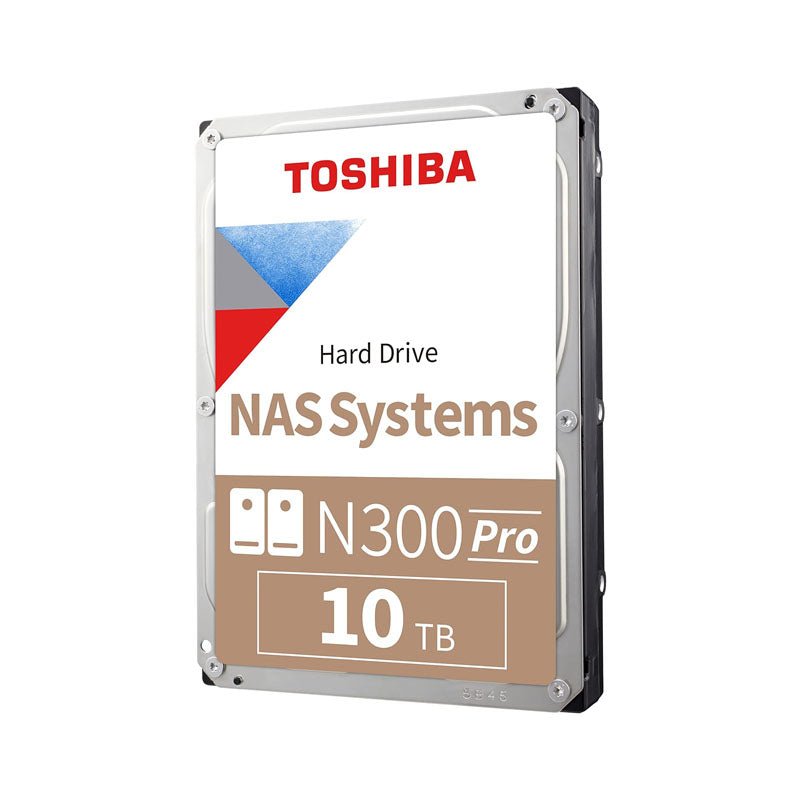
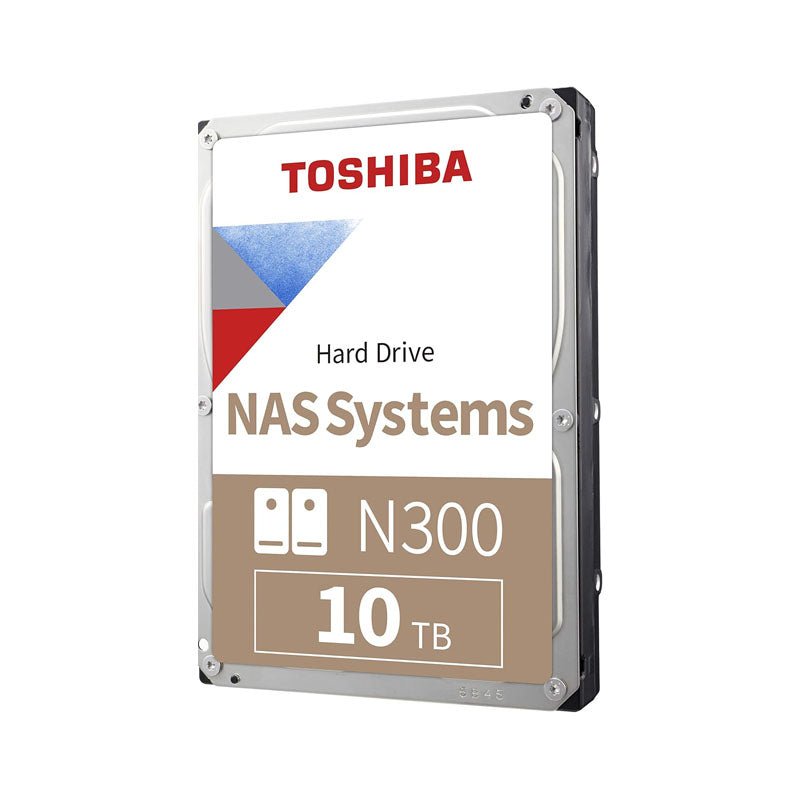
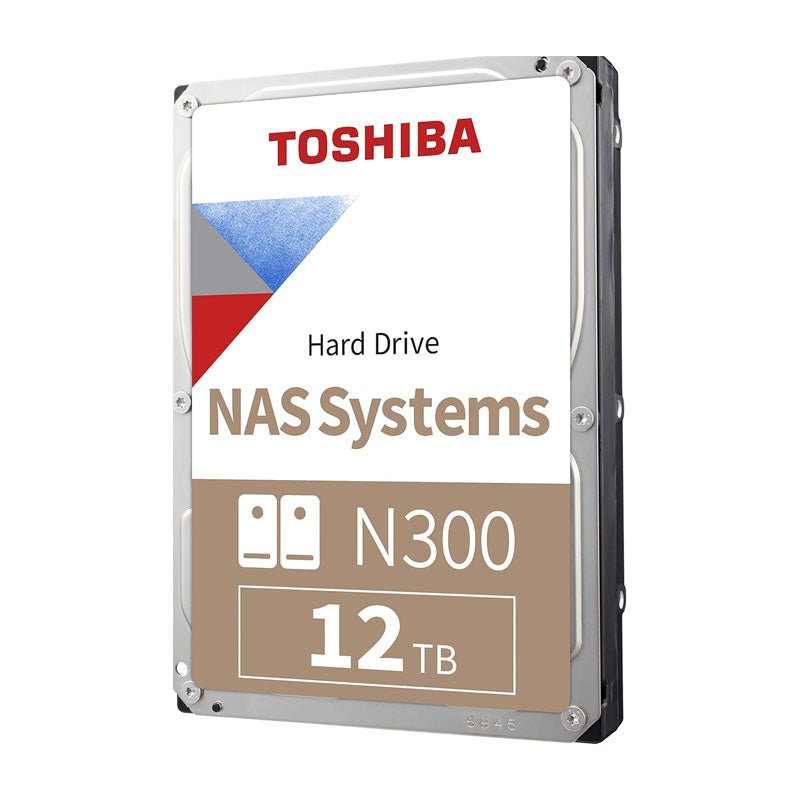
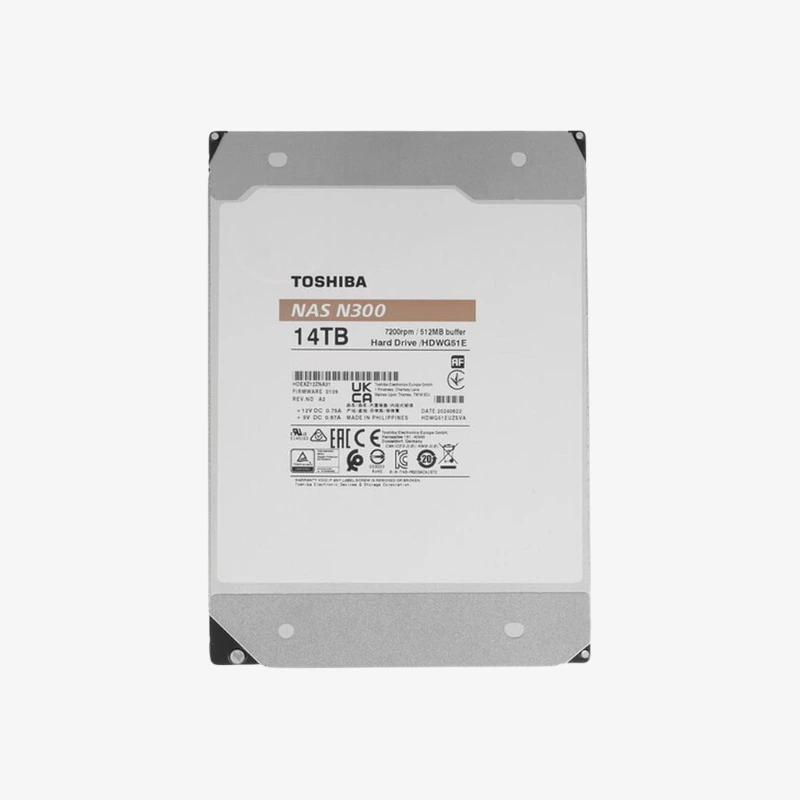
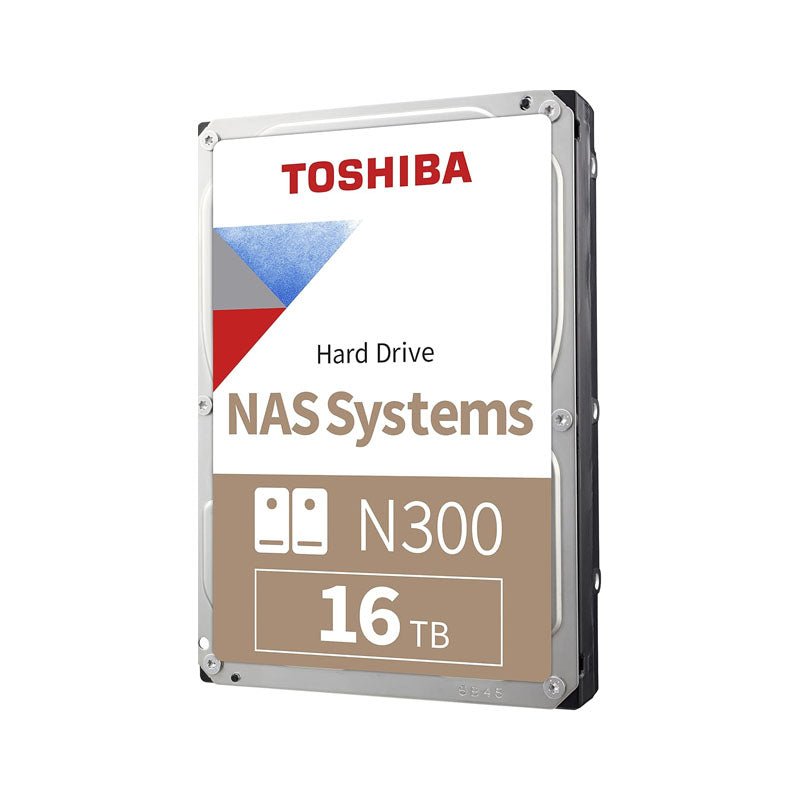
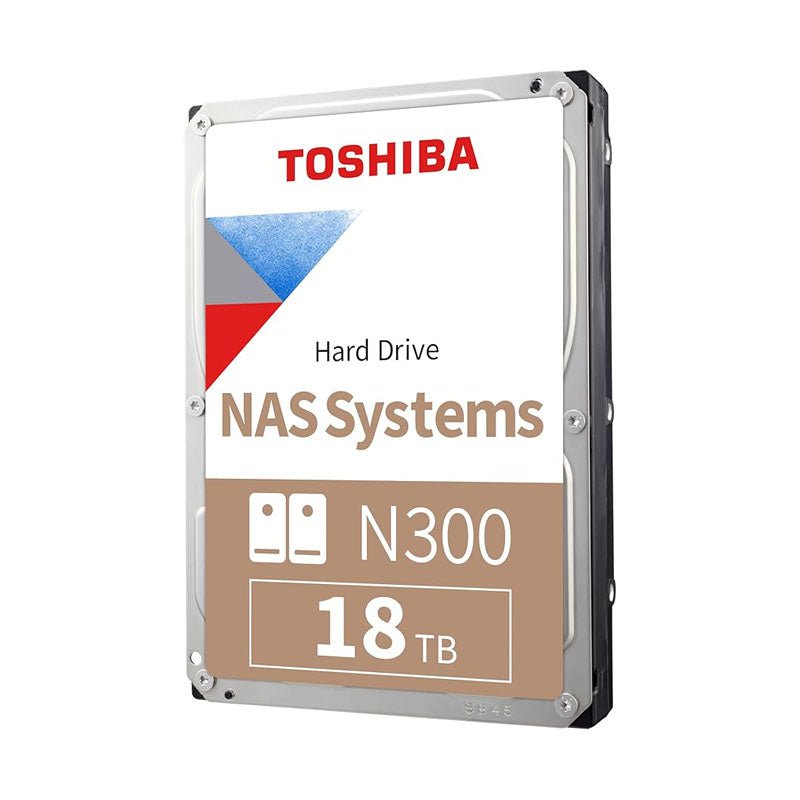
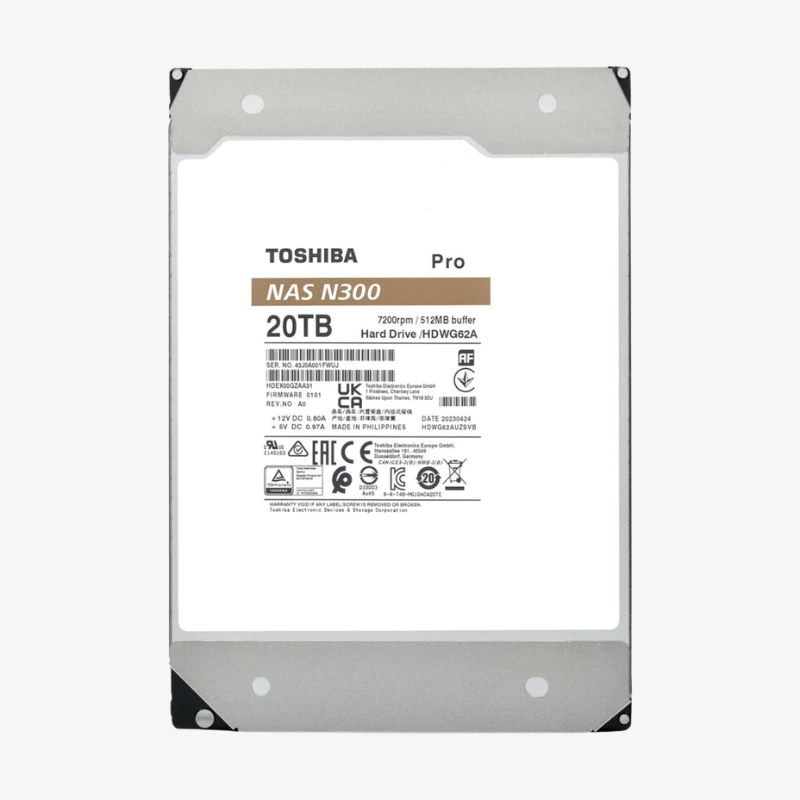

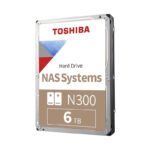
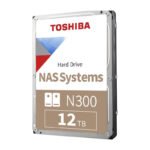
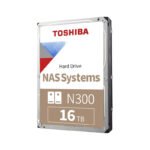
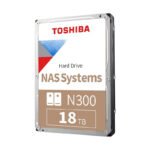
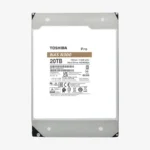
A 7200 RPM CMR NAS drive that keeps your array fast and stable around the clock.
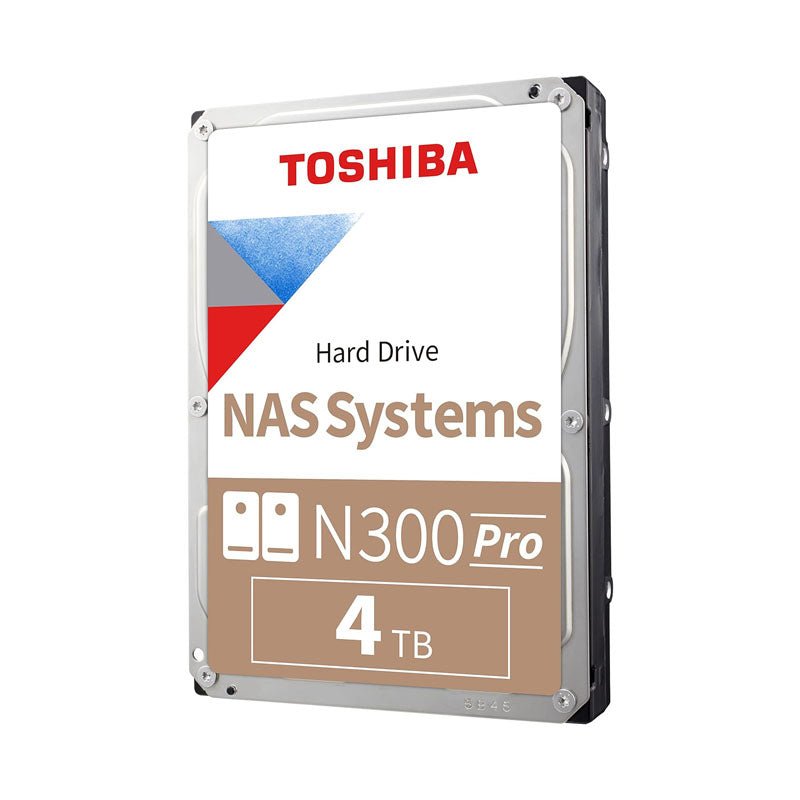
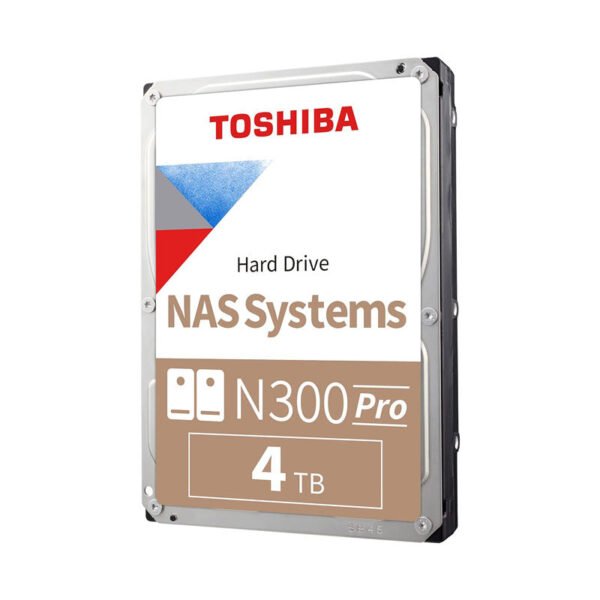
The Toshiba N300 4TB (HDWG740XZSTC) is a 3.5-inch SATA hard drive built for home, home-office and small-business NAS systems with up to 8 bays. It combines CMR recording, a 7200 RPM spindle, a 512MB cache and built-in vibration sensors, so files stay accessible and RAID arrays stay healthy in 24/7 operation.
Why the Wrong Drive Puts Your NAS Data at Risk
Most NAS problems start with drive choice. Desktop hard drives are designed for a few hours of use per day in a single-drive PC. Inside a NAS, the same drive runs continuously next to other spinning disks, absorbing their heat and vibration. That mismatch shows up as slow transfers, drives dropping out of the array, and early failures.
The N300 4TB is built for that environment. It is designed for 24/7 power-on operation, rated for up to 180 TB of data per year, and supports NAS enclosures with up to 8 bays. Integrated RV sensors detect rotational vibration from neighbouring drives and help the heads stay on track. At 4TB it is a practical starting point for a 2-bay mirror or a first RAID 5 set.
The second risk is SMR (shingled magnetic recording). SMR drives overlap data tracks to raise density, which slows sustained writes sharply during RAID rebuilds. The N300 uses CMR, where every track is written independently, so rebuild speed stays predictable at the moment your array is most exposed.
7200 RPM CMR Performance for Multi-User Access
The 7200 RPM spindle and 512MB cache deliver up to 281 MB/s sustained transfer, enough to saturate a 1GbE link and to keep up with several users streaming, backing up and editing shared files at once. Toshiba Cache Technology balances cache allocation between reads and writes for steadier real-time performance.
Error Recovery and Vibration Control for RAID Stability
Error recovery control limits how long the drive retries a difficult sector, so the RAID controller is not left waiting and the drive stays in the array. Ramp loading parks the heads off the platters when idle, and Toshiba Stable Platter Technology secures the motor shaft at both ends to reduce system-induced vibration.
Setup Instructions
How to Install the Toshiba N300 4TB in Your NAS
- Power down your NAS completely before opening a drive bay, unless your model explicitly supports hot-swapping.
- Mount the Toshiba N300 4TB in an empty tray or bay and secure it with the screws or tool-less clips supplied with your NAS.
- Reconnect power and start the NAS. Synology DSM, QNAP QTS, TrueNAS, Unraid and similar platforms detect a new SATA drive automatically.
- Open your NAS storage manager, create a new pool or add the drive to an existing RAID volume, and schedule regular S.M.A.R.T. tests from day one.






Reviews
There are no reviews yet.