Record every camera, every hour, without trusting your footage to a desktop drive.
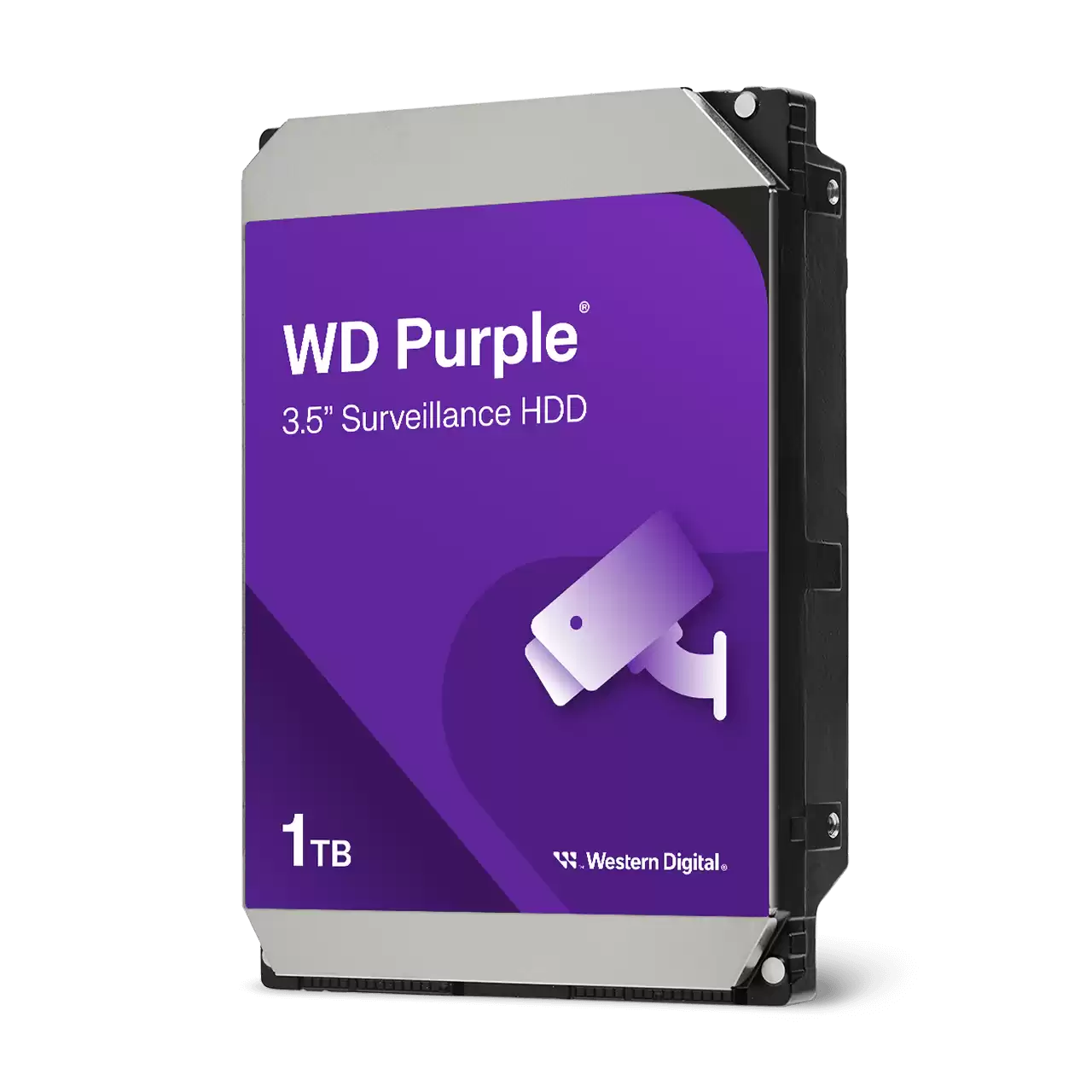
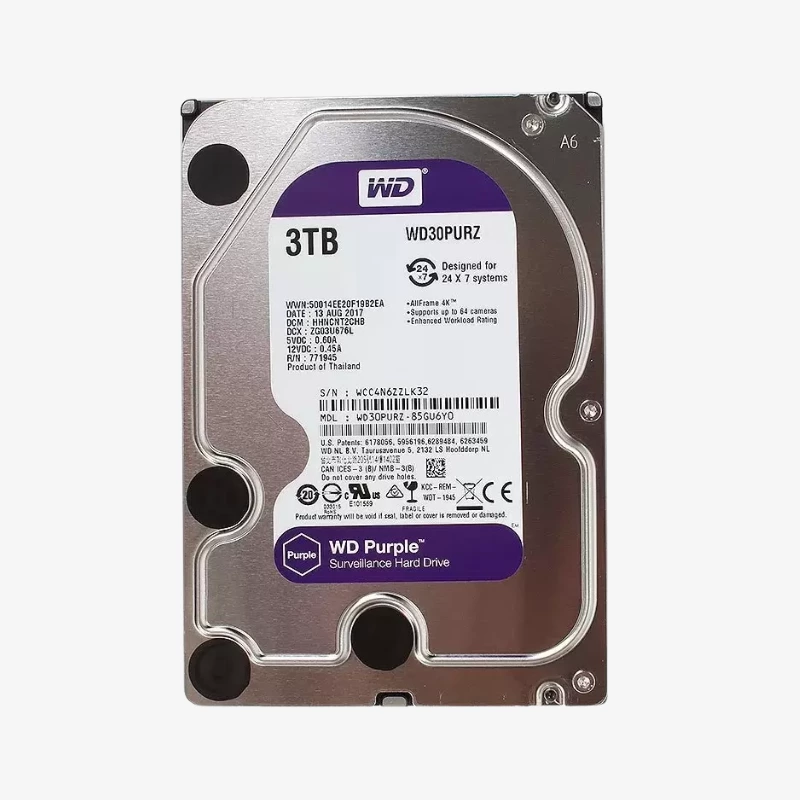
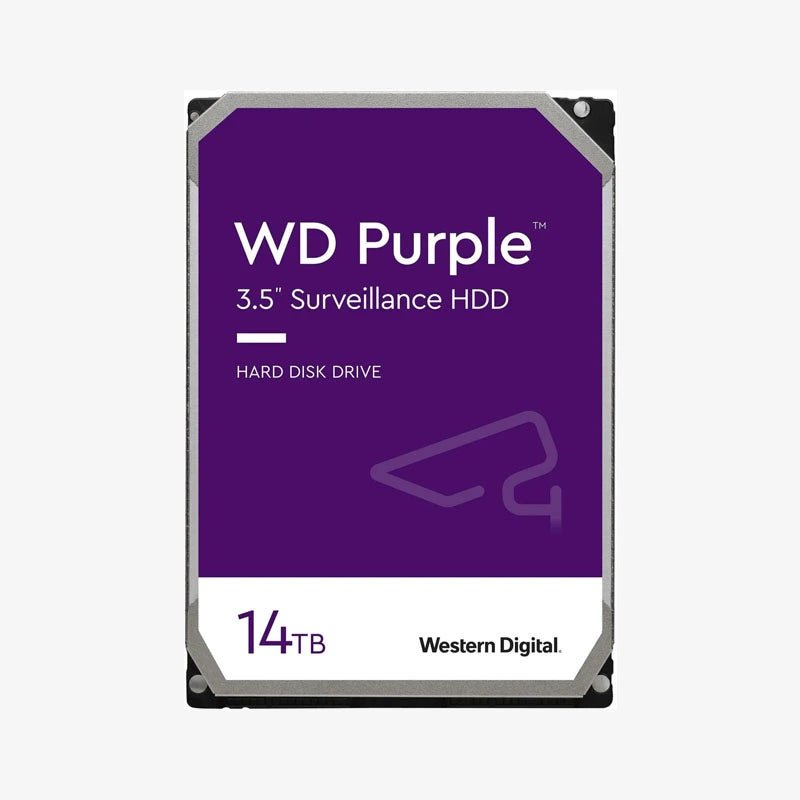
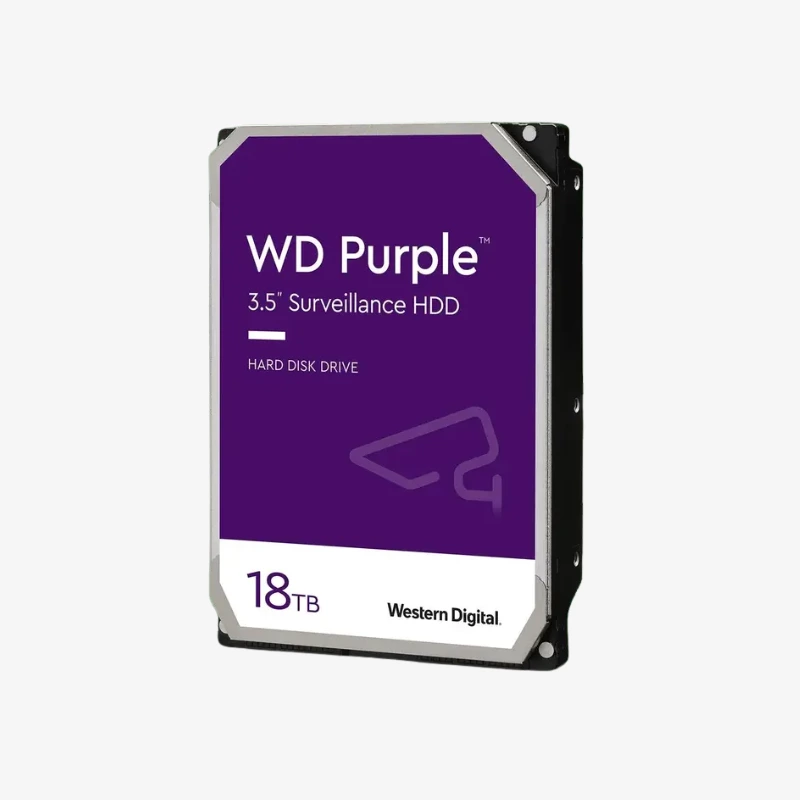
The WD Purple 1TB (WD10PURX) is a 3.5-inch surveillance hard drive from the PURX generation of WD Purple, built for DVR and NVR recorders. It suits home users, small businesses and installers replacing or expanding drives in existing systems, with AllFrame firmware and CMR recording for steady 24/7 video writes.
Why Desktop Hard Drives Fail in DVR and NVR Recorders
Surveillance recording is the opposite of desktop use. A recorder writes video 24 hours a day, often from several cameras at once, inside a small enclosure with limited airflow. Desktop drives are built for short, read-heavy sessions. Under a constant write load they run hot, spend too long retrying difficult sectors and drop frames, and those problems usually show up only when you need to play back an incident.
The WD Purple 1TB is engineered for that workload. Its AllFrame firmware works with the ATA streaming commands DVRs and NVRs use, prioritizing a steady flow of video writes over lengthy recovery on a single sector, so a brief read issue costs a frame instead of stalling the recording. The drive is rated for 180TB/year of data transfer and 1,000,000 hours MTBF, figures built around always-on recorders rather than office PCs.
It also uses CMR (conventional magnetic recording), which writes each track independently. Write performance stays consistent when the recorder loops and overwrites old footage, and the 64MB cache with sustained transfer up to 110 MB/s keeps simultaneous camera streams flowing.
How Much Footage the WD Purple 1TB Stores
At Western Digital’s reference bitrate of 3.2 Mbps per camera (1080p, H.265, 25 fps), each camera writes roughly 35GB of video per day. On that basis, the WD Purple 1TB holds about 14 days of continuous footage from 2 cameras, or about 7 days from 4 cameras. Higher resolutions, higher frame rates and H.264 compression shorten that window; motion-based recording extends it.
Built for Heat, Vibration and Always-On Operation
The WD10PURX is designed for recorders with up to 8 drive bays and is a practical like-for-like replacement where a system was originally fitted with PURX-generation WD Purple drives. Its IntelliPower (5400 RPM class) spindle draws about 3.3 W on average during read/write, which keeps heat, noise and running costs low in a device that never switches off. It is rated to operate from 0°C to 65°C.
Setup Instructions
How to Install the WD Purple 1TB in Your DVR or NVR
- Power down the recorder and unplug it before opening the case or a drive bay. Check its manual for the maximum supported capacity per drive.
- Mount the drive in a free 3.5-inch bay or tray using the recorder’s screws or tool-less tray, then connect the SATA data and power cables.
- Power on and open the storage or HDD menu. The new drive appears as uninitialized; initialize (format) it, noting that this erases any existing data.
- Set your recording schedule, enable overwrite (loop recording) so the oldest footage is replaced automatically, and turn on HDD health or S.M.A.R.T. alerts.










































Reviews
There are no reviews yet.