Enterprise-class storage for servers and arrays that cannot afford downtime.
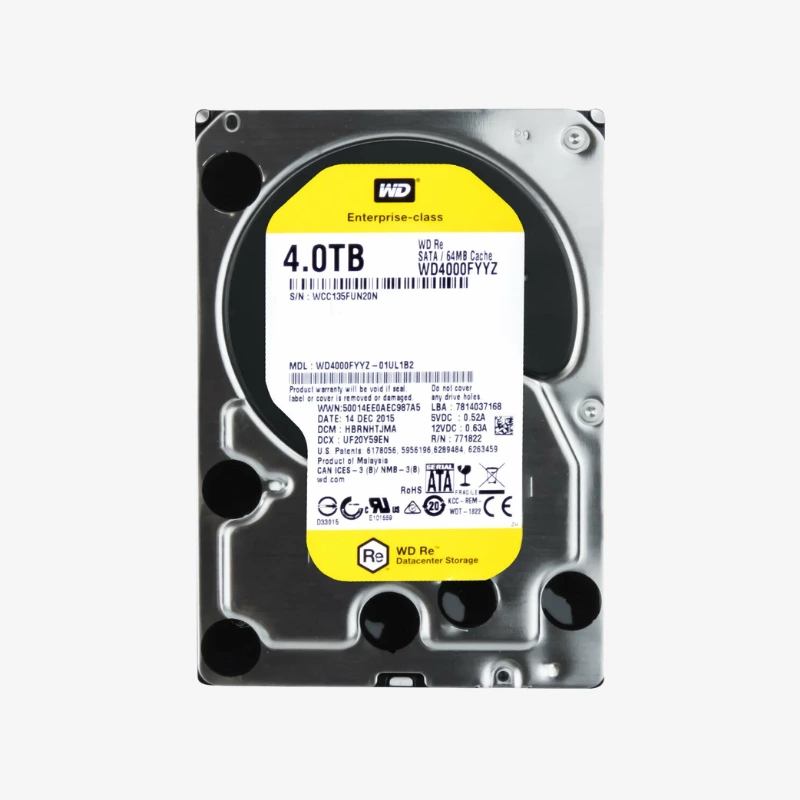
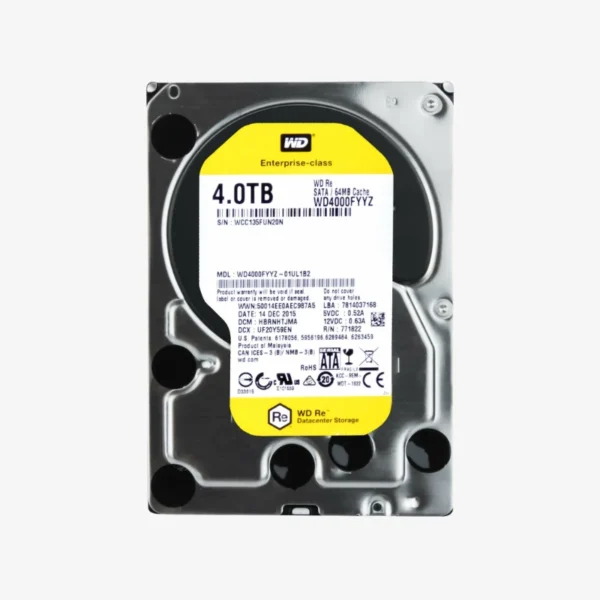
The WD RE 4TB (WD4000FYYZ) is a 3.5-inch 7200 RPM class enterprise SATA hard drive for servers, RAID arrays, and business storage systems. Rated for 550TB/year workloads and 1,200,000 hours MTBF, it gives small and medium businesses, system integrators, and IT teams dependable capacity for always-on, mission-critical data.
Why Business Servers Need an Enterprise Drive Like the WD RE 4TB
Desktop and even NAS-class drives are rated for a fraction of the data traffic a busy server generates. Databases, virtual machines, mail servers, and nightly backup jobs push hundreds of terabytes through each drive every year. When a drive is worked beyond its rating, error rates climb and arrays degrade, often at the worst possible time.
The WD RE 4TB is rated for a 550TB/year workload and 1,200,000 hours MTBF, specifications designed for heavy, continuous read-write activity in enterprise and commercial systems. It uses CMR recording, so performance stays predictable during RAID rebuilds and sustained writes, which is critical when an array is running degraded and every hour of rebuild time adds risk.
WD RE was Western Digital’s enterprise SATA line before it was succeeded by WD Gold. The WD4000FYYZ remains a common like-for-like replacement for servers and arrays originally built with RE drives, matching the capacity, interface, and enterprise workload class of the original deployment.
550TB/Year Workload for Always-On Systems
Workload rating measures the total data a drive is designed to read and write per year. At 550TB/year, the WD4000FYYZ is built for virtualization hosts, database servers, video storage, and backup appliances that run around the clock, while 7200 RPM class rotation and a 64MB cache keep response times consistent under load.
Reliability Engineering for Multi-Drive Servers
Enterprise servers host many drives side by side, and vibration from neighboring drives can disrupt read and write accuracy. The WD4000FYYZ is built with vibration protection and enterprise-class firmware to sustain performance in these environments, backed by its 1,200,000-hour MTBF specification.
How It Works / Setup Instructions
How to Install the WD RE 4TB WD4000FYYZ
- Check your server or storage system’s compatibility list and confirm a free 3.5-inch SATA bay or hot-swap carrier.
- Mount the drive in the carrier with the correct screws, then insert it into the bay (power down first if your system does not support hot-swap).
- Open your RAID controller, server management tool, or storage OS and confirm the drive is detected.
- Add the drive to a new array, assign it as a hot spare, or use it to replace a failed member and start the rebuild.





















Reviews
There are no reviews yet.