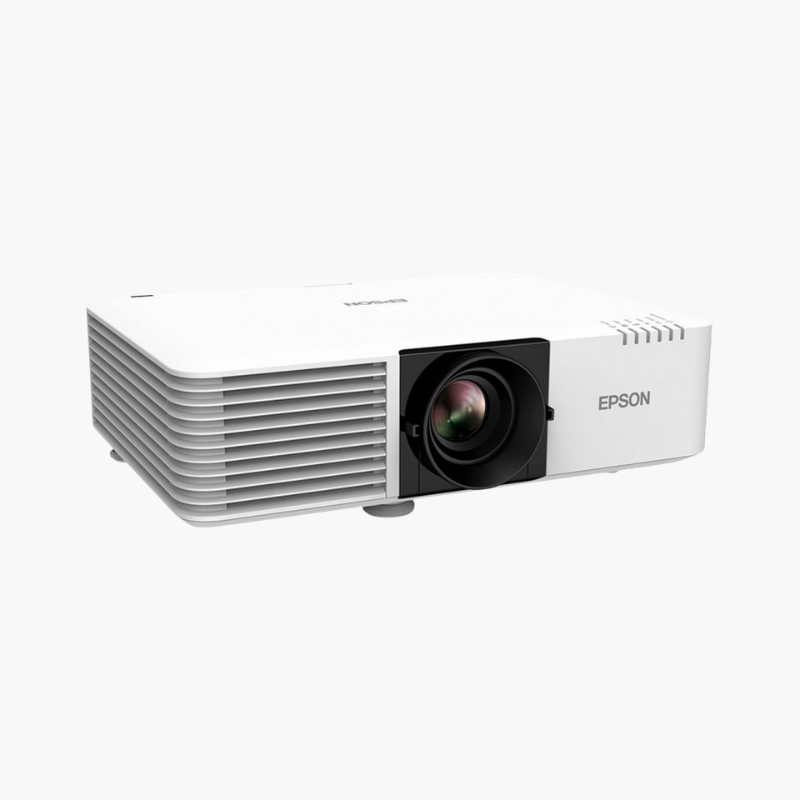
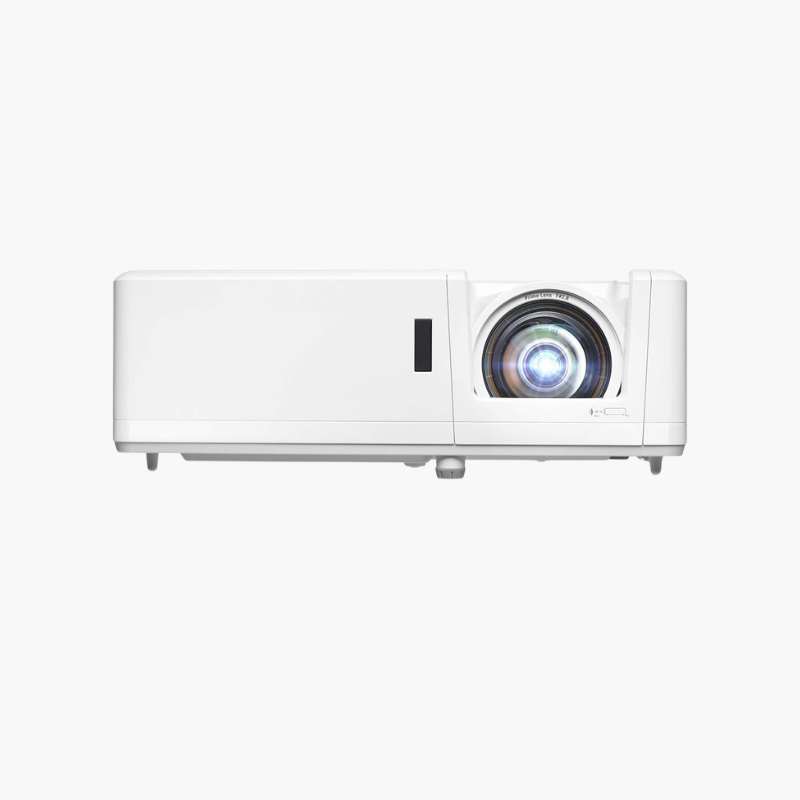
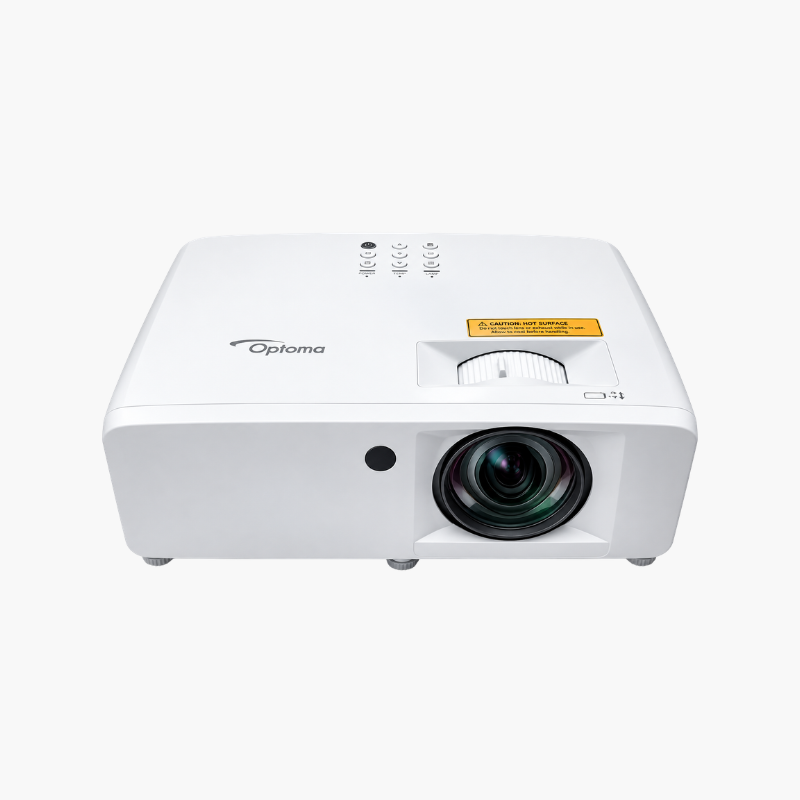
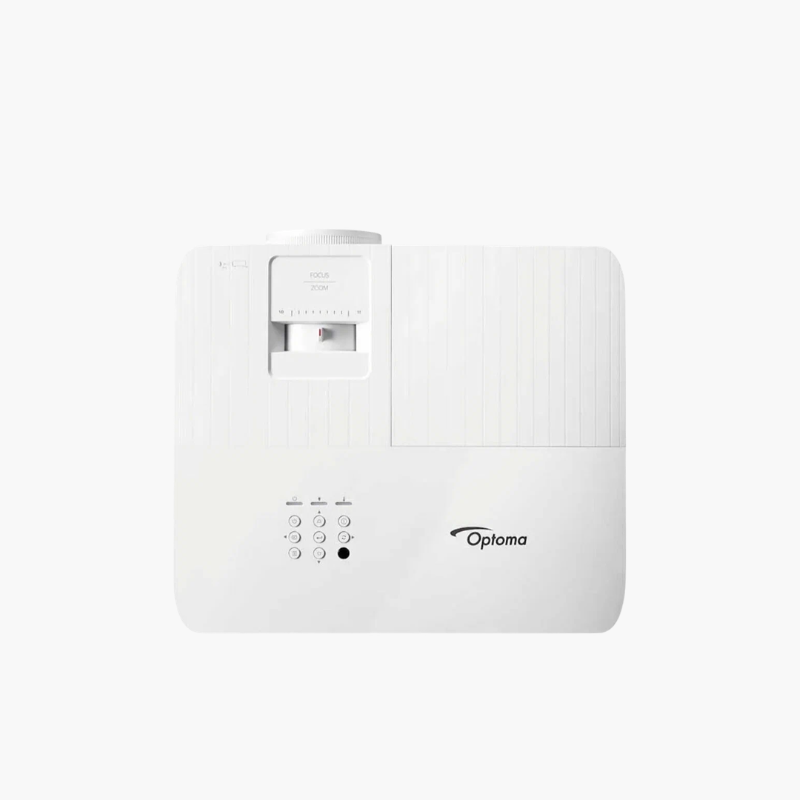
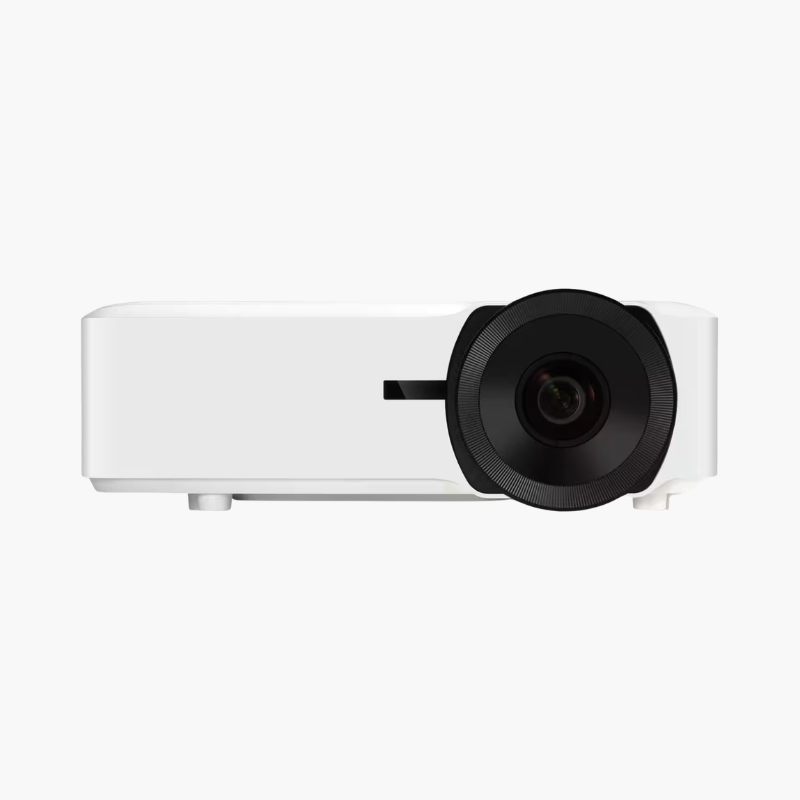
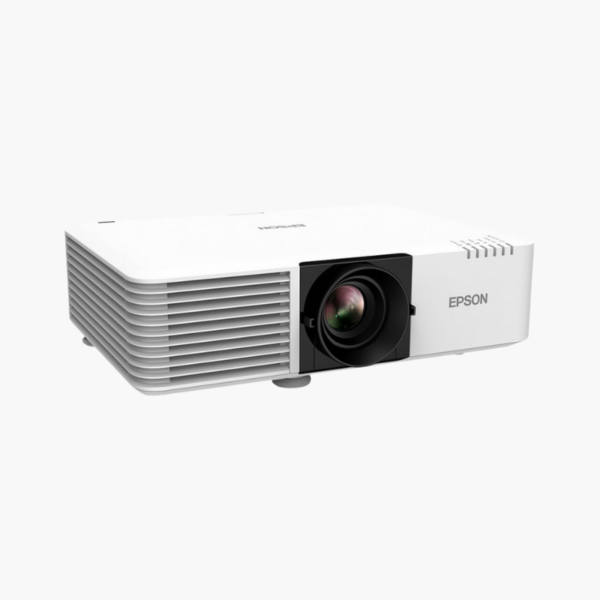
Epson PowerLite L520W WXGA 3LCD Laser Projector – 5200 Lumens, 1.6x Zoom, HDBaseT, 20,000-Hour Laser

SKU: EPSON-POWERLITE-L520W
  • 30-Day Hassle Free Returns
  • Secure Payment Options

Price on RequestRequest a quote for volume pricing, availability and lead time.

Key Value Highlights

  • 5,200 lumens color and white brightness – Stays clear in large, bright rooms.
  • 20,000-hour laser light source – Runs for years with virtually no maintenance.
  • 1.6x optical zoom – Fits screens up to 280 inches from flexible distances.
  • HDBaseT, HDMI, and VGA – Supports long cable runs and mixed sources.
  • WXGA 1280 x 800 resolution – Matches widescreen laptops for everyday presenting.

Description

The Epson PowerLite L520W is a 5,200-lumen WXGA 3LCD laser projector for large classrooms, lecture rooms, and meeting spaces. It provides a 20,000-hour laser light source, a 1.6x zoom lens, and HDBaseT connectivity for bright, dependable installed projection in permanent setups.

Deep-Dive Story & Problem/Solution

Large Classrooms Need Brightness That Lasts the Whole Semester and Beyond

A lamp projector in a lecture room can lose a large share of its output within a year of daily use. Students at the back struggle to read slides, and facilities staff add lamp changes to their schedule.

The L520W uses a laser light source rated for 20,000 hours. Its 3-chip 3LCD engine delivers 5,200 lumens of both color and white brightness with a dynamic contrast ratio of up to 2,500,000:1.

WXGA resolution matches the 16:10 output of most laptops, and a 1.6x optical zoom lets the projector serve many room depths without changing the mount.

5,200-Lumen Laser for Big Rooms

Images up to 280 inches remain readable in ambient light. Equal color and white brightness keeps diagrams and video vivid.

Installation-Friendly Connectivity

HDBaseT carries video over a single Cat cable for long distances. HDMI, VGA, RJ-45, and RS-232 are also provided, with horizontal and vertical keystone and Quick Corner adjustment.

Setup Instructions

How to Install the Epson PowerLite L520W

  1. Mount the projector within the 1.6x zoom range for your screen width.
  2. Connect HDMI, VGA, or HDBaseT sources and network control.
  3. Adjust zoom and focus, then use keystone or Quick Corner to square the image.
  4. Set the light source mode and schedule in the menu.

Overview

ModelEpson PowerLite L520W
Projector Type3LCD laser installation projector
Native Resolution1280 x 800 (WXGA, 16:10)
Brightness5, 200 lumens color and white
Contrast RatioUp to 2, 500, 000:1 (dynamic)
Display Technology3-chip 3LCD
Light SourceLaser; 20, 000 hours
Optical Zoom1.6x
Keystone CorrectionHorizontal and vertical, Quick Corner
Image SizeUp to 280 inches diagonal
InputsHDMI, HDBaseT, VGA
ControlRJ-45 LAN, RS-232
WirelessOptional wireless LAN module
Software SupportEpson iProjection
MaintenanceLamp-free; long-interval air filter

Frequently Asked Questions

Find answers to common questions about this product.

Customer Reviews

Reviews

There are no reviews yet.

Be the first to review “Epson PowerLite L520W WXGA 3LCD Laser Projector – 5200 Lumens, 1.6x Zoom, HDBaseT, 20,000-Hour Laser”

Your email address will not be published. Required fields are marked *