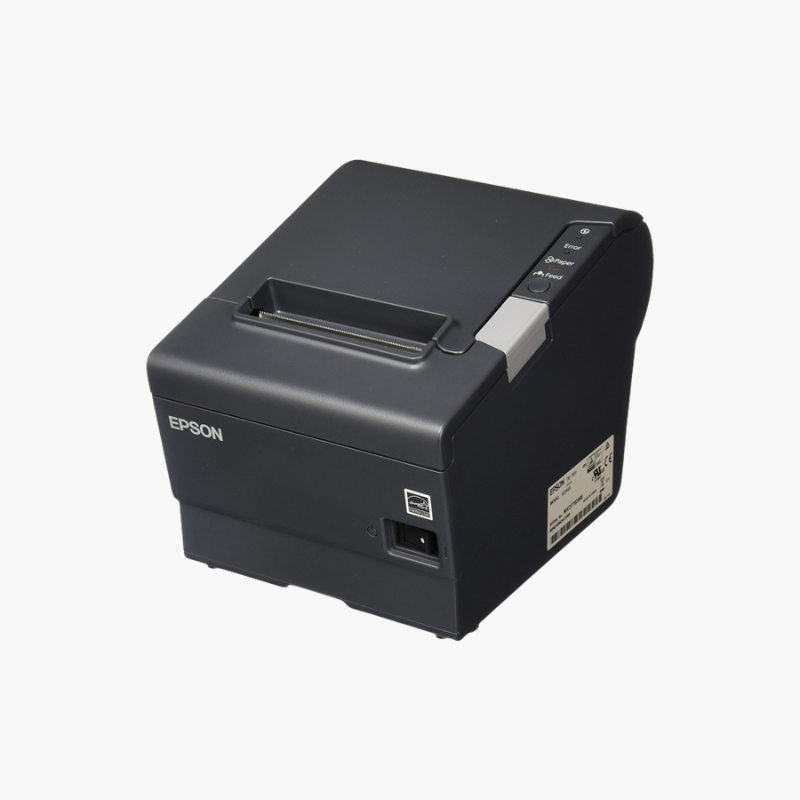
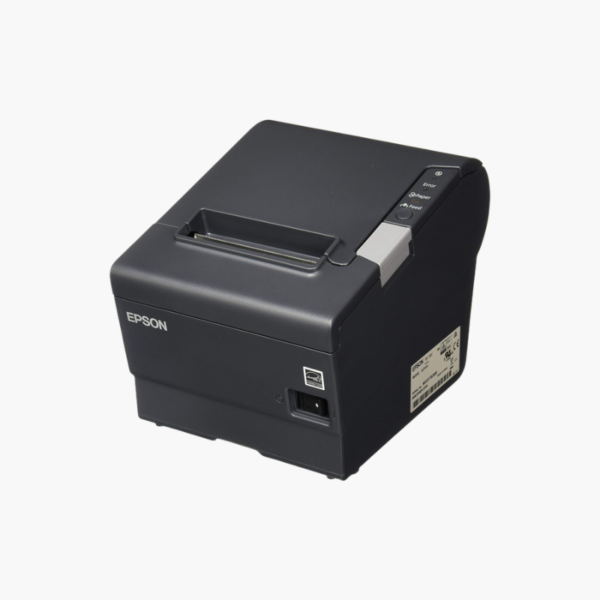
Epson TM-T88V Thermal Receipt Printer (C31CA85084) – USB and Serial Interfaces, PS-180 Power Supply

SKU: EPSON-C31CA85084
  • 30-Day Hassle Free Returns
  • Secure Payment Options

Price on RequestRequest a quote for volume pricing, availability and lead time.

Key Value Highlights

  • Direct thermal printing – Needs no ink or ribbon, only receipt paper.
  • Up to 300 mm/s print speed – Keeps checkout lines moving.
  • USB and serial interfaces – Connects to modern and legacy POS terminals.
  • Built-in autocutter – Delivers clean receipts with no tearing.
  • PS-180 power supply included – Arrives ready to power up.

Description

The Epson TM-T88V (C31CA85084) is a thermal receipt printer for retail, restaurant, and hospitality point-of-sale systems. It prints receipts at up to 300 mm per second, connects by USB and serial, and ships with the PS-180 power supply for quick installation.

Deep-Dive Story & Problem/Solution

A Slow or Unreliable Receipt Printer Holds Up Every Transaction

At a busy counter the receipt printer runs hundreds of times a day. If it jams, prints slowly, or fails mid-shift, the queue stops and staff resort to handwritten slips.

The TM-T88V is built for that duty. Its direct thermal mechanism prints text and graphics at up to 300 mm per second with no ribbon or ink to replace, and an autocutter separates each receipt cleanly.

Dual interfaces let it connect to current USB-based terminals and older serial systems, and its ESC/POS command set is supported by nearly all POS software.

Fast, Quiet Thermal Receipts

Thermal printing is quiet and sharp, with support for logos, barcodes, and coupons. Paper-saving options reduce top and bottom margins to lower roll consumption.

Built for Daily POS Duty

Drop-in paper loading makes roll changes quick. The compact housing fits under counters and a cash drawer port triggers the drawer on sale.

Setup Instructions

How to Set Up the Epson TM-T88V

  1. Connect the PS-180 power supply and the USB or serial cable to the printer.
  2. Open the cover, drop in an 80 mm thermal paper roll, and close the cover with the paper leading out.
  3. Power on and install the Epson driver or select the TM-T88V in your POS software.
  4. Print a test receipt and connect the cash drawer cable if used.

Overview

ModelEpson TM-T88V (C31CA85084)
Printer TypeThermal POS receipt printer
Print MethodDirect thermal line printing
Print SpeedUp to 300 mm/s
Paper Width80 mm
ConsumablesThermal paper only; no ink or ribbon
Paper CuttingBuilt-in autocutter
InterfacesUSB, serial
Command SetESC/POS
Cash Drawer PortYes
Power SupplyPS-180 included
Paper LoadingDrop-in
Graphics SupportLogos, barcodes, coupons
Typical UseRetail, restaurant, and hospitality POS
MaintenanceClean thermal head and paper path periodically

Frequently Asked Questions

Find answers to common questions about this product.

Customer Reviews

Reviews

There are no reviews yet.

Be the first to review “Epson TM-T88V Thermal Receipt Printer (C31CA85084) – USB and Serial Interfaces, PS-180 Power Supply”

Your email address will not be published. Required fields are marked *