















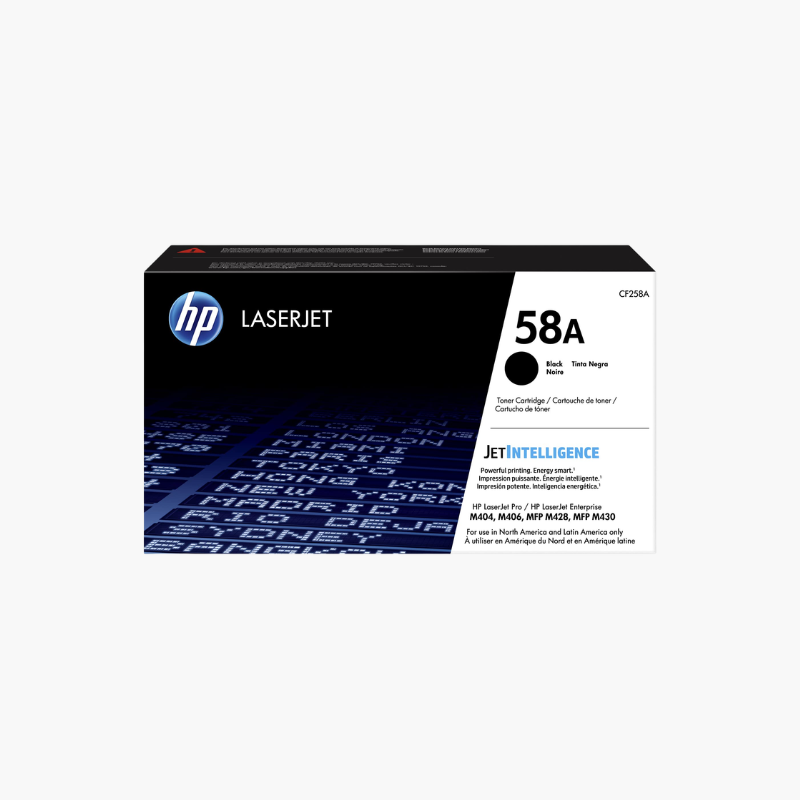
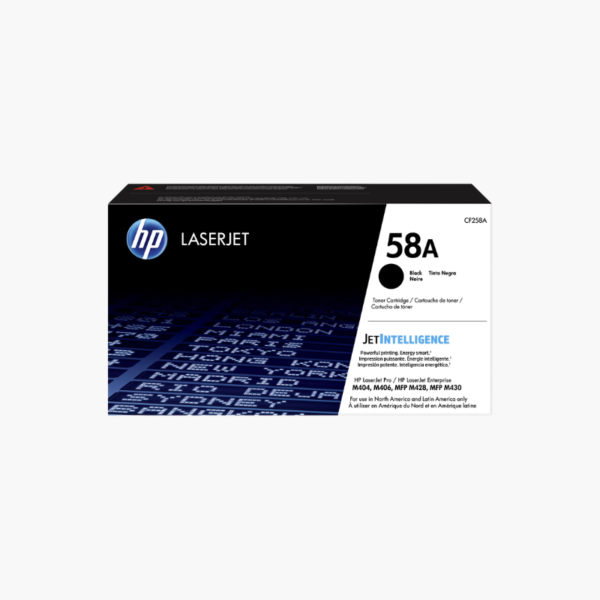
The HP 58A Black Original Toner Cartridge (CF258A) is a standard-yield replacement for HP LaserJet Pro M404 printers and HP LaserJet Pro MFP M428 series. It prints about 3,000 pages of black text and graphics and combines toner and imaging drum in a single cartridge for quick replacement.
Deep-Dive Story & Problem/Solution
A Busy Office Printer Cannot Afford Toner Downtime
LaserJet Pro M404 and M428 printers often serve whole teams. When the cartridge empties without a spare, contracts, invoices, and reports stop until a new one is delivered.
The HP 58A provides about 3,000 pages per cartridge, enough for several weeks of typical workgroup use. Text stays dark and even through the life of the cartridge.
Printer status pages and HP management tools show remaining toner so reorders can be timed in advance.
Compatible Printers
HP LaserJet Pro M404n, M404dn, M404dw; HP LaserJet Pro MFP M428dw, M428fdn, and M428fdw.
High-Yield Option
The HP 58X cartridge prints about 10,000 pages in the same printers for higher monthly volumes.
Setup Instructions
How to Install the HP 58A Toner Cartridge
- Press the front door release button and open the door.
- Pull the used cartridge out by its handle.
- Unpack the new cartridge, rock it gently, and remove the protective cover and tape.
- Slide it in along the guides until it clicks and close the door.














Reviews
There are no reviews yet.