
















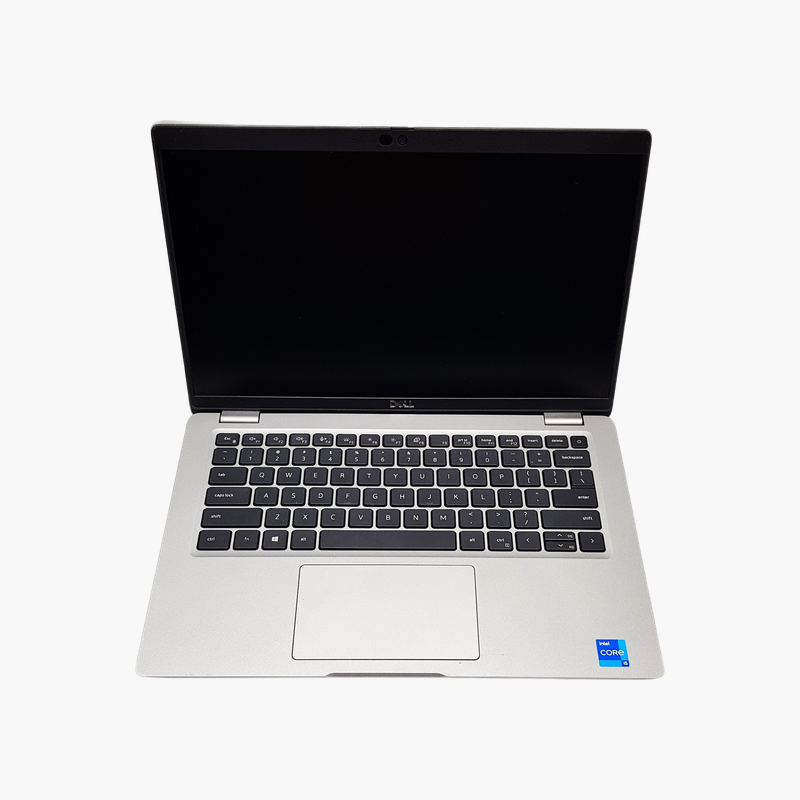
A vPro-managed Latitude ready for IT-managed fleets.
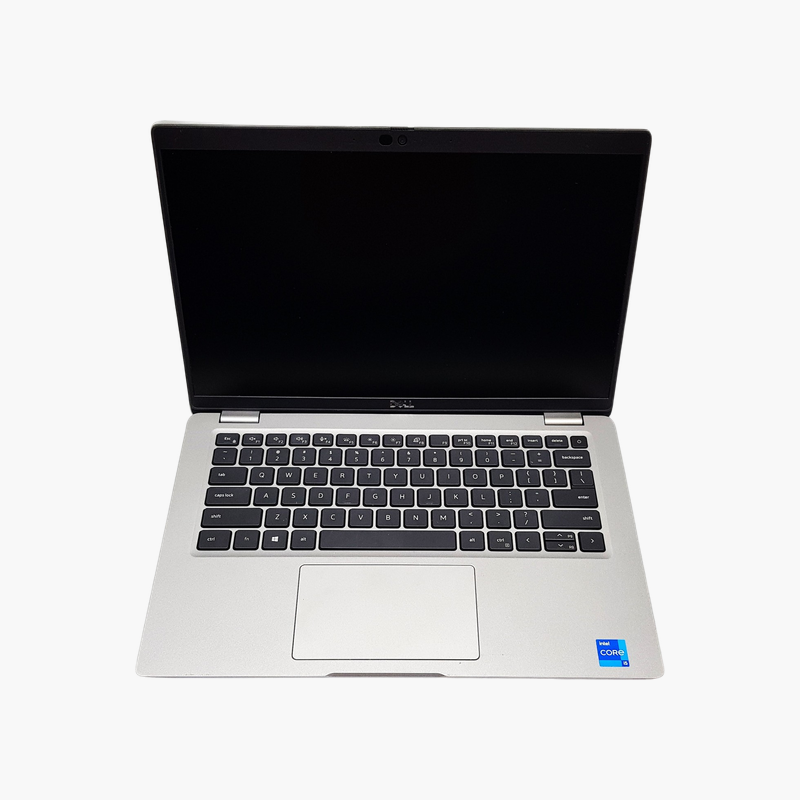
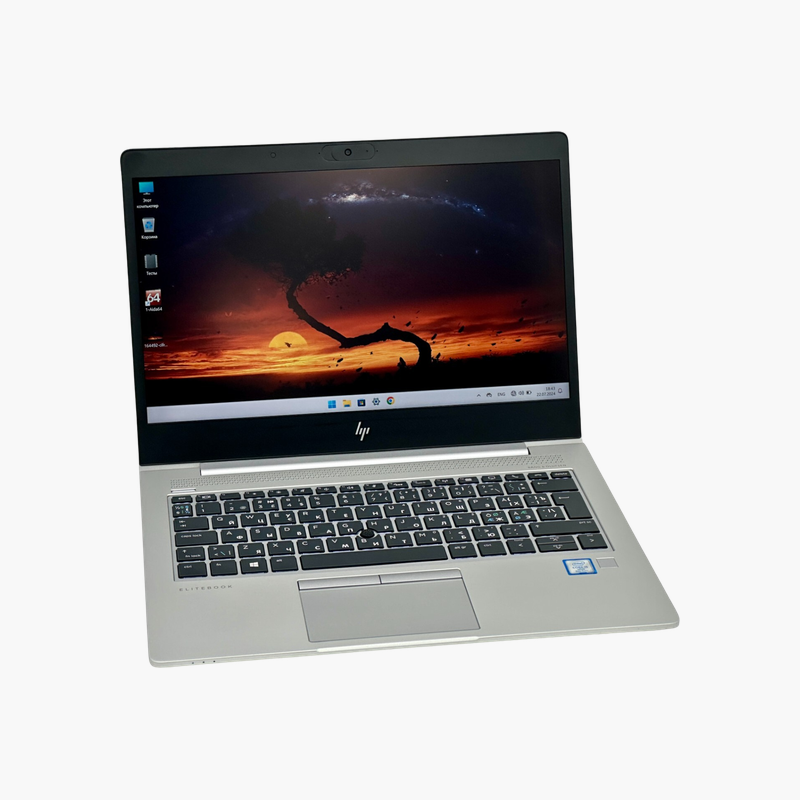
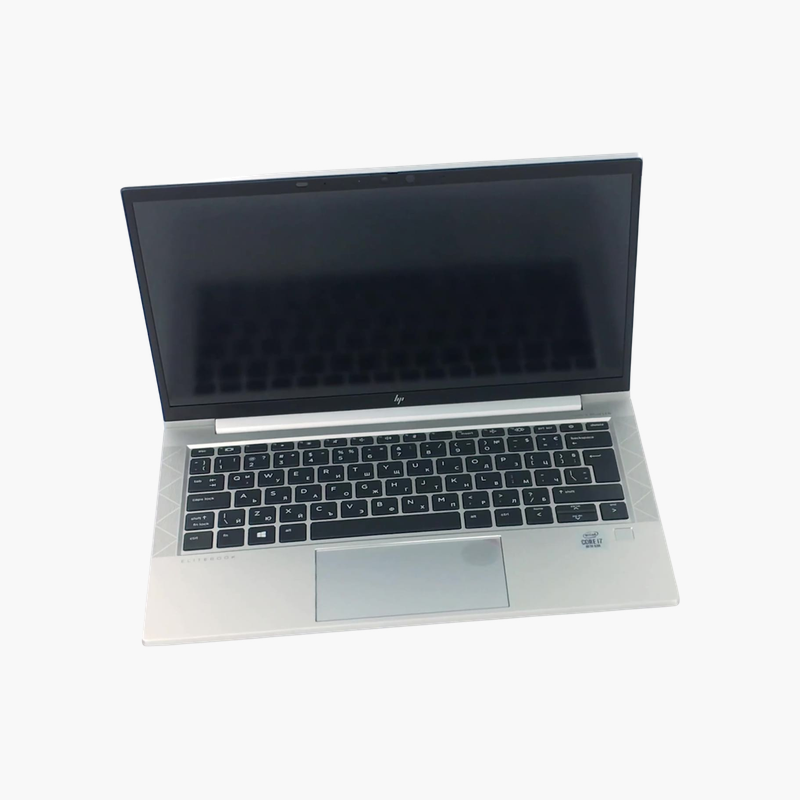
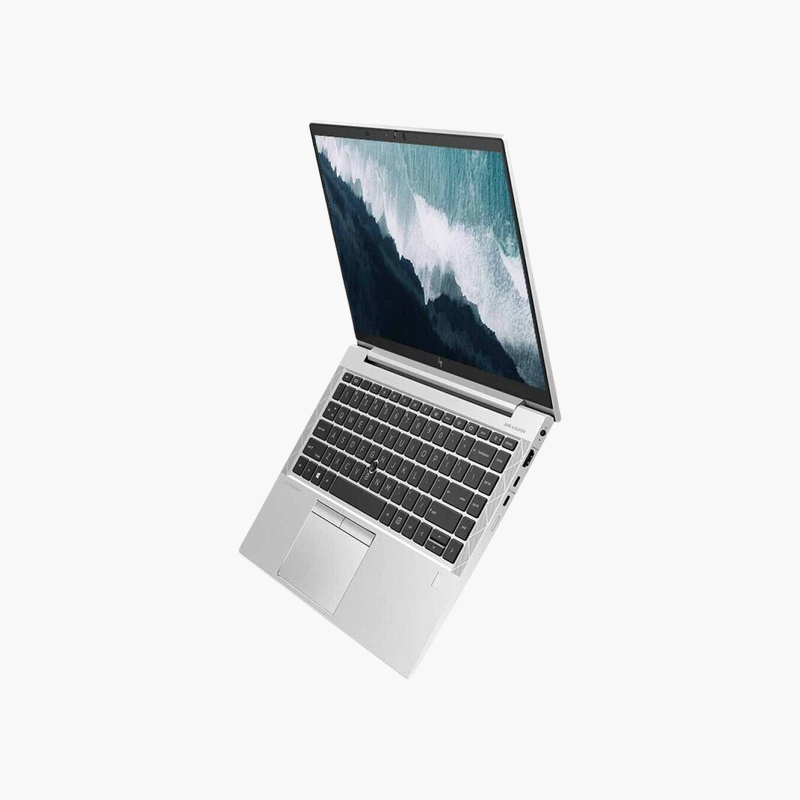
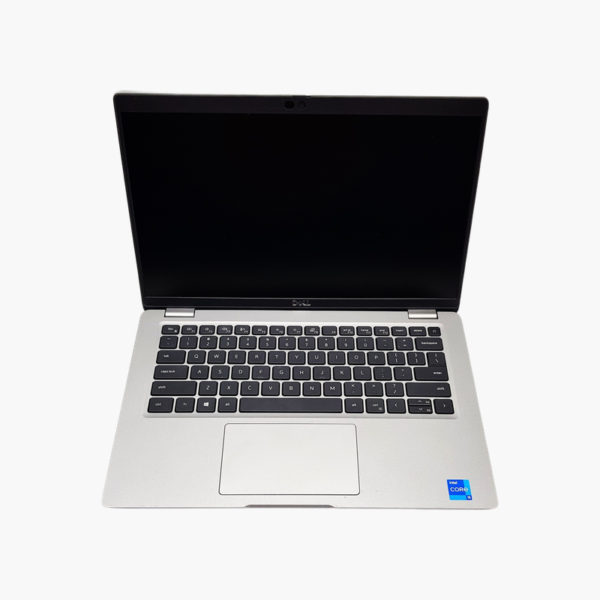
This refurbished Dell Latitude 5420 features the Intel Core i5-1145G7 with vPro, 16GB of memory, a 512GB SSD, and a 14-inch Full HD display with a backlit US keyboard. It suits IT departments and small businesses that want remotely manageable laptops for hybrid and office teams.
Why vPro Matters for Managed Fleets
Intel vPro adds hardware-level management and security features that let IT teams diagnose, update, and secure laptops remotely, even when the operating system is not responding. That reduces desk visits and downtime.
The Core i5-1145G7 is an 11th Gen quad-core processor with Iris Xe graphics. Combined with 16GB of memory and a 512GB SSD, it handles Microsoft 365, Teams, and line-of-business apps comfortably.
It ships with Windows 10 Pro and supports an upgrade to Windows 11 Pro.
Backlit Keyboard for Any Lighting
A backlit keyboard helps in dim offices, on flights, and in evening work sessions.
Fleet-Friendly Configuration
Standardized specs and vPro make it straightforward to deploy multiple units with consistent images and policies.
How to Set Up Your Dell Latitude 5420
- Unbox the laptop, connect the charger, and power it on.
- Complete the Windows 10 Pro setup: choose your region, connect to Wi-Fi, and sign in or create a local account.
- Run Windows Update and Dell SupportAssist or Dell Command | Update to install the latest drivers, firmware, and security patches.
- Set up sign-in security (PIN, fingerprint, or Windows Hello where available), turn on device encryption, and configure backups.





Reviews
There are no reviews yet.