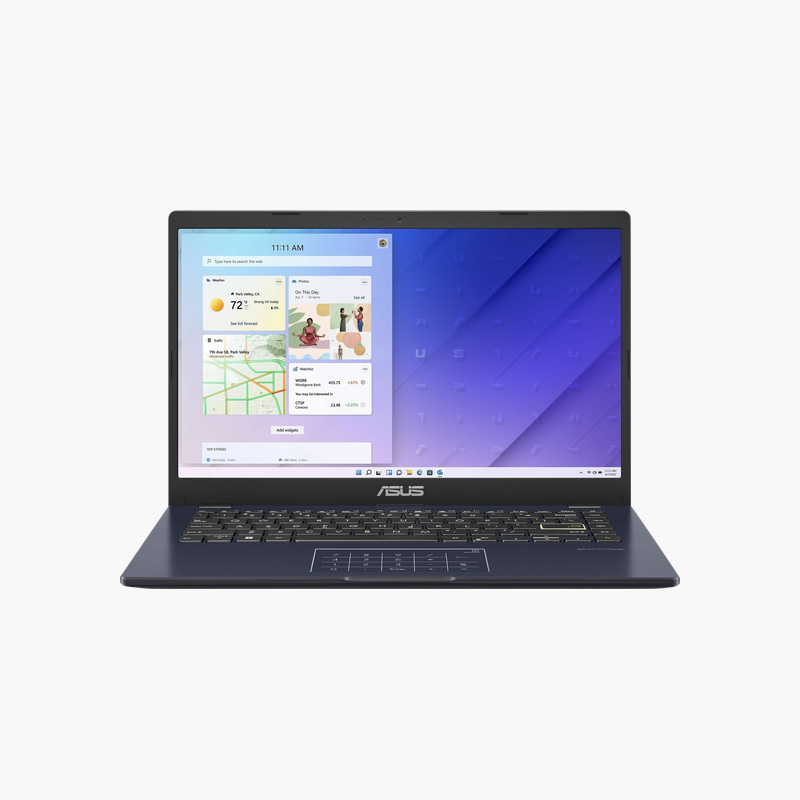
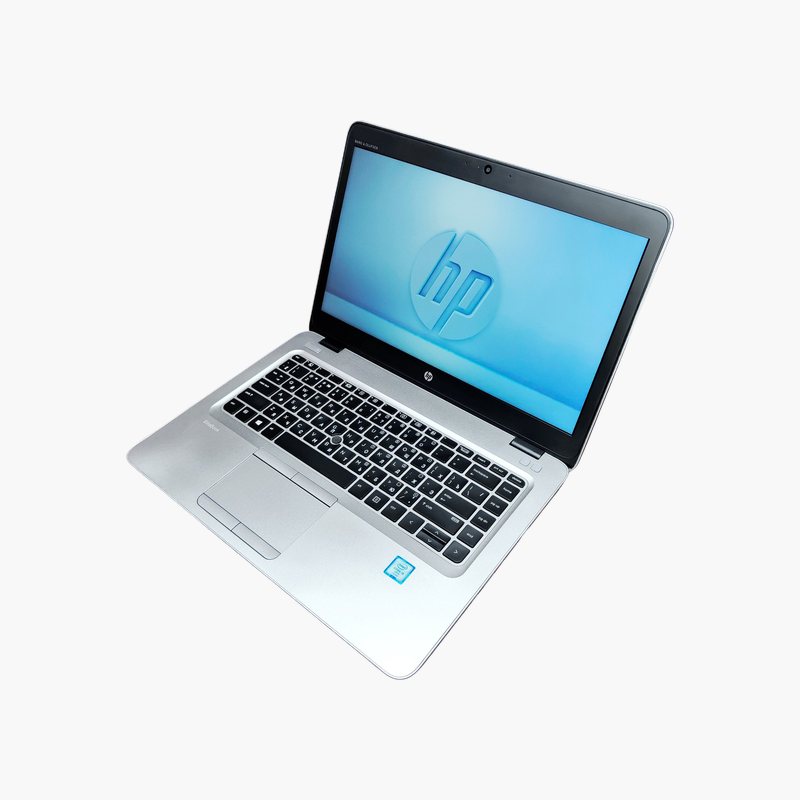
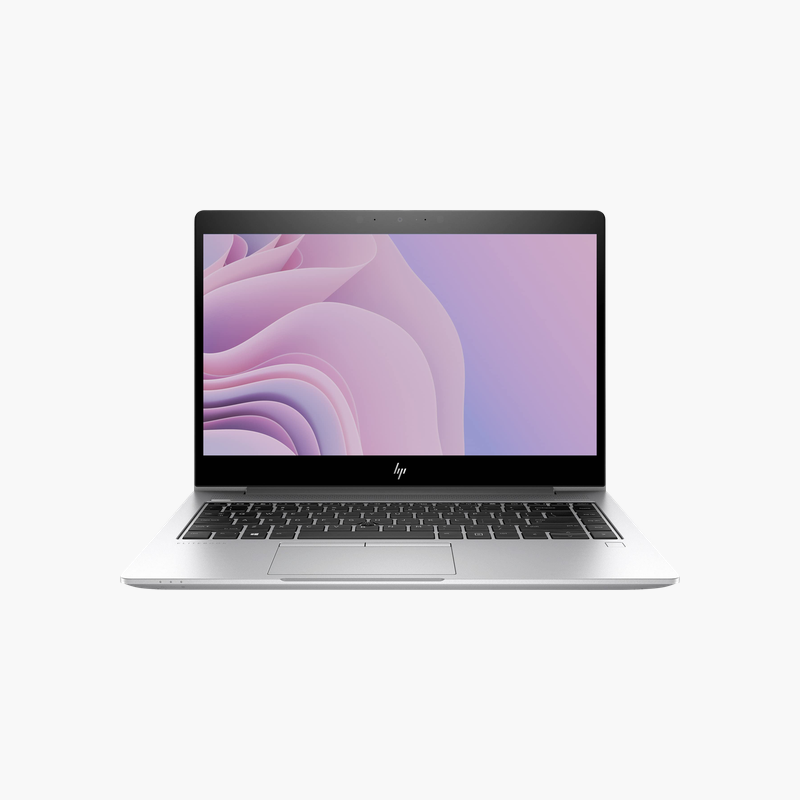
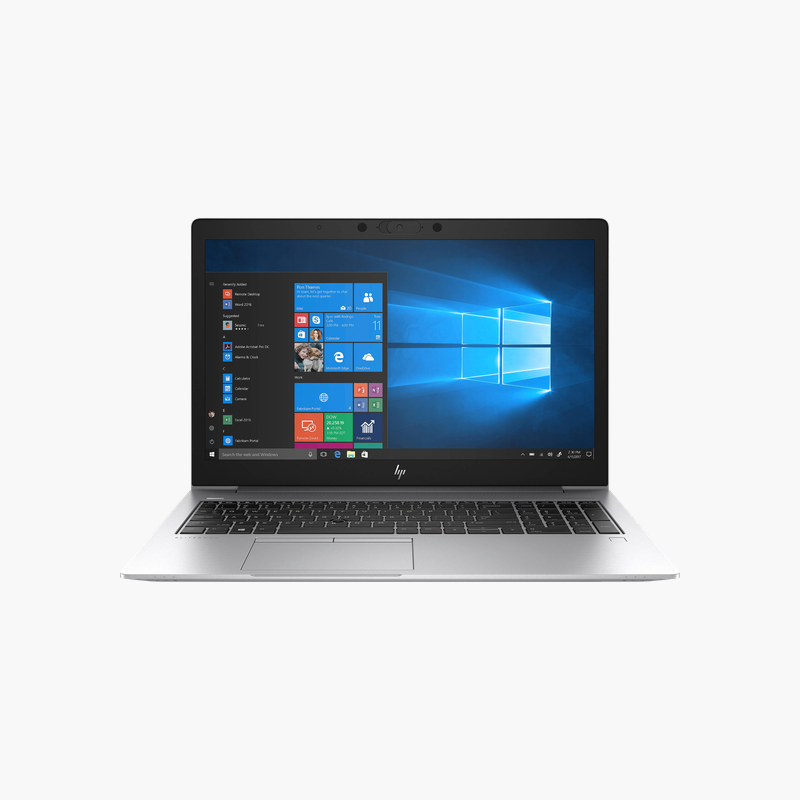
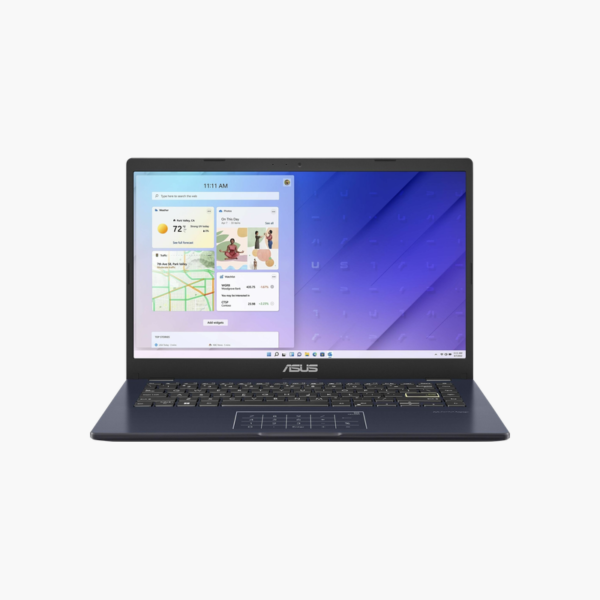
ASUS Vivobook 14 E410KA 14″ FHD Laptop – Intel Celeron N4500, 4GB RAM, 128GB eMMC, Windows 11 S + Microsoft 365

SKU: ASUS-VIVOBOOK-14-E410KA-N4500-4G-128G
  • 30-Day Hassle Free Returns
  • Secure Payment Options

Price on RequestRequest a quote for volume pricing, availability and lead time.

Key Value Highlights

  • Intel Celeron N4500 – 2 cores / 2 threads for smooth multitasking in office apps, browsers, and video calls.
  • 4GB (soldered) memory – Covers web browsing, email, and Office documents in Windows 11 S mode.
  • 128GB eMMC – Fast solid state storage for quick boot, app launches, and file access.
  • 14-inch FHD (1920 x 1080) – Clear, sharp workspace for documents, spreadsheets, and video meetings.

Description

A light, low-cost laptop for students with Microsoft 365 included.

The ASUS Vivobook 14 E410KA is a lightweight 14-inch Full HD laptop with an Intel Celeron N4500, 4GB of memory, and 128GB of eMMC storage. With Windows 11 in S mode and a one-year Microsoft 365 subscription, it suits students, kids, and seniors who mainly use web apps, email, and Office documents.

A Simple Laptop for Web and Office Basics

Not every user needs a powerful laptop. For web browsing, email, online classes, and Office documents, a lightweight, efficient laptop with a good screen is often enough.

The Celeron N4500 is a dual-core processor designed for low power use, which helps battery life and keeps the laptop quiet. Windows 11 in S mode limits apps to the Microsoft Store for added security.

The included one-year Microsoft 365 subscription provides Word, Excel, PowerPoint, and OneDrive cloud storage.

Microsoft 365 Included

The one-year Microsoft 365 subscription gives access to Office apps and 1TB of OneDrive storage, offsetting the small local drive.

Light and Portable

At around 1.3 kg, it is easy for students to carry in a backpack.

How to Set Up Your ASUS Vivobook 14 E410KA

  1. Unbox the laptop, connect the charger, and power it on.
  2. Complete the Windows 11 Home in S mode setup: choose your region, connect to Wi-Fi, and sign in or create a local account.
  3. Run Windows Update and MyASUS to install the latest drivers, firmware, and security patches.
  4. Set up sign-in security (PIN, fingerprint, or Windows Hello where available), turn on device encryption, and configure backups.

Overview

BrandASUS
ModelASUS Vivobook 14 E410KA
ProcessorIntel Celeron N4500
CPU Details2 cores / 2 threads, 1.1GHz base, up to 2.8GHz, 4MB cache
Memory4GB (soldered)
Storage128GB eMMC
Display14-inch FHD (1920 x 1080)
GraphicsIntel UHD Graphics
Operating SystemWindows 11 Home in S mode
WirelessWi-Fi 5, Bluetooth
KeyboardFull-size chiclet keyboard
Security FeaturesTPM 2.0, webcam privacy shutter on most models
Approx. WeightAbout 1.3 kg (2.9 lb)
Ideal ForStudents, kids, seniors, basic tasks
ConditionNew / Refurbished (stock dependent)

Frequently Asked Questions

Find answers to common questions about this product.

Customer Reviews

Reviews

There are no reviews yet.

Be the first to review “ASUS Vivobook 14 E410KA 14″ FHD Laptop – Intel Celeron N4500, 4GB RAM, 128GB eMMC, Windows 11 S + Microsoft 365”

Your email address will not be published. Required fields are marked *