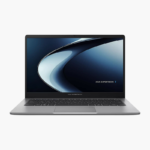
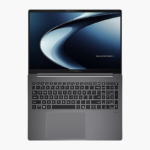
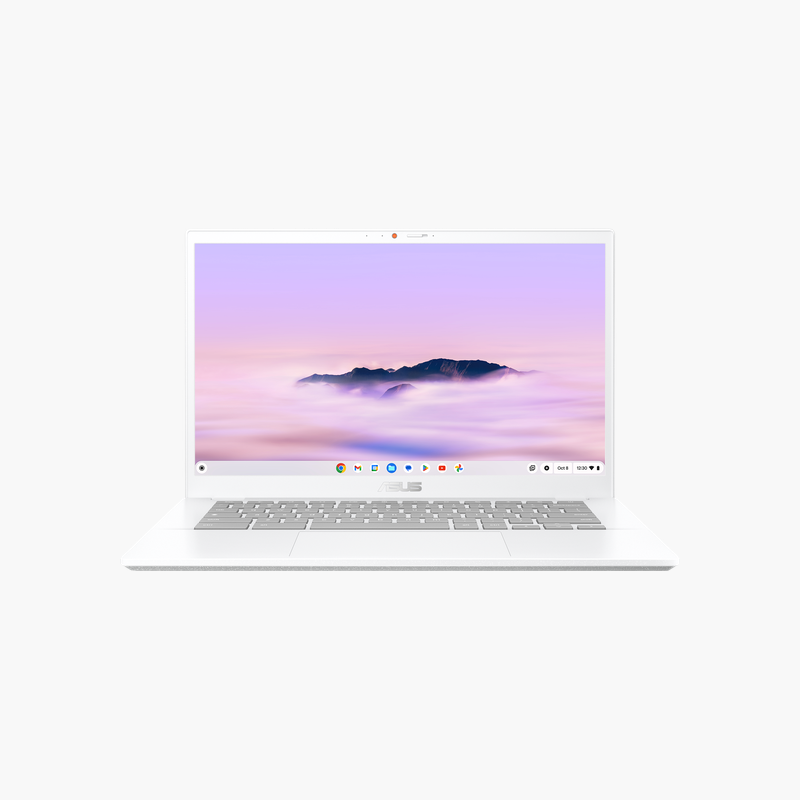
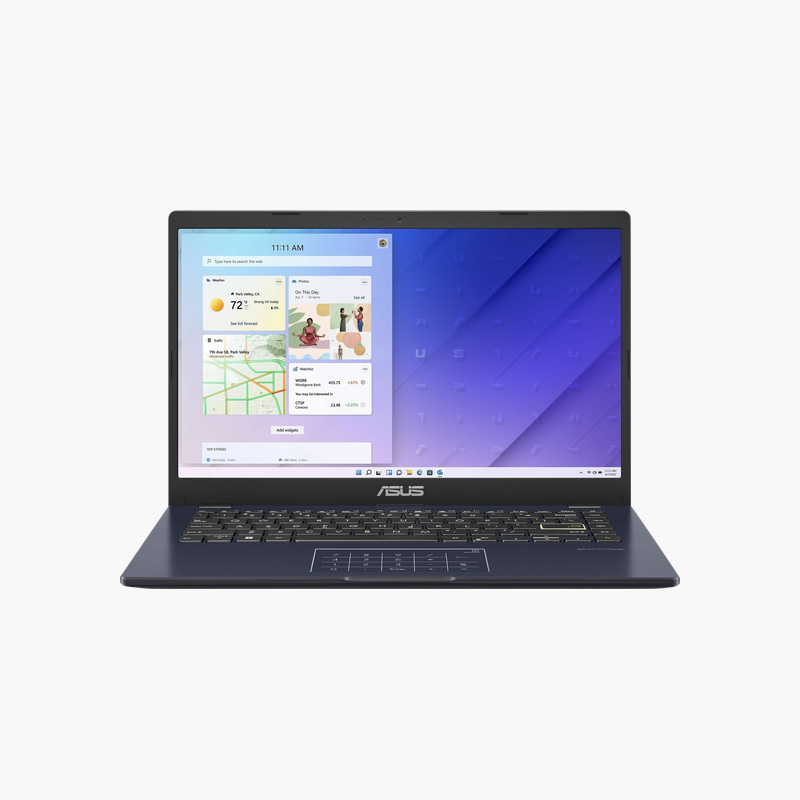
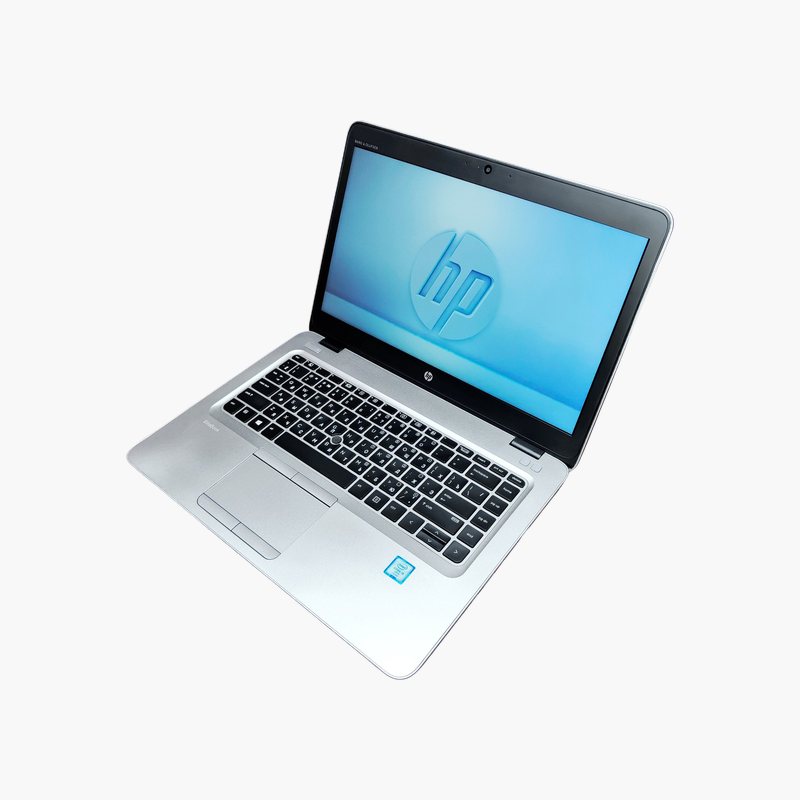
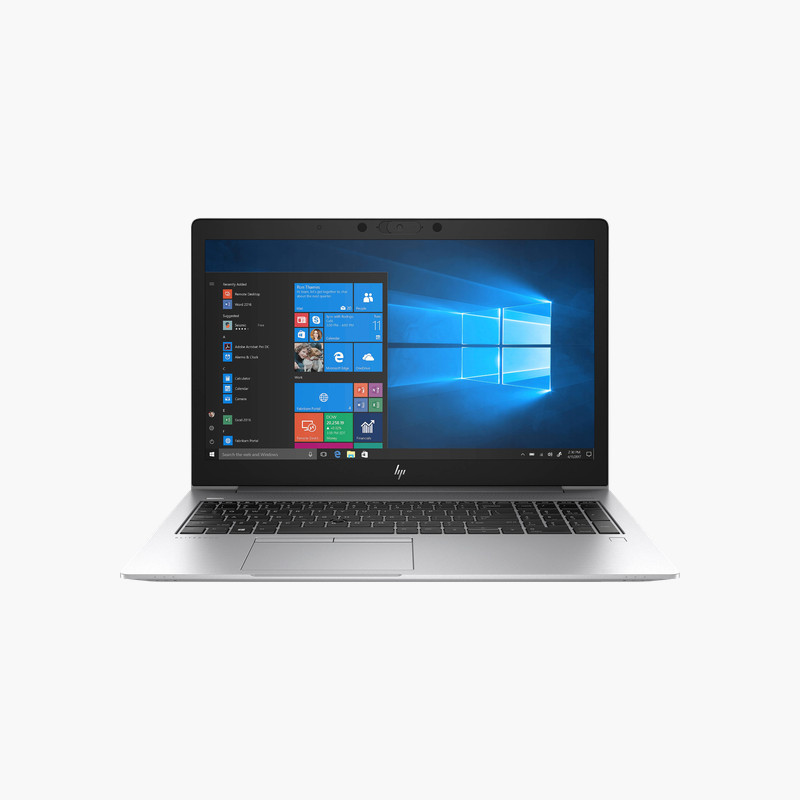
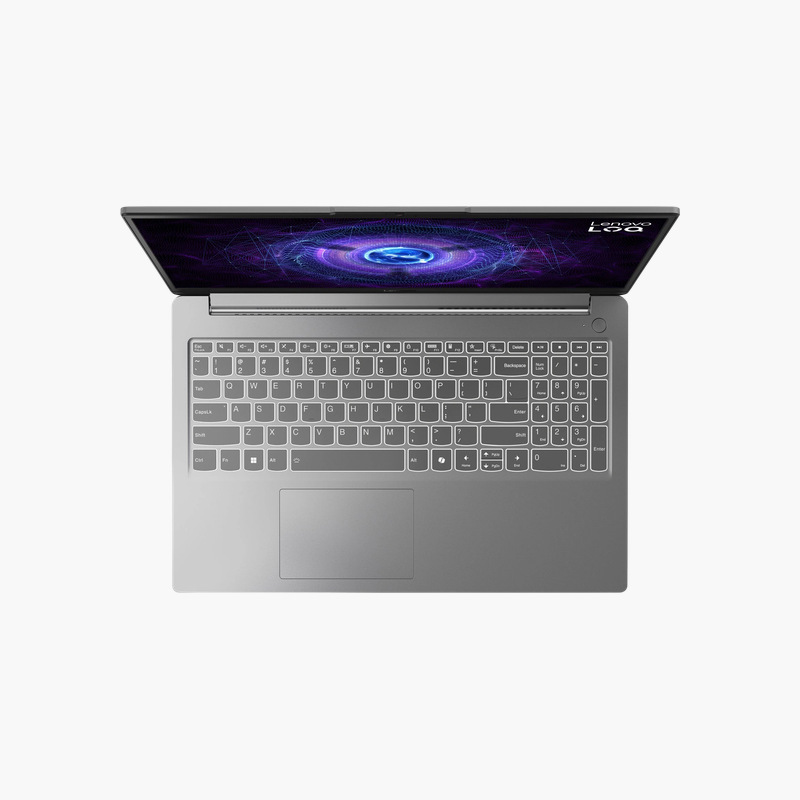
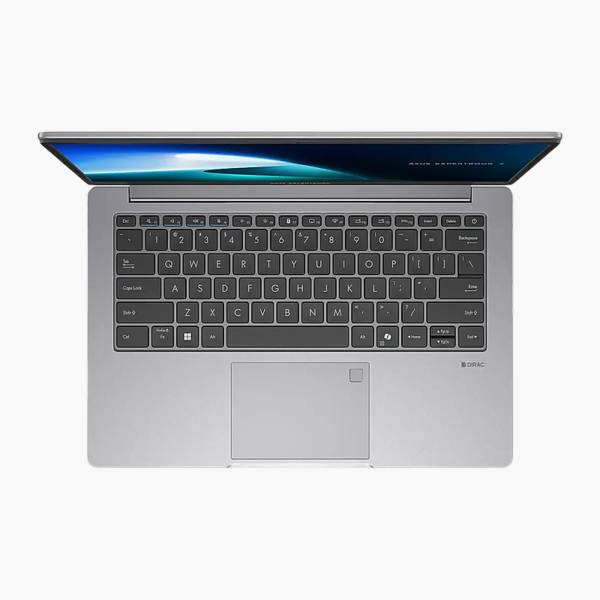
ASUS ExpertBook P1 (PM1403) 14" Business Laptop (PM1403CDA-XS74)
ASUS ExpertBook P1 (PM1403) 14" Business Laptop (PM1403CDA-XS74) – Ryzen 7 170, 16GB RAM, 512GB SSD Price on RequestRequest a quote for volume pricing, availability and lead time.
Back to products
ASUS ExpertBook P5 G2 14 Business Laptop (P5405CAA-XS76)
ASUS ExpertBook P5 G2 14 Business Laptop (P5405CAA-XS76) – Core Ultra 7 356H, 32GB RAM, 1TB SSD Price on RequestRequest a quote for volume pricing, availability and lead time.

ASUS ExpertBook P1 (P1403) 14″ Business Laptop (P1403CVA-XB74) – Core 7 240H, 16GB RAM, 512GB SSD

SKU: P1403CVA-XB74
  • 30-Day Hassle Free Returns
  • Secure Payment Options

Price on RequestRequest a quote for volume pricing, availability and lead time.

Key Value Highlights

  • Intel Core 7 240H – Responsive performance for office apps, browsing and video calls.
  • 16GB memory – Keep many browser tabs and apps open without slowdowns.
  • 512GB SSD – Fast boot and app loading with room for documents and projects.
  • 14-inch display – Sharp, clear visuals for documents, spreadsheets and media.
  • Windows 11 Pro – Ready to use out of the box with familiar software.

Description

The ASUS ExpertBook P1 (P1403) is a 14-inch business laptop powered by the Intel Core 7 240H, with 16GB of memory and a 512GB SSD. Its 14-inch display makes it a strong fit for office teams, hybrid workers and IT-managed fleets. It runs Windows 11 Pro.

Business-ready from the first login.

A Dependable Laptop for Business Teams

Ageing business laptops slow down with today’s browser-heavy workloads and video calls, and unmanaged devices create security and support headaches for IT.

The ASUS ExpertBook P1 (P1403) combines the Intel Core 7 240H, 16GB of memory and a 512GB SSD with a 14-inch display, backed by business-class security and manageability features.

Performance for Everyday Tasks

The Intel Core 7 240H and 16GB of memory handle office apps, browsing and conferencing smoothly, while the 512GB SSD keeps boot and load times short.

Display and Portability

The 14-inch display fits more on screen in a size that travels easily between home, office and campus.

Setup Instructions

How to Set Up the ASUS ExpertBook P1 (P1403)

  1. Connect the included power adapter and charge the laptop.
  2. Press the power button and follow the Windows setup screens.
  3. Connect to Wi-Fi and sign in with your Microsoft or work account.
  4. Run Windows Update and MyASUS to install the latest drivers and firmware.

Overview

BrandASUS
ModelExpertBook P1 (P1403)
Product TypeBusiness Laptop
ProcessorIntel Core 7 240H
Memory16GB
Storage512GB SSD
Screen Size14″
Display14″ display
GraphicsIntel graphics
Operating SystemWindows 11 Pro
TouchscreenNo
Processor BrandIntel
Part NumberP1403CVA-XB74
ConditionBrand New
In the BoxLaptop, power adapter, documentation

Frequently Asked Questions

Find answers to common questions about this product.

Customer Reviews

Reviews

There are no reviews yet.

Be the first to review “ASUS ExpertBook P1 (P1403) 14″ Business Laptop (P1403CVA-XB74) – Core 7 240H, 16GB RAM, 512GB SSD”

Your email address will not be published. Required fields are marked *