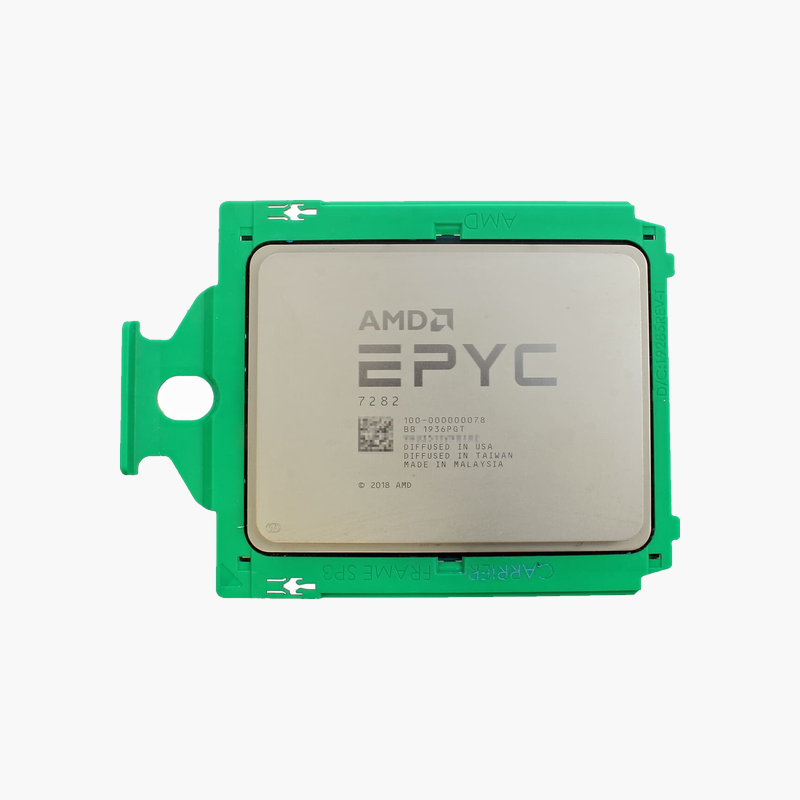
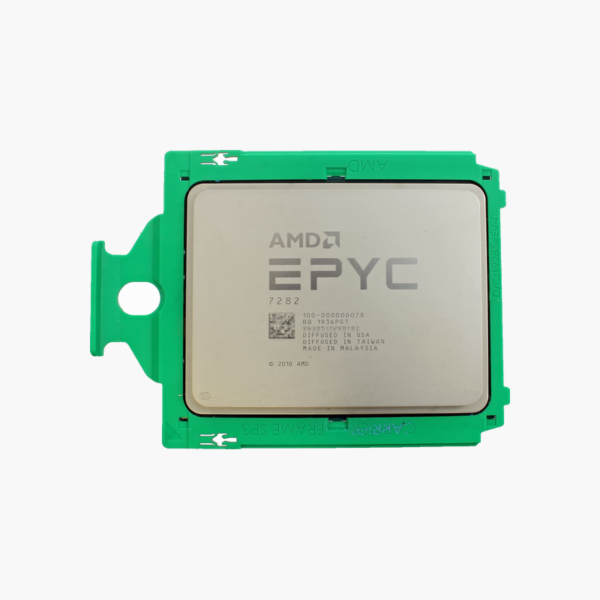
AMD EPYC 7272 Server Processor (EPYC 7272) – 12-Core, 24-Thread, Up to 3.2GHz, SP3, 64MB L3

SKU: EPYC-7272
  • 30-Day Hassle Free Returns
  • Secure Payment Options

Price on RequestRequest a quote for volume pricing, availability and lead time.

Key Value Highlights

  • 12 cores / 24 threads – Consolidates more virtual machines, containers and services per host.
  • Up to 3.2GHz boost (2.9GHz base) – Turbo headroom for latency-sensitive services and burst workloads.
  • 64MB L3 – More data stays on-chip, reducing memory latency for databases and virtualized workloads.
  • SP3 with DDR4-3200 – 128 PCIe 4.0 lanes for NVMe storage, NICs and HBAs.
  • 120W TDP – Predictable power envelope for server and workstation thermal planning.

Description

The AMD EPYC 7272 (EPYC 7272) is an SP3 server processor with 12 cores, 24 threads and boost clocks up to 3.2GHz. Built on 2nd Gen (Rome), with 64MB L3, it is aimed at IT teams, MSPs and homelab builders upgrading or populating servers.

Data-center core counts at a practical price.

Getting More Out of Existing Server Platforms

When a server runs out of CPU headroom, replacing the whole platform is rarely the cheapest option. Many teams can extend the life of existing hosts by upgrading to a higher-core processor that fits the same socket, or by adding a second matched CPU.

The AMD EPYC 7272 delivers 12 cores and 24 threads on the SP3 platform with 64MB L3 and DDR4-3200, 8-channel memory support. That makes it a practical choice for virtualization, databases, file and web services, and homelab clusters built on 2nd Gen (Rome).

Cores, Clocks and Cache in Practice

With 12 cores, 24 threads, up to 3.2GHz and 64MB L3, the AMD EPYC 7272 handles virtual machines, containers and database workloads with headroom. Power is rated at 120W TDP.

Platform and Connectivity

The SP3 socket supports DDR4-3200, 8-channel and 128 PCIe 4.0 lanes. A discrete graphics card is required for display output.

Setup Instructions

How to Install the AMD EPYC 7272

  1. Confirm your server motherboard supports the EPYC 7272 on the SP3 socket and update BIOS/firmware first.
  2. Power down, discharge static and remove the existing heatsink and processor carefully.
  3. Align the CPU with the socket key, install it, apply fresh thermal paste and refit the heatsink to the specified torque.
  4. Boot to BIOS, confirm cores and memory are detected, then load your hypervisor or OS and verify performance.

Overview

BrandAMD
Model NumberEPYC 7272
ProcessorEPYC 7272
Product TypeServer Processor
Generation / Architecture2nd Gen (Rome)
Cores12
Threads24
Base Clock2.9GHz
Max Boost Clock3.2GHz
Cache64MB L3
Power120W TDP
SocketSP3
Memory SupportDDR4-3200, 8-channel
PCIe Support128 PCIe 4.0 lanes
Integrated GraphicsNone

Frequently Asked Questions

Find answers to common questions about this product.

Customer Reviews

Reviews

There are no reviews yet.

Be the first to review “AMD EPYC 7272 Server Processor (EPYC 7272) – 12-Core, 24-Thread, Up to 3.2GHz, SP3, 64MB L3”

Your email address will not be published. Required fields are marked *