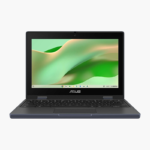
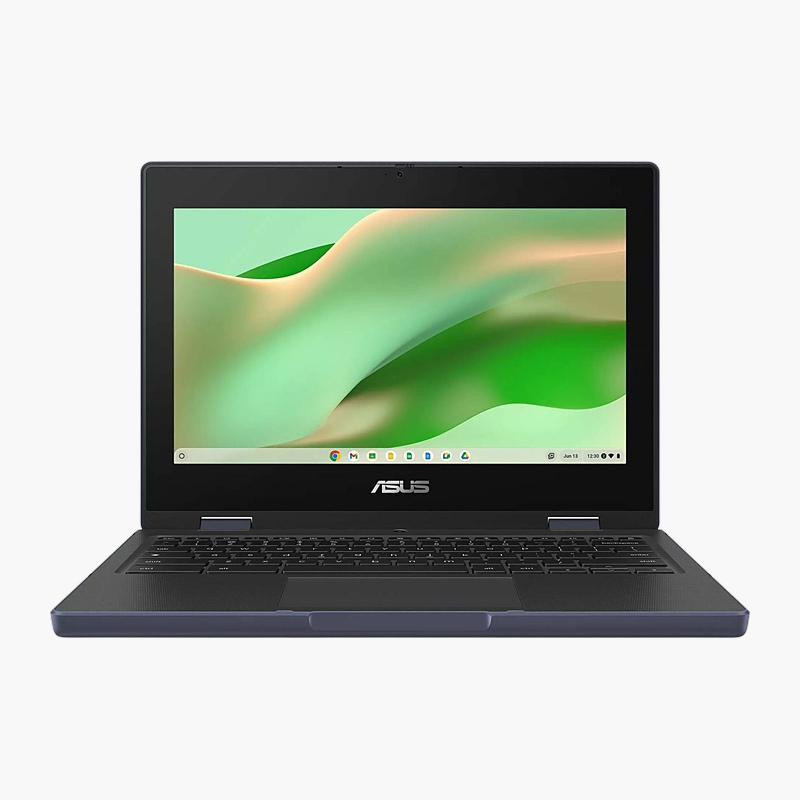
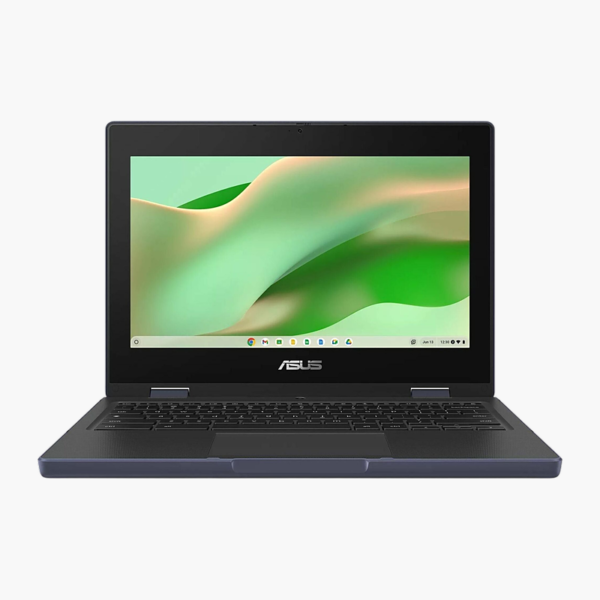
ASUS Chromebook CR11 11.6" Chromebook (CR1104CTA-YZ84)
ASUS Chromebook CR11 11.6" Chromebook (CR1104CTA-YZ84) – Intel N150, 8GB RAM, 64GB eMMC Price on RequestRequest a quote for volume pricing, availability and lead time.
Back to products
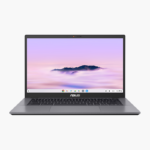
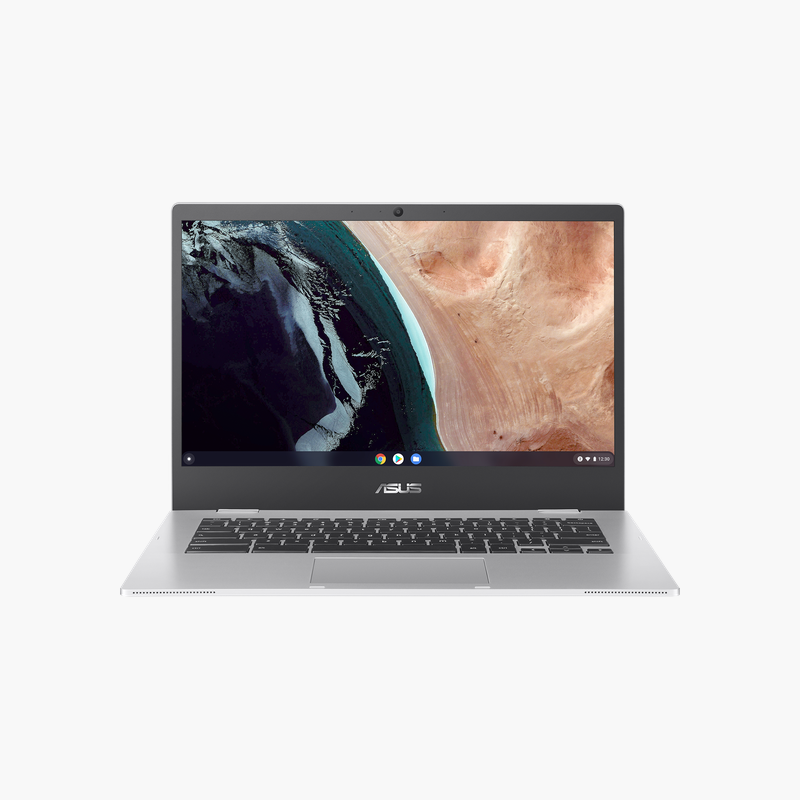
ASUS Chromebook Plus CX34 14" Chromebook (CX3402CVA-DB388T-GR)
ASUS Chromebook Plus CX34 14" Chromebook (CX3402CVA-DB388T-GR) – Core 3 100U, 8GB RAM, 128GB SSD Price on RequestRequest a quote for volume pricing, availability and lead time.

ASUS Chromebook CR11 Flip 11.6″ Touchscreen Chromebook (CR1104FTA-YZ84T) – Intel N150, 8GB RAM, 64GB eMMC

SKU: CR1104FTA-YZ84T
  • 30-Day Hassle Free Returns
  • Secure Payment Options

Price on RequestRequest a quote for volume pricing, availability and lead time.

Key Value Highlights

  • Intel N150 – Efficient performance for web apps, video calls and classroom tools.
  • 8GB memory – Keep many browser tabs and apps open without slowdowns.
  • 64GB eMMC – Quick start-up for a cloud-first operating system.
  • 11.6-inch HD touchscreen – Sharp, clear visuals for documents, spreadsheets and media.
  • ChromeOS – Automatic updates and built-in virus protection.

Description

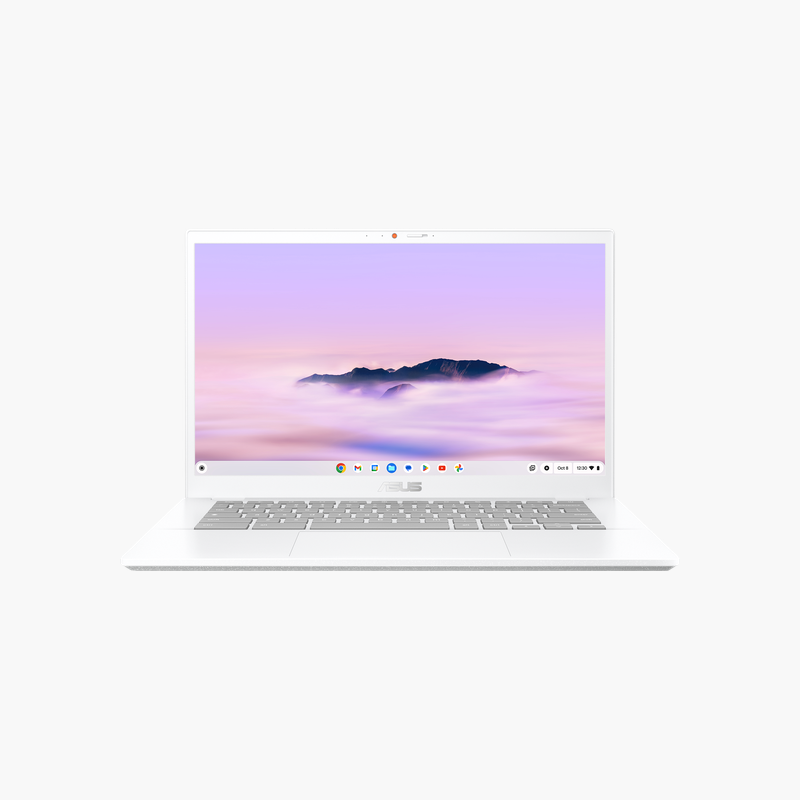
The ASUS Chromebook CR11 Flip is an 11.6-inch touchscreen Chromebook powered by the Intel N150, with 8GB of memory and a 64GB eMMC. Its 11.6-inch HD touchscreen makes it a strong fit for classrooms, students and cloud-first users. It runs ChromeOS.

Simple, secure and ready to learn.

Simple, Secure Computing for Learning and Work

Ageing classroom and home laptops are slow to start, need constant updates and are easy to damage in daily use.

The ASUS Chromebook CR11 Flip starts up in seconds, updates itself automatically and runs web apps and Android apps from Google Play on its Intel N150 with 8GB of memory.

Built for Everyday Use

The 11.6-inch design with rugged construction is easy to carry between classes, meetings and home.

Cloud-First Storage

64GB eMMC of local storage works alongside Google Drive, keeping files backed up and available on any device.

Setup Instructions

How to Set Up the ASUS Chromebook CR11 Flip

  1. Charge the Chromebook with the included power adapter.
  2. Open the lid and press the power button.
  3. Connect to Wi-Fi and sign in with your Google account (or your school/work account).
  4. Let ChromeOS install any available updates, then add your apps from Google Play.

Overview

BrandASUS
ModelChromebook CR11 Flip
Product TypeTouchscreen Chromebook
ProcessorIntel N150
Memory8GB
Storage64GB eMMC
Screen Size11.6″
DisplayHD touchscreen, 360° flip
GraphicsIntel UHD graphics
Operating SystemChromeOS
TouchscreenYes
Key FeaturesConvertible 2-in-1 design; Education-focused durable design
Part NumberCR1104FTA-YZ84T
ConditionBrand New
In the BoxChromebook, power adapter, documentation

Frequently Asked Questions

Find answers to common questions about this product.

Customer Reviews

Reviews

There are no reviews yet.

Be the first to review “ASUS Chromebook CR11 Flip 11.6″ Touchscreen Chromebook (CR1104FTA-YZ84T) – Intel N150, 8GB RAM, 64GB eMMC”

Your email address will not be published. Required fields are marked *