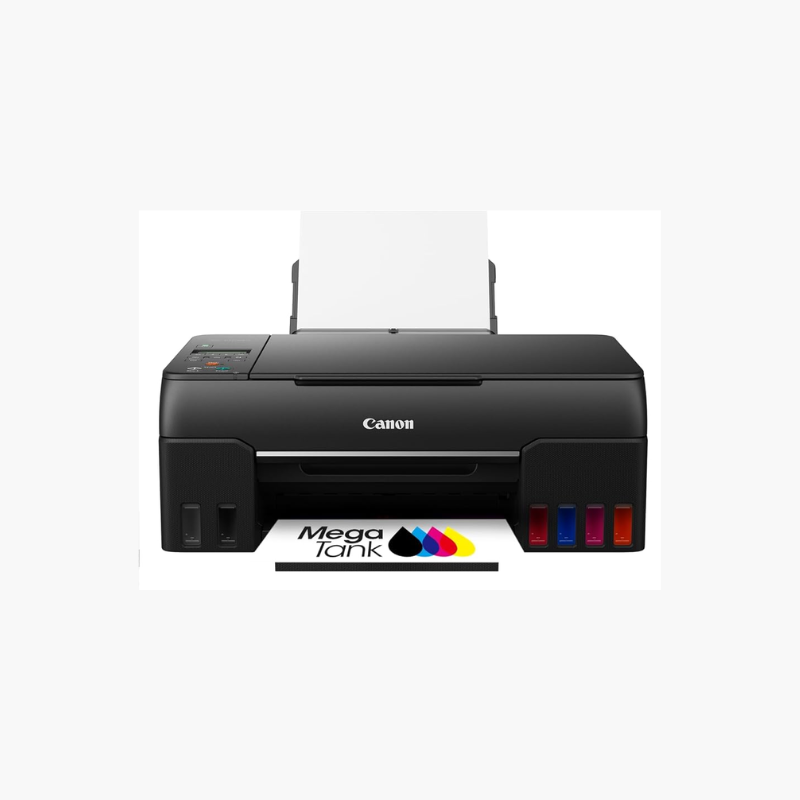
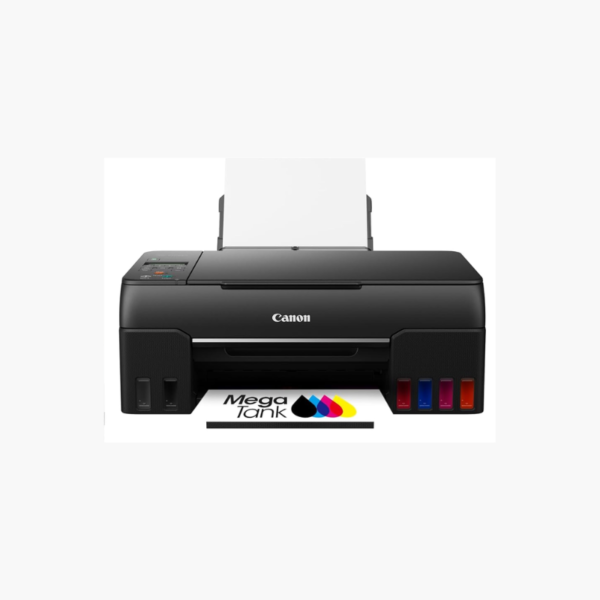
Canon PIXMA G6020 Wireless MegaTank All-in-One Printer – Print, Copy, Scan, Auto Duplex, 350-Sheet Capacity

SKU: CANON-PIXMA-G6020
  • 30-Day Hassle Free Returns
  • Secure Payment Options

Price on RequestRequest a quote for volume pricing, availability and lead time.

Key Value Highlights

  • Refillable MegaTank ink system – Prints up to 6,000 black or 7,700 color pages per bottle set.
  • 350-sheet total capacity – Combines a 250-sheet cassette with a 100-sheet rear tray.
  • Automatic two-sided printing – Cuts paper use on reports and schoolwork.
  • Wi-Fi, Ethernet, and USB – Shares the printer across home and office devices.

Description

The Canon PIXMA G6020 is a wireless MegaTank all-in-one printer for homes and small offices with steady print volumes. Refillable ink tanks deliver up to 6,000 black or 7,700 color pages per bottle set, while a 350-sheet paper capacity and automatic two-sided printing keep long jobs running with little attention.

Deep-Dive Story & Problem/Solution

Cartridge Printers Become Expensive Once Print Volume Grows

A household or office printing a few hundred pages a month can go through standard cartridges every few weeks. The printer is cheap, but ink costs add up and cartridges often run out in the middle of a job.

The G6020 uses GI-20 ink bottles that refill built-in tanks. One set of bottles covers thousands of pages, and the front-facing tanks make ink levels visible at a glance.

Print speeds of about 13 ipm in black and 6.8 ipm in color handle everyday documents, and the flatbed scanner covers copies and scans up to letter size.

Two Paper Sources

The front cassette holds 250 sheets of plain paper while the rear tray takes 100 sheets of photo paper or envelopes, so media changes are less frequent.

Simple Network Sharing

Wi-Fi and Ethernet connect the printer to several computers. Apple AirPrint, Mopria, and the Canon PRINT app support printing from phones.

Setup Instructions

How to Set Up the Canon PIXMA G6020

  1. Install the print heads and fill each tank with the matching GI-20 ink bottle.
  2. Power on and wait for ink initialization to complete.
  3. Load paper in the cassette and connect through Wi-Fi, Ethernet, or USB.
  4. Install the Canon driver and print a nozzle check pattern.

Overview

ModelCanon PIXMA G6020
Printer TypeMegaTank inkjet all-in-one
FunctionsPrint, copy, scan
Print SpeedApprox. 13 ipm black, 6.8 ipm color
Print ResolutionUp to 4800 x 1200 dpi
InkCanon GI-20 bottles (pigment black, dye color)
Page YieldUp to 6, 000 black / 7, 700 color pages
Paper Capacity250-sheet cassette + 100-sheet rear tray
Duplex PrintingAutomatic
ScannerFlatbed, 1200 x 2400 dpi
Display2-line LCD
ConnectivityWi-Fi, Ethernet, USB
Dimensions15.9 x 14.6 x 7.7 inches
Weight17.8 lbs
MaintenanceRefill tanks before low line; print regularly

Frequently Asked Questions

Find answers to common questions about this product.

Customer Reviews

Reviews

There are no reviews yet.

Be the first to review “Canon PIXMA G6020 Wireless MegaTank All-in-One Printer – Print, Copy, Scan, Auto Duplex, 350-Sheet Capacity”

Your email address will not be published. Required fields are marked *