Dell Intel QuickAssist Adapter 8970 PCIe x16 FHHL Accelerator (93XWF)
Dell Intel QuickAssist Adapter 8970 PCIe x16 FHHL Accelerator (93XWF) Price on RequestRequest a quote for volume pricing, availability and lead time.
Back to products
Dell Intel Data Center GPU Max 1100 48GB HBM2e PCIe x16 GPU (WG7J6)
Dell Intel Data Center GPU Max 1100 48GB HBM2e PCIe x16 GPU (WG7J6) Price on RequestRequest a quote for volume pricing, availability and lead time.

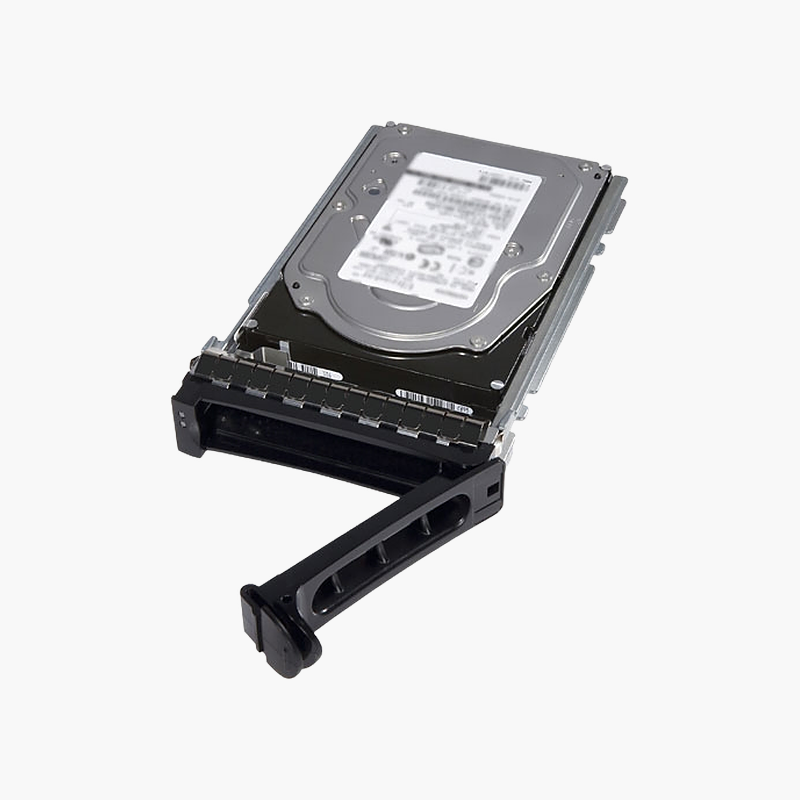
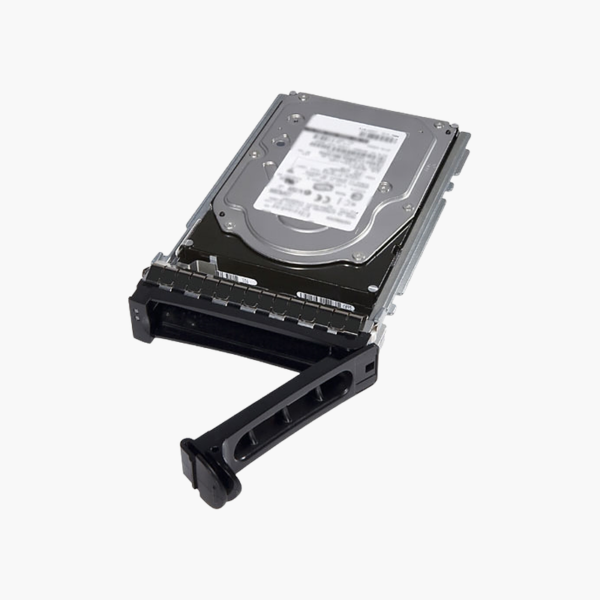
Dell 1TB 7.2K RPM SATA 6Gb/s 3.5-inch Server Hard Drive (D3YV6)

SKU: D3YV6
  • 30-Day Hassle Free Returns
  • Secure Payment Options

Price on RequestRequest a quote for volume pricing, availability and lead time.

Key Value Highlights

  • 1TB capacity – Space for operating systems, applications and file storage.
  • 7,200 RPM – Responsive performance for server workloads.
  • SATA 6Gb/s interface – Standard connection for Dell server backplanes.
  • 3.5-inch form factor – Fits 3.5-inch bays in PowerEdge servers and PowerVault enclosures.
  • Dell part number D3YV6 – Matches Dell’s service and replacement part listings.

Description

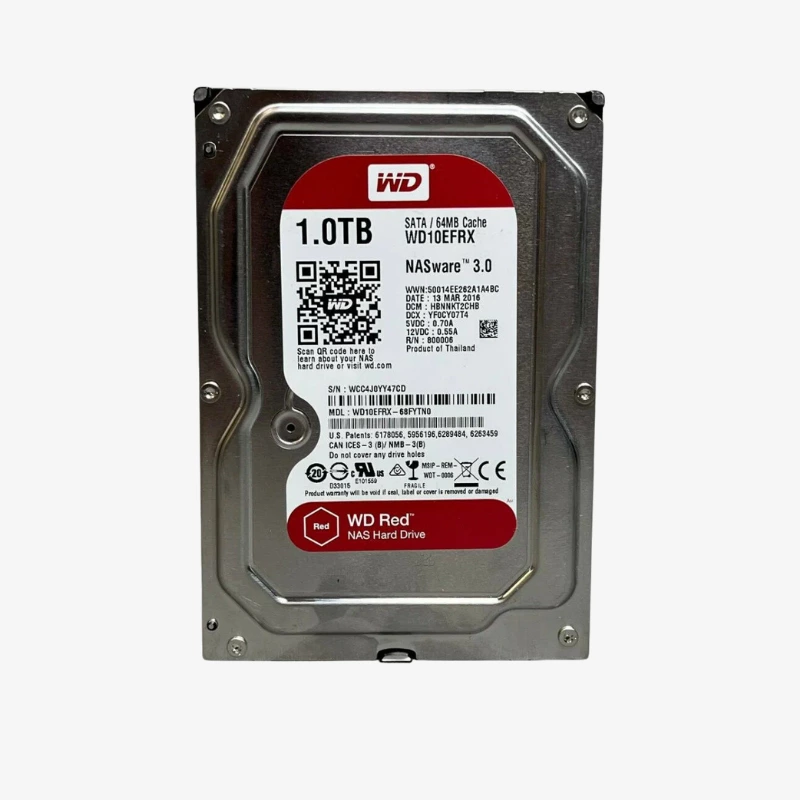
The Dell D3YV6 is a 1TB 3.5-inch internal SATA 6Gb/s hard drive spinning at 7,200 RPM, built for Dell PowerEdge servers and PowerVault storage enclosures. It suits IT teams maintaining or expanding Dell servers and storage arrays. It is supplied brand new.

Reliable capacity for your servers.

Dependable Storage for Dell Servers

Failed or full drives in older servers interrupt services, and unmatched replacement drives can cause compatibility issues.

Its 7,200 RPM spindle and SATA 6Gb/s interface give dependable performance for boot volumes, file storage and backups in Dell servers.

Capacity and Performance

1TB capacity: Space for operating systems, applications and file storage. 7,200 RPM: Responsive performance for server workloads.

Compatibility and Installation

SATA 6Gb/s interface: Standard connection for Dell server backplanes. 3.5-inch form factor: Fits 3.5-inch bays in PowerEdge servers and PowerVault enclosures. Dell part number D3YV6: Matches Dell’s service and replacement part listings.

Setup Instructions

How to Set Up the Dell 1TB 7.2K RPM SATA 6Gb/s 3.5-inch Server Hard Drive

  1. Back up data and check the server model and drive bay type.
  2. Install the drive in a compatible Dell drive carrier, if needed.
  3. Insert the drive into the bay and confirm it is detected in the RAID controller or BIOS.
  4. Create or rebuild the array, then format the volume in the operating system.

Overview

BrandDell
Model1TB 7.2K RPM SATA 6Gb/s 3.5-inch Server Hard Drive
Product TypeInternal hard drive
Capacity1 TB
InterfaceSATA 6Gb/s
Spindle Speed7, 200 RPM
Form Factor3.5-inch
Compatible ServersDell PowerEdge R320, R420, R520, R720, T320, T420, T620 and others
Compatible StorageDell PowerVault MD1200, MD3200 series and others
Drive TypeHDD
Use CaseServers and storage systems
Dell Part NumberD3YV6
Part NumberD3YV6
ConditionBrand New
In the BoxHard drive

Frequently Asked Questions

Find answers to common questions about this product.

Customer Reviews

Reviews

There are no reviews yet.

Be the first to review “Dell 1TB 7.2K RPM SATA 6Gb/s 3.5-inch Server Hard Drive (D3YV6)”

Your email address will not be published. Required fields are marked *