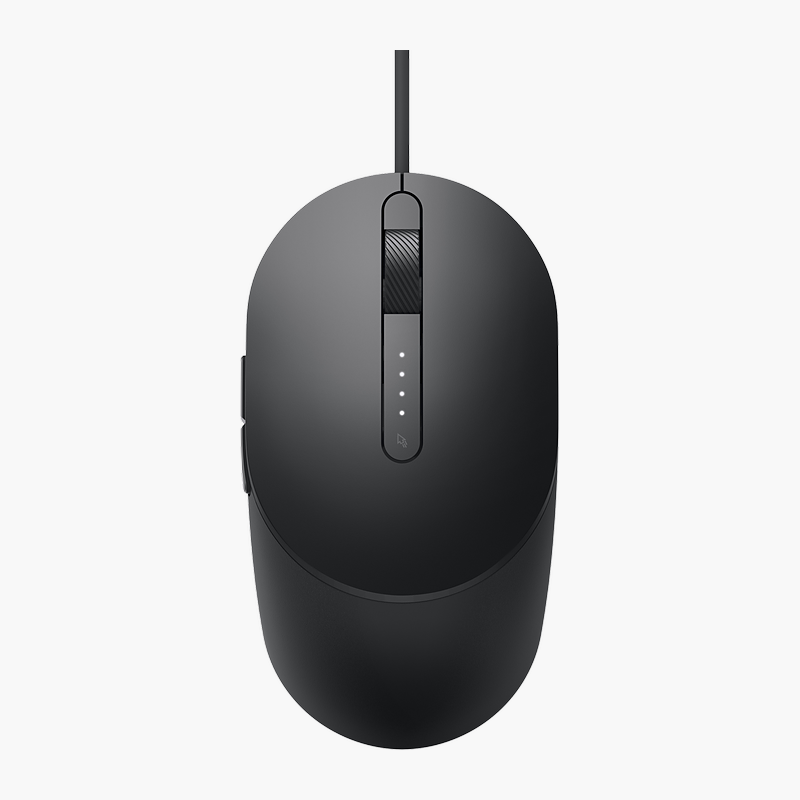
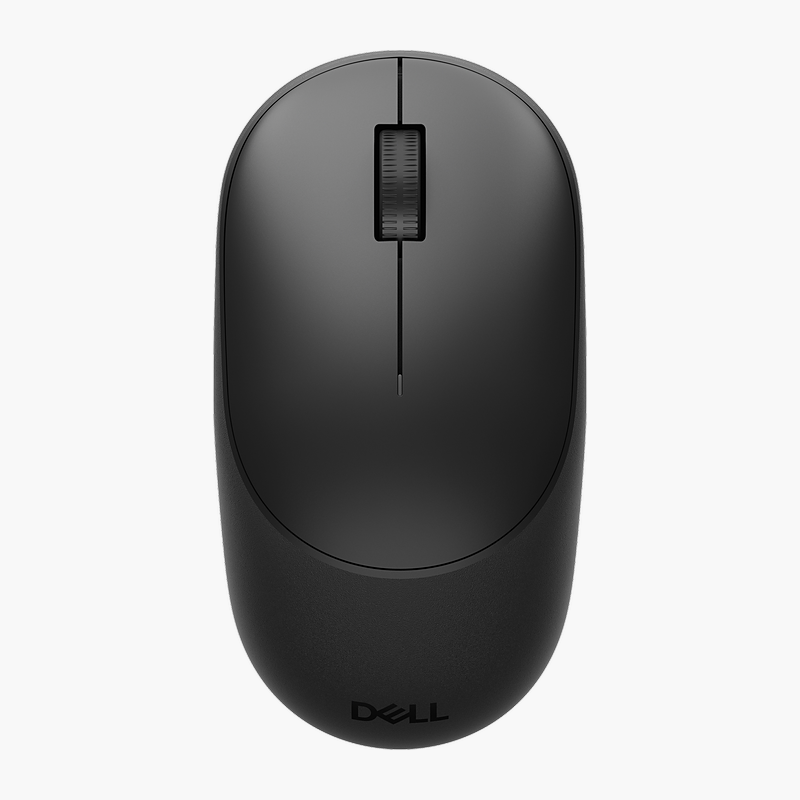
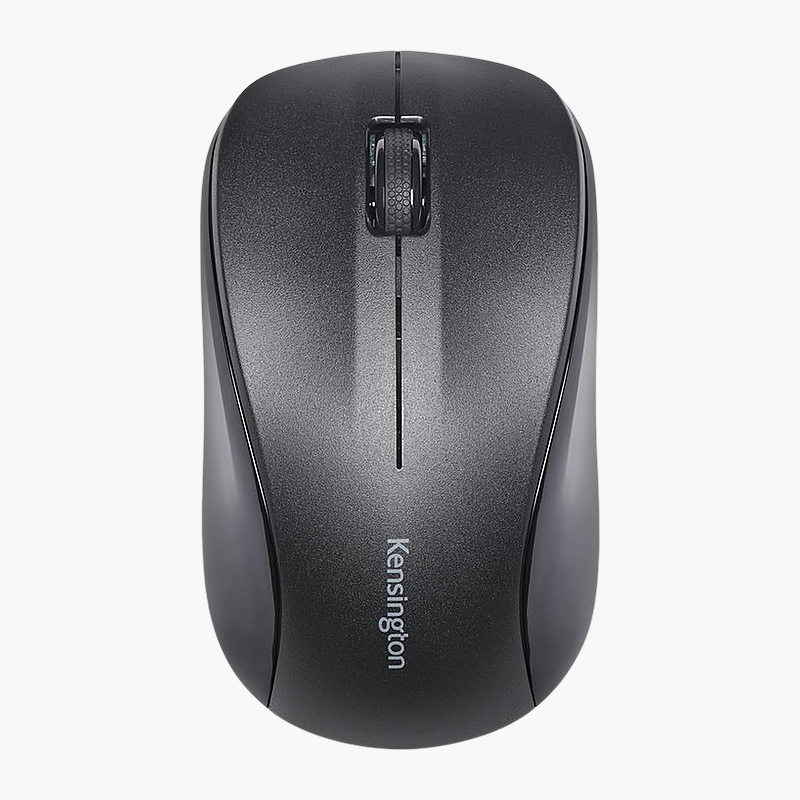
Dell MS700 Bluetooth Travel Mouse (MS700-BK-R-NA)
Dell MS700 Bluetooth Travel Mouse (MS700-BK-R-NA) – Bluetooth Price on RequestRequest a quote for volume pricing, availability and lead time.
Back to products
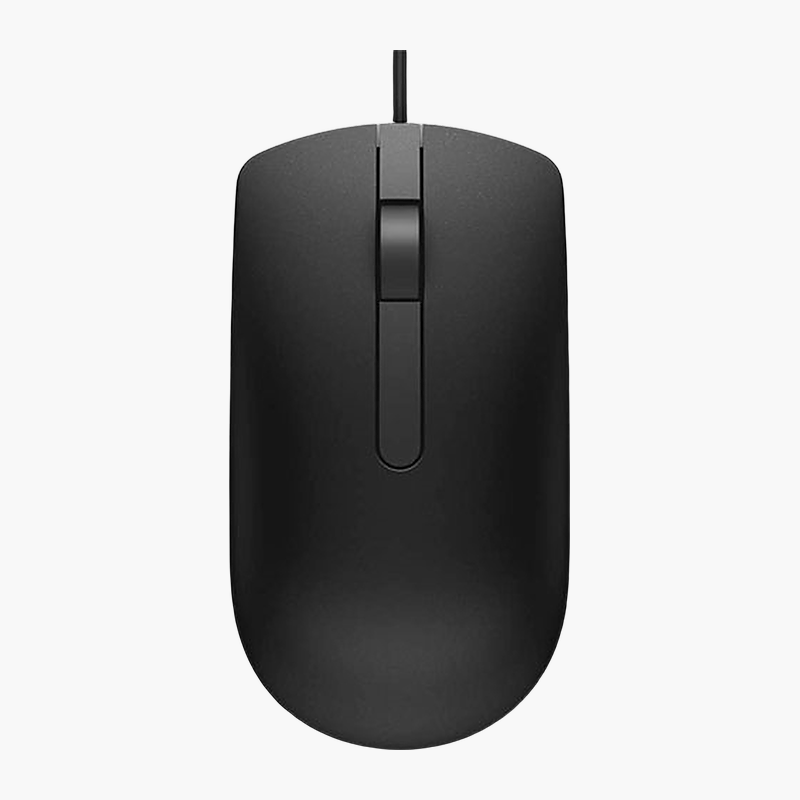
Dell MS116 Optical Wired Mouse (MS116-BK)
Dell MS116 Optical Wired Mouse (MS116-BK) – Wired, 1,000 DPI Price on RequestRequest a quote for volume pricing, availability and lead time.

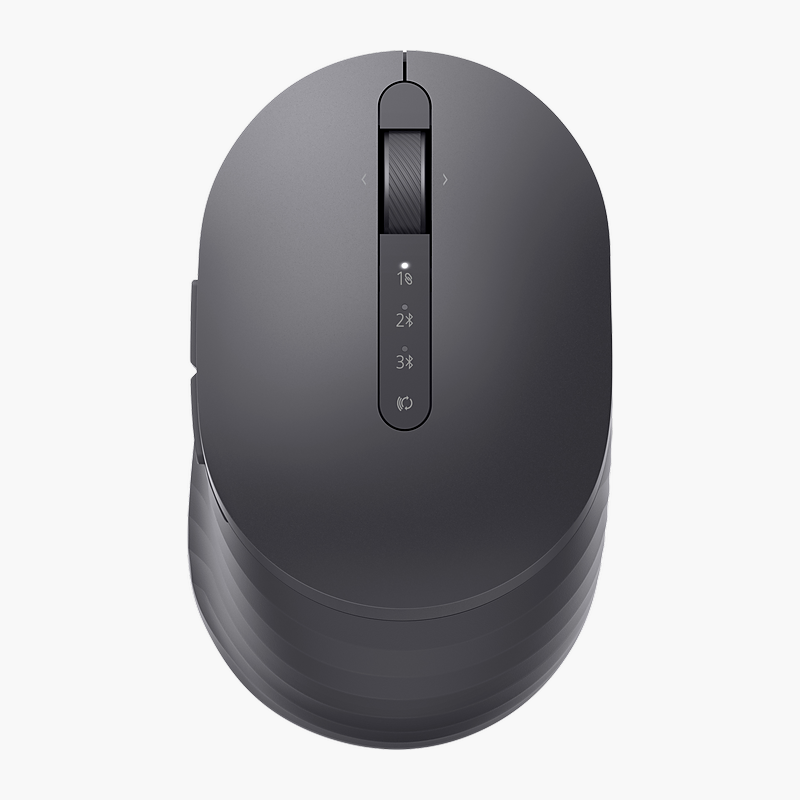
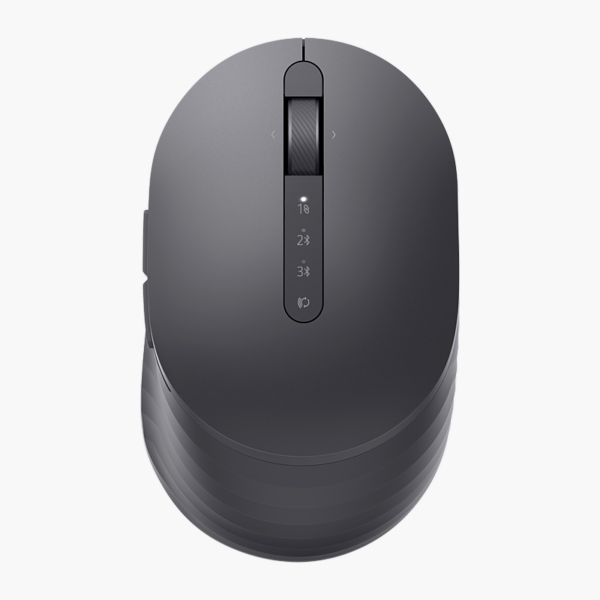
Dell Premier MS7421W Rechargeable Mouse, Graphite (MS7421W-GR-NA) – Dual-Mode Wireless, 4,000 DPI, Rechargeable

SKU: MS7421W-GR-NA
  • 30-Day Hassle Free Returns
  • Secure Payment Options

Price on RequestRequest a quote for volume pricing, availability and lead time.

Key Value Highlights

  • 2.4GHz + Bluetooth 5.0 – No cable drag on your desk, and the connection stays steady.
  • Up to 4,000 DPI – Precise cursor control on high-resolution screens.
  • Multi-device switching – Move between laptop, desktop and tablet at the press of a button.
  • Compact design – Fits the hand naturally for everyday comfort.
  • Graphite finish – A colour that matches your laptop and desk setup.

Description

The Dell Premier MS7421W Rechargeable Mouse (Graphite) is a compact dual-mode wireless mouse with up to 4,000 DPI tracking that recharges over USB-C. It is designed for travellers and laptop users, with multi-device switching. It works with Windows, macOS and ChromeOS. It comes in a Graphite finish.

Smooth control, all day long.

Reliable Everyday Control

A worn or cheap mouse causes cursor skipping, double clicks and dropped connections that slow down everyday work.

The Dell Premier MS7421W Rechargeable Mouse (Graphite) uses up to 4,000 DPI tracking for smooth, accurate cursor movement and connects via 2.4GHz + Bluetooth 5.0. Its compact shape keeps the hand relaxed, and 7 buttons give quick access to common actions.

Connection and Power

Connects via 2.4GHz + Bluetooth 5.0 (multi-device). Its built-in battery recharges over USB-C.

Comfort and Controls

The compact design with 7 buttons suits travellers and laptop users. Move between laptop, desktop and tablet at the press of a button.

Setup Instructions

How to Set Up the Dell Premier MS7421W Rechargeable Mouse (Graphite)

  1. Charge the mouse with the included USB cable before first use.
  2. Plug the USB receiver into a free port on your computer and switch the mouse on.
  3. Or, for Bluetooth, hold the pairing button until the light flashes and select the mouse in your computer’s Bluetooth settings.
  4. Adjust pointer speed and button settings in your operating system.

Overview

BrandDell
ModelPremier MS7421W Rechargeable Mouse (Graphite)
Product TypeMouse
Interface TypeWireless
Connection2.4GHz + Bluetooth 5.0 (multi-device)
Sensor / ResolutionUp to 4, 000 DPI
Buttons7
Form Factor / HandCompact
Power SourceRechargeable (USB-C)
ReceiverUSB receiver
Key FeaturesMulti-device switching
ColourGraphite
Part NumberMS7421W-GR-NA
ConditionBrand New
In the BoxMouse, USB receiver, charging cable, quick start guide

Frequently Asked Questions

Find answers to common questions about this product.

Customer Reviews

Reviews

There are no reviews yet.

Be the first to review “Dell Premier MS7421W Rechargeable Mouse, Graphite (MS7421W-GR-NA) – Dual-Mode Wireless, 4,000 DPI, Rechargeable”

Your email address will not be published. Required fields are marked *