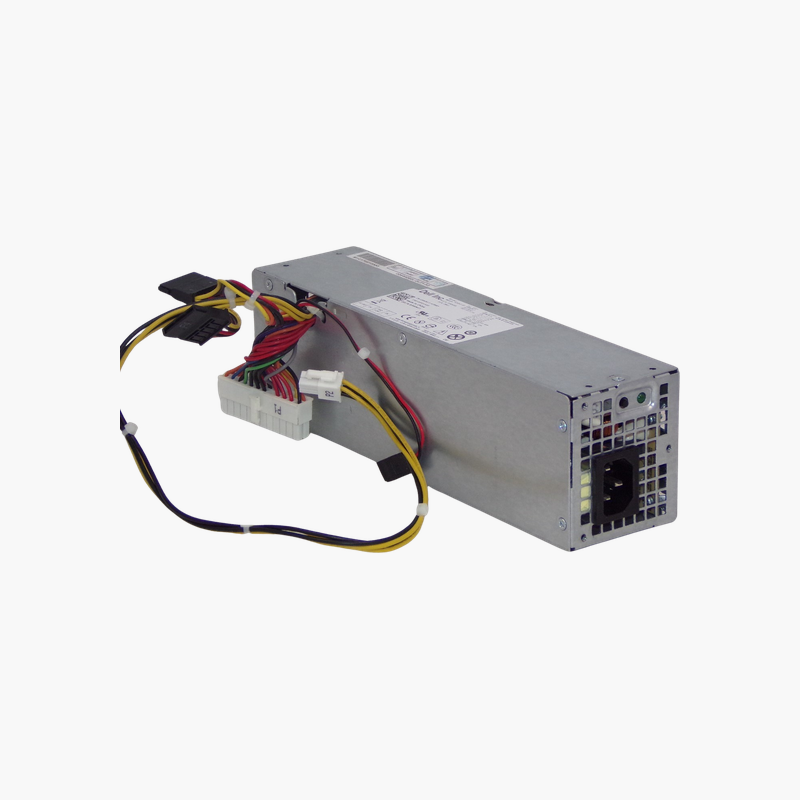
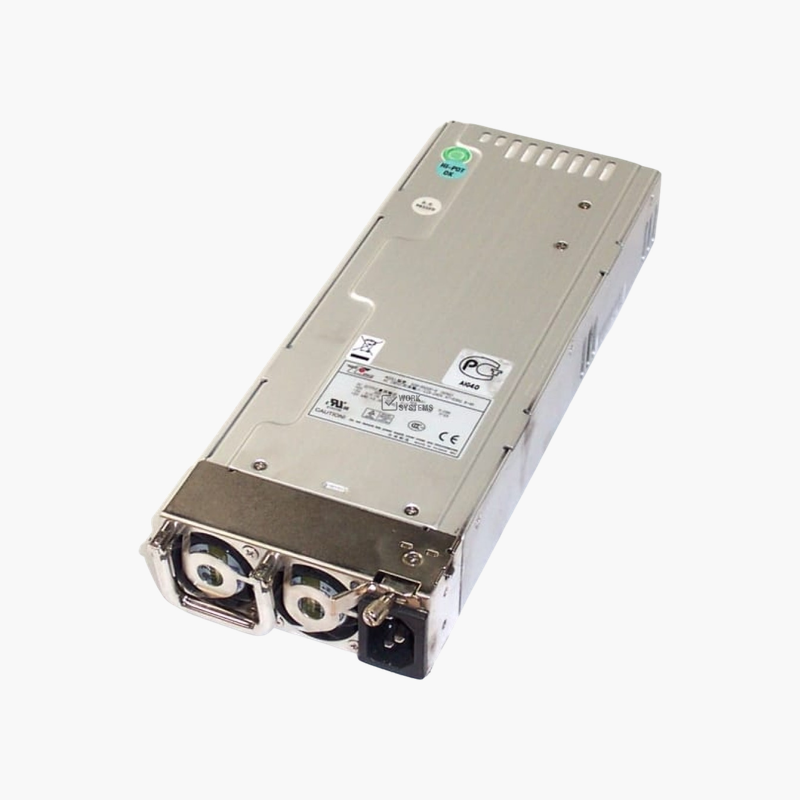
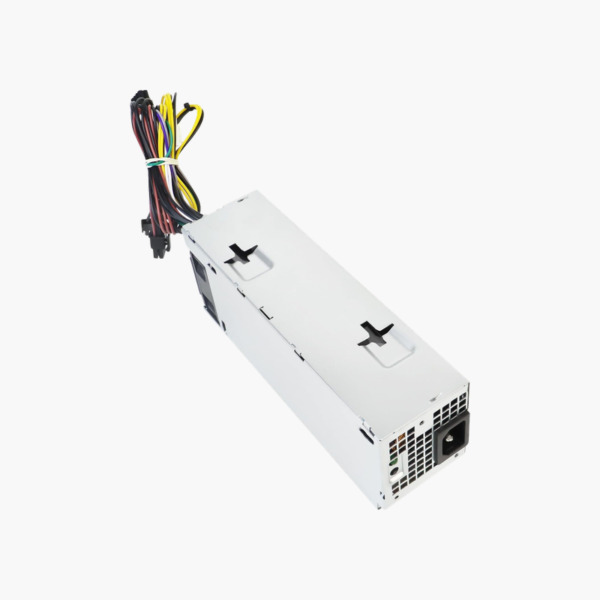
Dell AC240AS-00 240W Small Form Factor Power Supply — For OptiPlex 390, 790, 990, 3010, 7010, 9010 SFF
Dell AC240AS-00 240W Small Form Factor Power Supply — For OptiPlex 390, 790, 990, 3010, 7010, 9010 SFF Price on RequestRequest a quote for volume pricing, availability and lead time.
Back to products
Dell D460AM-03 460W Power Supply — Replacement for XPS 8900, 8910, 8920 Desktops
Dell D460AM-03 460W Power Supply — Replacement for XPS 8900, 8910, 8920 Desktops Price on RequestRequest a quote for volume pricing, availability and lead time.

DPS-600EM-00 600W Power Supply for Dell XPS 8940, OptiPlex & Inspiron Desktops — With PCIe Graphics Power

SKU: DPS-600EM-00
  • 30-Day Hassle Free Returns
  • Secure Payment Options

Price on RequestRequest a quote for volume pricing, availability and lead time.

Key Value Highlights

  • 600W output – Headroom to power a dedicated graphics card in compatible Dell towers.
  • PCIe 8-pin (6+2) power – Supports mid-range and many higher-end graphics cards.
  • Dell motherboard connectors – Plugs directly into Dell boards that use the 8-pin main and 4-pin CPU connectors.
  • Fits Dell mini tower chassis – Replaces the original unit in XPS, OptiPlex MT and Inspiron desktops.

Description

More power for Dell towers, so you can replace a failed PSU or add a graphics card.

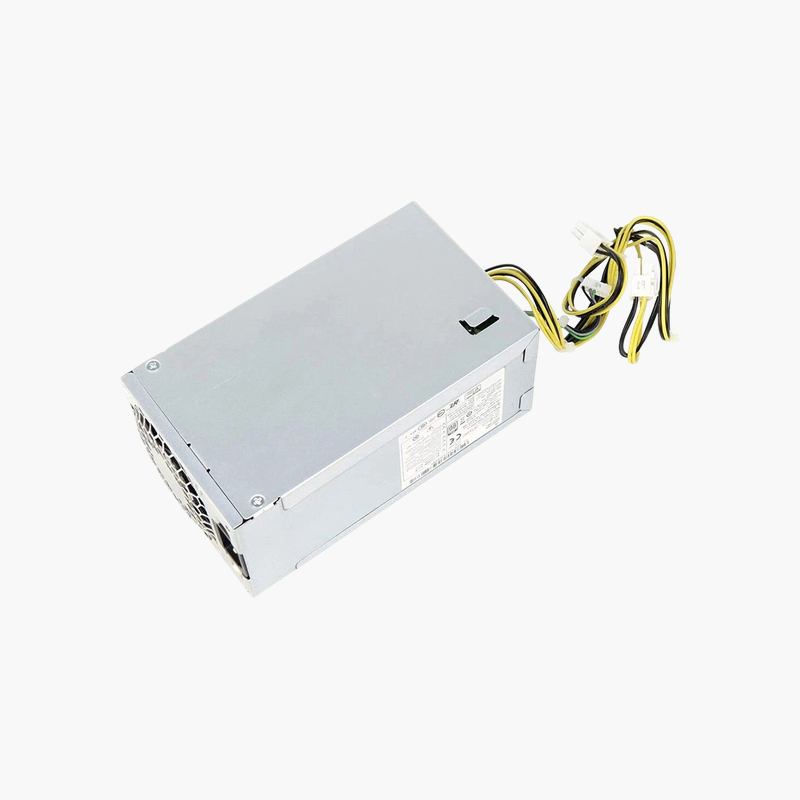
The DPS-600EM-00 is a 600W power supply for Dell desktops including the XPS 8940, OptiPlex 3040, 5040, 7040, 5070, 7070, 5080 and 7080 MT, and Inspiron 3650 and 3656. It provides Dell motherboard connectors and PCIe graphics power. It suits users replacing a failed supply or upgrading for a graphics card.

Why Dell Towers Need a Dell-Specific Power Supply

Many recent Dell desktops use an 8-pin main motherboard connector instead of the standard 24-pin ATX plug, along with a proprietary mounting layout. A retail ATX supply will not connect to the board without adapters, and it may not fit the case.

The DPS-600EM-00 is built for these systems. It mounts in the Dell chassis, plugs into the board directly and adds PCIe power connectors, which many factory 240W–300W units lack. That makes it a practical upgrade if you want to add a graphics card.

Power for Graphics Card Upgrades

With 600W output and PCIe 8-pin (6+2) connectors, the supply can power many mid-range and some high-end graphics cards. Always check the card’s power requirement and physical size against your case before upgrading.

Wide Dell Compatibility

The unit is listed for XPS 8940, OptiPlex 3040/5040/7040 MT, OptiPlex 5070/7070/5080/7080 MT and Inspiron 3650/3656, so one part can cover several desktops in a home or office.

Setup Instructions

How to Install the DPS-600EM-00

  1. Shut down the Dell desktop, unplug the AC cord and press the power button for a few seconds to drain residual power.
  2. Open the side panel, photograph the cable routing, then disconnect the power cables from the motherboard, drives and any graphics card.
  3. Remove the mounting screws or release latch, take out the old unit and install the replacement in the same position.
  4. Reconnect every cable, close the case, plug in the AC cord and power on to confirm the system boots and the fan spins.

Overview

Model NumberDPS-600EM-00
Product TypeInternal desktop power supply
Power Output600W
Input Voltage100–240V AC, 50/60 Hz
Motherboard ConnectorDell 8-pin main + 4-pin CPU
Graphics PowerPCIe 8-pin (6+2)
Drive PowerSATA power connectors
Form FactorDell mini tower PSU
Compatible SystemsDell XPS 8940; OptiPlex 3040/5040/7040/5070/7070/5080/7080 MT; Inspiron 3650/3656
CoolingIntegrated fan
ProtectionOver-voltage, over-current and short-circuit protection
Use CaseReplacement and graphics card upgrade
InstallationScrew-mounted in Dell tower chassis
In the Box1x power supply unit
ConditionBrand New

Frequently Asked Questions

Find answers to common questions about this product.

Customer Reviews

Reviews

There are no reviews yet.

Be the first to review “DPS-600EM-00 600W Power Supply for Dell XPS 8940, OptiPlex & Inspiron Desktops — With PCIe Graphics Power”

Your email address will not be published. Required fields are marked *